 Space Time
Frame a target for your telescope
Enter your telescope and eyepiece or camera. Space Time draws the field of view over sky survey imagery so you can see how the target fits before setting up.
🚀 Open the FOV simulator Free · Scope, eyepiece & sensor · Real imagery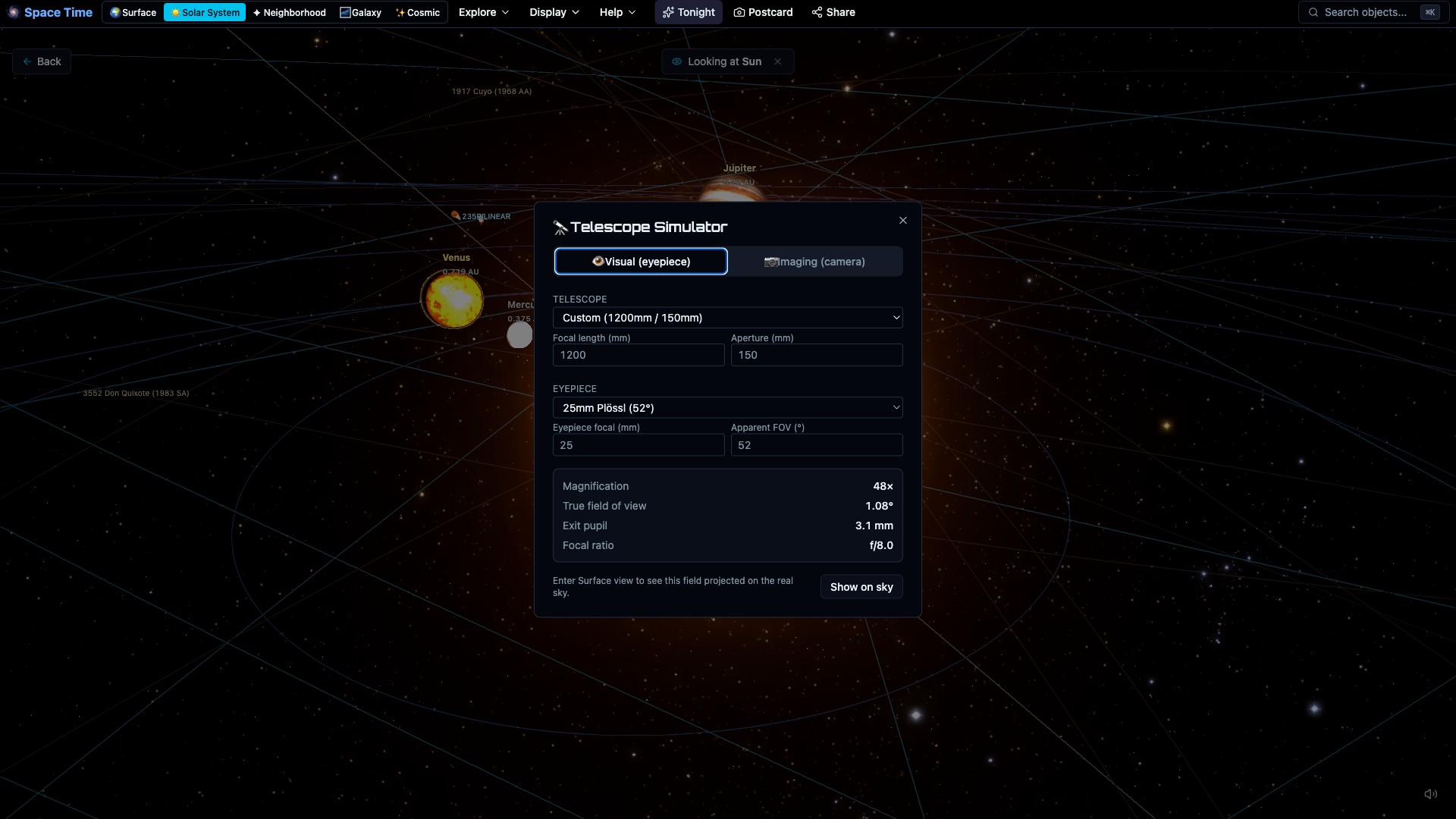
See the real field of view
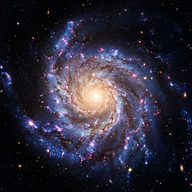
The overlay uses your telescope, eyepiece, or camera sensor. Check whether Andromeda fits in one frame, how Orion will look through a wide eyepiece, or which camera rotation works best.
Plan your astrophotography
Try different focal lengths and camera rotations, then decide whether the target fits in one frame or needs a mosaic.
Point your telescope from the browser
Connect to an ASCOM Alpaca mount server on your network and slew, sync and park from the Mount panel, or straight from any object's card. A push-to mode follows your selection. Targets below the horizon or near the Sun are refused, and the mount's reported position is labelled as the mount's, not the app's. On the https site the Alpaca server runs on the same machine as the browser; the help article explains why.
Identify what you photographed
Drop in a night-sky photo. Solve it with astrometry.net or frame it by hand with a place, time and direction, and the app labels stars, constellations, deep-sky objects and planets from its own catalogs. Export a captioned PNG, or pin the photo over the live sky at the moment you took it.
FAQ
How big will an object look in my scope?
The FOV simulator overlays your scope/eyepiece/sensor frame on real imagery, so you see the true size and fit.
Does it support cameras?
Yes. Frame through a camera sensor at the right scale and rotation for astrophotography planning.
Can I frame a specific object?
Pick a deep-sky target and see it at your equipment's true scale against real imagery.
Can it control my mount?
Yes, over ASCOM Alpaca: GoTo, sync, park and push-to, with safety checks. INDI and camera control are not supported.
Is it free?
Yes. In your browser, no account, no download.