Continuous scale
From the solar system to large-scale structure
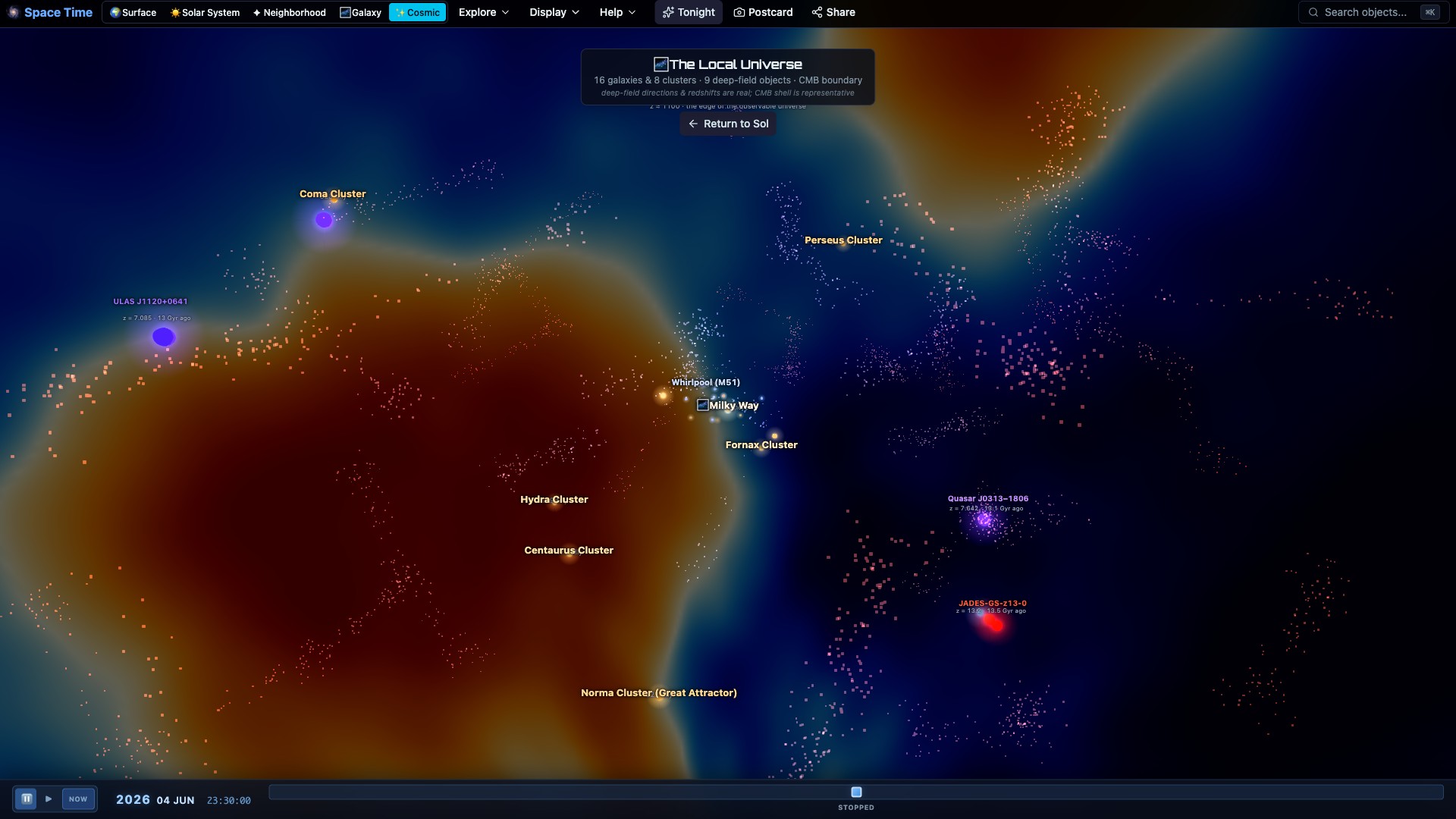
Planets give way to nearby stars, the Milky Way, galaxy clusters and the observed cosmic web as the camera moves outward.
Travel from the solar system to nearby stars, deep-sky objects and the observed cosmic web. Space Time brings astronomical catalogs, telescope surveys and computed motion into one navigable view.
Free · no download · no account
Search for an object, go there, and keep moving.
Watch the tour
Every shot is a recording of the app itself: tonight’s sky, a flight to Saturn, an eclipse, a landing on Mars and the galaxies beyond. Turn the sound on for the narration.
What Space Time does now
Distance determines which objects become visible. The same controls, selection and time system remain available from planets to large-scale structure.
Planets give way to nearby stars, the Milky Way, galaxy clusters and the observed cosmic web as the camera moves outward.
Swap the constellation figures, names and stories to Boorong, Inca, Māori, Hawaiian, Chinese and more. Dark-cloud figures like the Emu are drawn in the Milky Way dust, and every culture shows its authors, source and license.
The next lunar and solar eclipses, the Apophis 2029 flyby and the nearest meteor peak and opposition, with who on Earth can see each one, where the date comes from, and an email reminder before it happens.
Andromeda includes 2,753 Hubble PHAT cluster positions. The Coma Cluster resolves into named catalog galaxies, while stellar clusters use measured Gaia members.
Measured Gaia and HYG proper motion moves 411,954 stars through the same three-dimensional scene. Radial velocity is included only for stars with a catalog measurement.
Catalog galaxies with usable redshift data now become physical destinations. Direction, distance, dimensions, position angle and morphology come from the catalog; generic close-range structure is identified as a reconstruction.
Jupiter, Saturn, Uranus and Neptune can use archived Hubble OPAL maps. The observation epoch and filters are shown; the app does not pretend an old image is a live forecast.
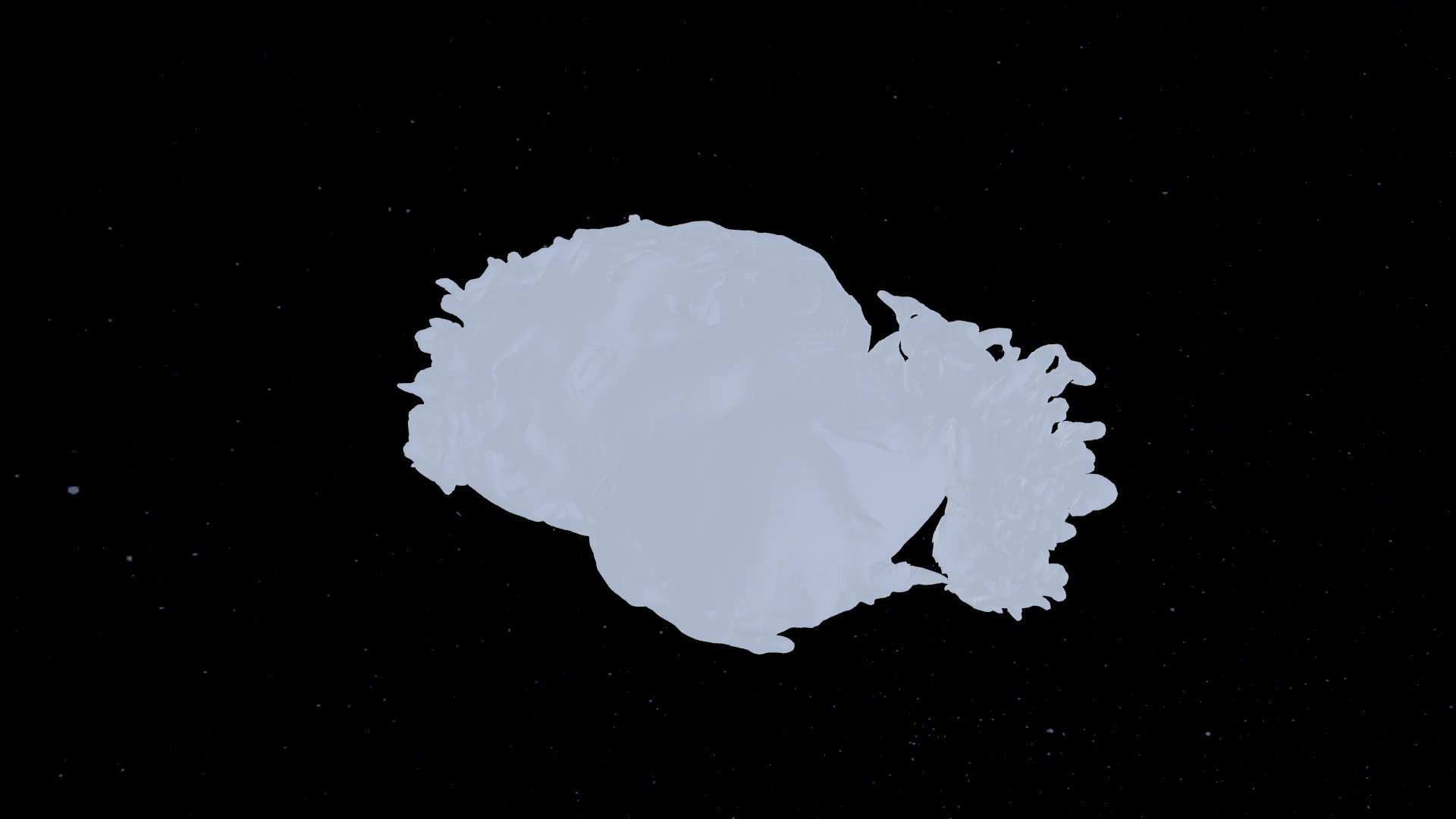
Cassiopeia A, the Crab Nebula and SN 1987A are physical destinations built from published three-dimensional evidence, with analytical context identified separately.
DSS2, HiPS and selected observatory images are placed at their catalog coordinates. Open an observation, identify its target and continue moving through the scene.
Land on a planet or moon, change the time and select objects in the local sky. Return to space without losing your place.
Choose a destination and see the travel time, the time elapsed at the departure point and the time experienced by the traveler. The calculation and its assumptions are shown.
The Coma Cluster includes its central giants and named spiral members at catalog positions, surrounded by a restrained statistical faint-member population.
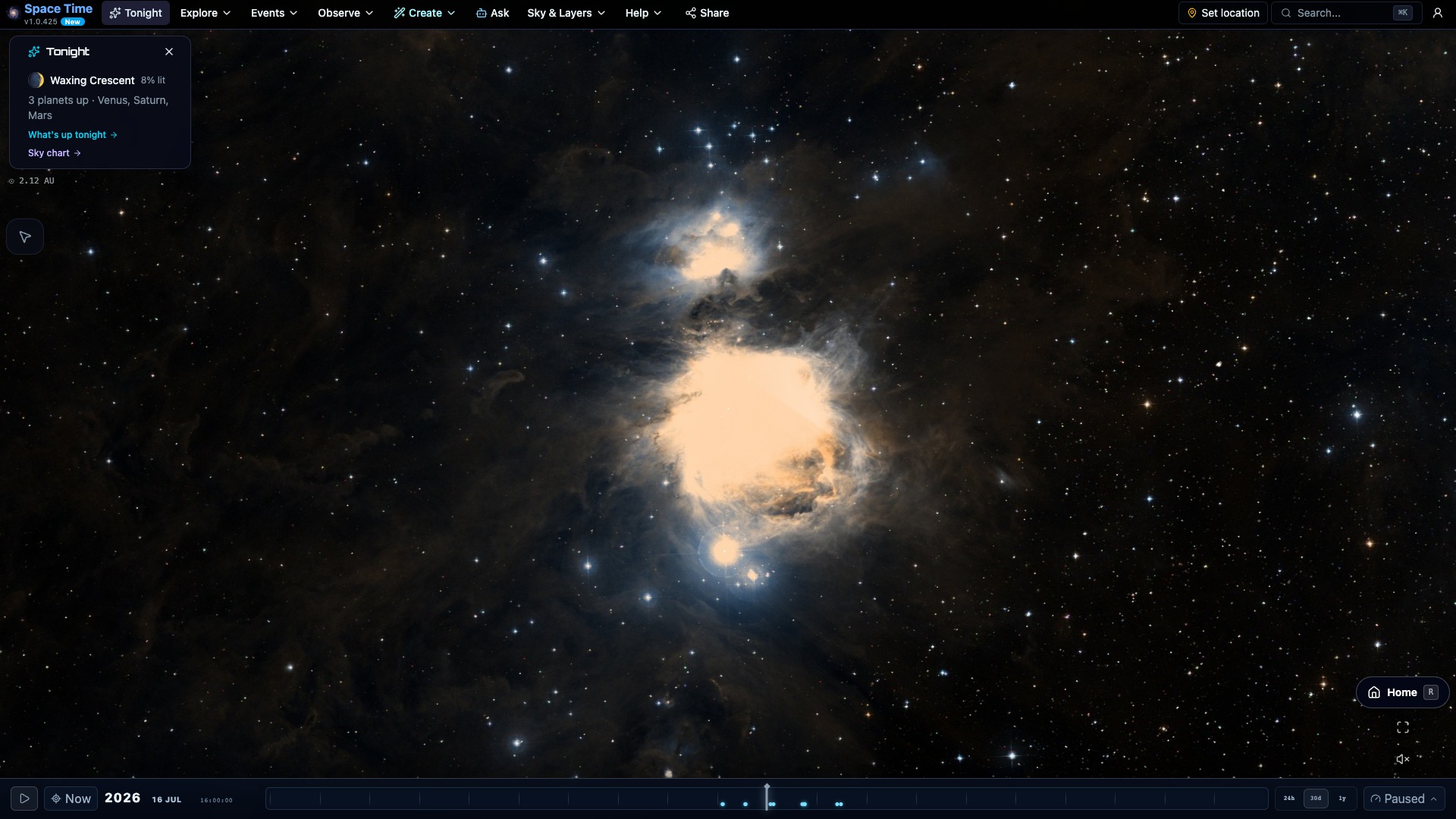
Current satellite imagery, solar activity, aurora, weather and visible targets are available inside the main view.
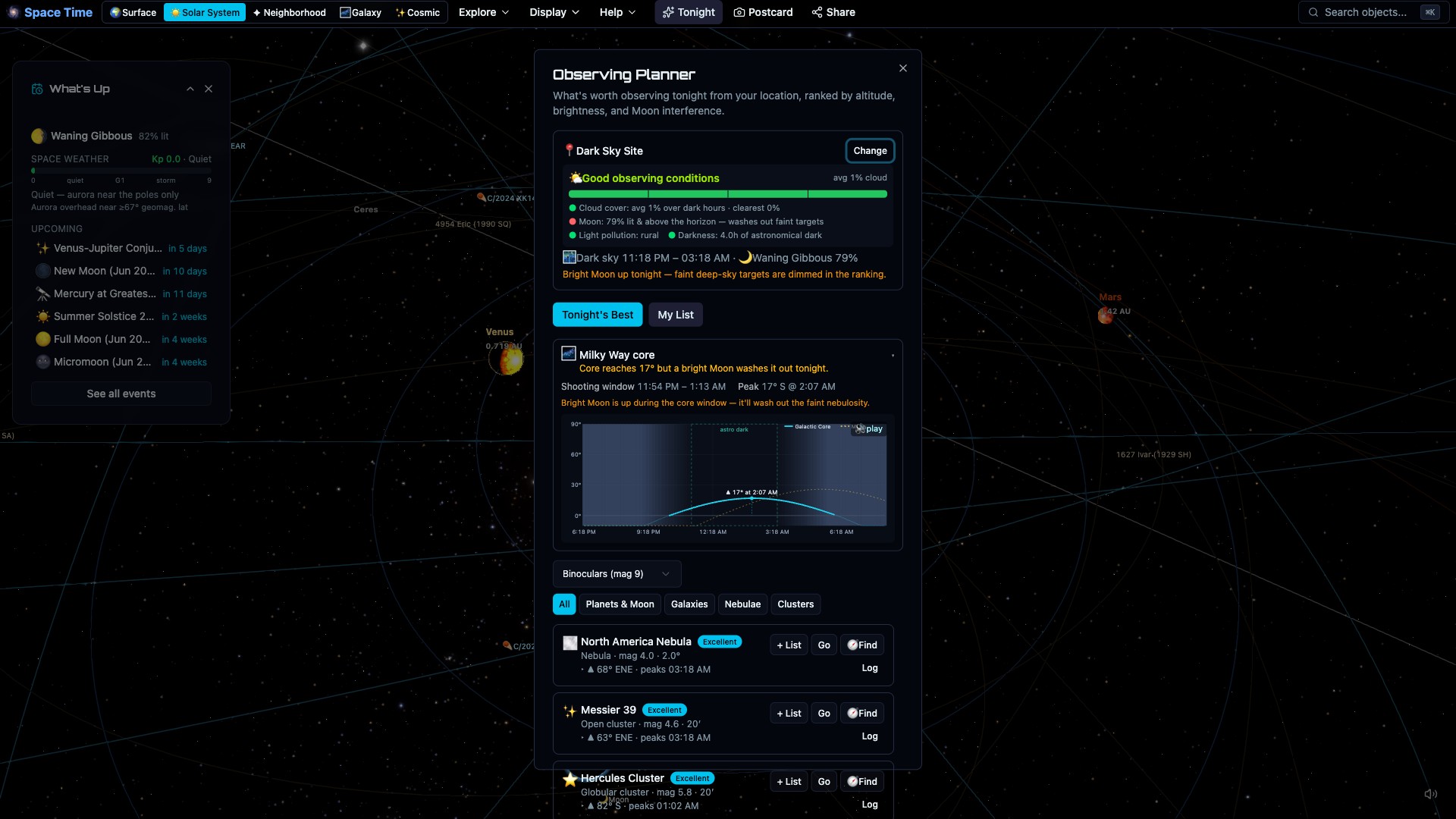
Use your location, weather, equipment and the Moon to find worthwhile targets, then identify them in the live sky.
Source chips identify the engine, catalog and available dates. Public evidence pages separate measured values, reconstructions and undocumented assumptions. Data freshness reports the scheduled publications independently of app releases.
Land straight in the live sky over your location with Identify, Tonight and Find one tap away. After one online visit the sky, planets, Tonight and station passes load offline, and sky alerts can reach the phone as push notifications.
Record what you do in the app, save it as a script, and publish it as a tour link. Anyone who opens the link watches your flight in presentation mode, and nothing runs before they press Play.
Calculated motion
Advance planetary orbits, compare measured stellar motion, replay eclipse geometry and explore relativistic clock calculations. Each example explains its sources, assumptions and limits; archived imagery keeps its observation date.
Recorded in the app
These are screen recordings from Space Time itself. No stock footage and no rendered cutaways.
Made in the app
Recorded flights through the real universe, scripted by people using Space Time. Press Play and watch.
Destination atlas expansion
From the Rosette’s glowing clouds to the Penguin and Egg galaxies: explore a larger collection of telescope-based destinations, with source observations and clear explanations of their reconstructed depth.
Explore the Universe
Browse worlds, galaxies, comets and spacecraft in one atlas, with 97 actual scene previews. Search by name, filter by kind and distance, find telescope comparisons, or choose somewhere you haven’t visited. Save places alongside your discoveries, add notes, and turn a collection into a journey.
The distances behind the pattern
Start with Orion as it looks from Earth, then move around its stars to reveal their catalog distances. Explore all 88 constellation figures, compare the separation between two stars, or build a group of planets, stars, nebulae and nearby galaxies. Missing distances are identified; diagrams show their sources.
Live telescope comparisons
Switch between real telescope observations inside the same 3D scene. Sweep across 19 destinations to compare stars, dust and glowing gas without moving your camera. Each view explains its instrument, colors, source and field coverage. Sky positions are registered; depth remains illustrative.
Destination atlas expansion
Explore nearby stellar nurseries, the shells of dying stars, and distant interacting galaxies. Every destination includes a telescope-based view, its original observation, and guidance on what to look for.
New destinations
A ring galaxy, nested dust shells and two remarkable nebulae. Explore telescope-derived light fields, then inspect the source observations. The added depth is illustrative.
Follow your curiosity
Look closer, check the evidence and keep the discoveries that interest you. These screenshots come directly from the explorer.
Collect story steps, put them in your own order and add notes. Export a collection to keep or share it, then use its destinations and captions in Journey Studio.
Create a collection →Inspect source maps, credits and coverage limits beside the world. Explore and Evidence use the same appearance descriptions as the public evidence pages.
Explore Miranda’s evidence →Find the dark maria, move to Tycho in daylight and inspect the map behind the globe.
Explore the Moon story →Visit the cloud-covered globe, then examine Magellan’s microwave emissivity map and its missing measurements.
Explore the Venus story →Explore a giant atmosphere, compare an archived Hubble cloud map and visit Europa’s icy surface.
Explore the Jupiter story →Compare the hazy globe with Cassini’s near-infrared surface map, then visit Enceladus for an icy contrast.
Explore the Titan story →Inspect the mapped southern terrain, see where Voyager’s coverage ends and return to Neptune.
Explore the Triton story →Visit the mapped hemisphere at the Voyager 2 encounter date. Ridges and grooves remain distinct from the plain, unobserved north.
Explore the Miranda story →Follow luminous arms and dust lanes, compare Hubble’s source image and explore another interacting pair.
Explore the Whirlpool story →Explore the distant interacting galaxies, then use Webb’s image to distinguish the foreground galaxy from the group.
Explore the Quintet story →Explore · understand · create
Follow a story, inspect the evidence, plan time under the sky, or turn your route into a movie. These views were captured in the app.
Resume an unfinished story at the right destination, revisit saved discoveries, and choose an unstarted story. Your place is saved on this browser without an account.
Continue exploring →Explore, Learn and Create share one destination workspace. Follow a system connection, compare another world, or step out to a whole galaxy.
Open the destination stories →A self-paced story connects the rings, their reference map and the icy moon Enceladus.
Choose a destination story →Explore the reconstructed cloud, then compare optical and infrared observations with clear limits on inferred depth.
Explore the stories →Compare source imagery with your current 3D view. Registered Bullet Cluster layers offer an optical comparison wipe; source credits and limitations stay visible.
Start with the Bullet Cluster story →Build a 15-, 30- or 60-minute session for your location and gear. Use finder guidance, replace a target, add notes and log only what you actually observed.
Plan an observing session →Orbit textured comparison models at their true relative mean diameters. Compare physical properties and explore apparent size from a chosen distance.
Compare worlds →Release objects together in a clearly labeled vacuum experiment. Change the height and see how local gravity changes the fall time.
Try the gravity experiment →Export captioned 1080p movies in landscape or portrait, preview the result and keep its source credits, editable journey and replay link.
Open Journey Studio →Choose destination packs with visible download sizes, progress, resume and removal. Saved assets and controls work offline; live services and remote terrain still need a connection.
Choose offline destinations →Fresh from the explorer
New destinations and newly mapped worlds, captured in the current app. Open an image at full size, or step straight into its view.
Recent scientific reconstructions
Every image below comes from the running app. Select one to inspect it at full size.
More from the model
Where it comes from
Space Time combines catalogs, survey images and physics-based calculations. Reconstructions and visual exaggerations are identified in the interface instead of being passed off as observations.
Choose your first stop
Start nearby, move through the stars and keep zooming out to galaxies. These guides explain what to look for, where the data comes from and how to open the matching view.
Before you open it
Yes. There is nothing to install, subscribe to or register for. The daily sky email is free too; it needs an account so it knows where you are.
Yes. Planets, stars, survey-backed deep-sky objects, galaxies and large-scale structure share one navigable environment.
No. Positions and images come from real sources where available. Some paths, surfaces and invisible structures need reconstruction or visual scaling, and the app says so.
Yes. Set your location to see rise and set times, weather, lunar interference, telescope framing and a ranked list of targets.
Yes. The interface adapts to phones and tablets and includes a device-orientation sky compass.
For the essentials, yes. After one online visit the sky, planets, Tonight and ISS passes work without signal. Deep catalogs, survey imagery and live feeds need a connection, and the app says which is which.
Yes, over ASCOM Alpaca, the plain-HTTP telescope standard. Run an Alpaca server such as ASCOM Remote on the machine you browse from, connect in the Mount panel, and slew to any selected object. Safety checks refuse targets below the horizon or near the Sun.
The interface is available in Spanish: menus, Tonight, the selection card, the time bar and sign-in. Help and object descriptions are still English. Switch under Help, Language, or open the Spanish page.
Interactive astronomy across scale and time
Space Time renders the universe from real catalogs and computed ephemerides. Move through one continuous model from a planetary surface to the cosmic web, set any epoch and reference frame, replay missions, and plan what you can observe from where you stand.
Free. Runs in the browser. No account.
Every object is searchable, and its position is computed for whatever date you set.
01 One continuous environment
Space Time unifies an orrery, a planetarium, an observing planner and a cosmic atlas. You investigate the same modeled environment at every spatial scale, epoch and observing location.
Select any image to explore it full screen
02 Working modes
Navigate across astronomical scales, prepare an observing session for your own site, or reconstruct missions and historic events in their spatial and temporal context.
Move between planetary surfaces, spacecraft, stellar neighborhoods and large-scale cosmic structure within one spatial model.
Open the 3D environment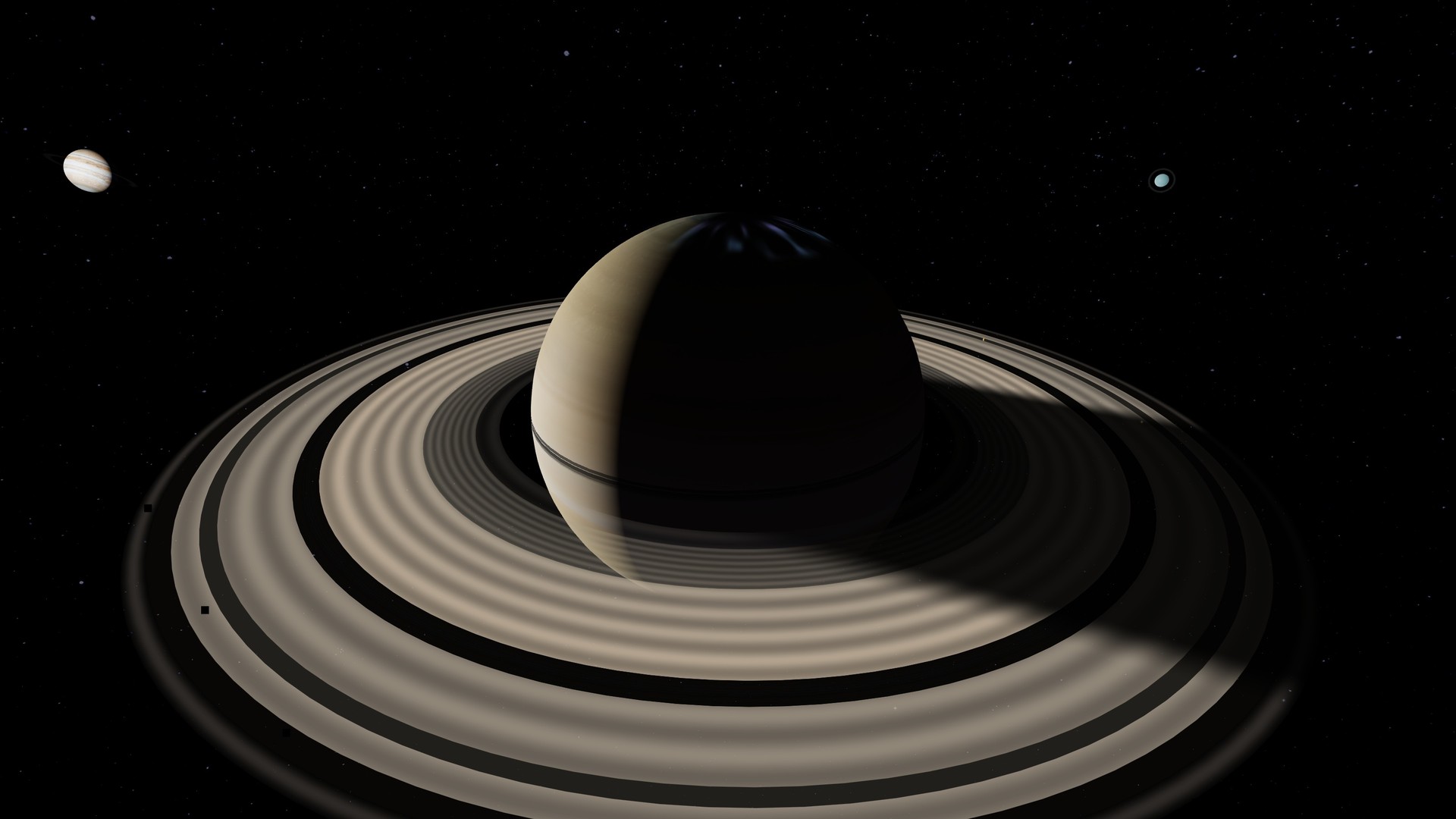
Evaluate target visibility, altitude, weather, lunar interference and telescope framing for a specific location and time.
Open observing tools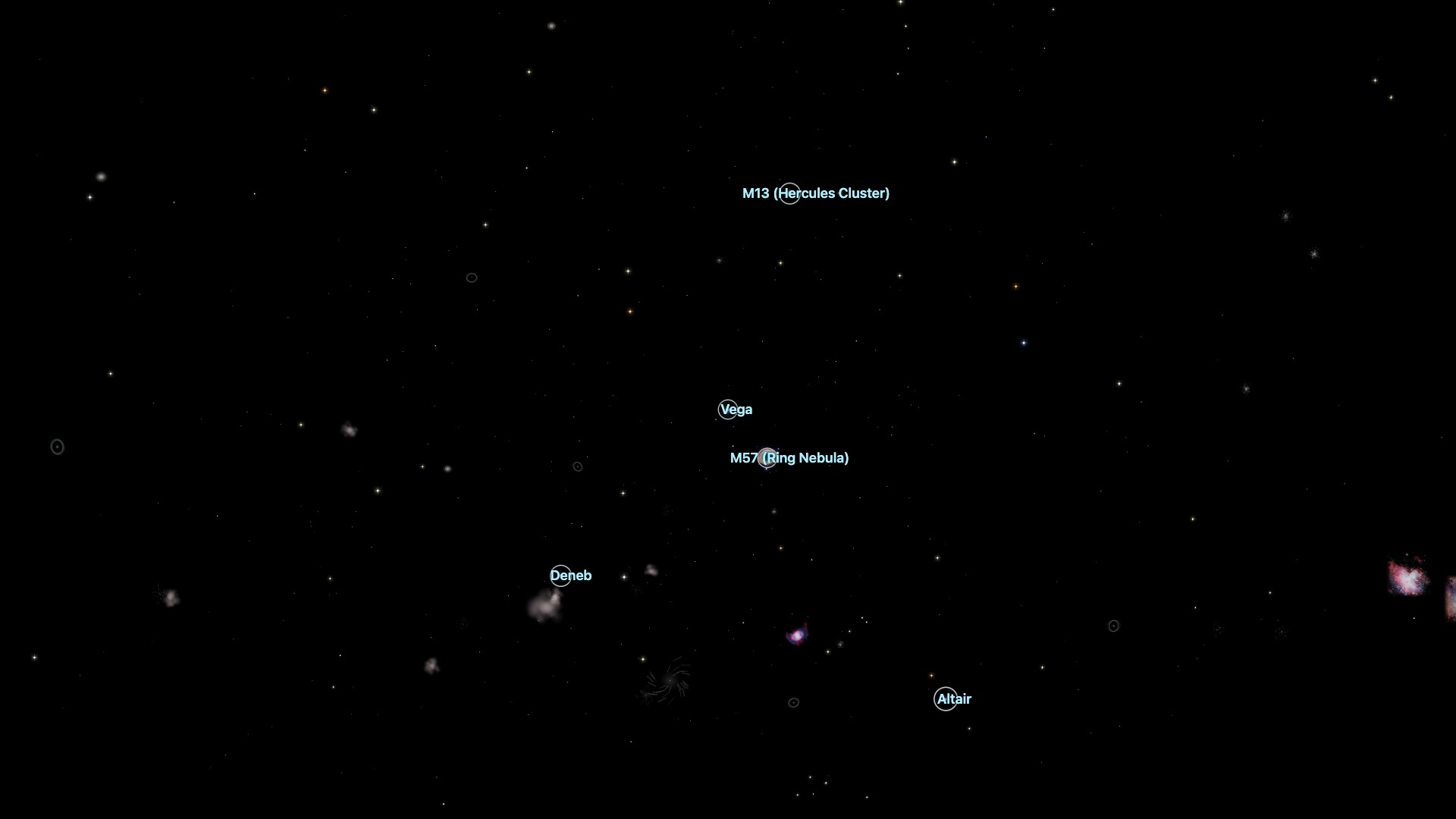
Reconstruct Apollo and Voyager trajectories, inspect mission instrumentation, and examine historic eclipses in context.
Open mission replays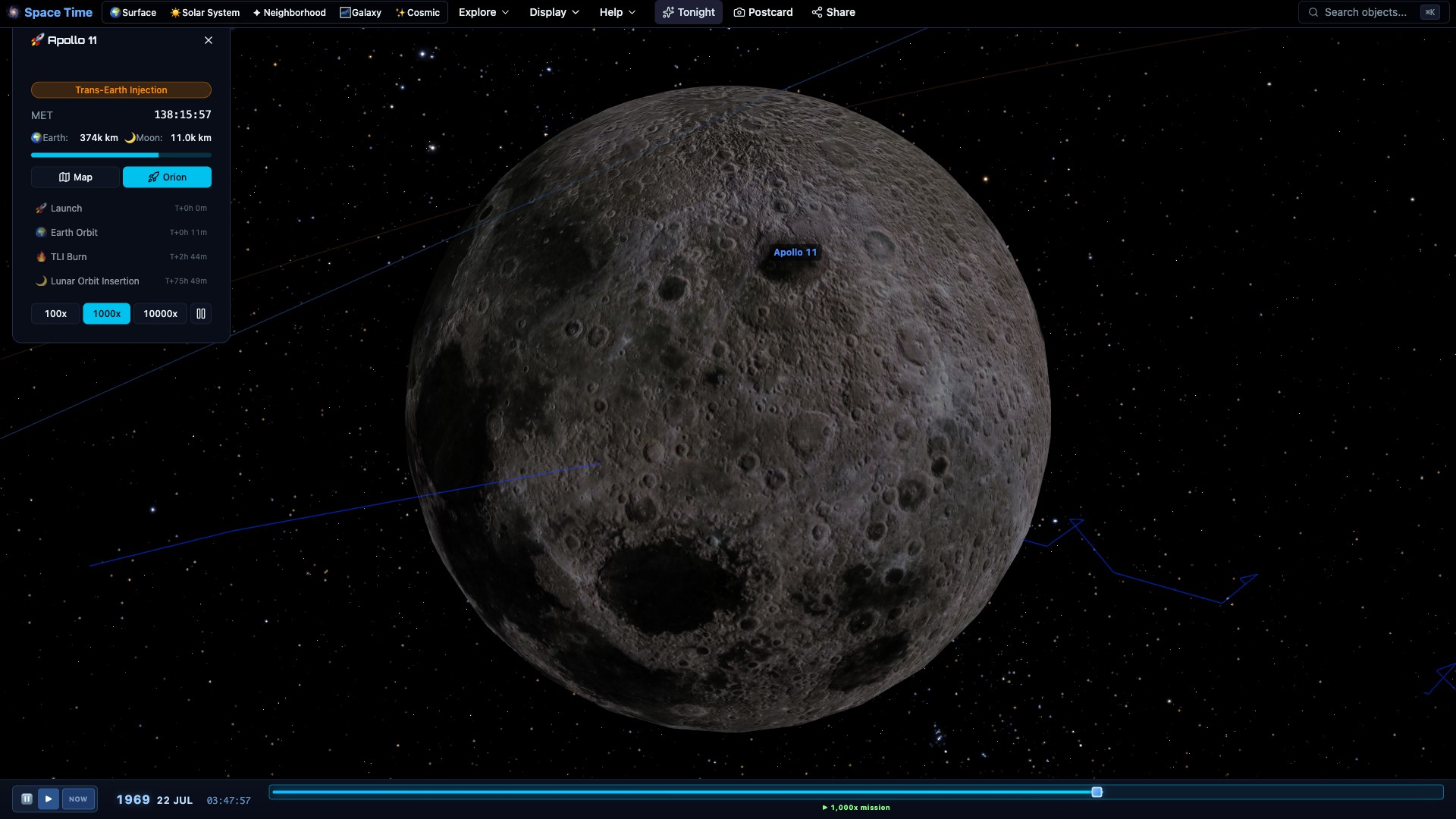
03 Recorded from the live simulation
Every clip was generated and captured inside Space Time. No external astronomical footage or compositing was used.
04 Selected views from the model
From the archive · 20 additional plates
05 Scientific foundations
Nothing here is keyframed. Change the date and everything moves to where it should be, from satellite passes to the precession of the equinoxes. It runs on desktop, mobile and WebXR headsets.
06 Technical notes
Yes. Explore without an account, subscription or download. It runs directly in a modern browser.
Yes. Planets, stars, galaxies and the cosmic web live in one continuous 3D model, so you cross scales by moving through space rather than changing maps.
Positions come from Astronomy Engine's JPL-based ephemerides. Satellite tracking uses real TLE data and SGP4, while small-body data comes from JPL.
Yes. Set your location to see visible planets and deep-sky objects, rise and set times, observing conditions, telescope framing and satellite passes.
Yes. The interface adapts to phones and tablets, includes an AR sky compass, and supports WebXR headsets.
Interactive astronomical environment
Run Space Time directly in a modern browser.
Launch Space Time Space Time
Space Time combines a navigable model of the universe with practical tools for exploring the real sky. Fly through the solar system, land on other worlds, follow spacecraft, and travel through millions of stars and thousands of galaxies. Then check what is visible tonight, plan an observing session, watch an eclipse, or frame a target for your telescope. Free in your browser, with no download or account required.
Launch Space Time Runs in any modern browser · Works on desktop, phone & VR Real data, every object searchable and clickable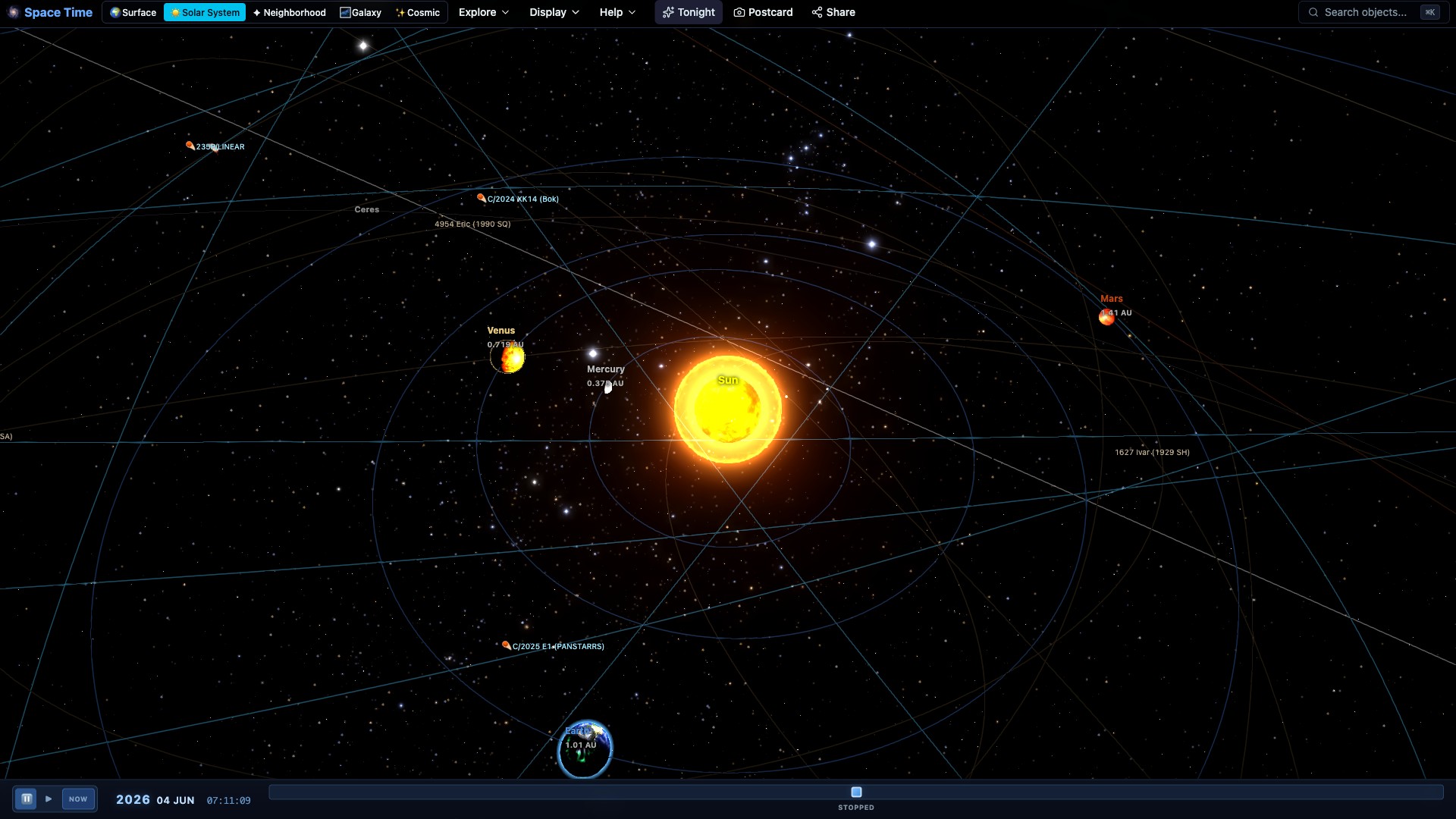
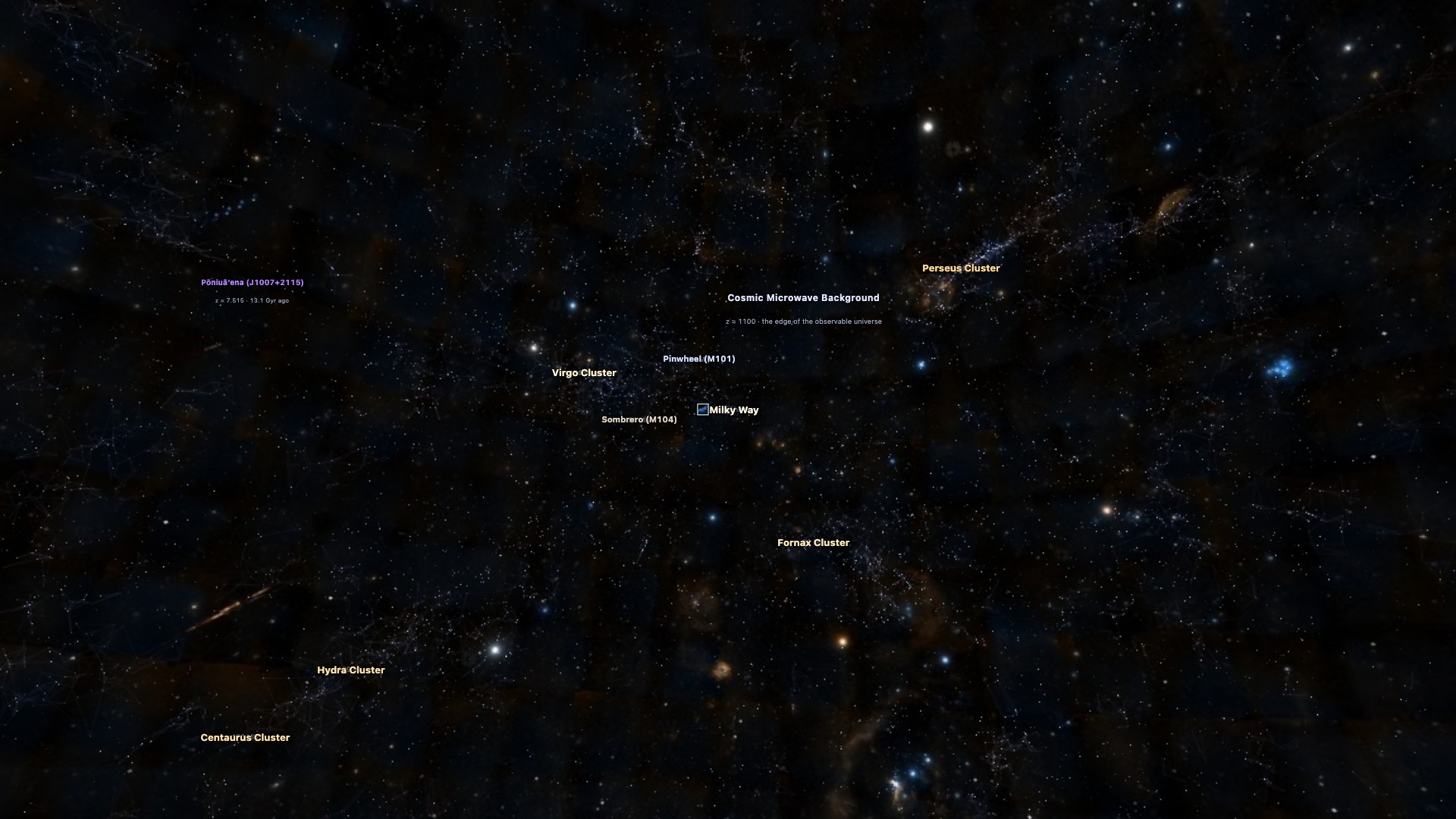
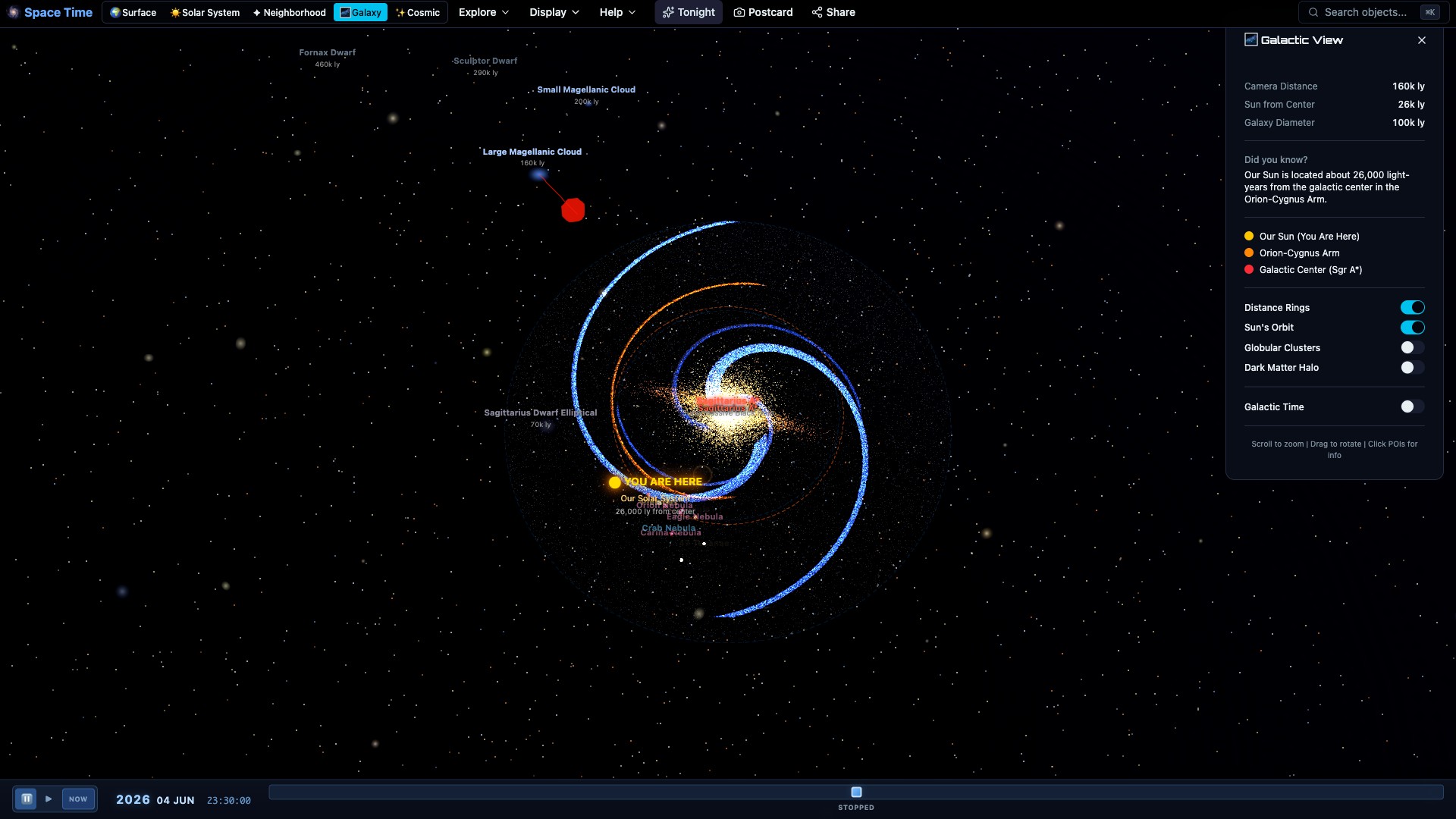
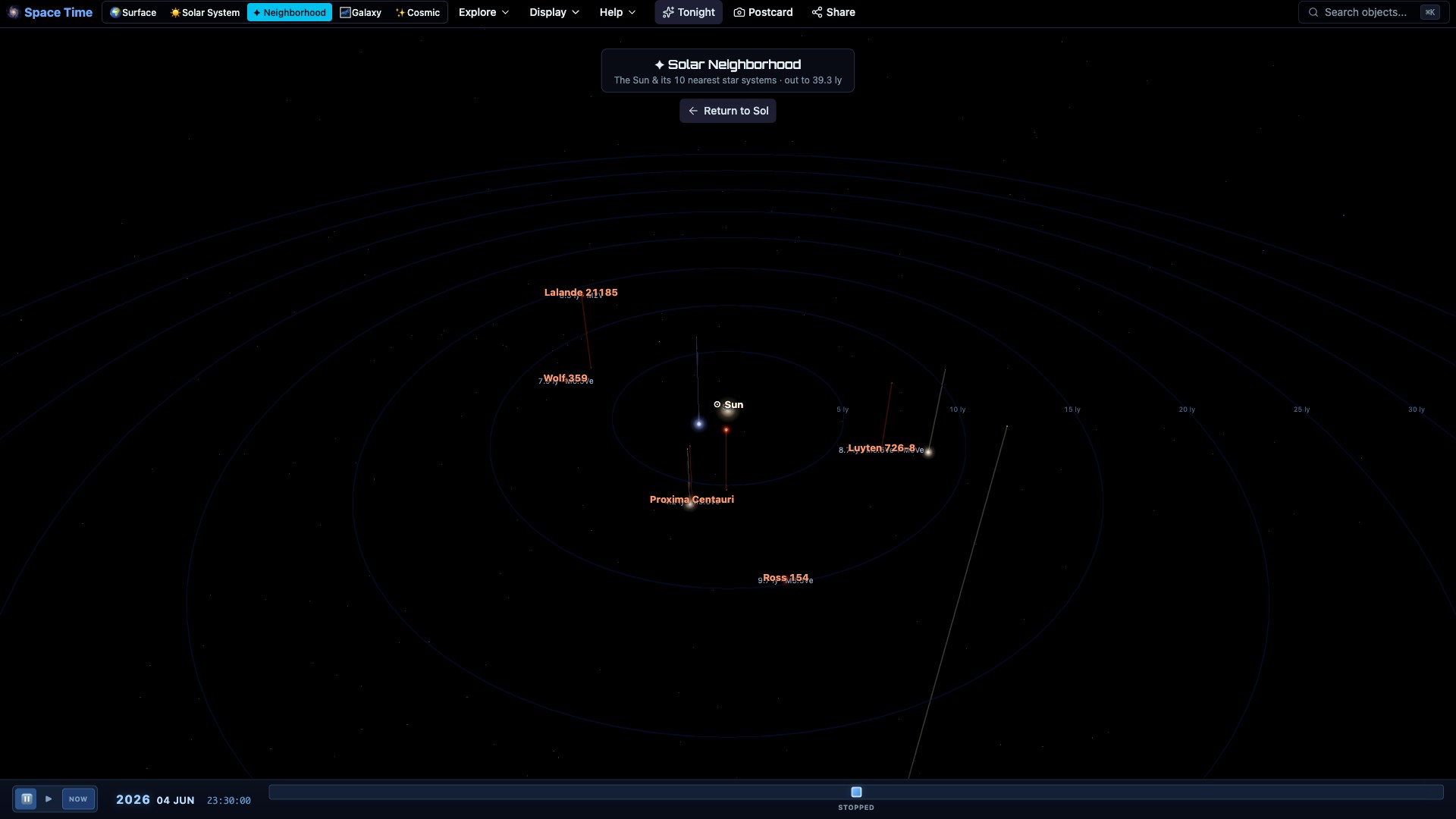
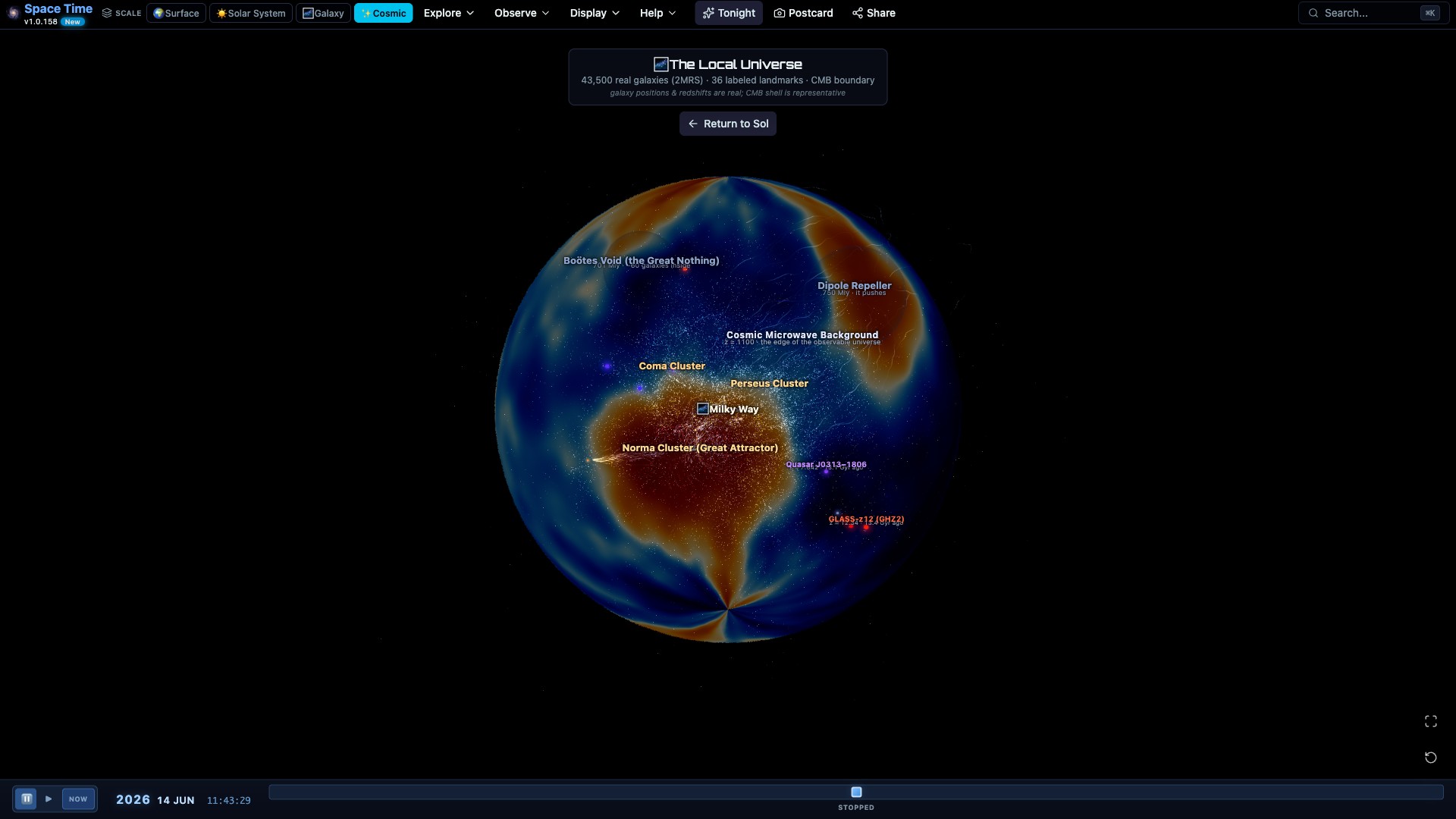
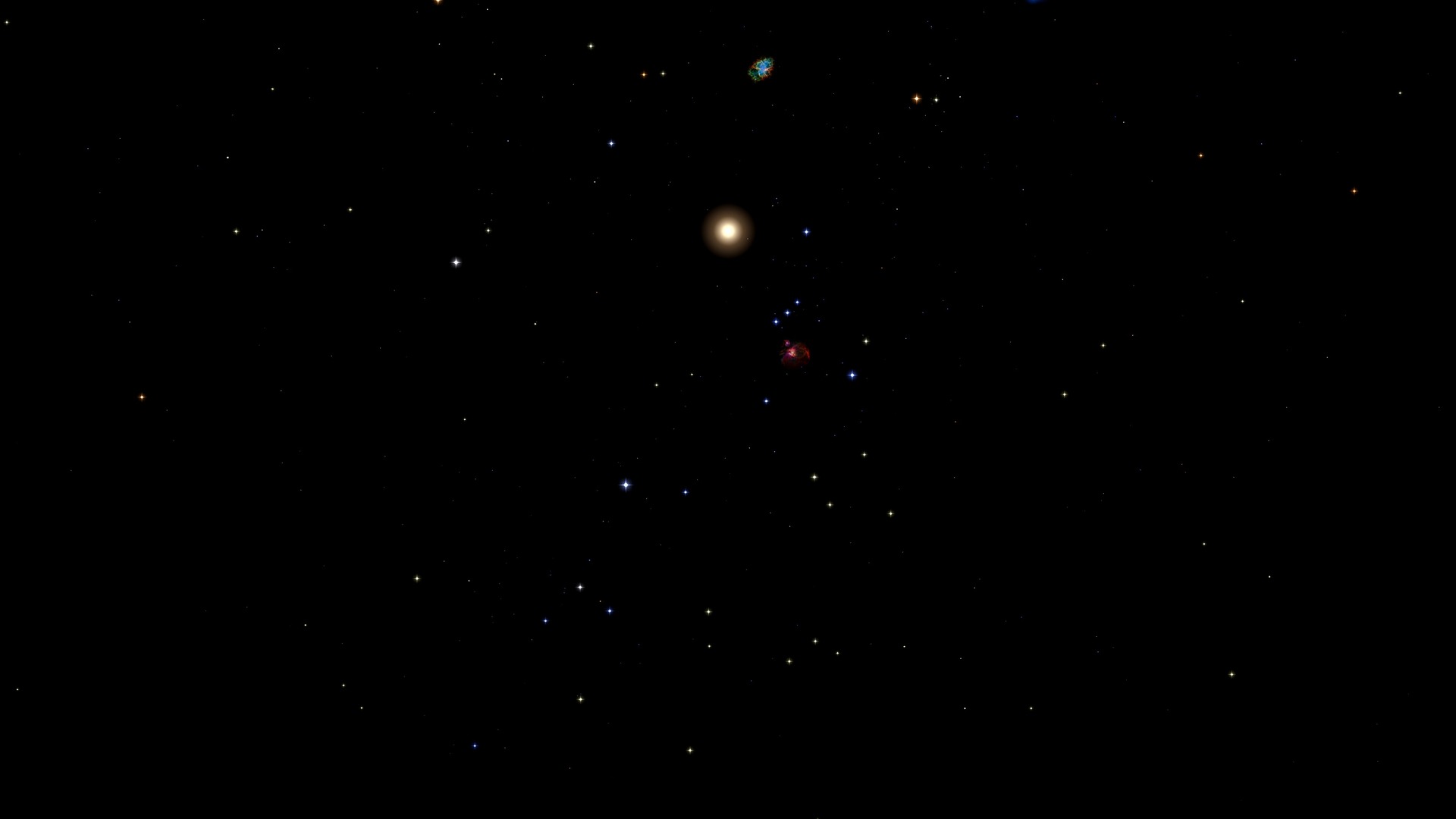
Pull back from Earth and the planets come into view. Keep going and you pass nearby stars, the Milky Way, and thousands of galaxies in the local universe. There is no separate map for each scale. You move through the same 3D scene, then turn around and head back to a planet or moon.
Click a crater, comet, star, or galaxy to identify it. Its card shows the useful details for that kind of object, including distance, visibility, orbit, or observing information.
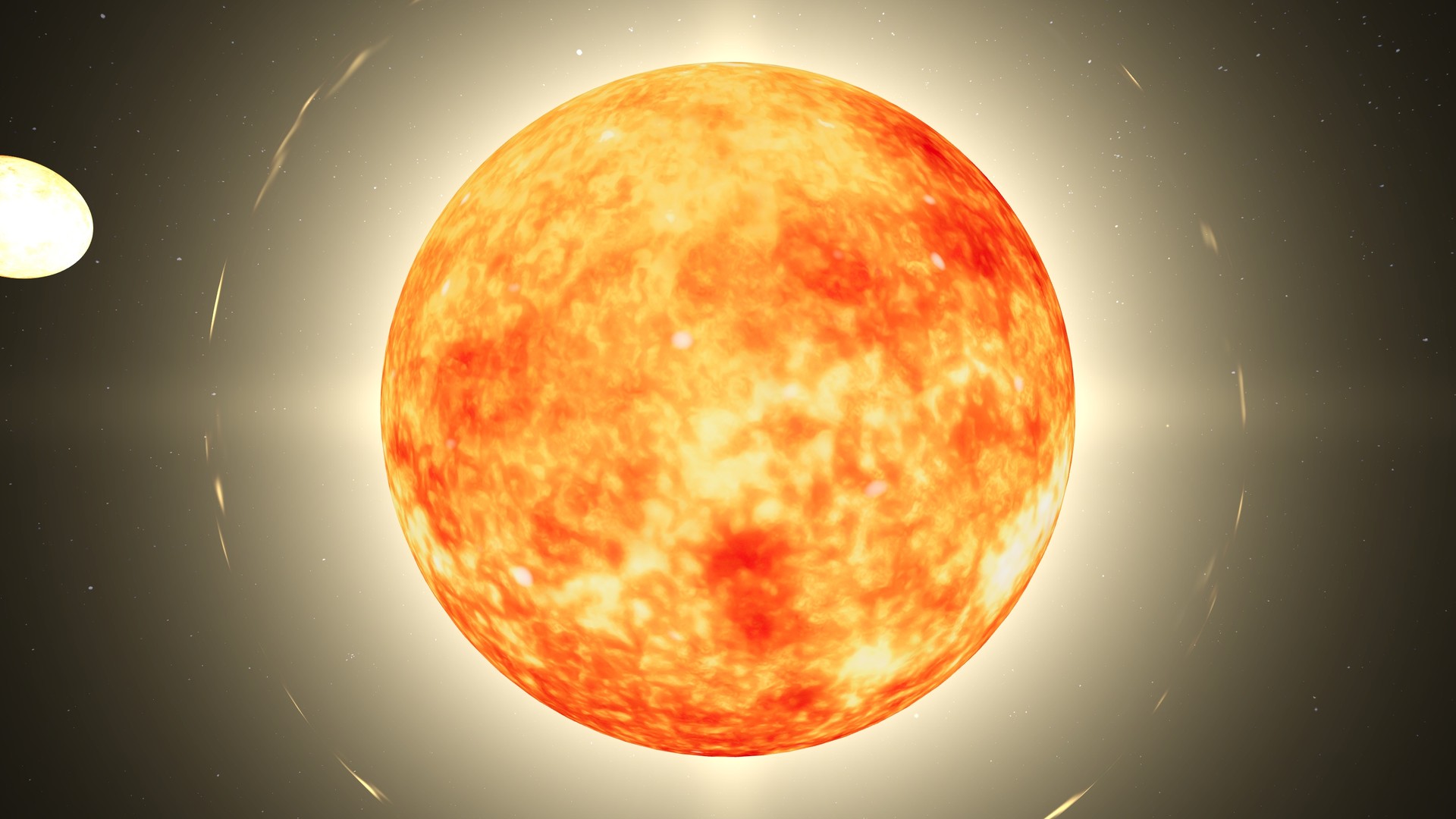
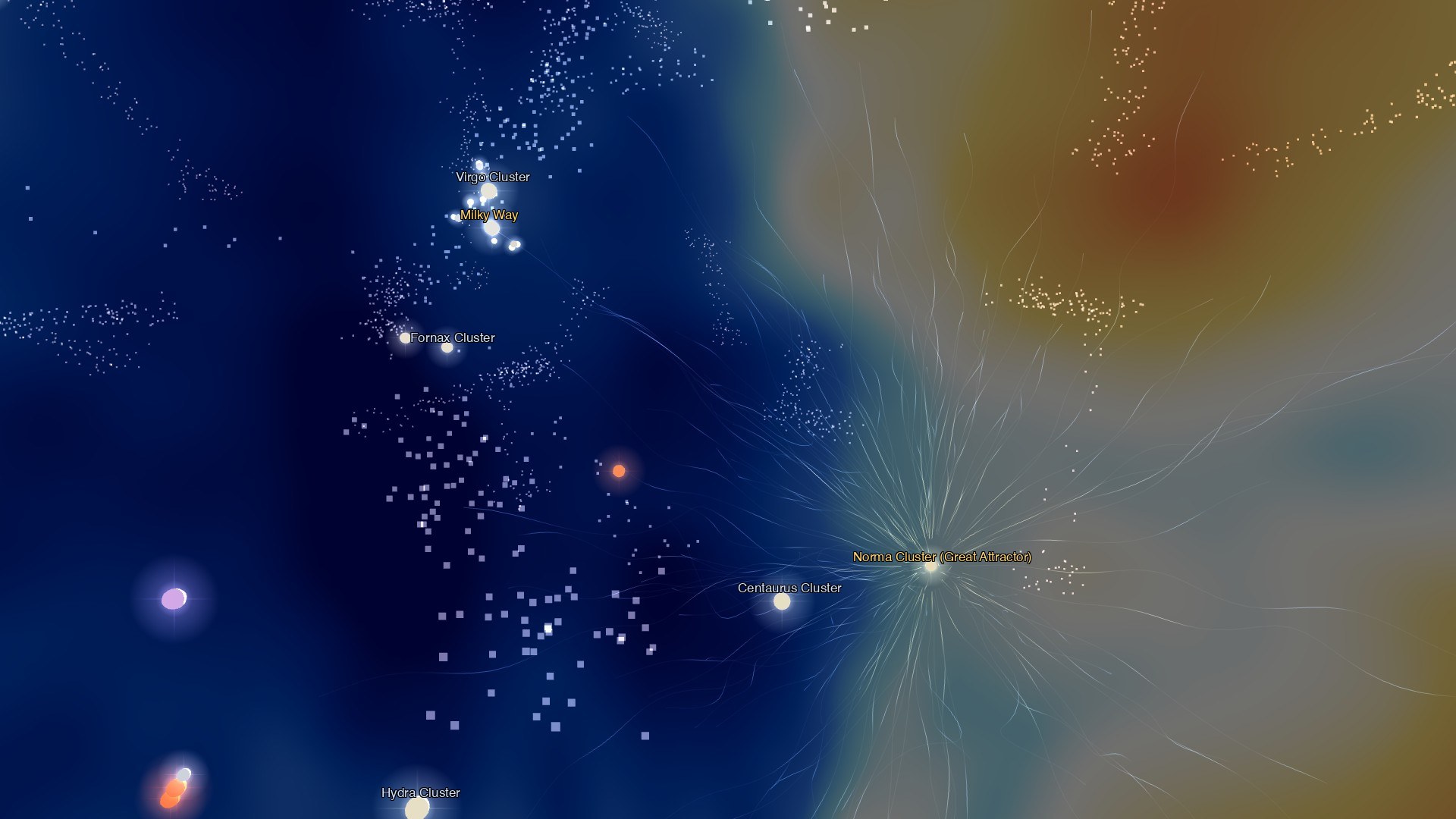
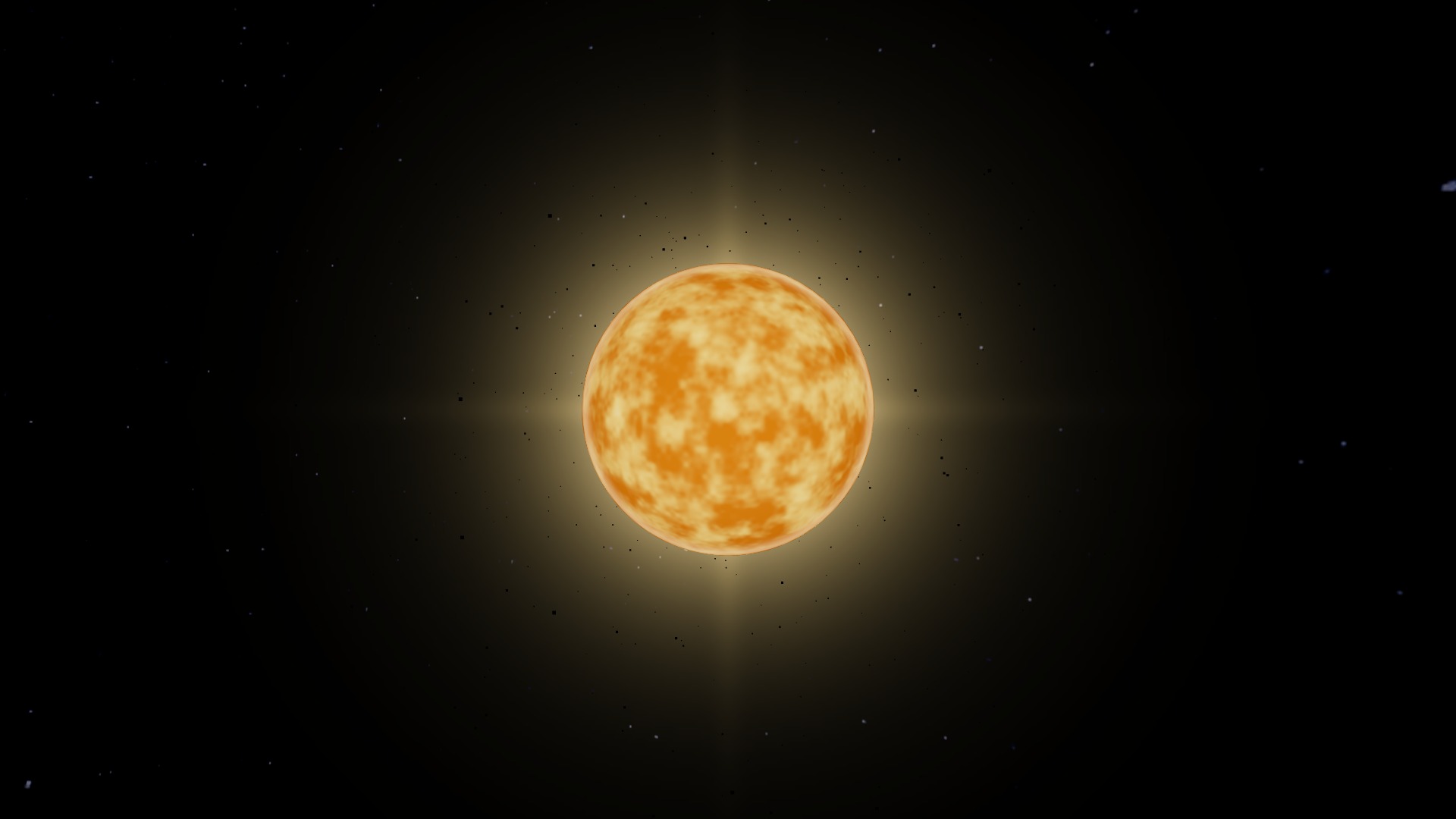
These short recordings show the 3D view in motion: Sagittarius A*, Saturn's ring system, the Sun, and mapped structure around the Great Attractor.
Every clip uses Space Time's own engine frames. No stock footage, generated astronomy or external cutaways.
Planets, moons, dwarf planets, asteroids, and comets follow computed orbits and use real surface maps. Their positions come from Astronomy Engine, which uses JPL ephemeris data. Set the clock to now or choose another date.
Visit Mercury through Neptune, plus Pluto, Ceres, and Eris. The major moons are rendered as 3D worlds, and all 187 named moons are searchable. You can also search roughly 4,000 comets and thousands of asteroids from JPL data.
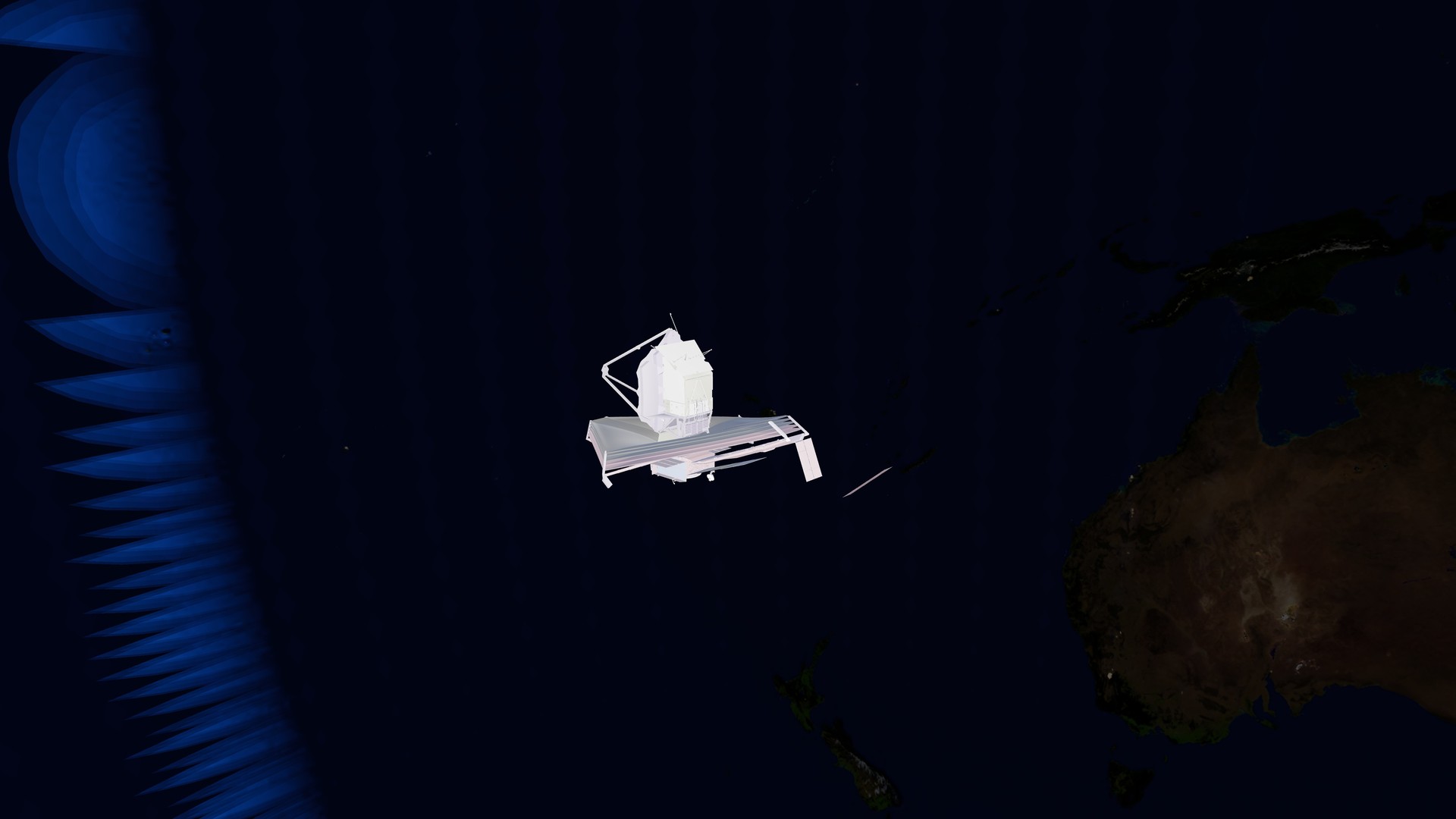
Replay the Apollo missions on their historical trajectories. You can also ride along with the ISS, Hubble, JWST and the Parker Solar Probe.
The clock scrubs forward and back through any date. Speed it up and alignments, conjunctions and retrograde loops play out in front of you.
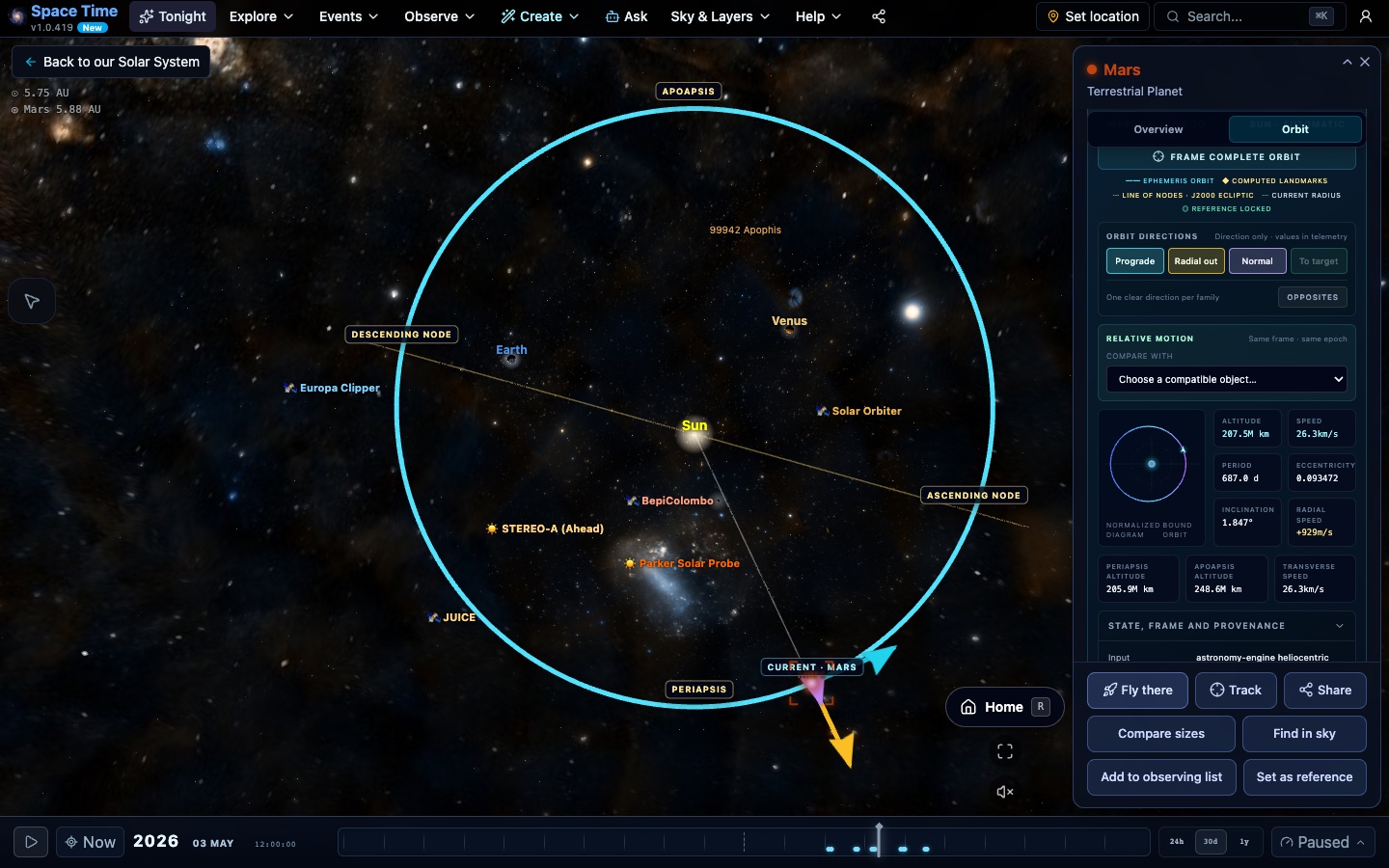
Open Orbit for a planet or satellite, or Trajectory for an ephemeris-backed probe. See the actual sampled path without fake closed ellipses; JWST gets a one-circuit, co-rotating view centered on computed Sun–Earth L2.
Choose a compatible second object to inspect separation, relative velocity, opening or closing rate, and the next closest approach within the providers' disclosed model horizon.
Cinematic Coast preserves the camera's velocity while you look anywhere, giving smooth filming passes without pretending the camera is a spacecraft. Stop coast is always visible.
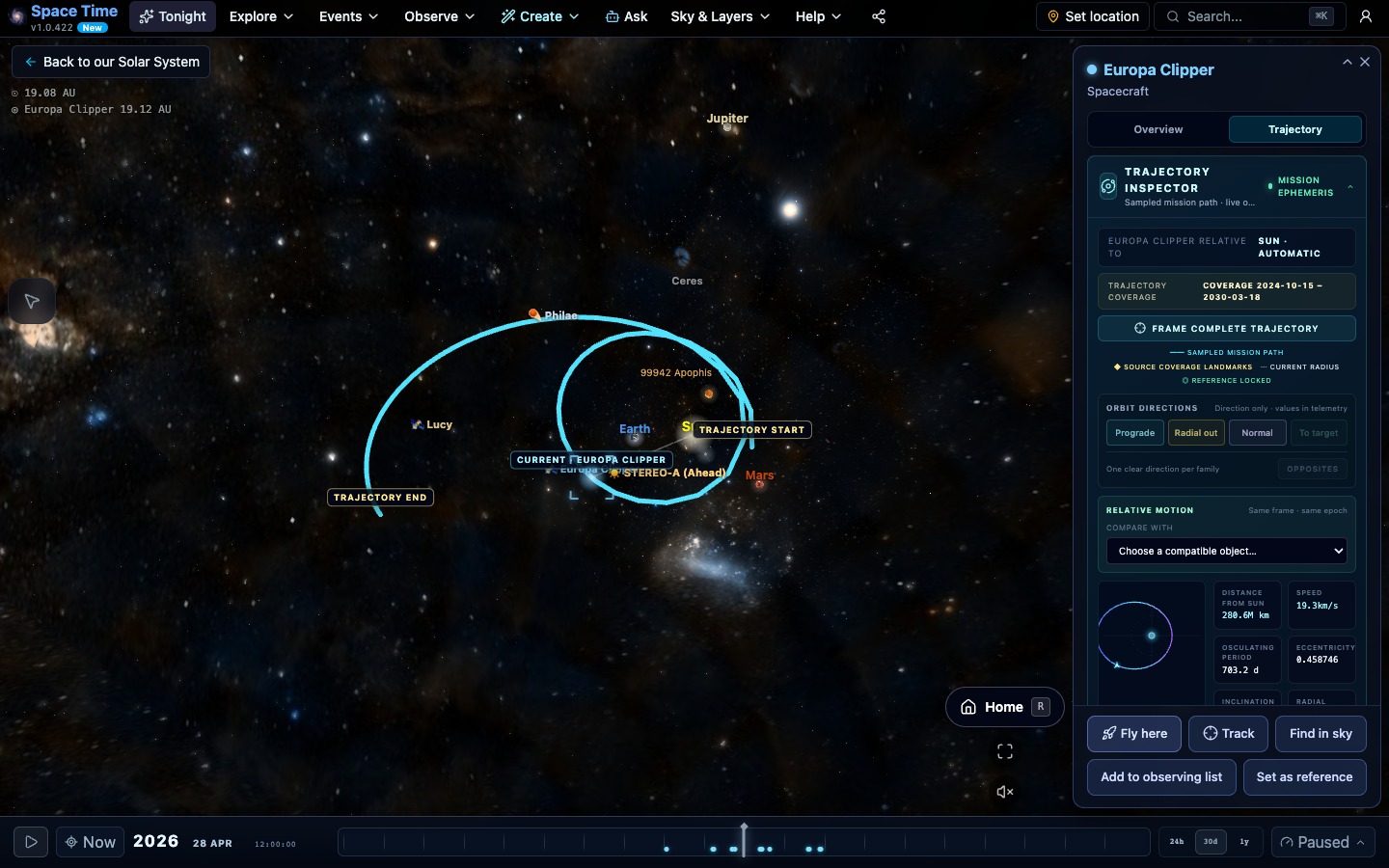
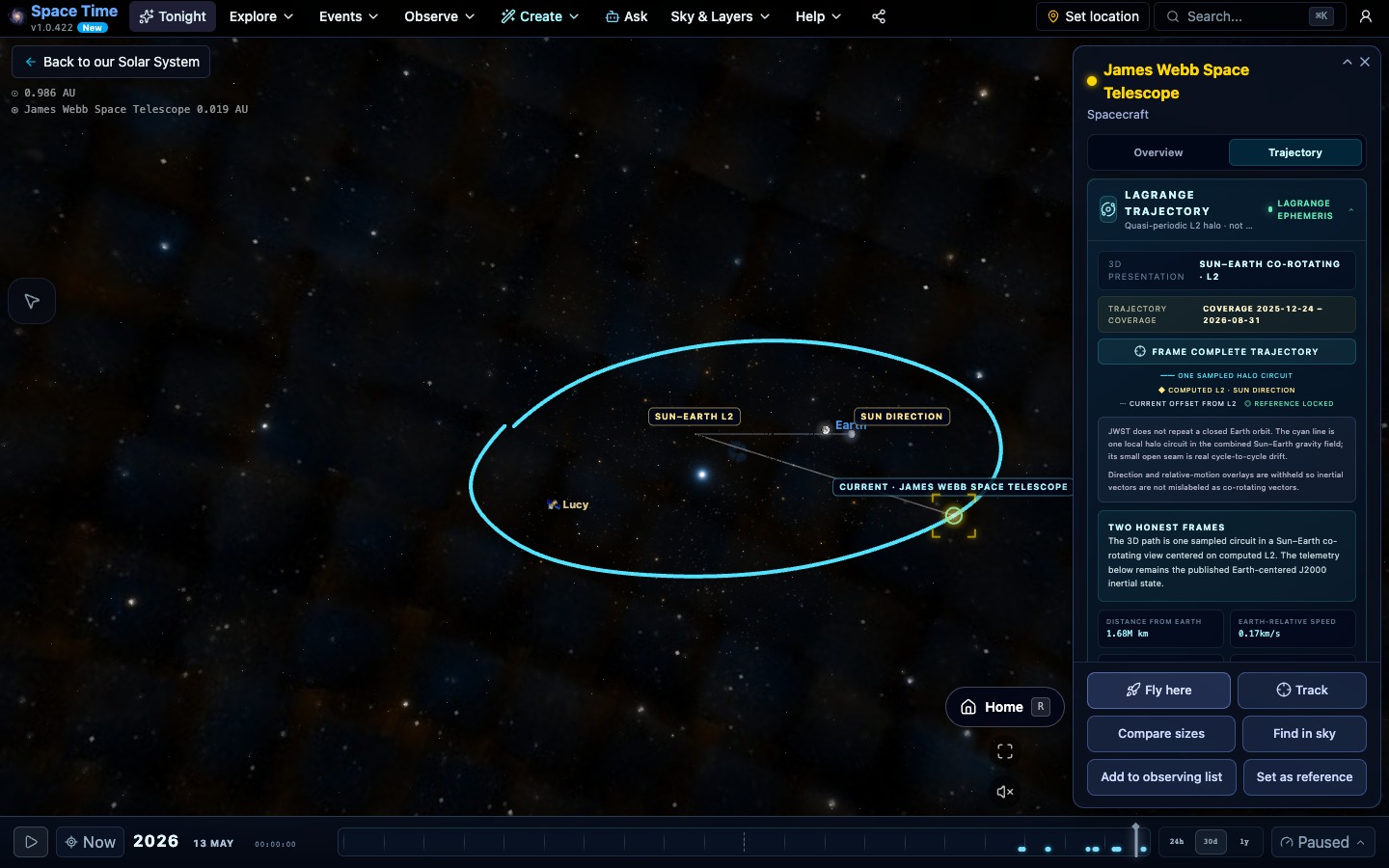
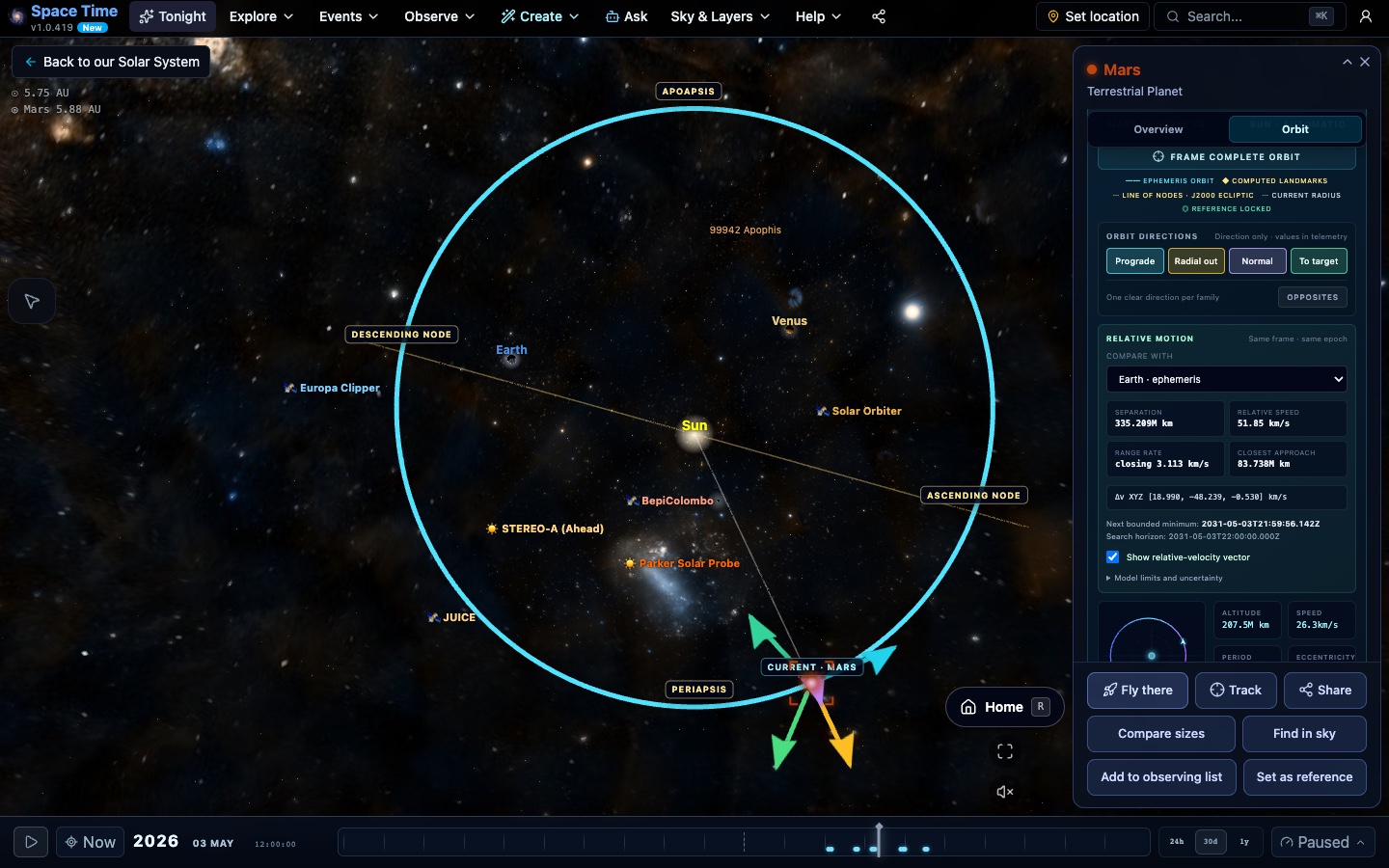
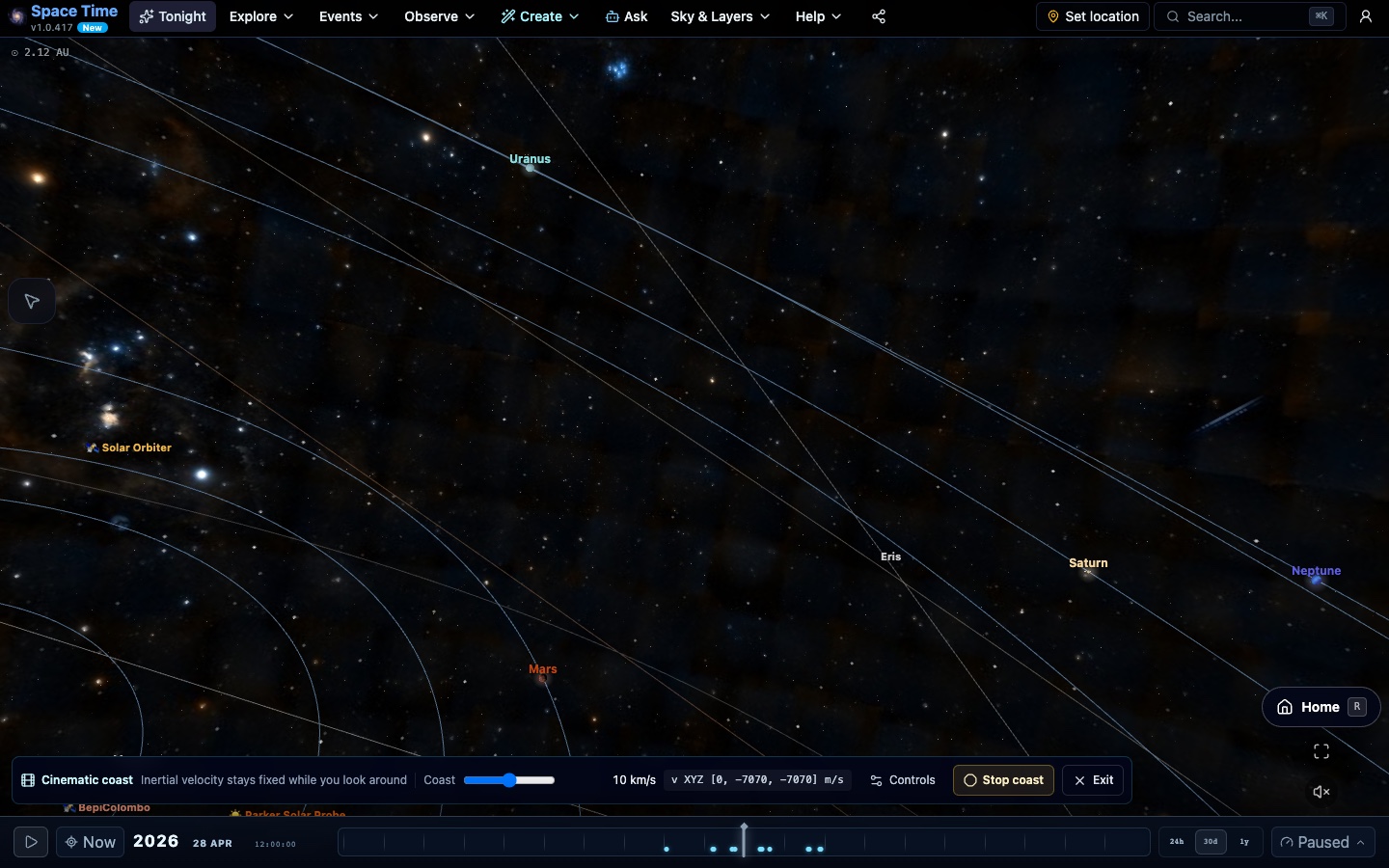
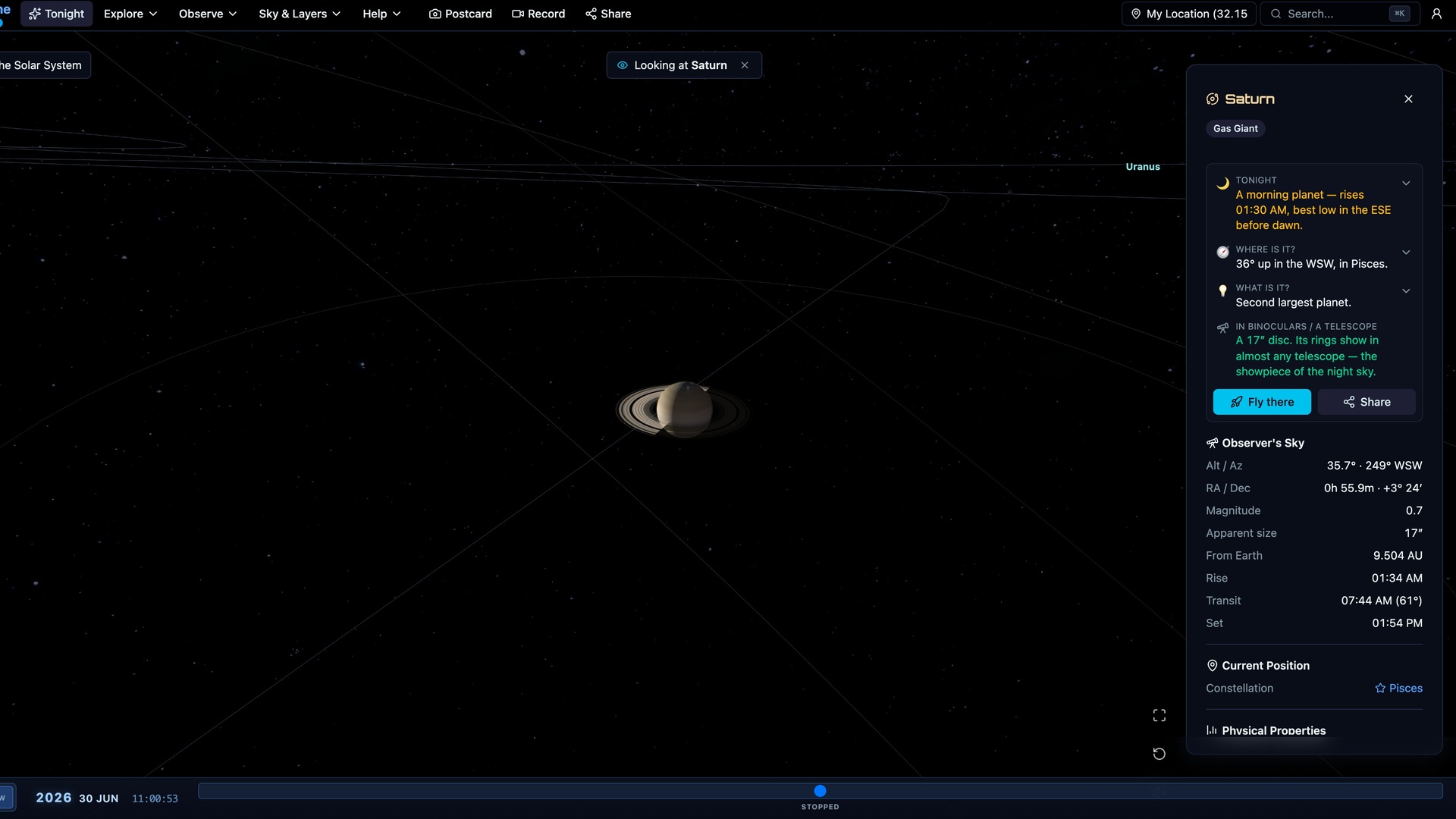
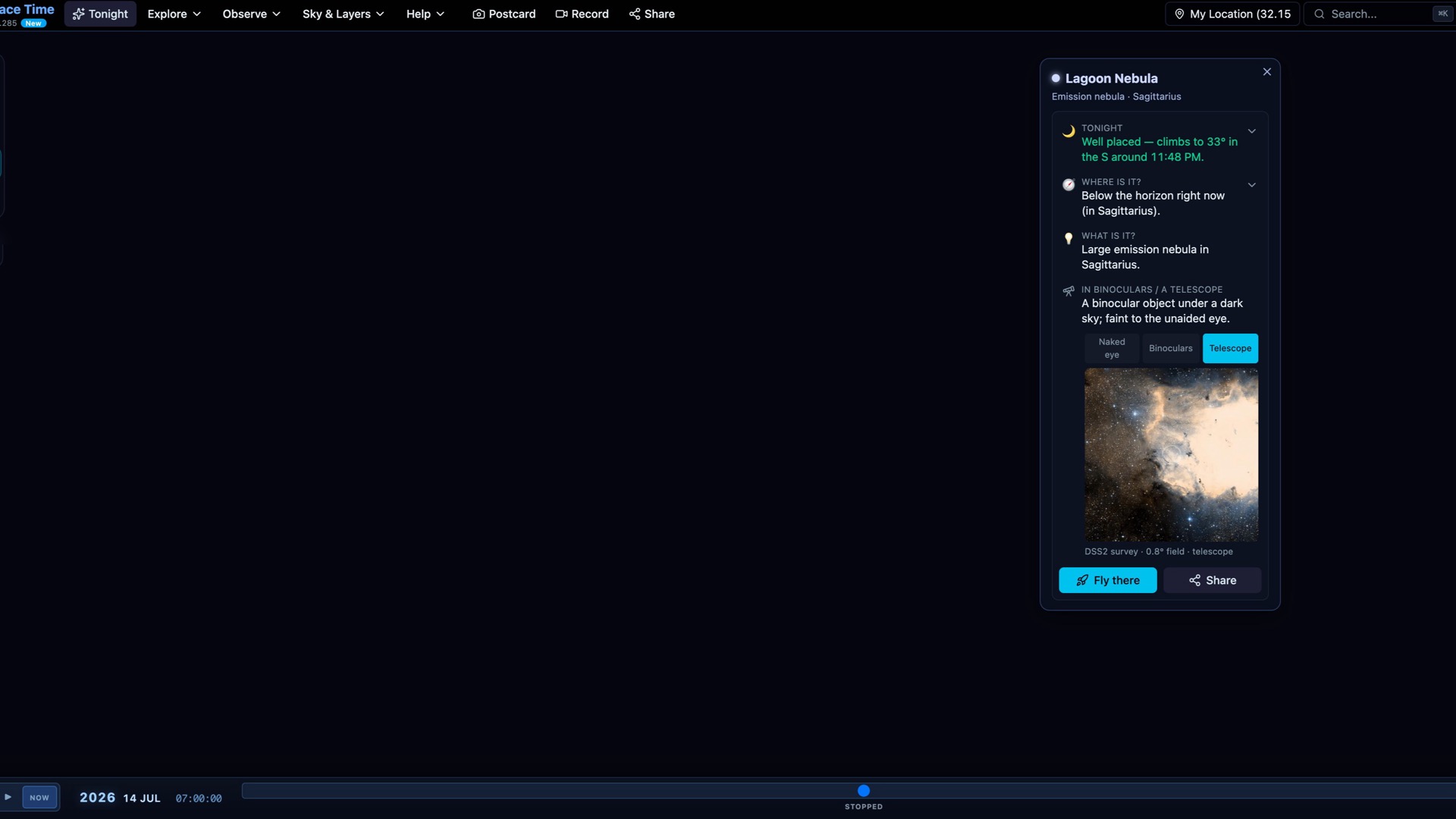
Select a planet, nebula, or star to see what it is and whether you can observe it tonight. The card includes rise, transit, and set times, brightness, apparent size, and an equipment guide where those details apply. From there you can go to the object or share the view. Each card carries a short paragraph built from catalog facts, labelled as generated or authored, and a source chip that links to the object's public evidence page.
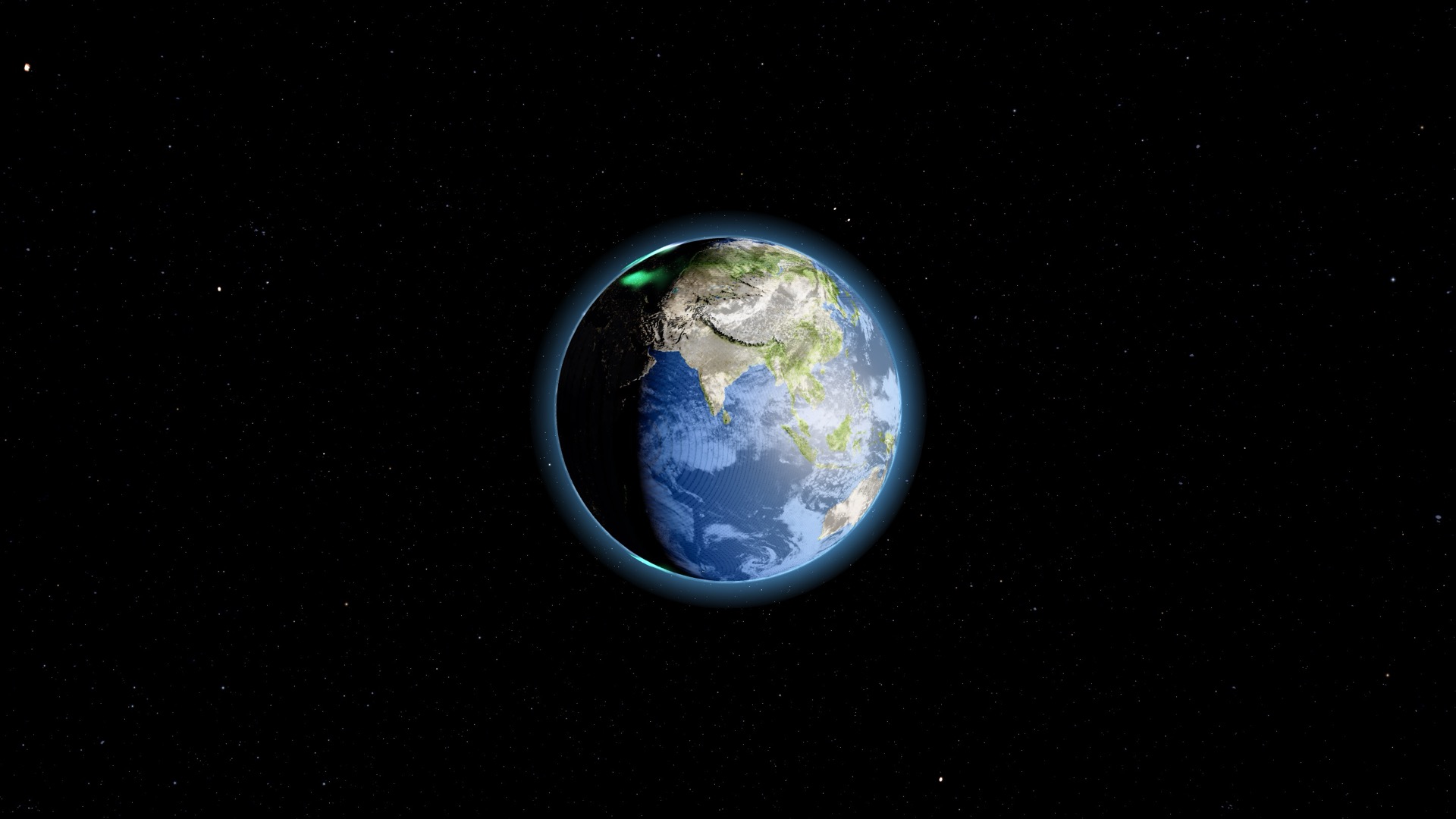
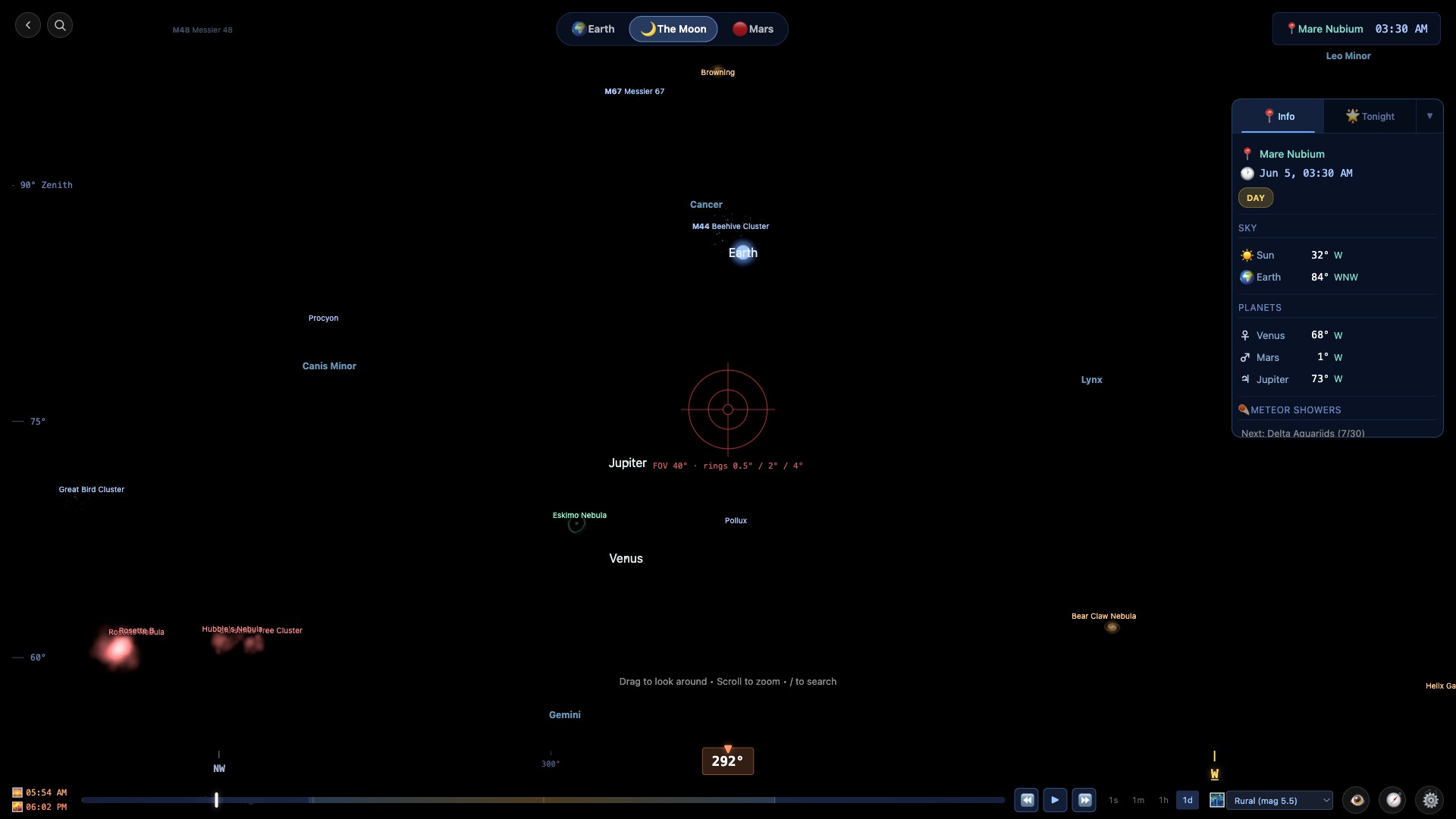
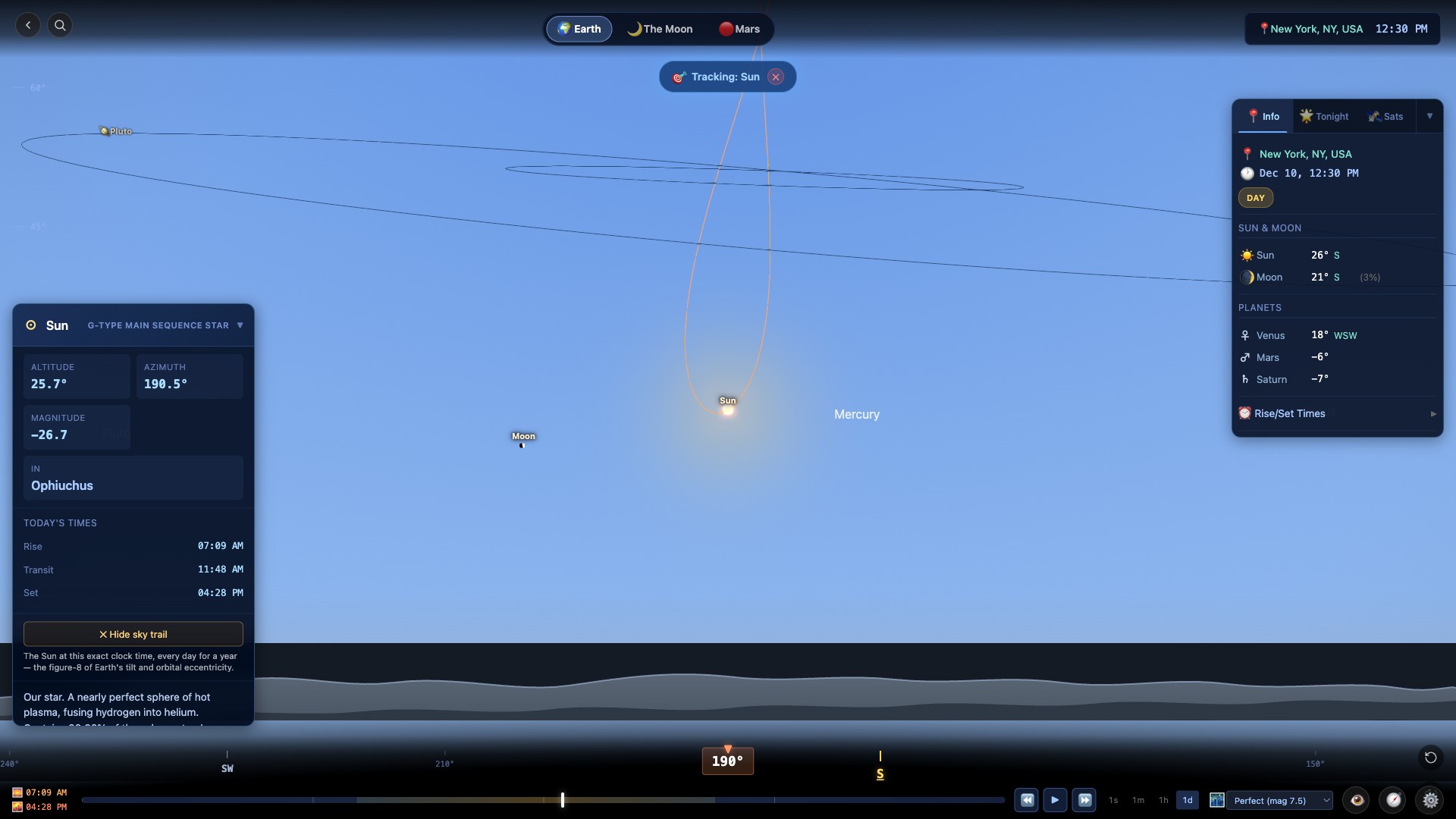
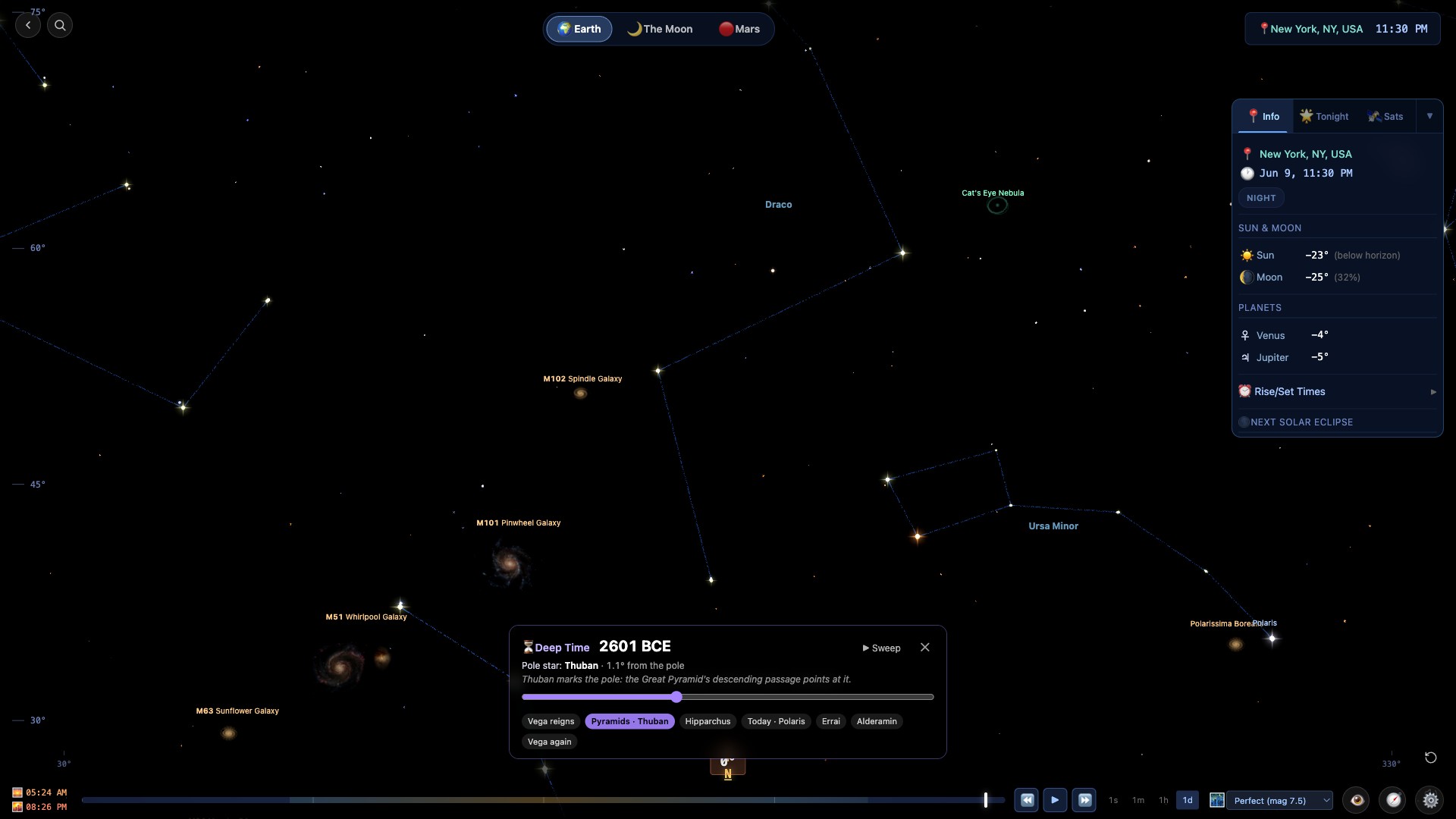
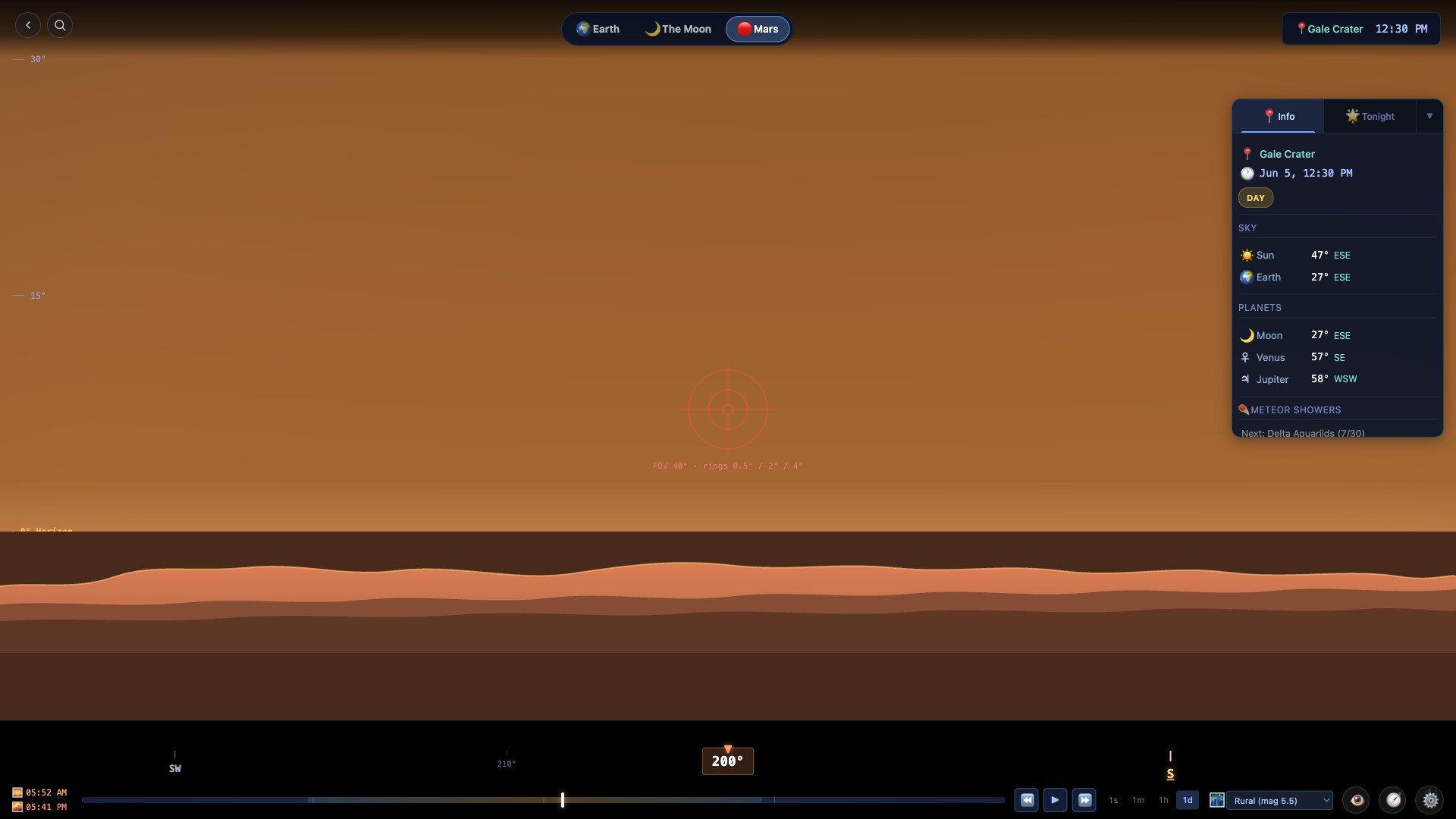
Choose a place on Earth, the Moon, or Mars and look at the sky from the surface. The Sun, planets, constellations, and Milky Way update for the place and time you select. You can also trace the Sun's analemma, follow a planet's retrograde loop, or run the clock across 28,000 years of axial precession.
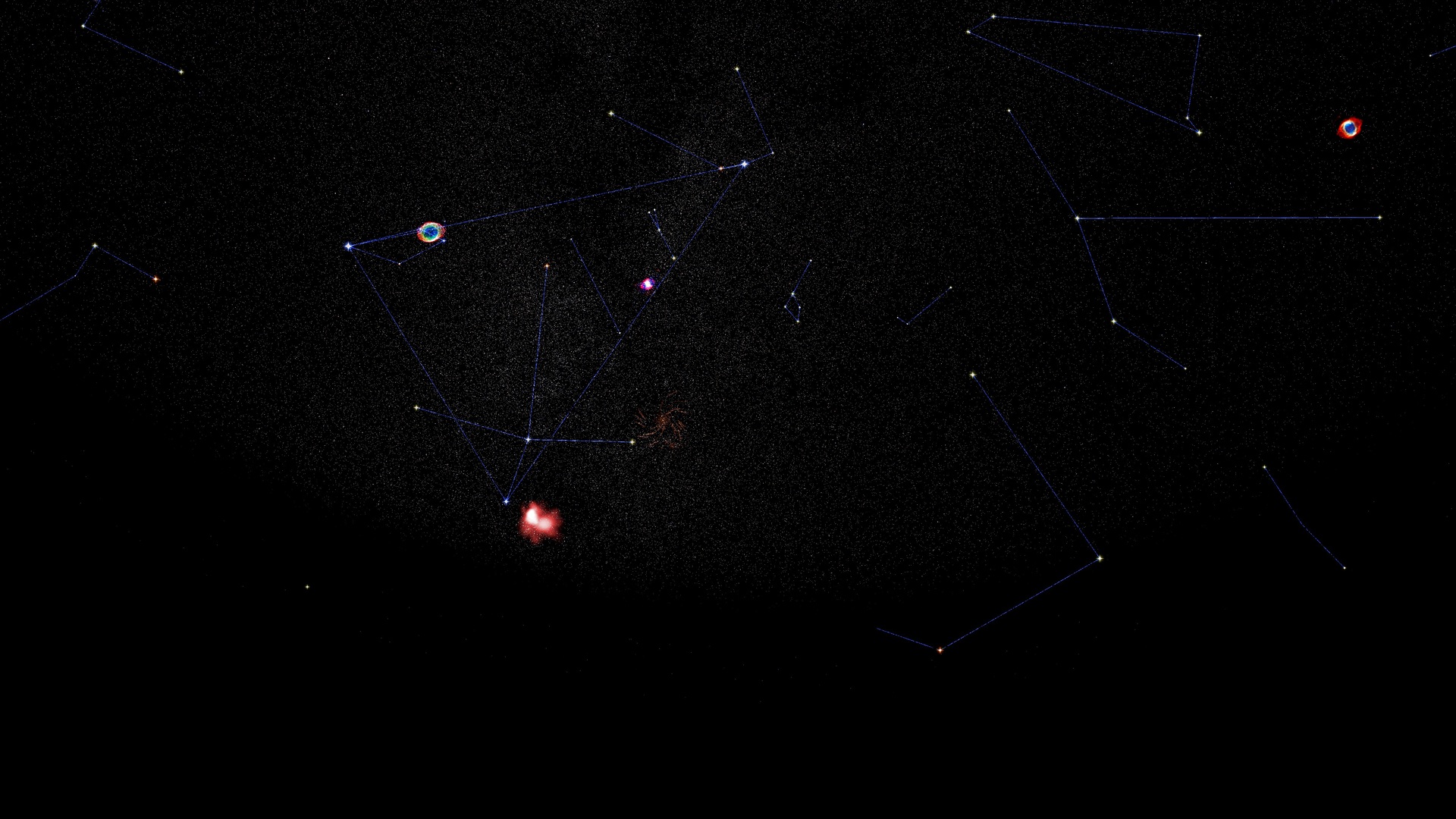
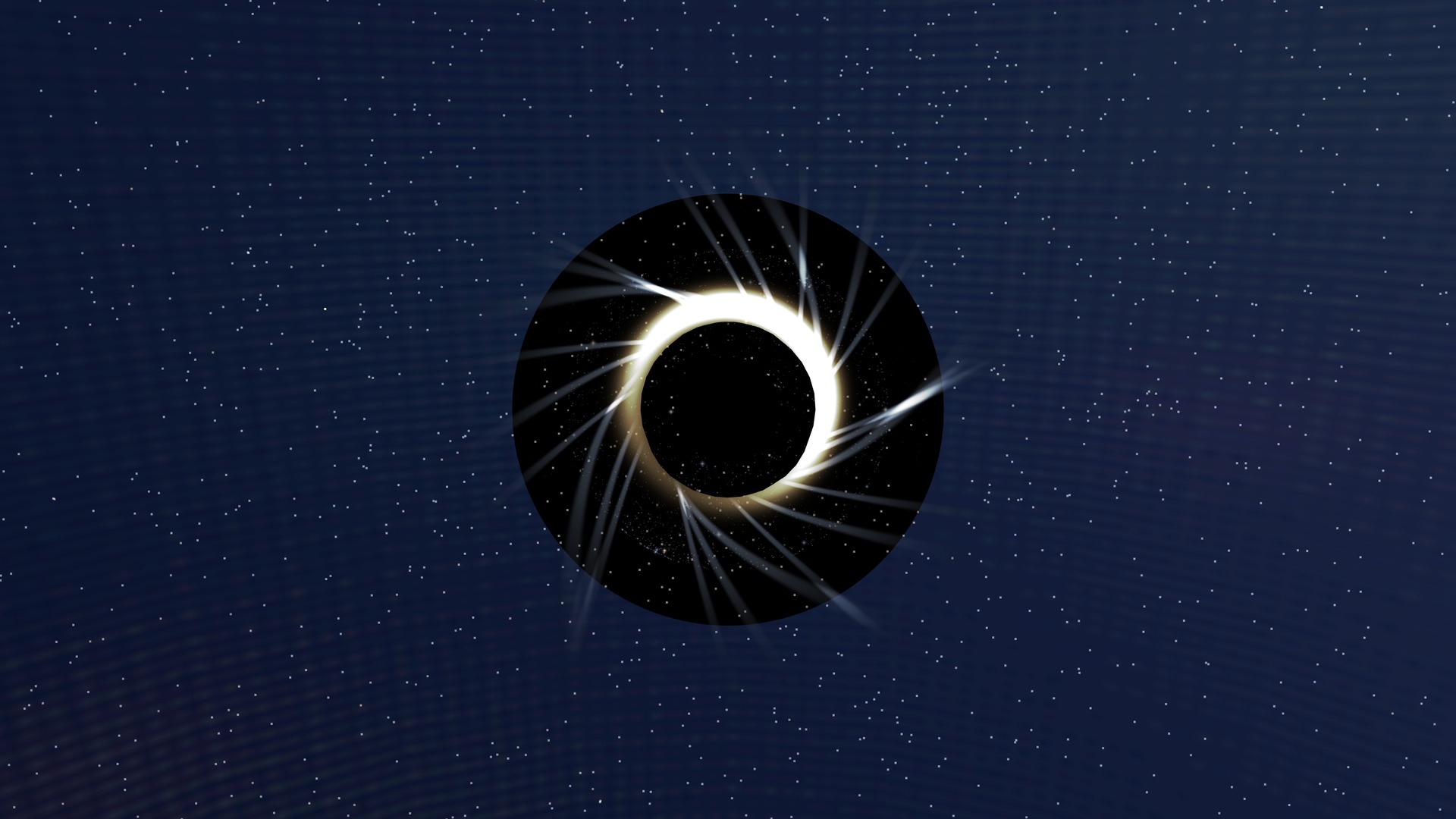
Look up solar and lunar eclipses for a date and location, then watch from the ground or from space. The events calendar also covers lunar occultations and transits of Jupiter's moons. You can open an event in 3D or add it to your calendar. For major solar eclipses, the local companion shows contact times, obscuration, a countdown, and a cloud forecast during the final week. A Changing stars tab adds variable-star minima and maxima, exoplanet transits and nova alerts for your location.
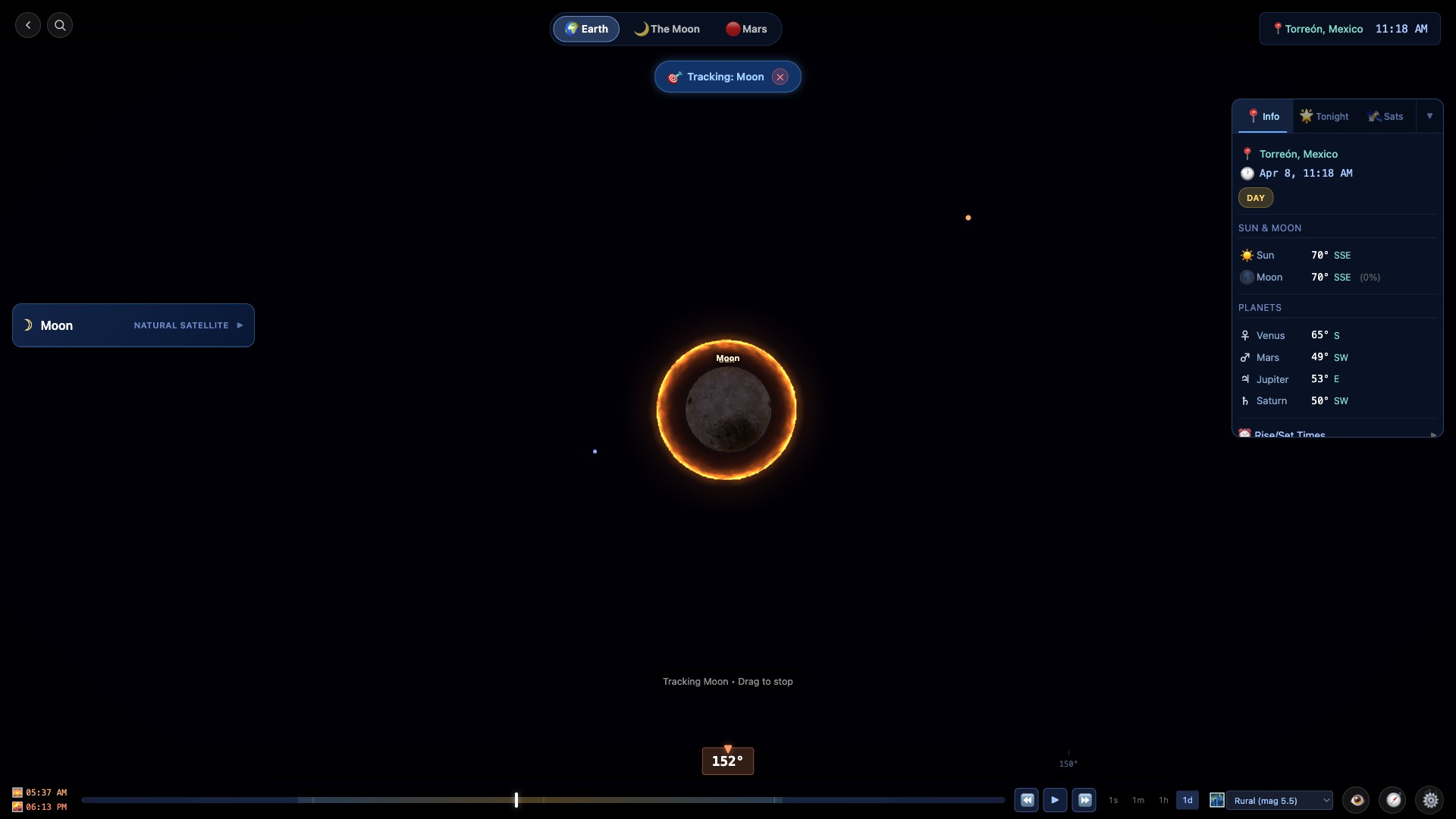
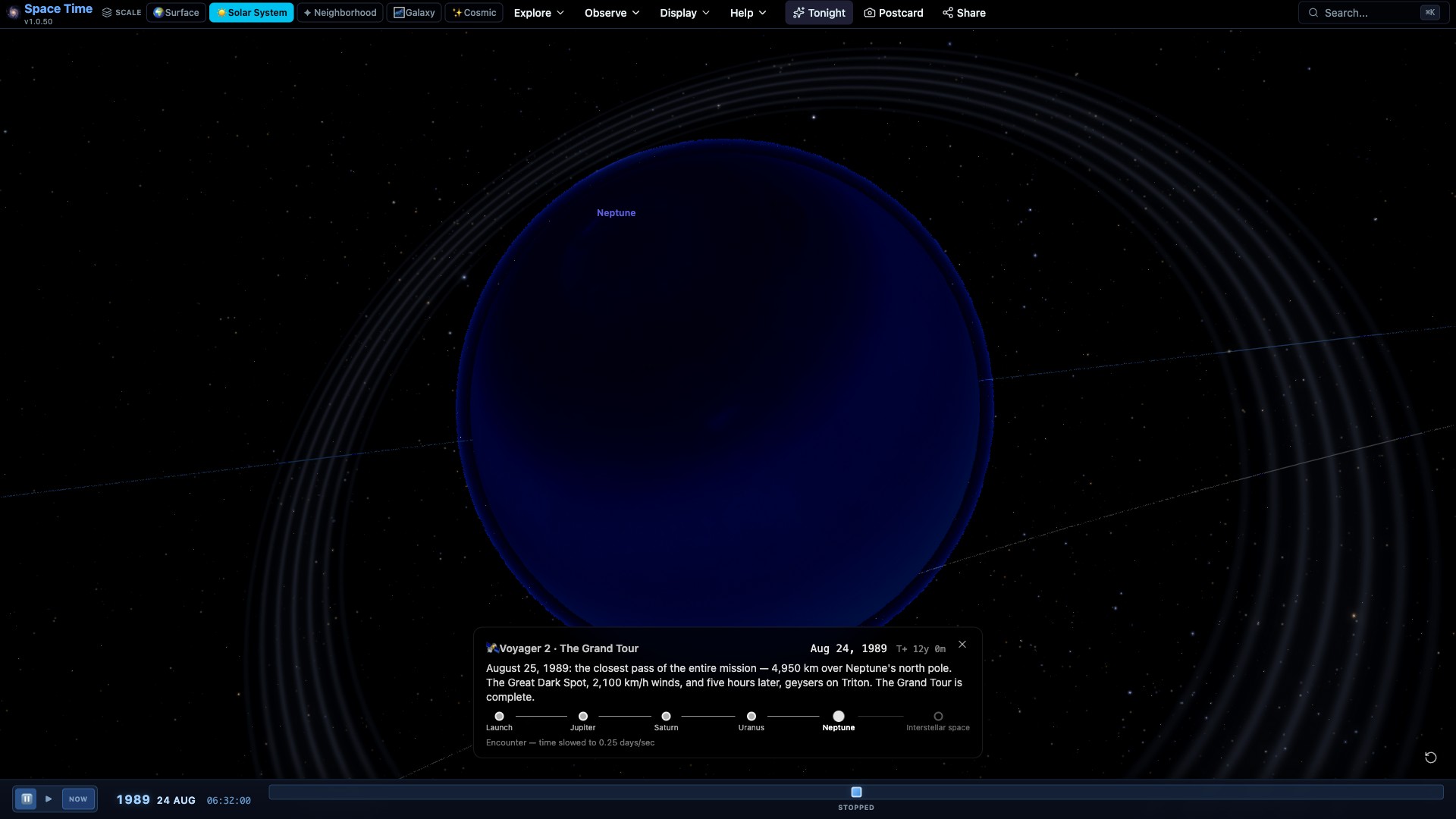
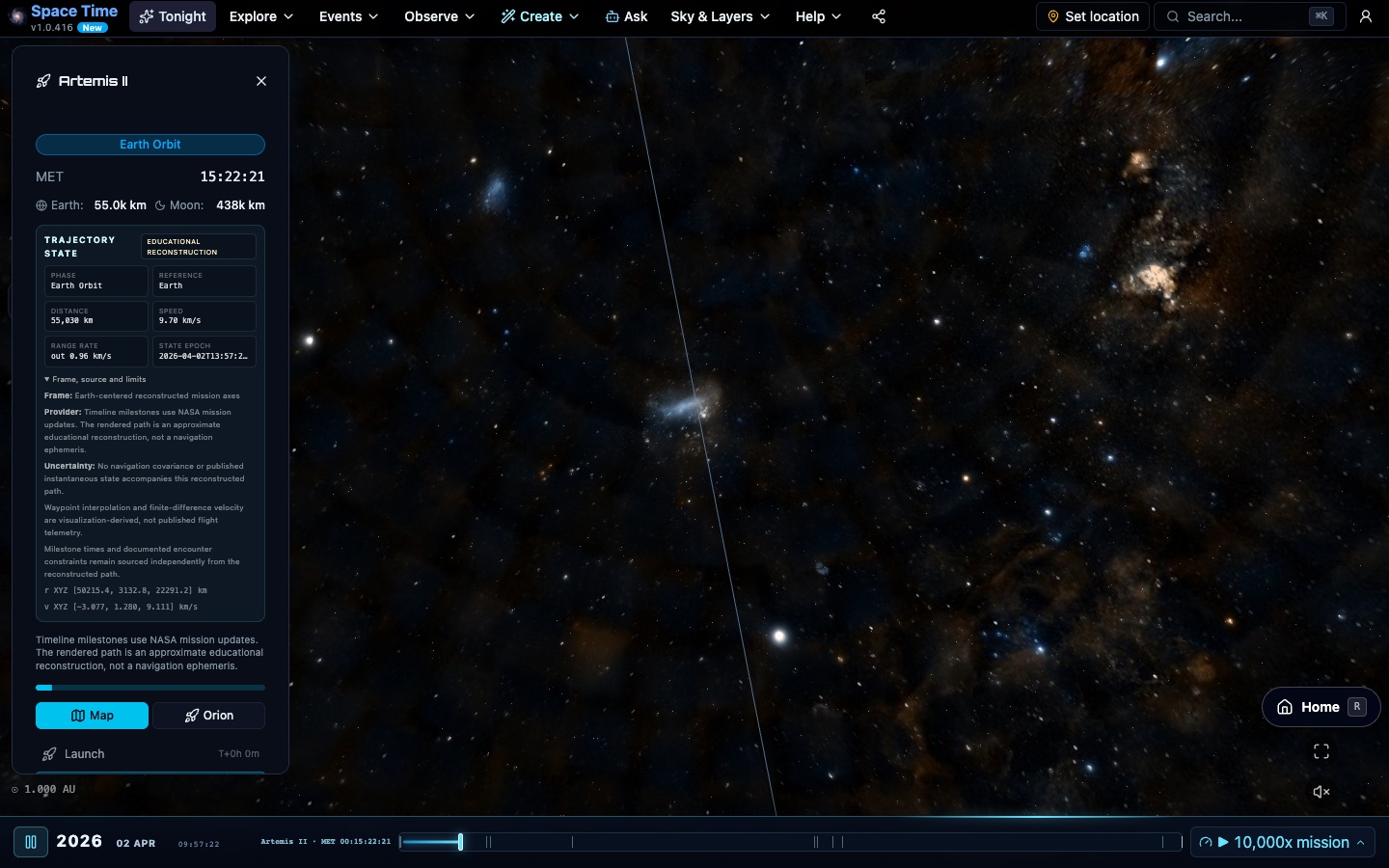
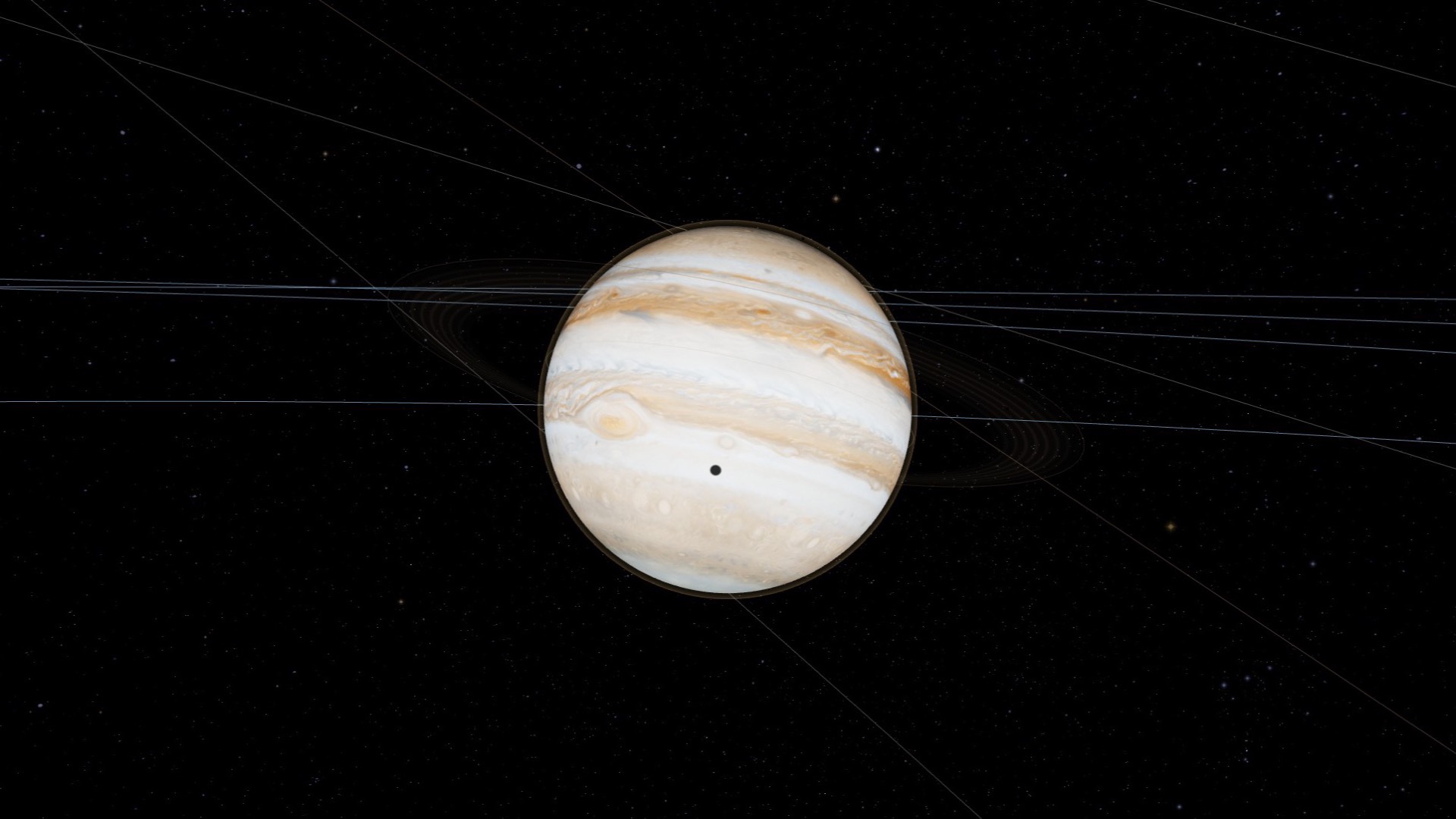
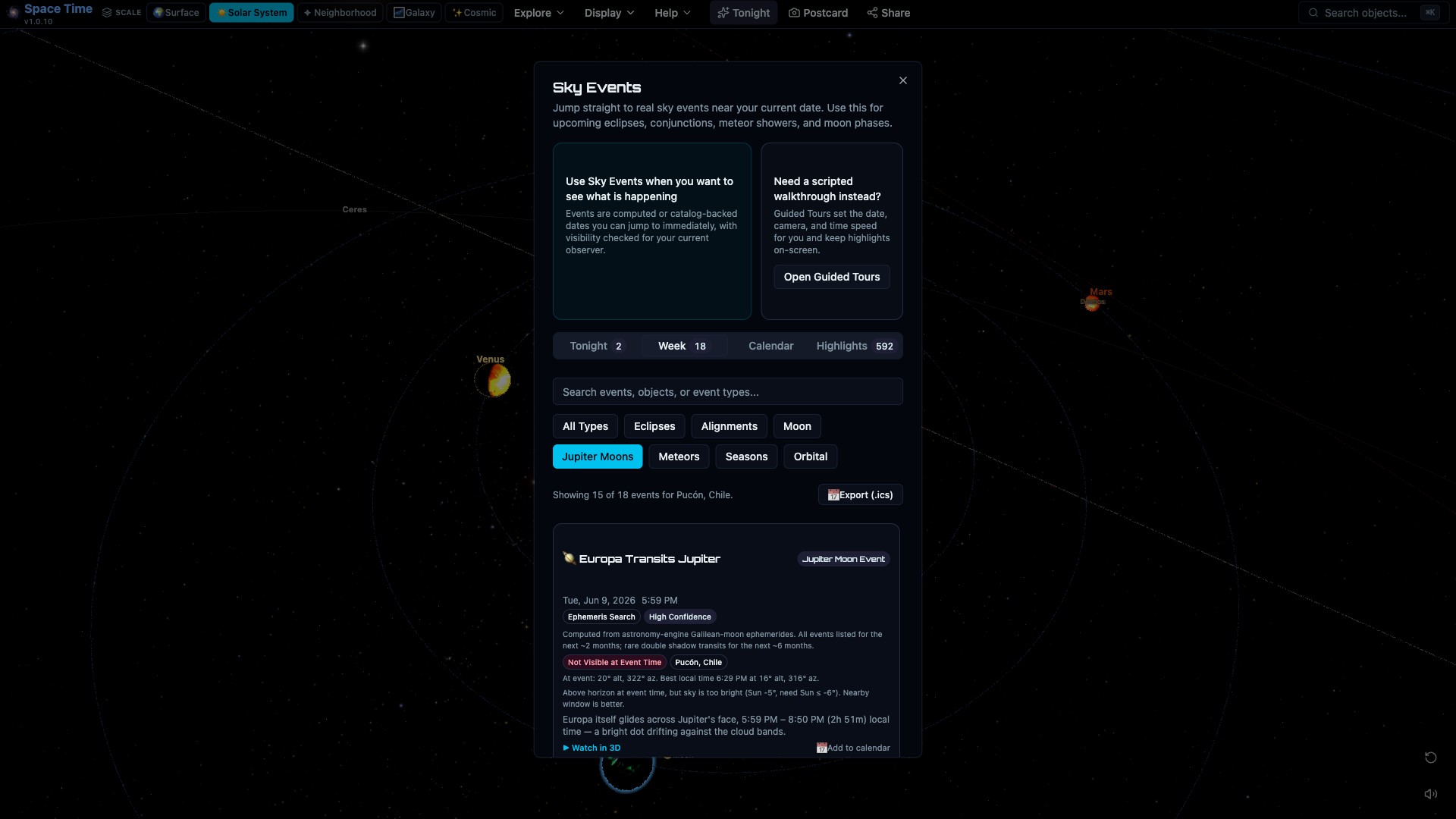

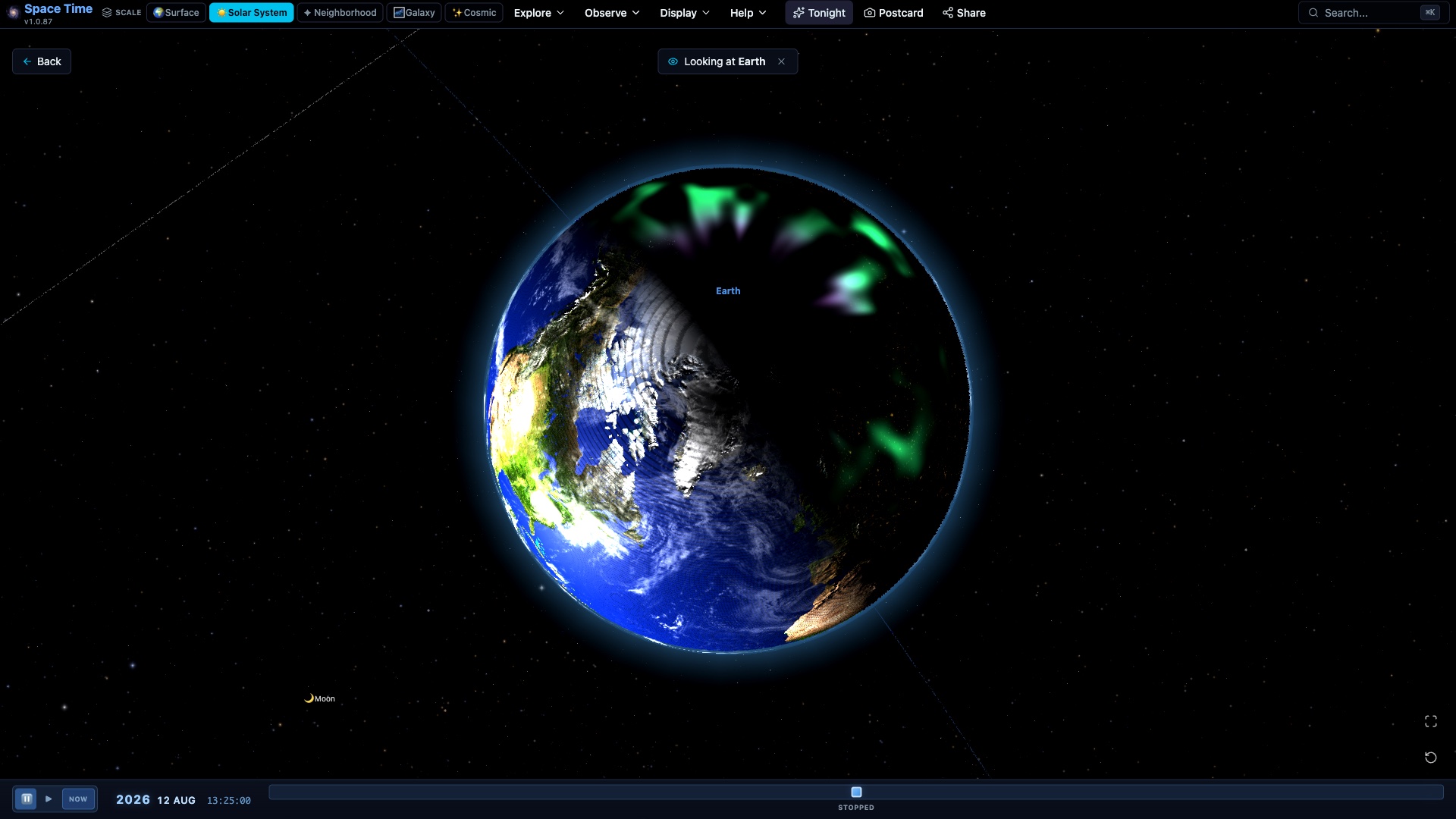
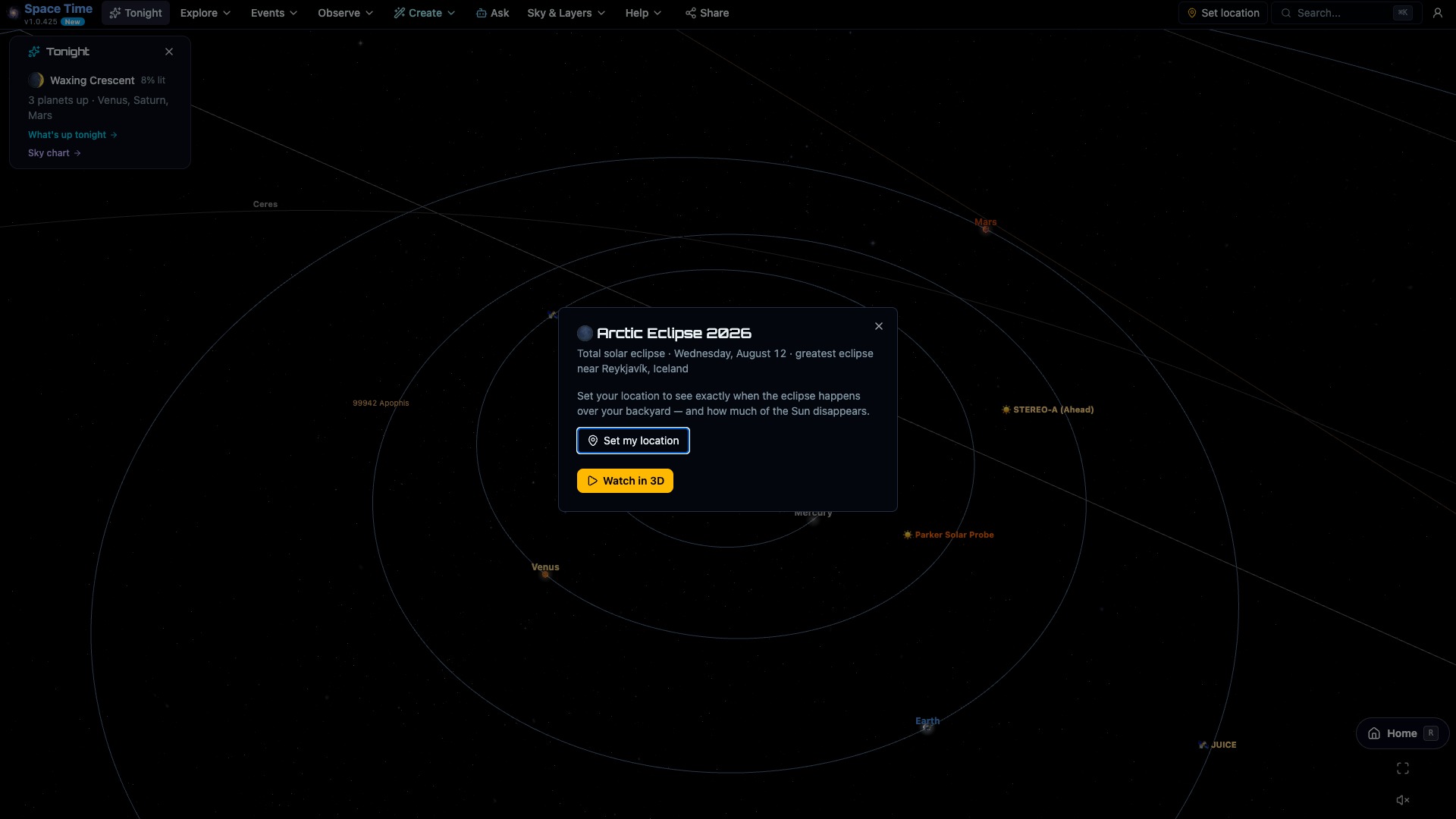
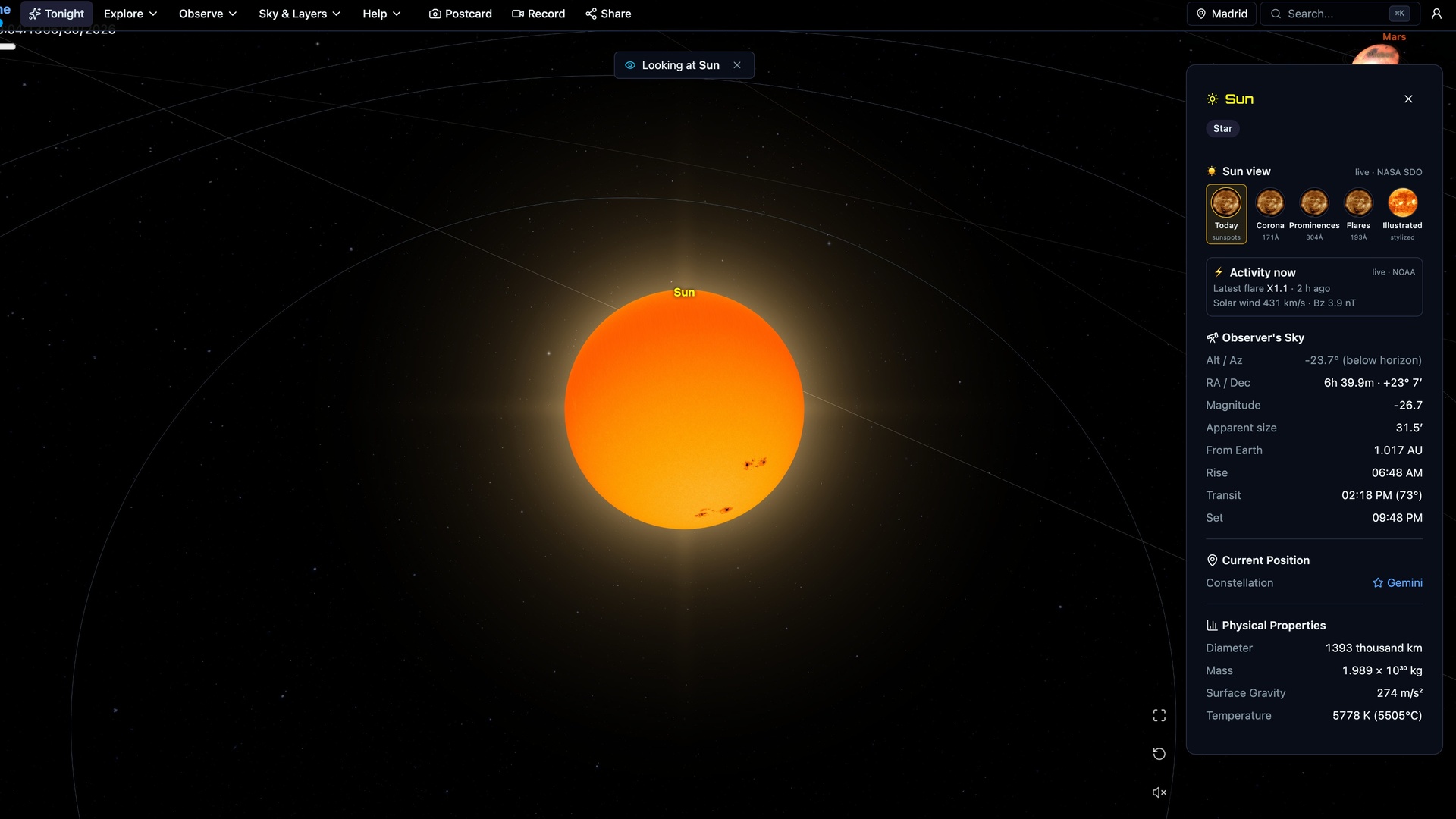
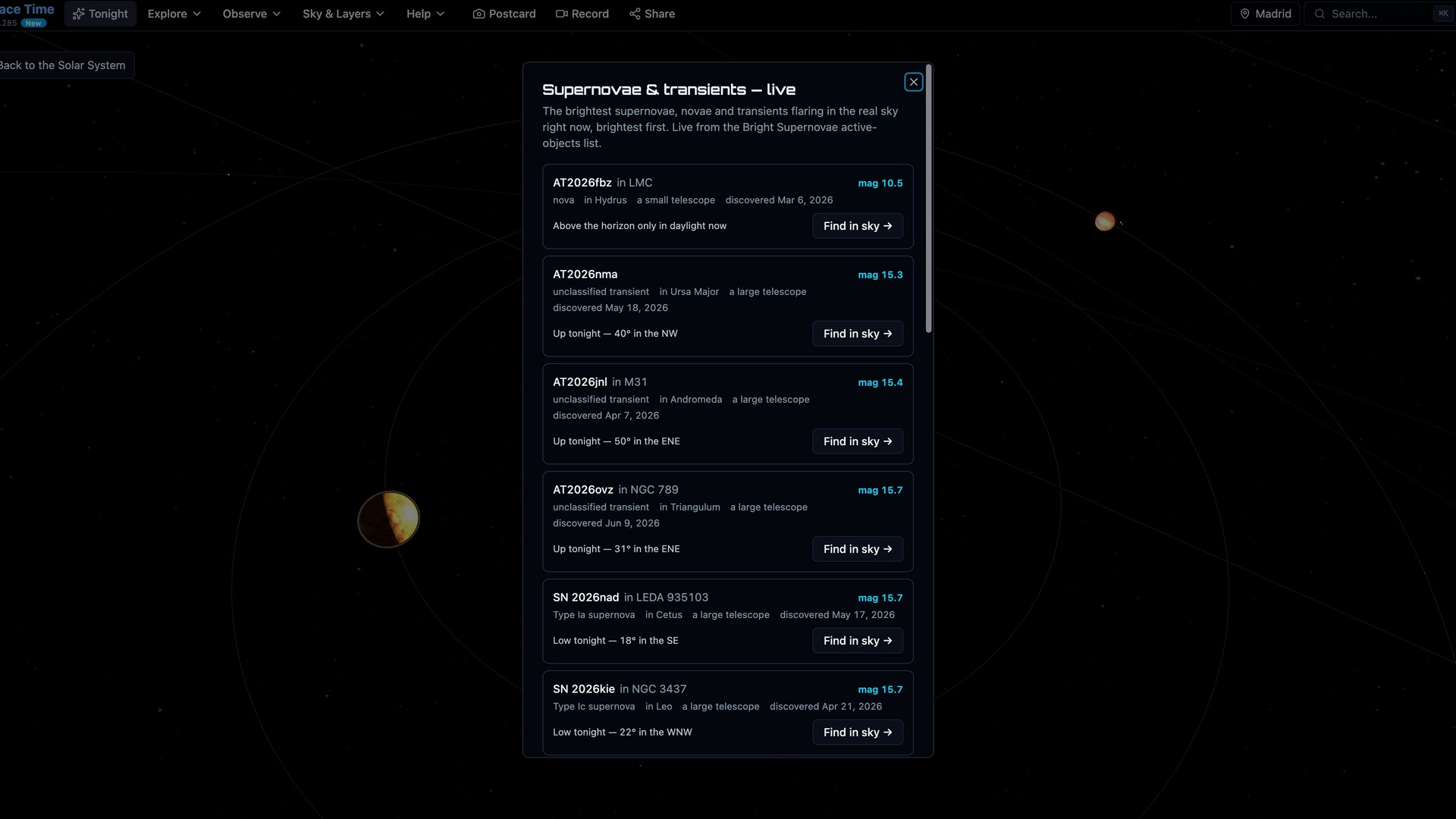
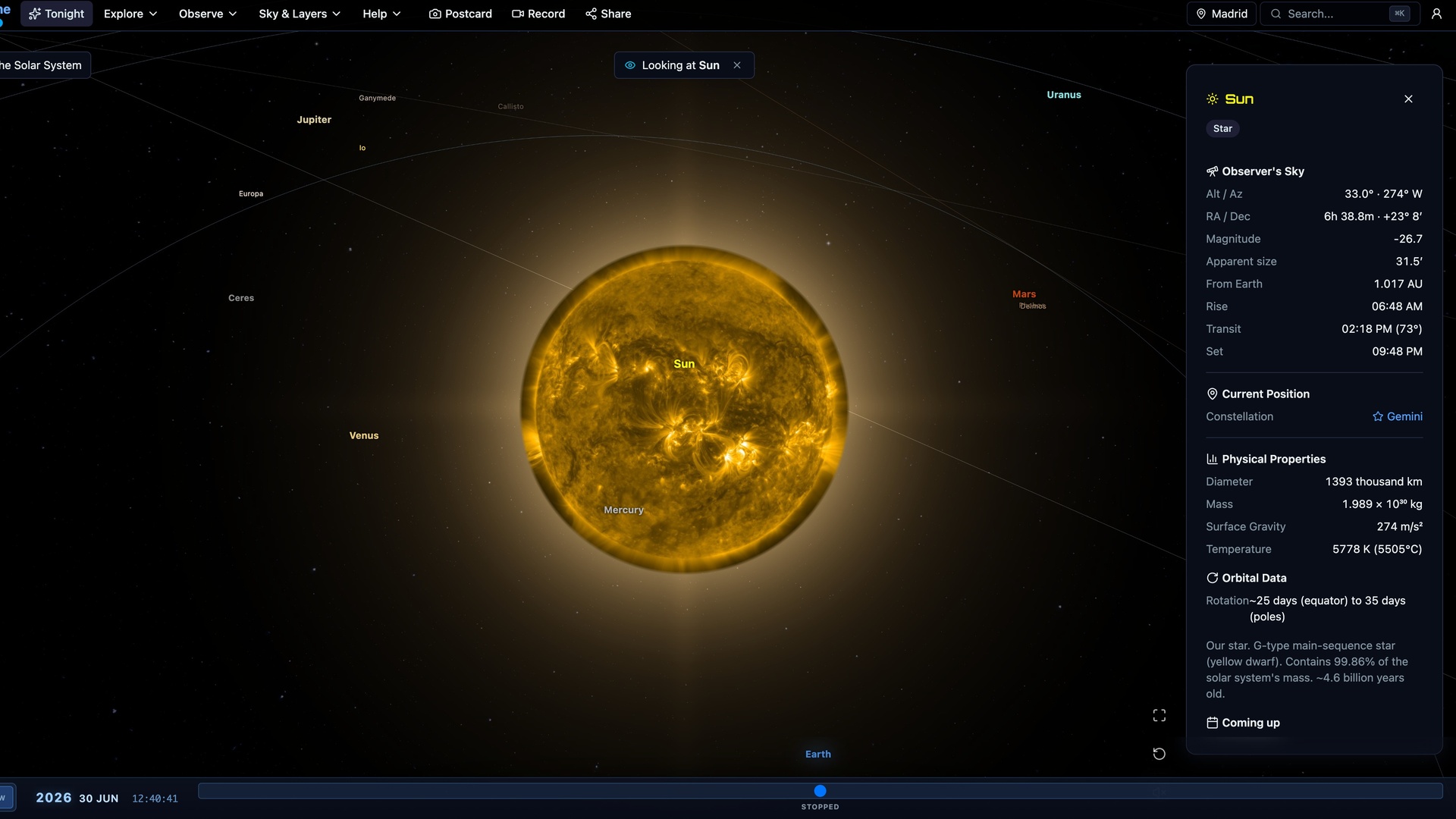
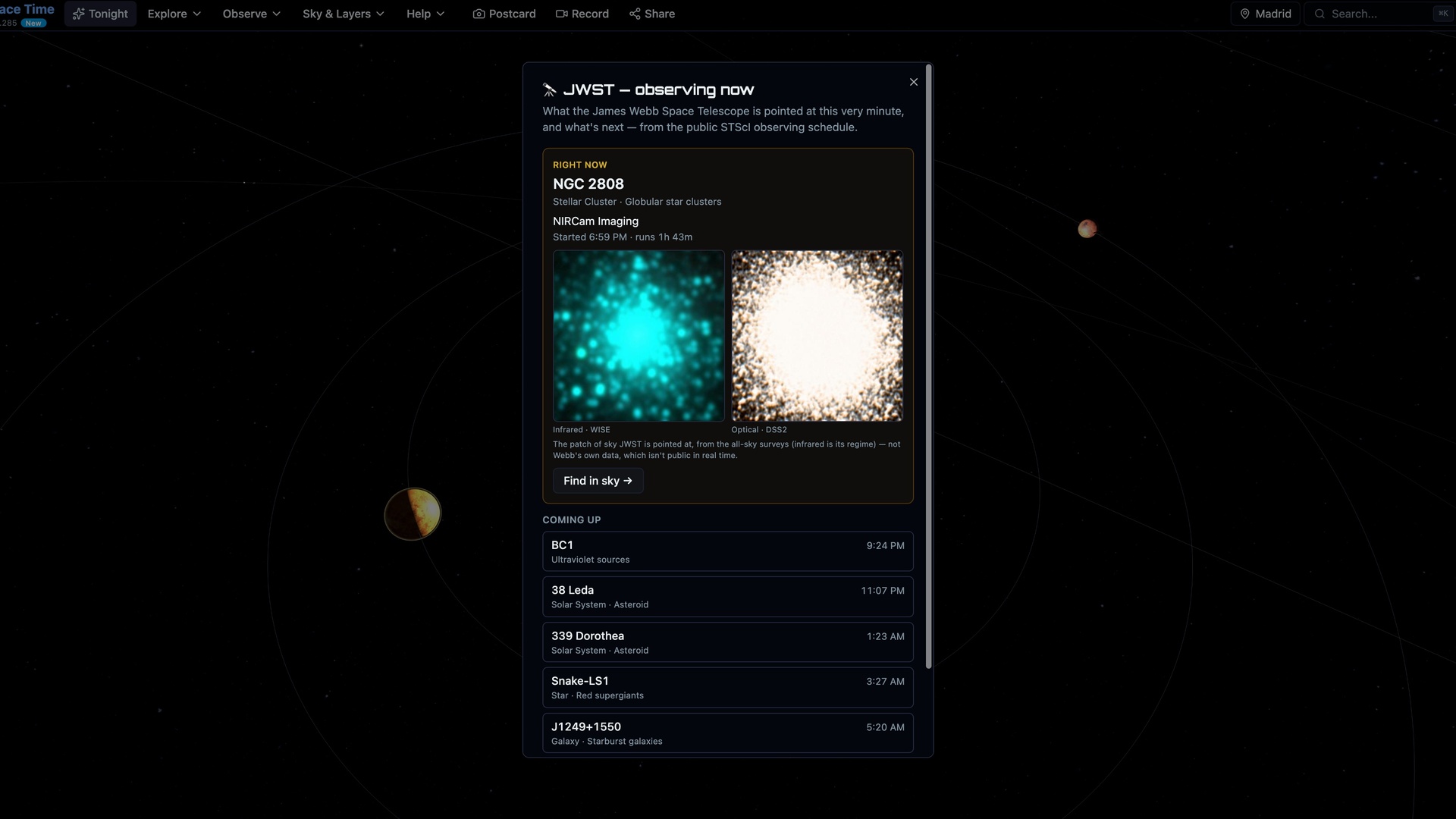
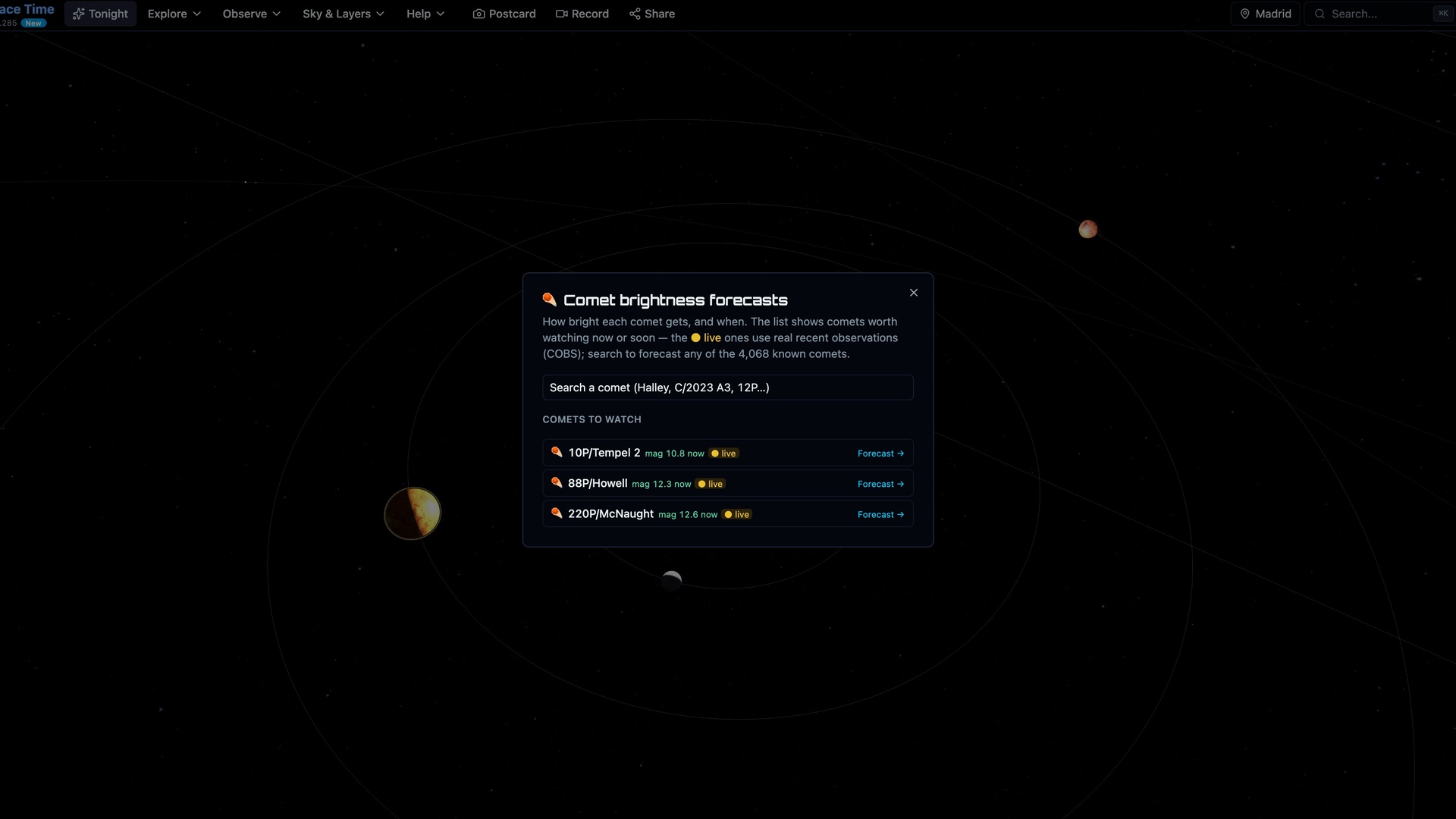
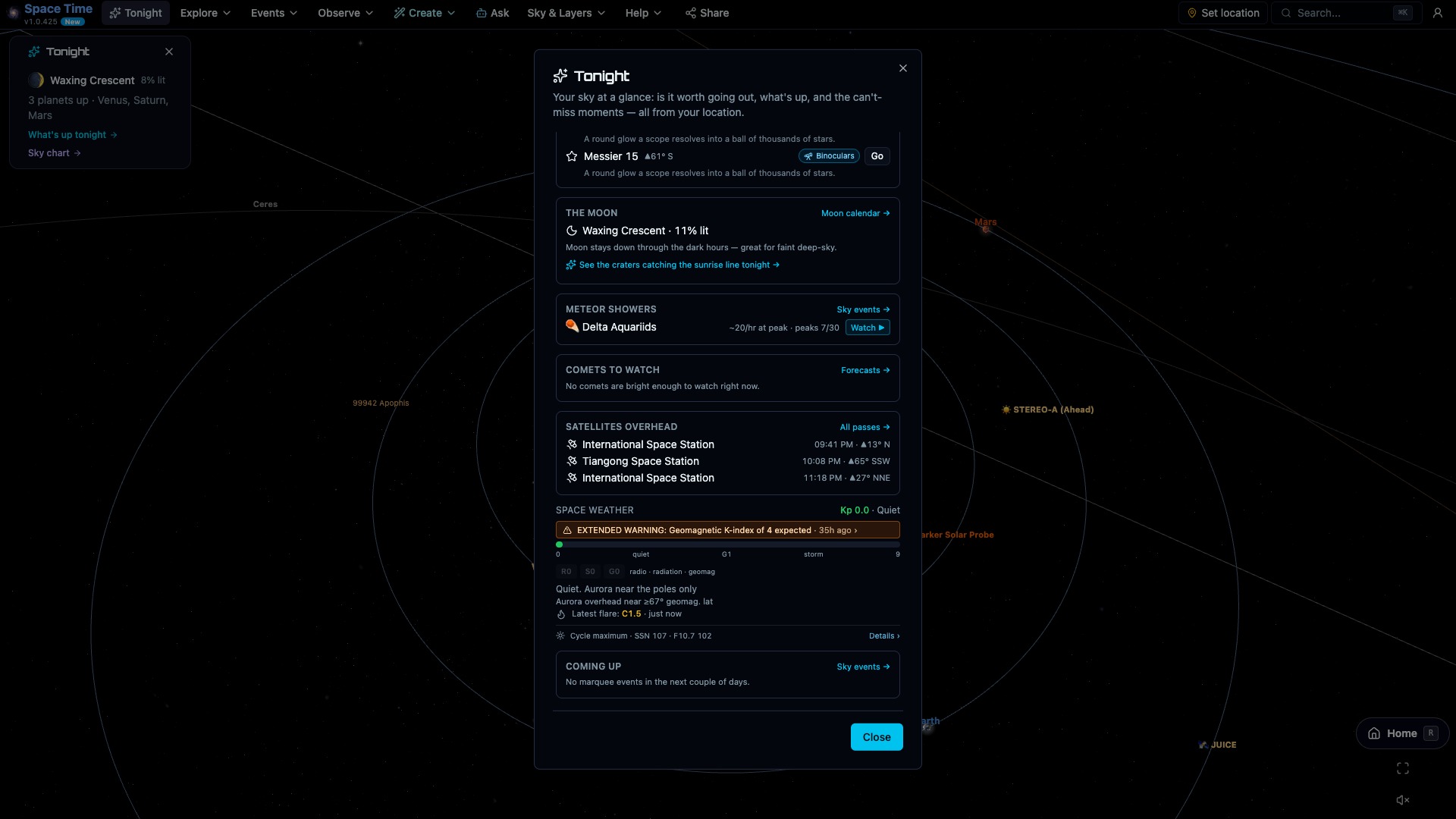
Space Time brings several live feeds into the model. The Sun uses current NASA Solar Dynamics Observatory imagery. Supernova and nova listings include visibility from your location, while comet forecasts use recent observer reports. You can also check the auroral oval and Kp index, follow near-Earth asteroid approaches, see what JWST is observing, and locate active deep-space missions. The "Happening now" feed collects the notable items and tells you which ones are visible from your location.
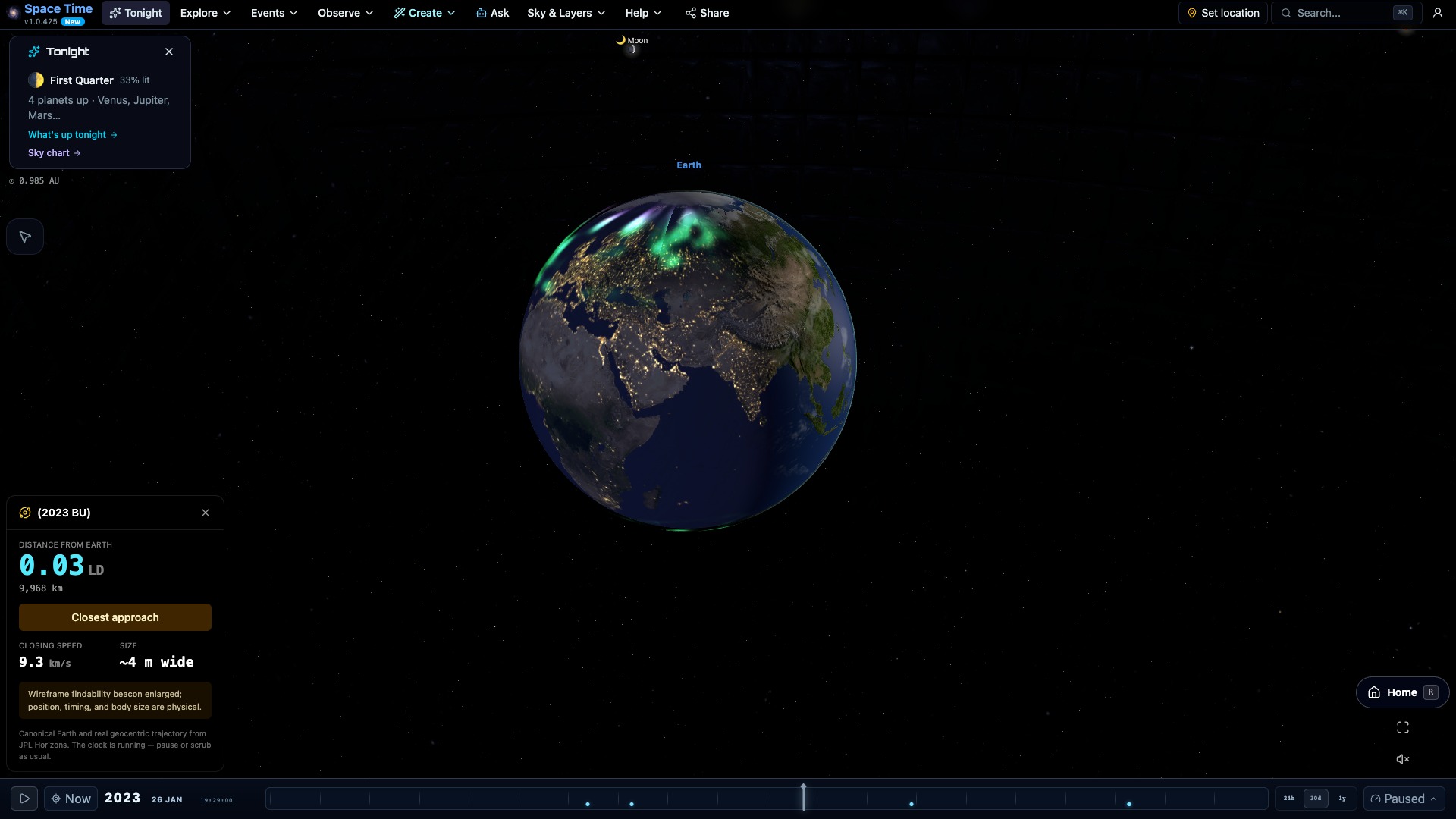
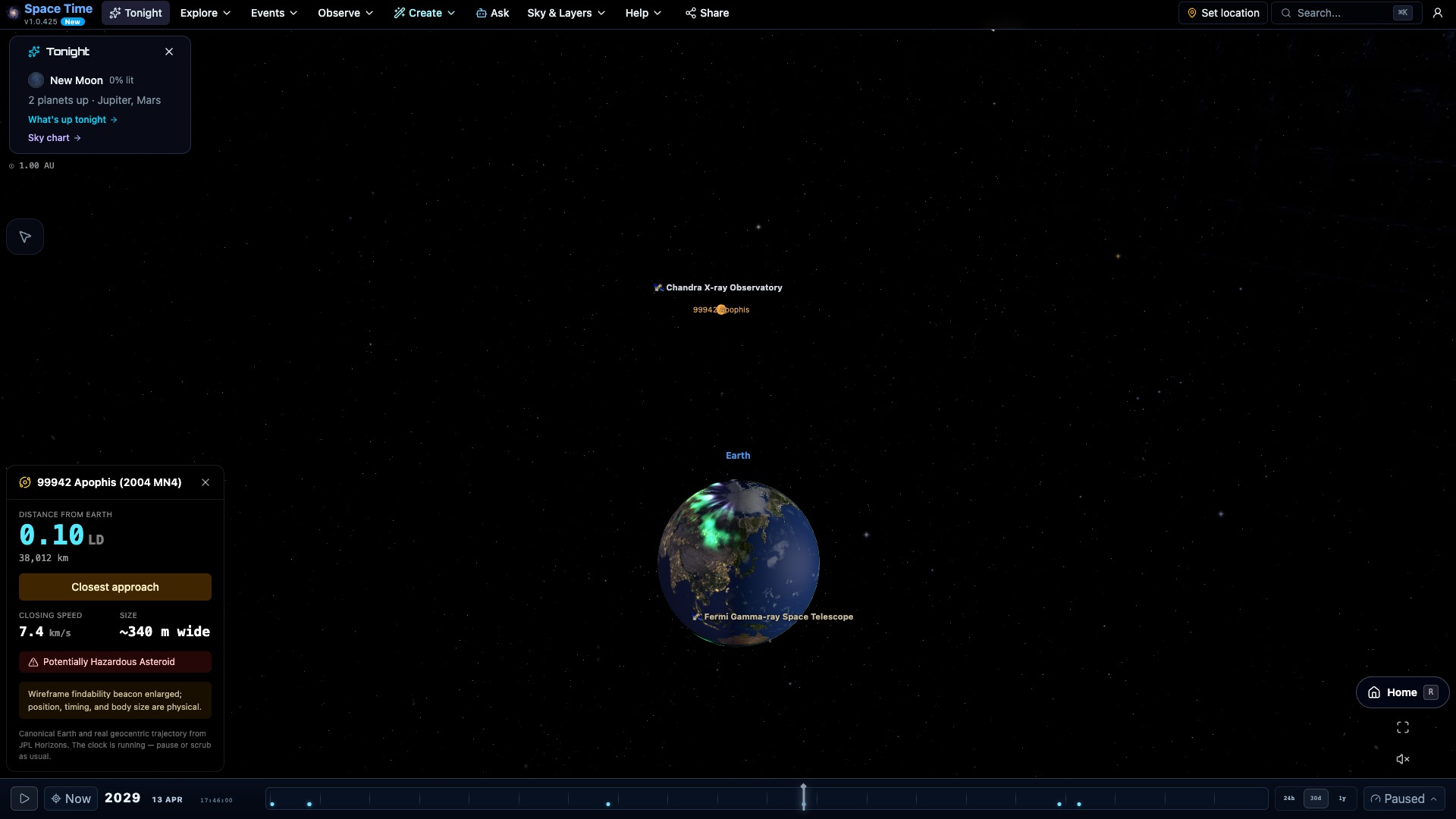
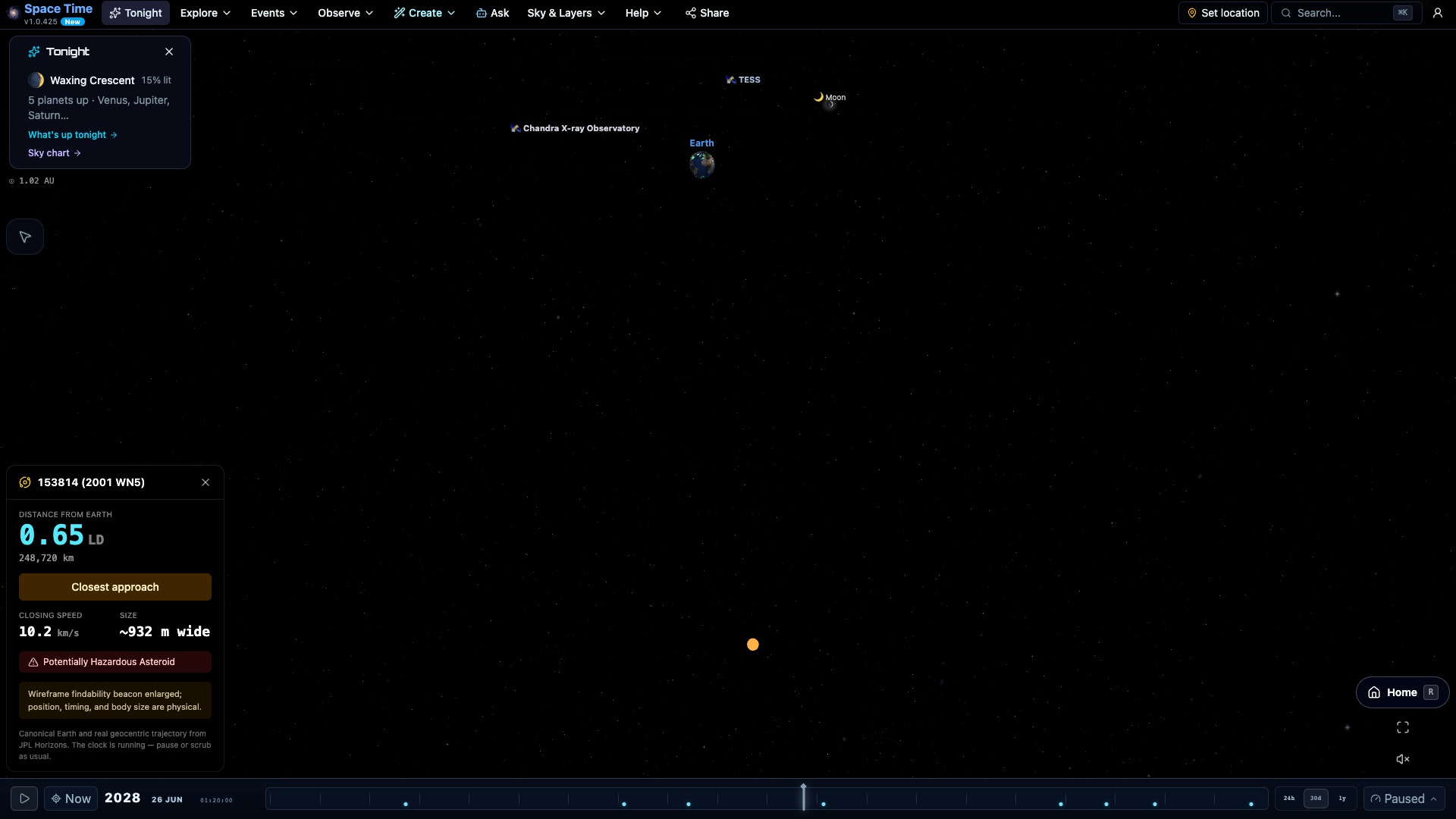
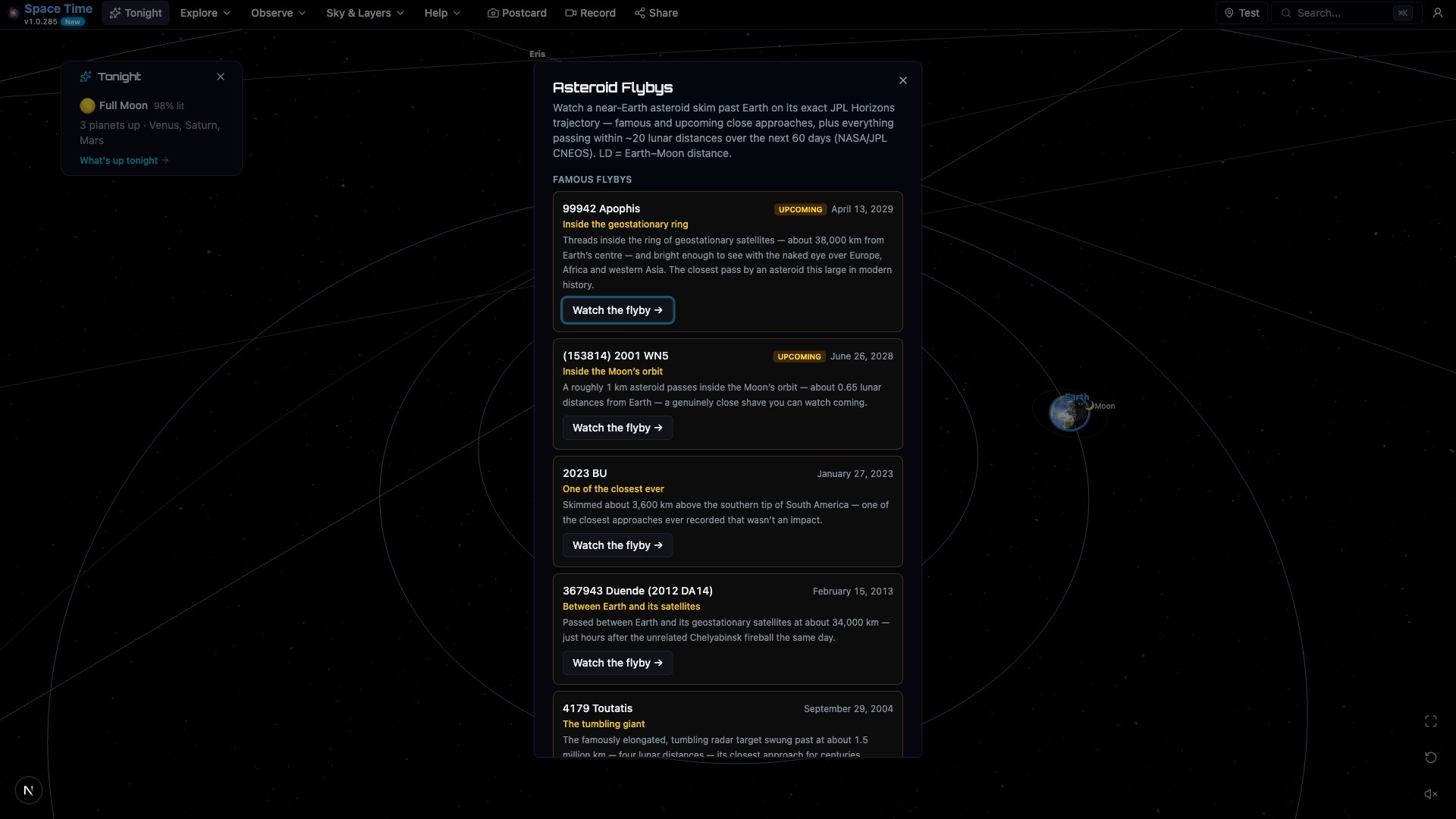
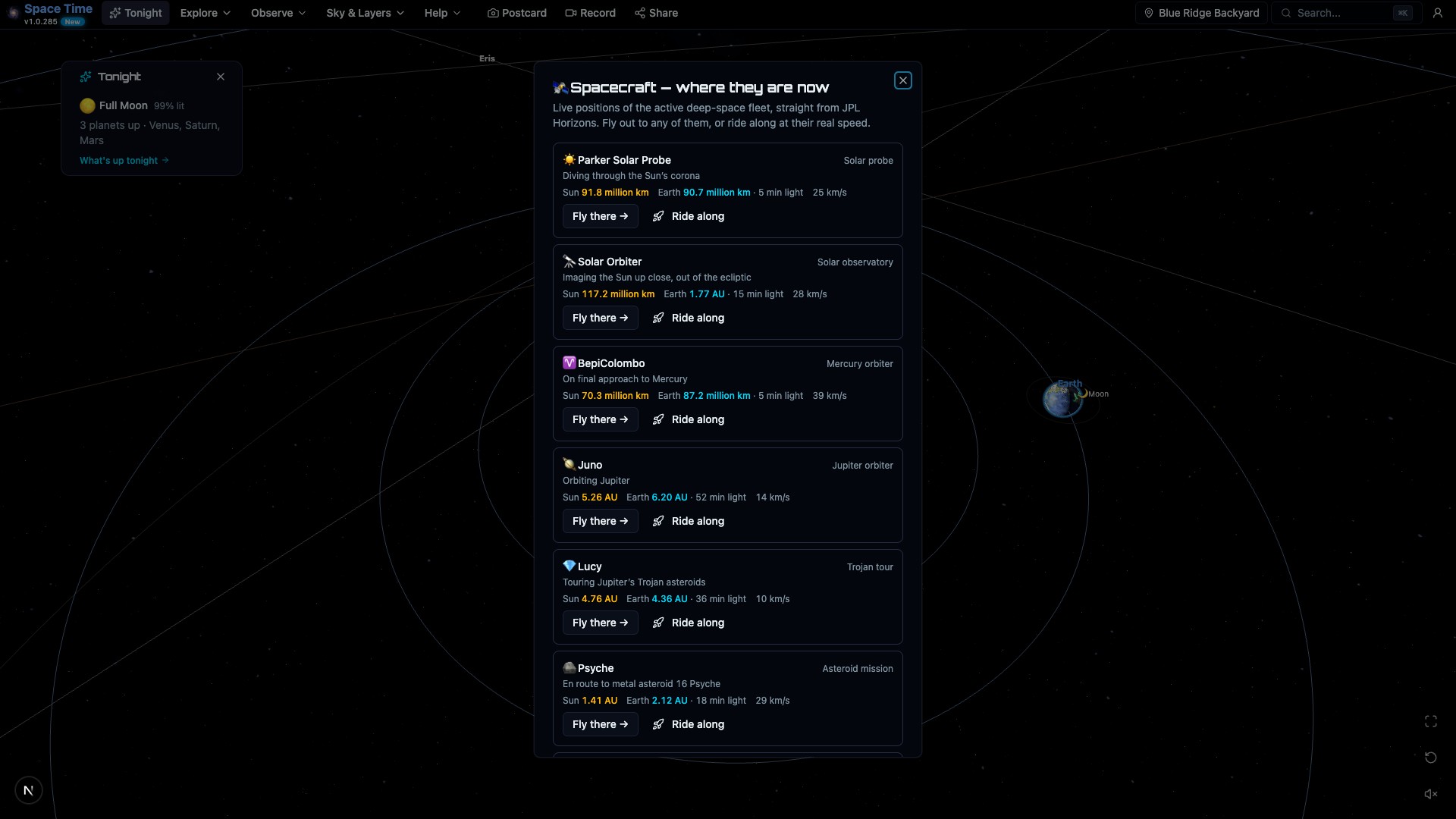
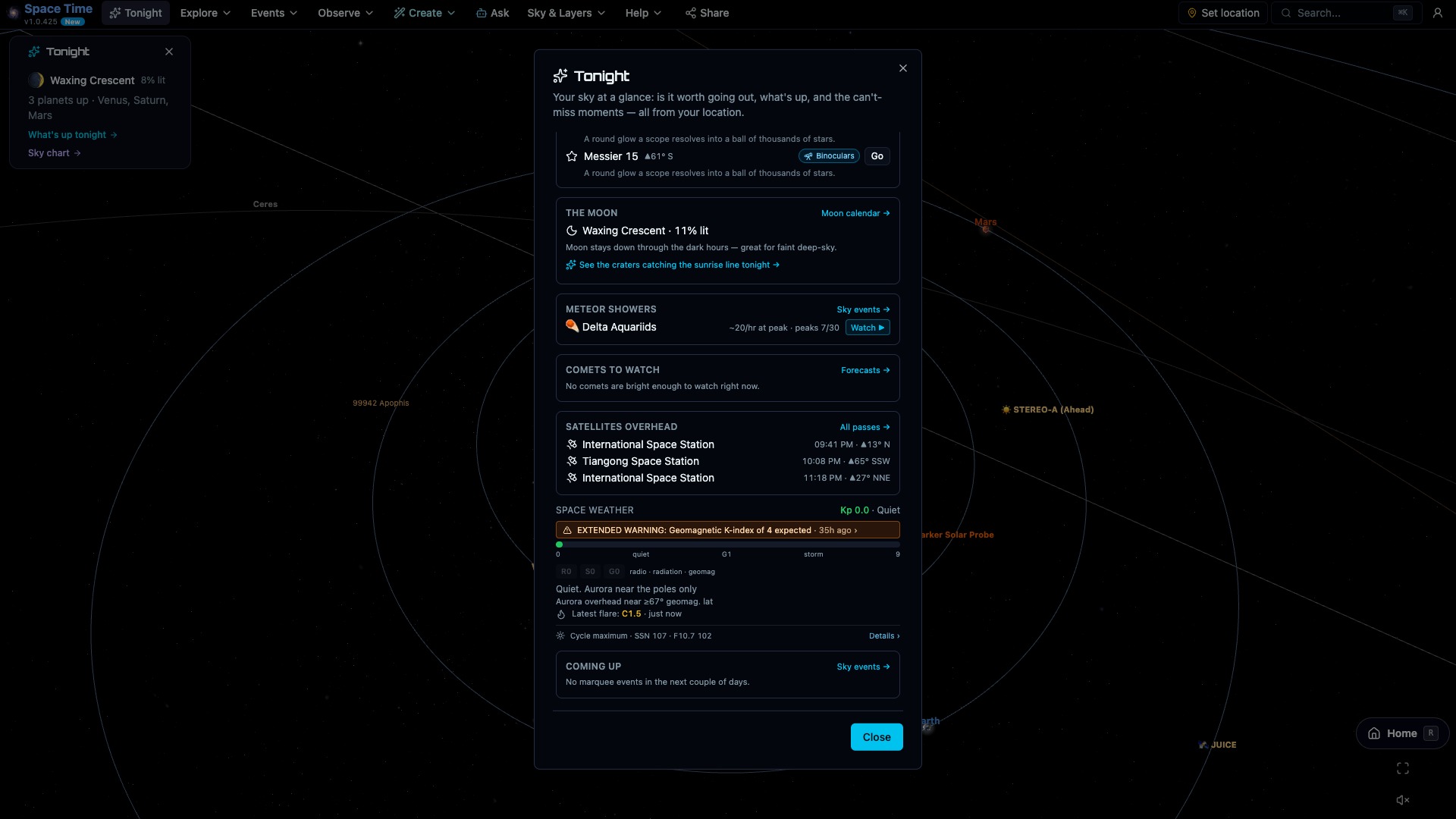
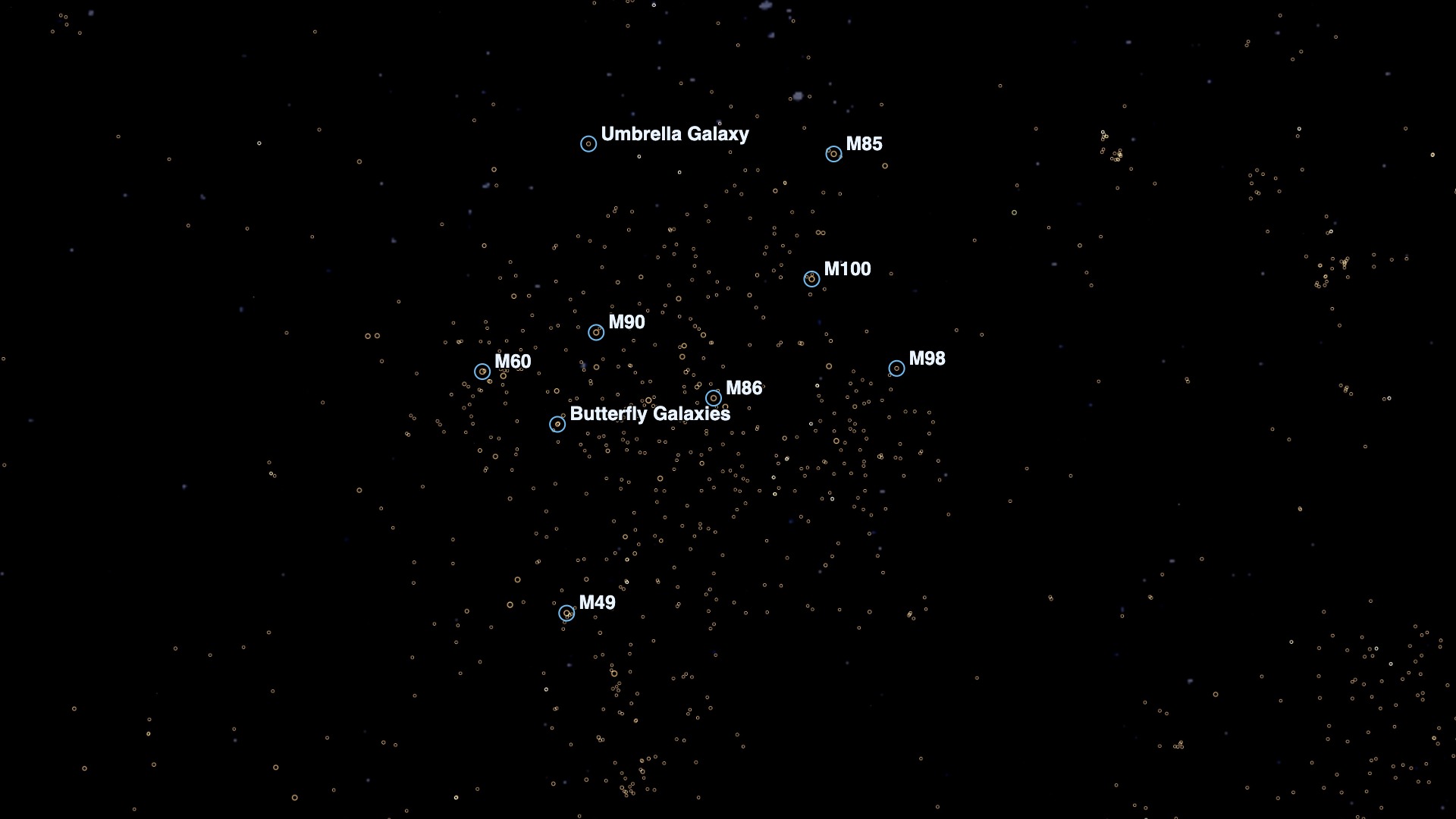
The larger map includes 95,000 nearby stars placed with Gaia distances and 43,500 galaxies from the 2MASS Redshift Survey. Pull back far enough to see the local cosmic web and the microwave background.
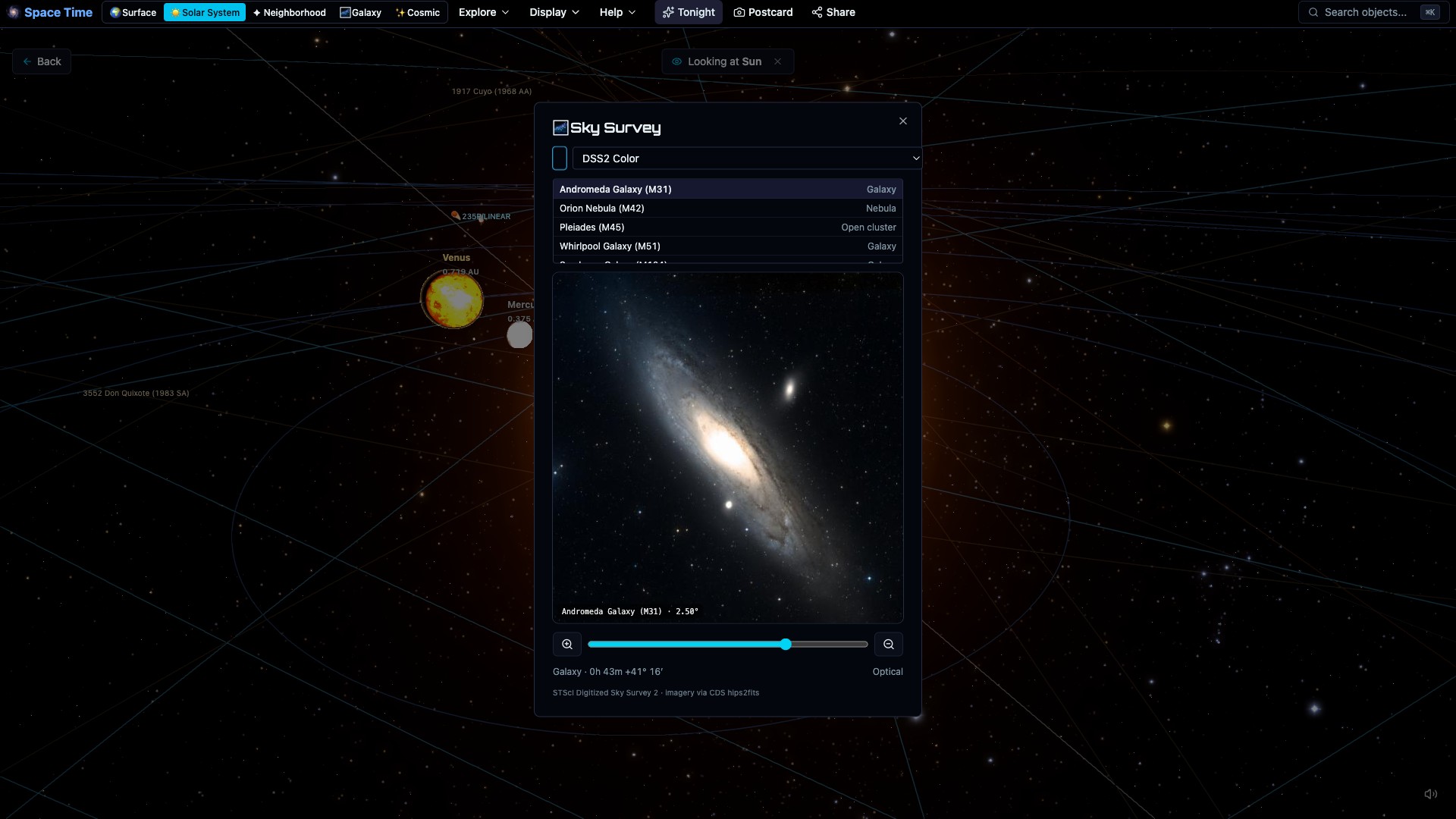
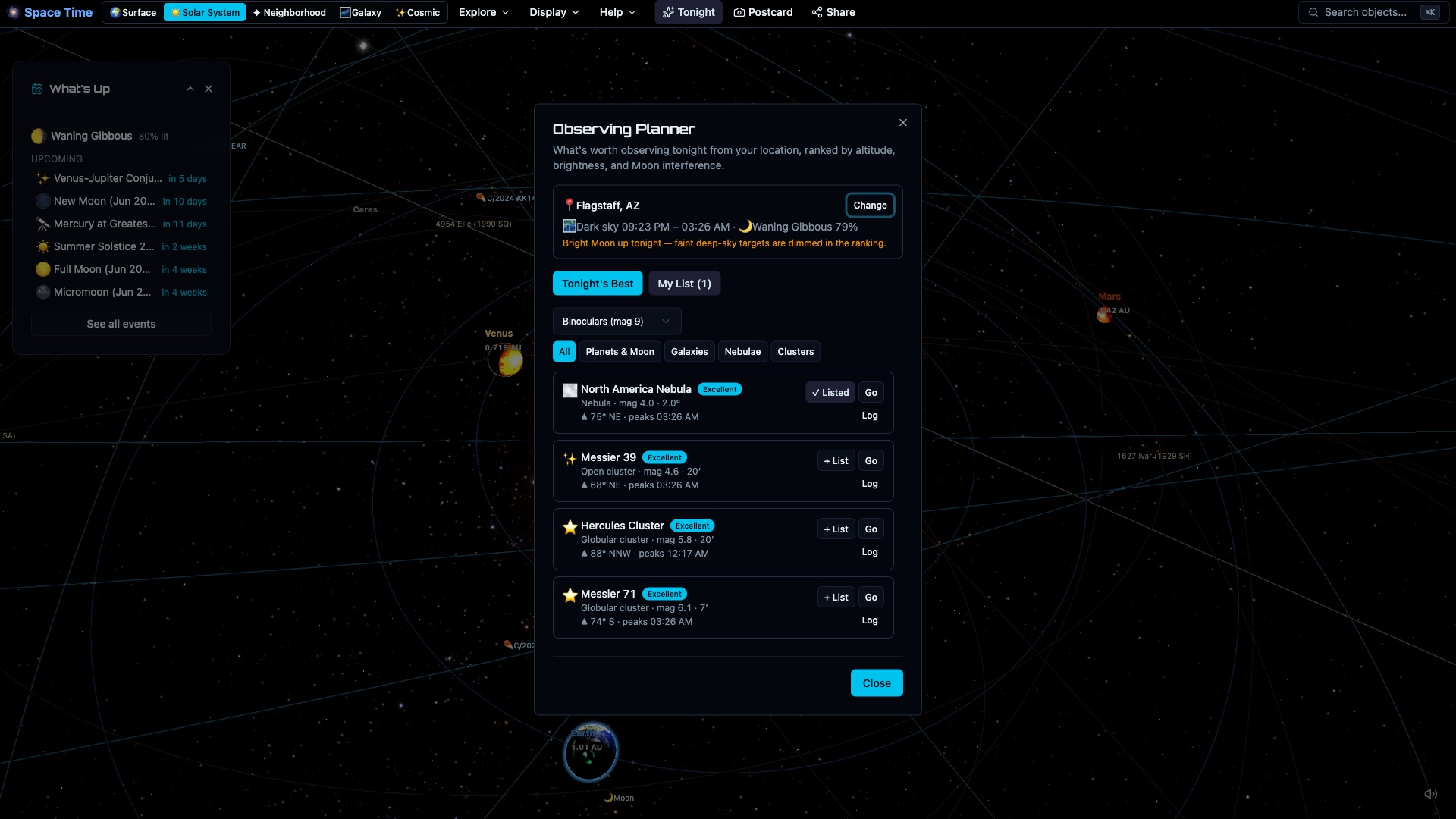
Plan an observing session with weather, visibility, ephemeris, equipment, and field-of-view tools. There is also a Moon calendar and an atlas with 277 named craters, maria, and landing sites.
A one-glance verdict for your location, scored from the real weather forecast: cloud cover, seeing (the jet stream), transparency, rain, the Moon and your light pollution (estimated automatically from your location). See the night hour by hour, how many hours are actually usable, and a seven-night outlook so you can pick the best evening to set up.
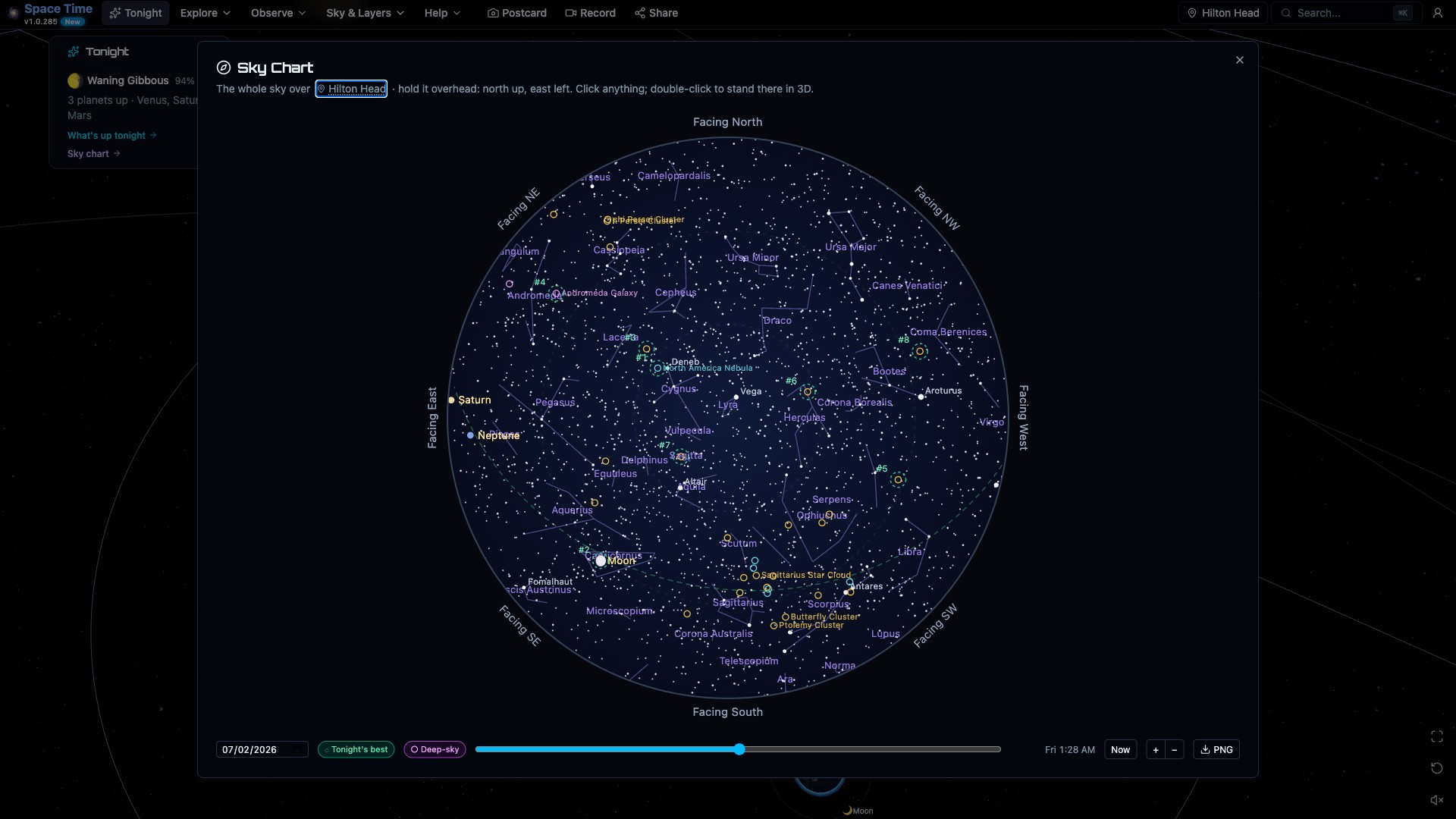
The circular sky chart is drawn for your location and chosen time. Move the clock, zoom to bring in fainter stars, or select an object to identify it and open it in the planetarium.
See current novae and supernovae, comet outbursts, close asteroid approaches, and geomagnetic storm watches. Each item includes brightness, equipment guidance, and visibility from your location.
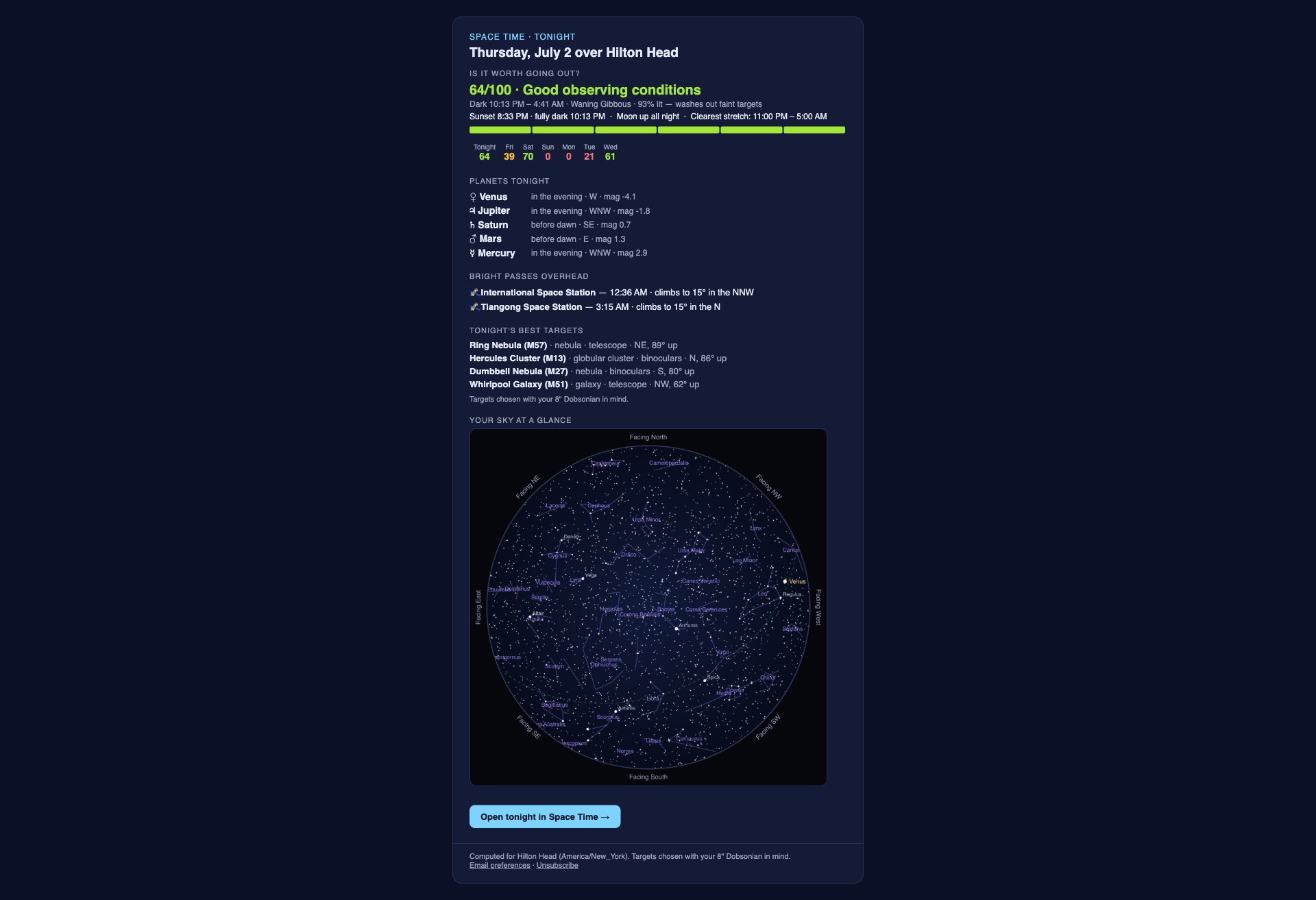
Get an email before sunset with your observing forecast, visible planets, ISS passes, Moon conditions, comets, and other timely events. It is available worldwide and takes one click to unsubscribe.
Space Time builds a horizon profile from elevation data around your location, so a nearby ridge can affect rise times and visibility. You can edit the profile to add trees and buildings.
What each planet has turned toward Earth right now: when the Great Red Spot next crosses Jupiter's central meridian, which classic feature faces us on Mars, how open Saturn's rings are. Hit "Watch it" to set the clock and go to the Earth-facing side, with the spot marked on the globe.
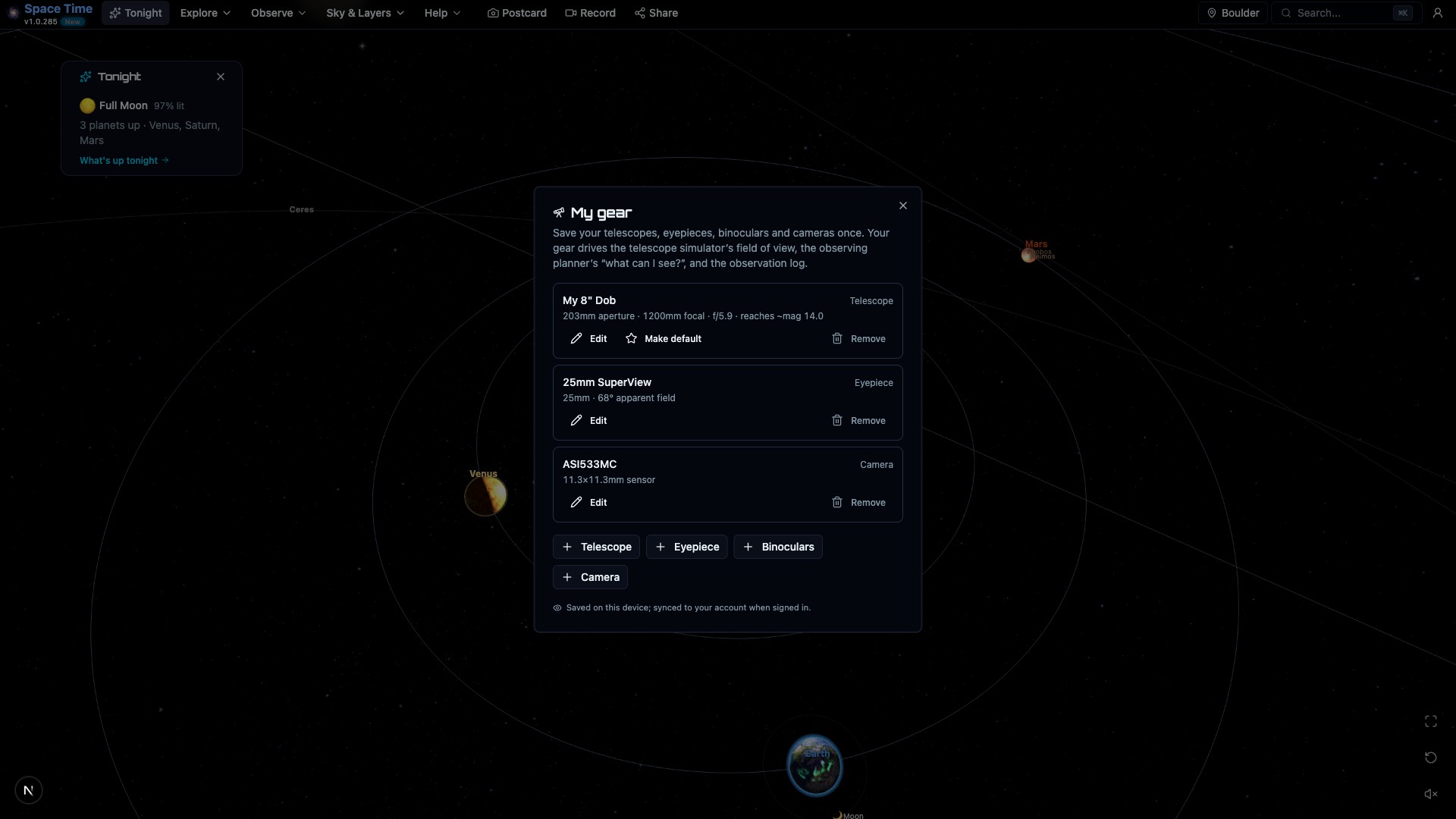
Save your telescopes, eyepieces, binoculars and cameras once, and they drive everything: the simulator's field of view, the planner's "what can my scope actually reach tonight?" (the limiting magnitude comes from your aperture automatically), and the observation log records which gear you used. Works without an account; syncs when you sign in.
Check how a target fits your telescope, eyepiece, or camera sensor before setting up. The field-of-view overlay is drawn to scale on sky survey imagery.
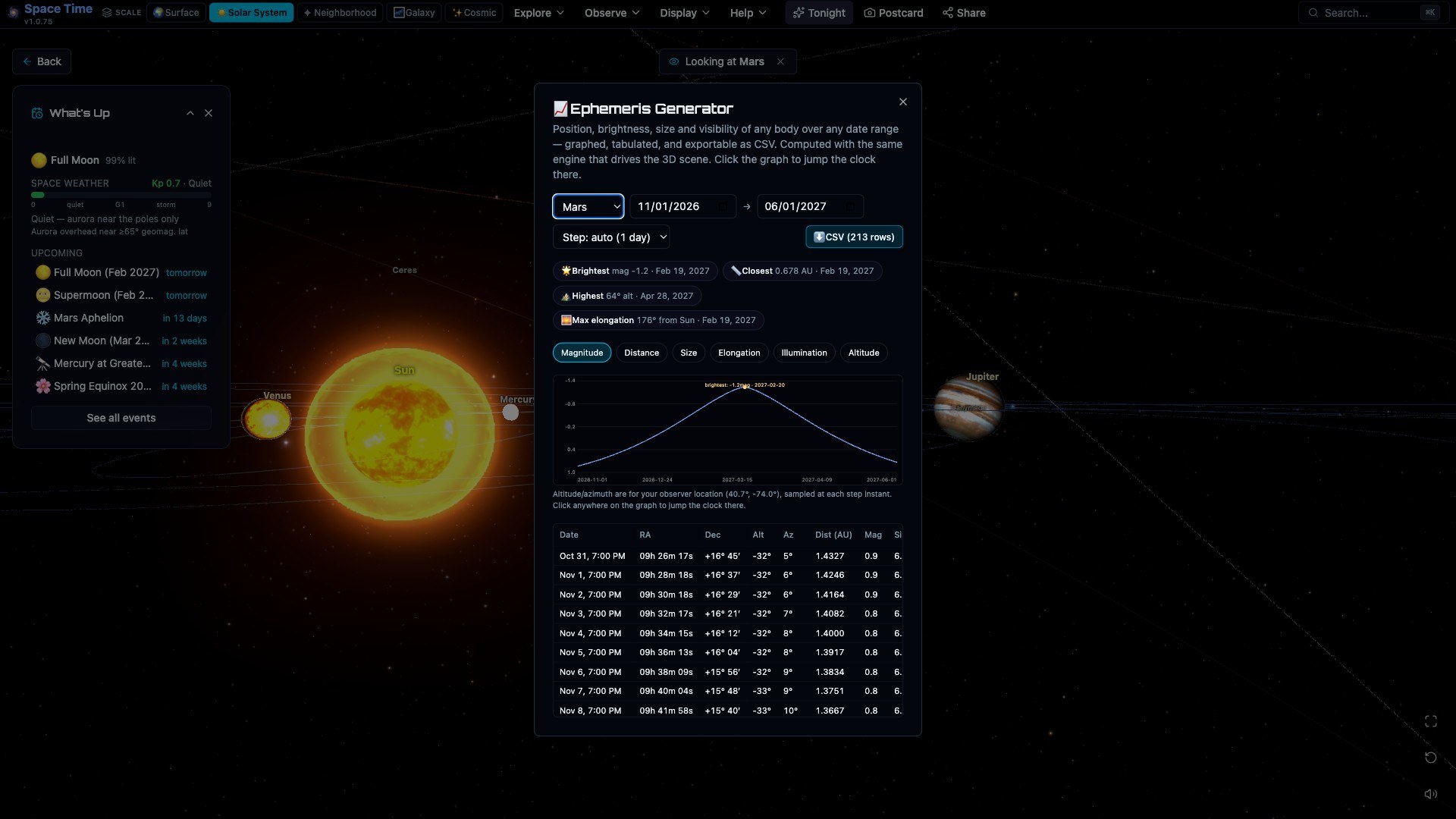
Generate almanac tables for any body: position, brightness, apparent size, over whatever date range you want. Export to CSV. Oppositions and best nights get flagged automatically.
Visible-pass predictions for the ISS, Tiangong and Hubble, computed from live TLEs with SGP4. It tells you when to go outside.
Turn on the published CelesTrak active catalog, including Starlink, and watch SGP4-predicted motion at the simulation date. Source checks run every two hours. Search loaded objects by name or NORAD number; Space data shows the current count and source dates.
The brightest several thousand numbered asteroids from JPL, placed where they actually are. The true main belt appears between Mars and Jupiter, with the Jupiter Trojans bunched ahead of and behind the planet. Search Ceres, Vesta or Pallas to go to one.
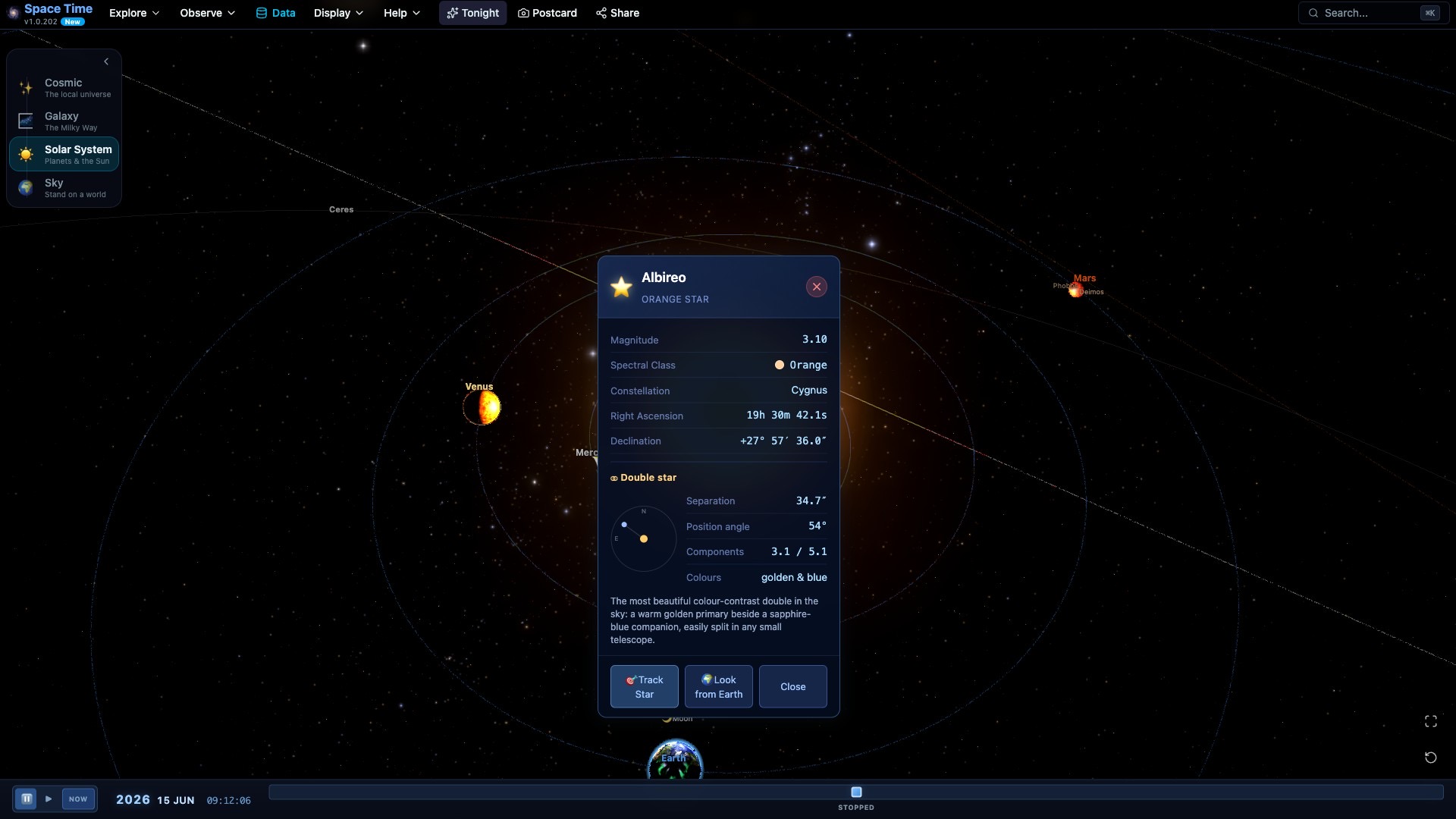
Click Albireo or Mizar and see the separation and position angle to split the pair, with each component's colour. Click Mira or Algol and see its type, range, period and a light curve. Search any of them by name.
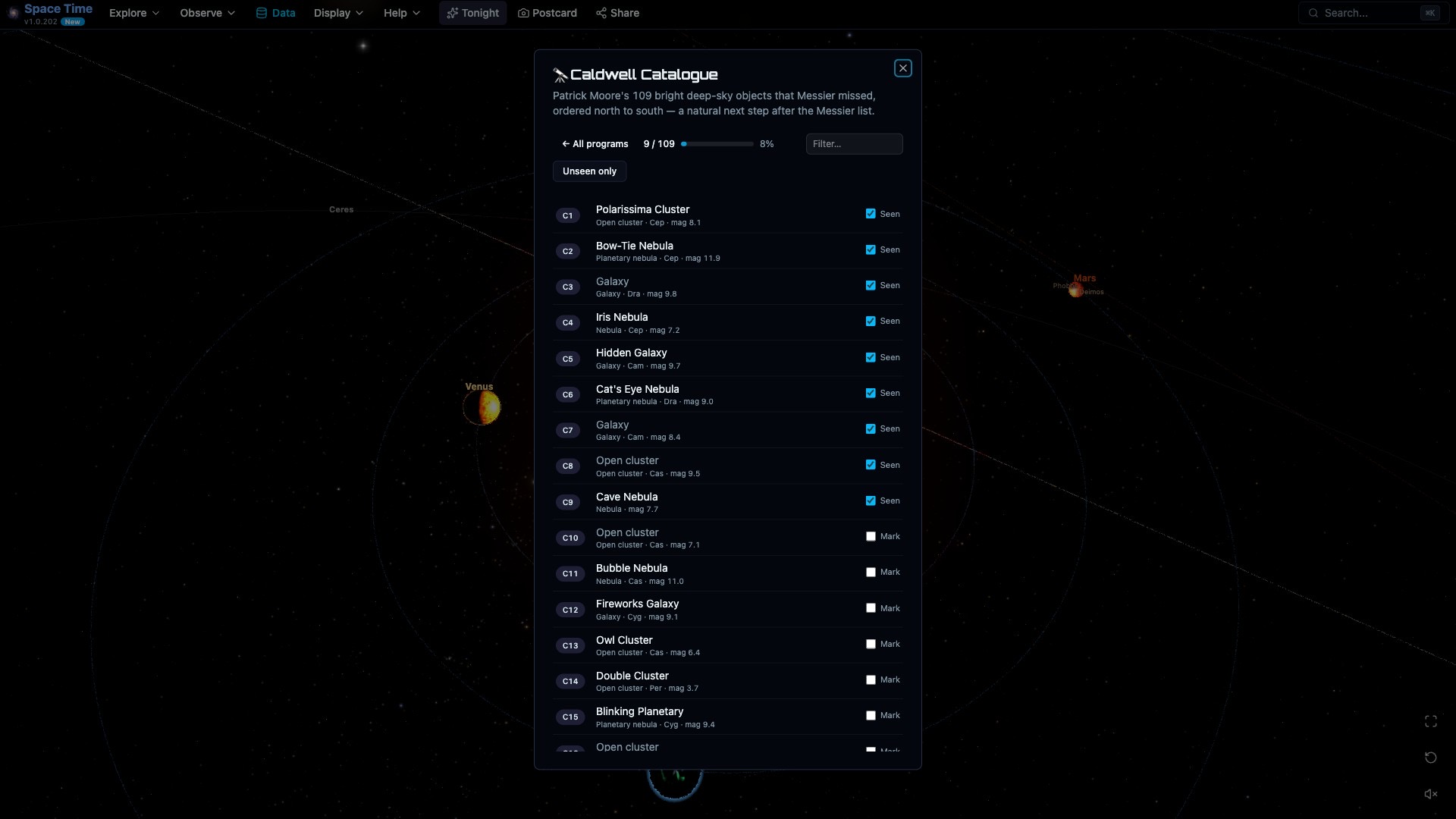
Work the Messier, Caldwell and Herschel 400 checklists. Browse every object, center it, and tick off what you've seen; your progress is saved. Each deep-sky object shows which programs it belongs to.
Make as many named lists as you like and add to them from anywhere: an object's info panel, the right-click menu, or straight from a catalog. Pick one as your active list and every target on it is circled and labeled in the live sky, so you can see at a glance what's up and what's still to come. Sort by brightness or rise time, track what you've already caught, and share the list or export it as CSV.
Turn on your phone camera and the star chart overlays whatever the lens is pointed at. It labels what you're looking at, and it works in daylight too.
Daily phases, exact full-moon times, supermoon flags. The atlas side lets you go to Tycho, the maria or any Apollo landing site on the 3D Moon.
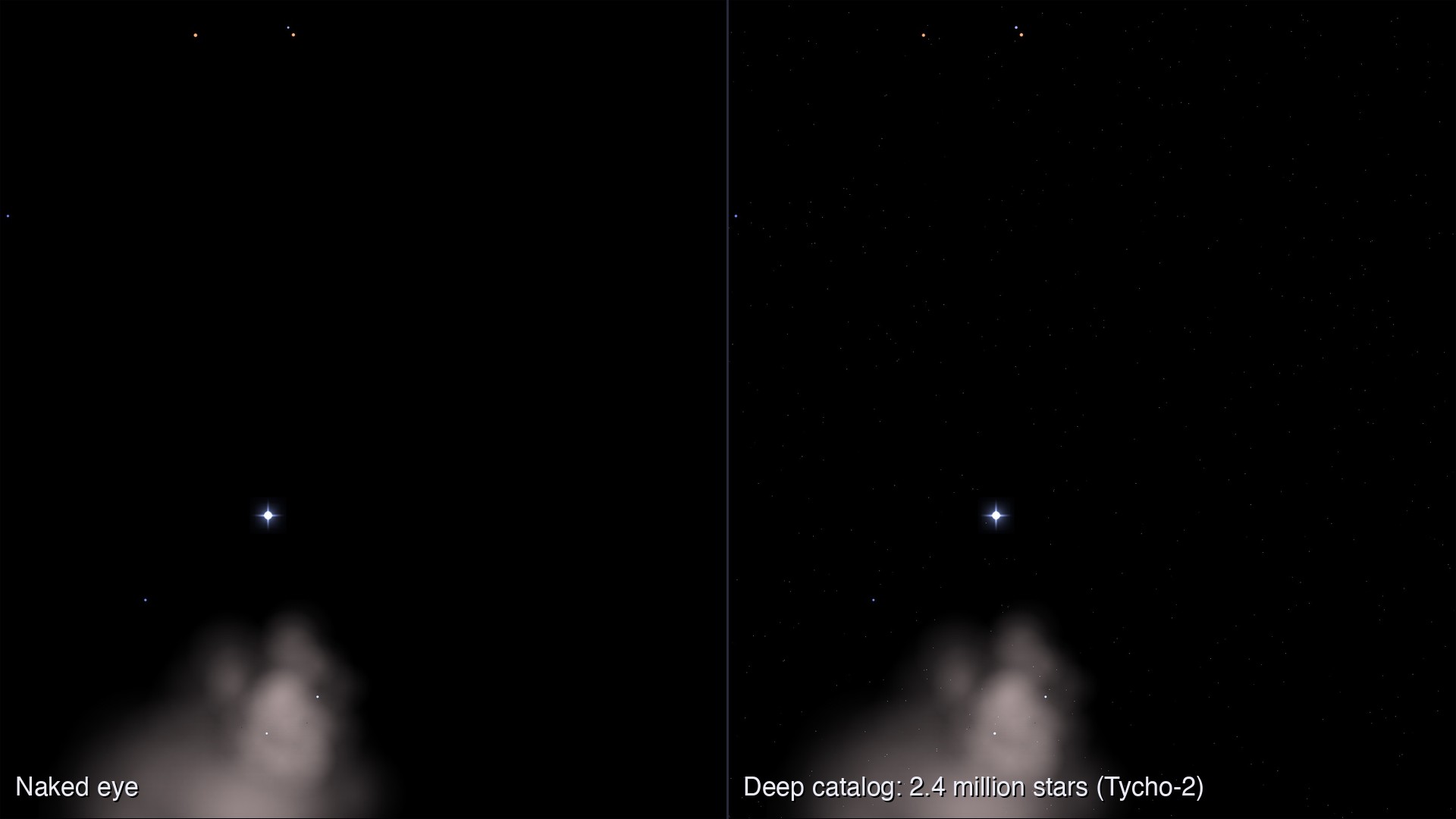
Over 32,000 deep-sky objects, more than a paid Plus-tier atlas: the full NGC/IC plus Sharpless, Arp, Abell, globular and open clusters, planetary nebulae and PGC galaxies, marked with the classic chart symbol and color-coded by type, against a sky of 2.5 million stars. Click any object to identify it, or search by catalog designation or common name.
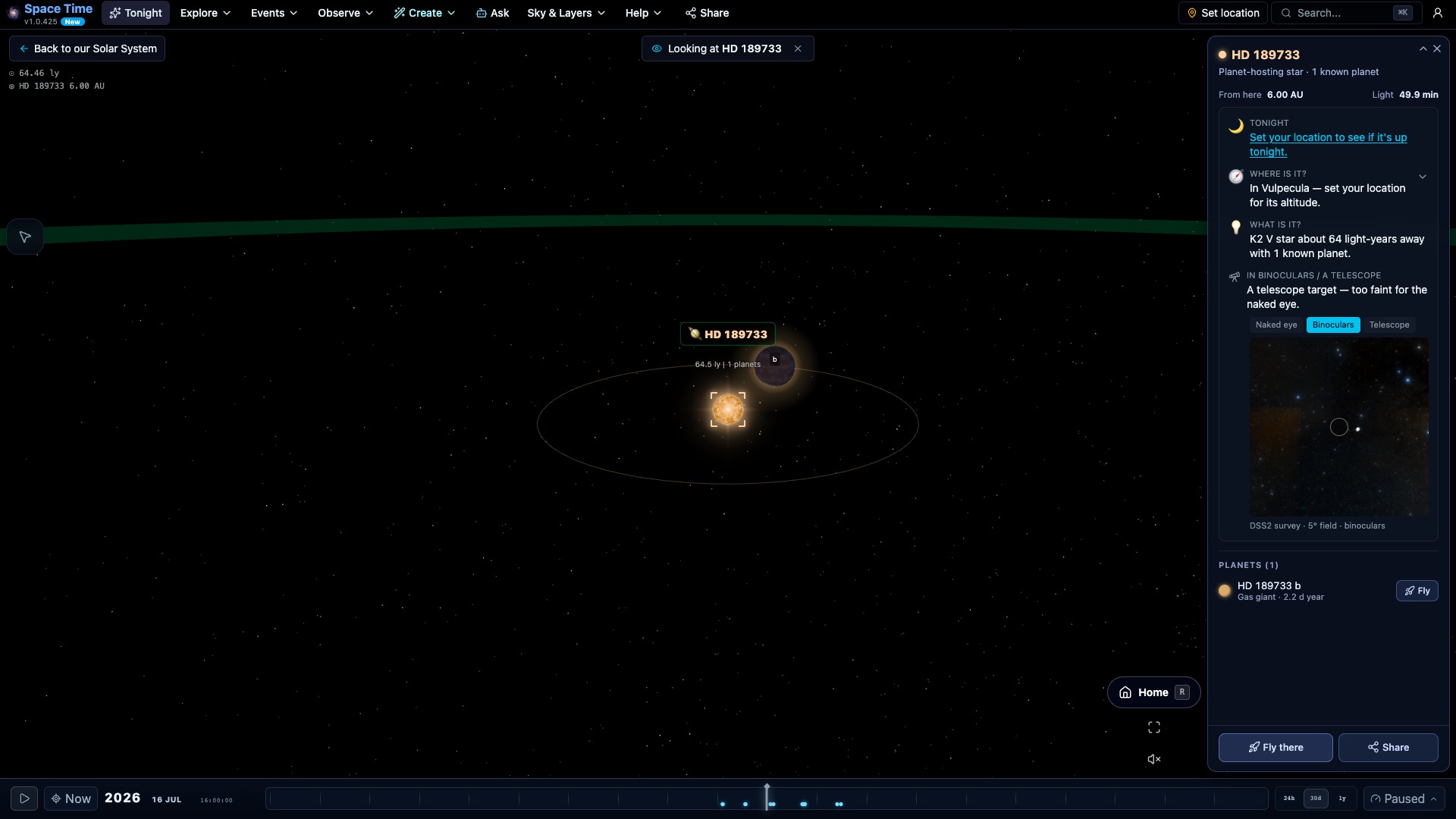
Search confirmed systems and planets in the weekly published NASA Exoplanet Archive snapshot. Filter by system type or habitable zone, compare an orbit with our Solar System, and see how a planet was detected. If the host star is up tonight, the page tells you where to look. Current counts and source dates appear in Data freshness.
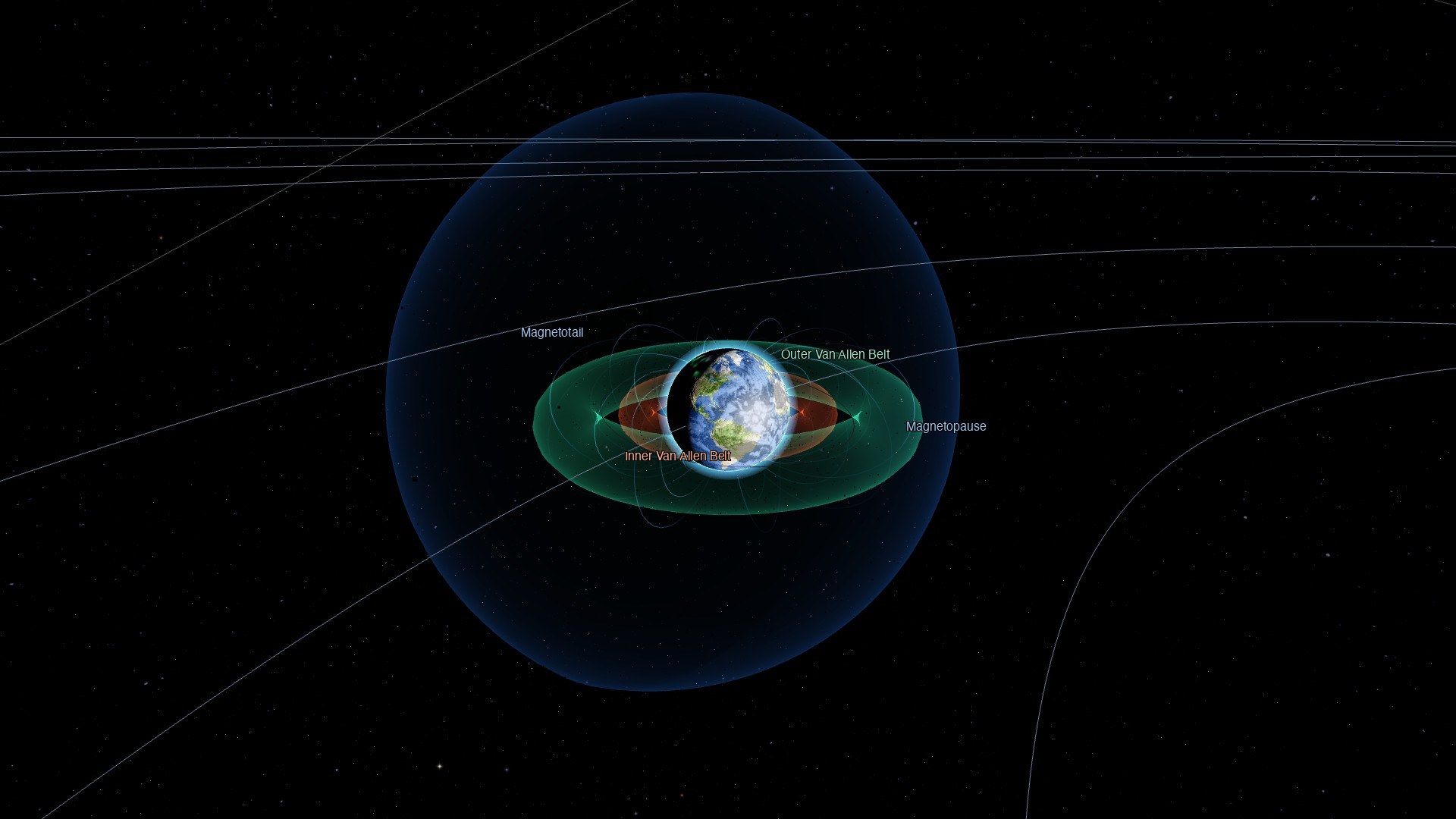
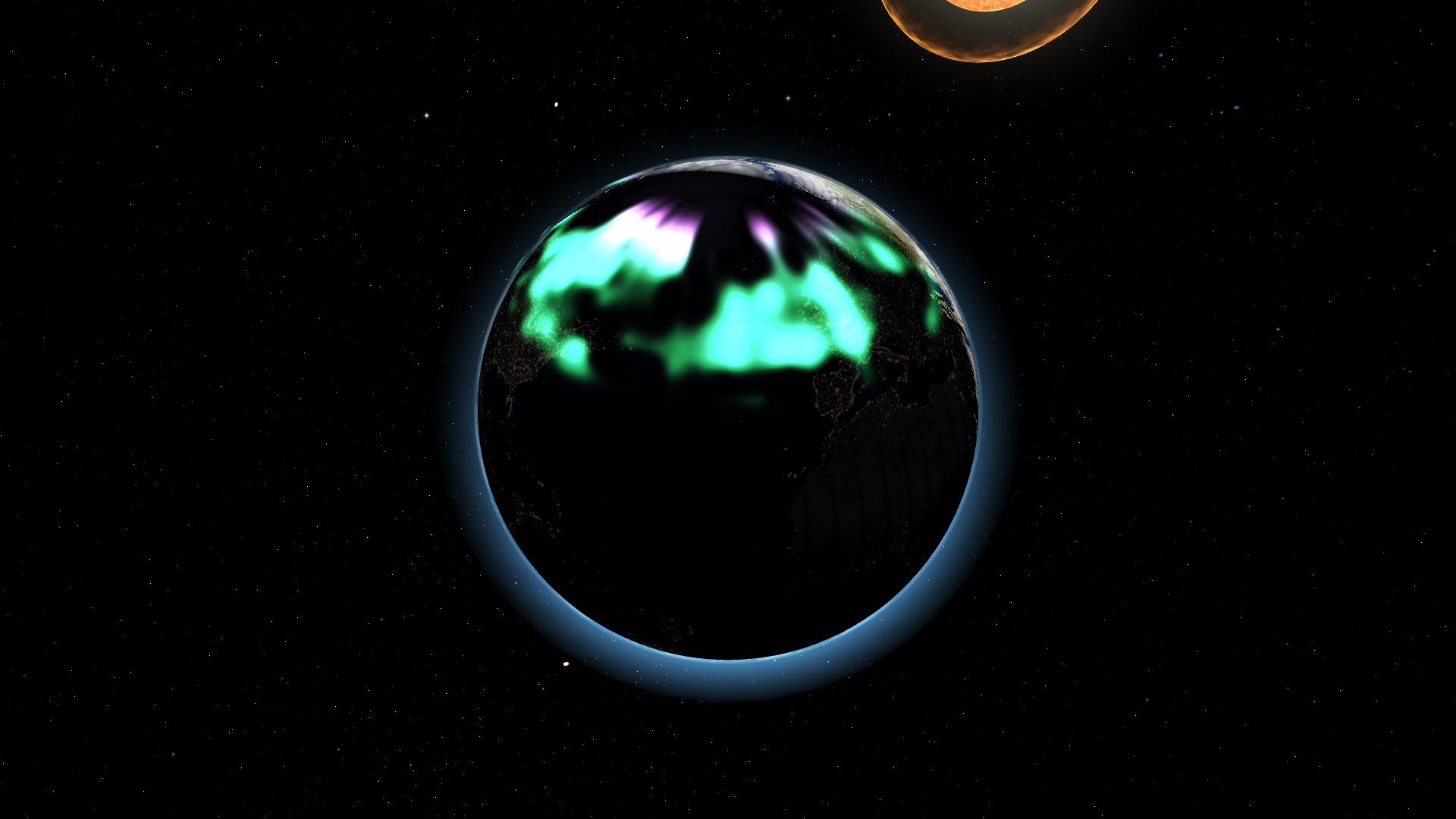
What the Sun is doing right now, from NOAA: the Kp index and the three space-weather scales (radio blackout, radiation and geomagnetic storm), the latest solar flare, the real-time solar wind, official storm watches, and your aurora chance for the next hour. The 3D Earth's auroral oval is driven by the live nowcast, sitting over the real offset magnetic pole.
Connect to an ASCOM Alpaca mount server on your network and slew, sync and park from the Mount panel or straight from an object's card, with horizon and solar-cone safety checks. On the https site the server runs on the same machine as the browser; help explains why.
Drop in a night-sky photo. Solve it with astrometry.net or frame it by hand, and the app labels stars, constellations, deep-sky objects and planets from its own catalogs. Export a captioned PNG, or pin the photo over the live sky at the moment and place you took it.
Variable-star minima and maxima this week, exoplanet transits tonight, and nova and supernova alerts, each checked for your location and included in the daily email. Predictions carry their source and their timing caveat.
After one online visit the sky, planets, Tonight and station passes load without signal, and a chip says what is cached. Turn on push notifications from your account page to get sky alerts on that device.
A fisheye projection for domes and a planisphere view, shareable by link, plus a phone remote for live sessions with play, pause, rate, chapters and pinned targets. Presentation mode hides the chrome for a projector.
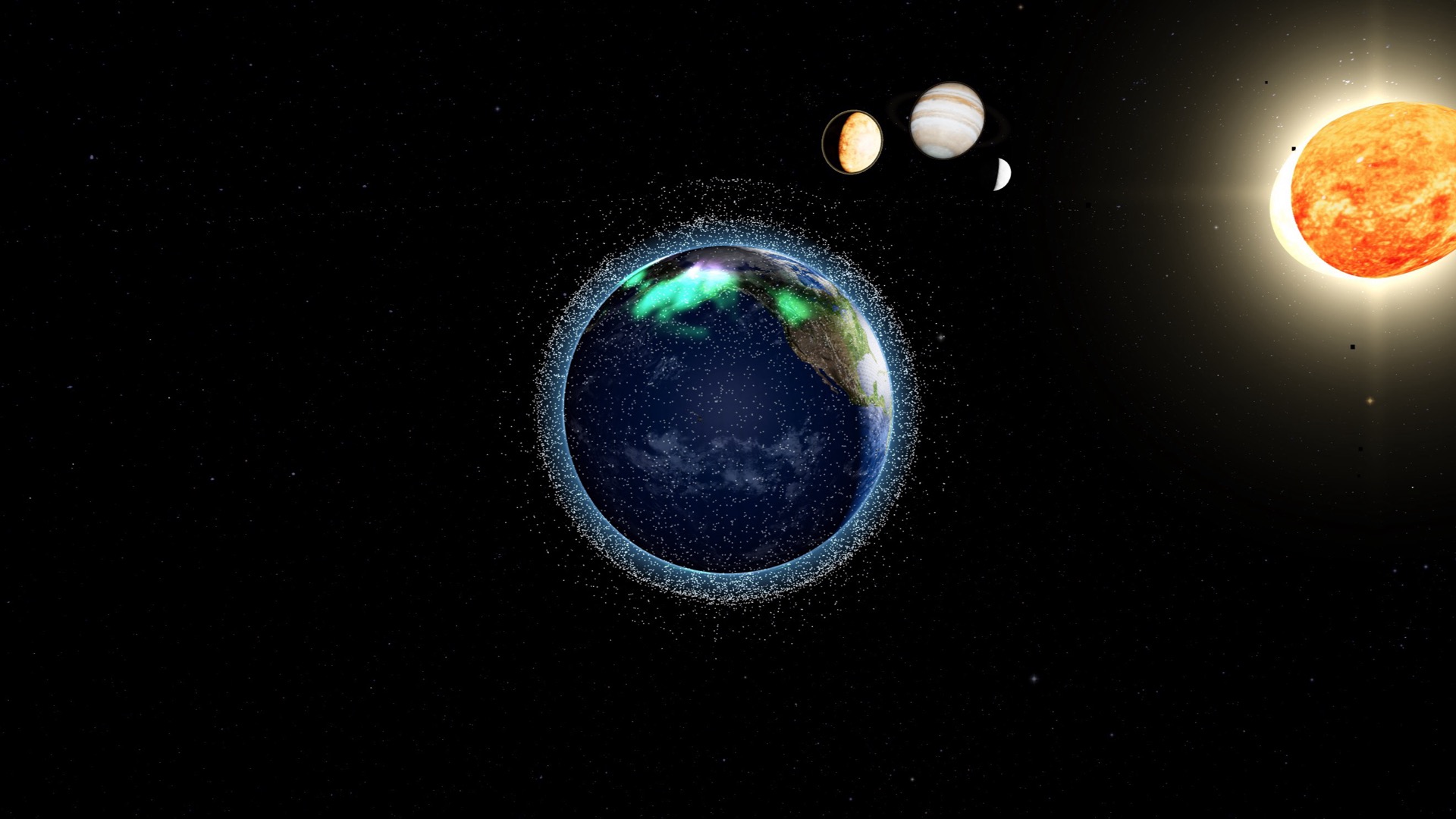
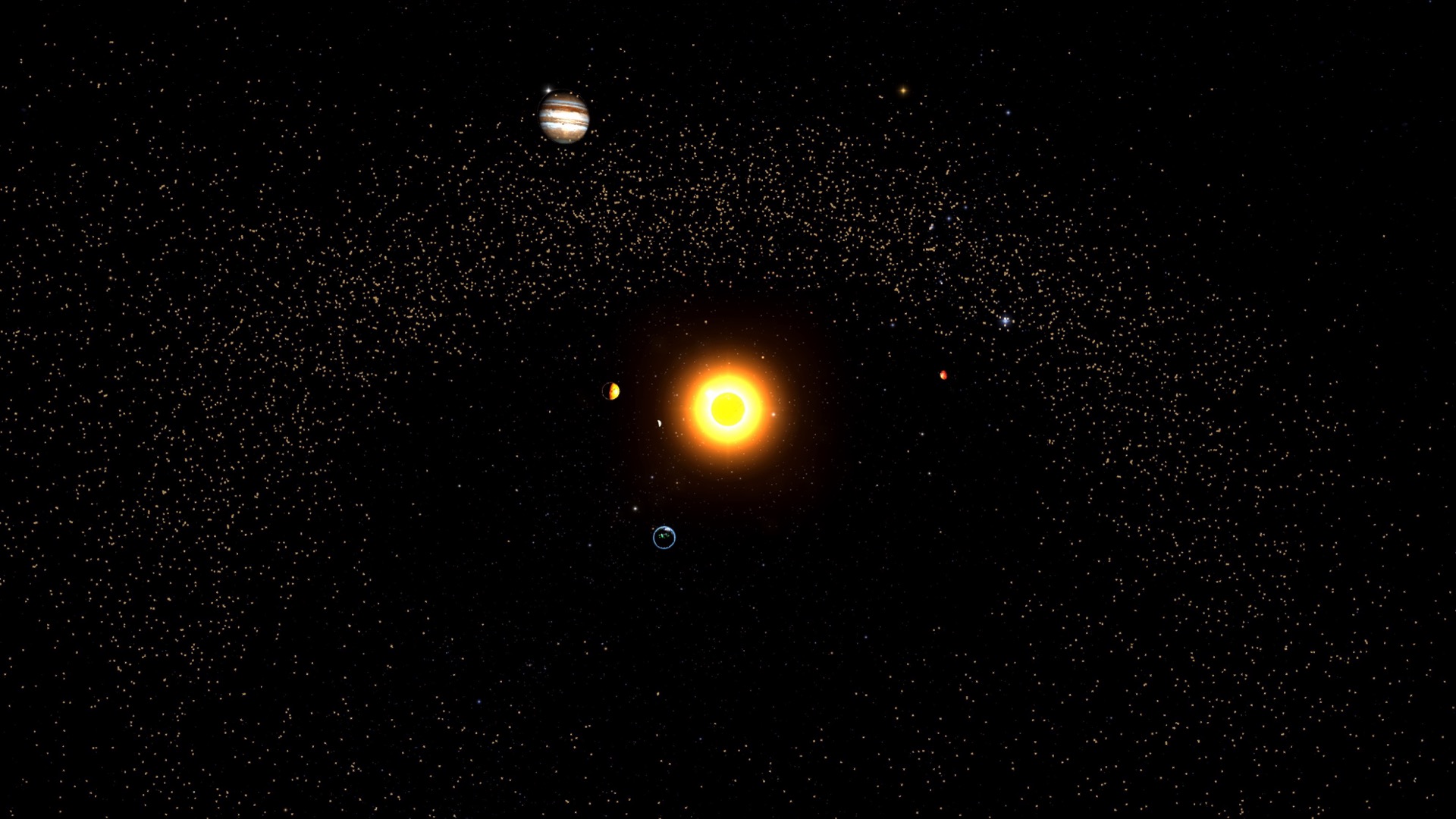
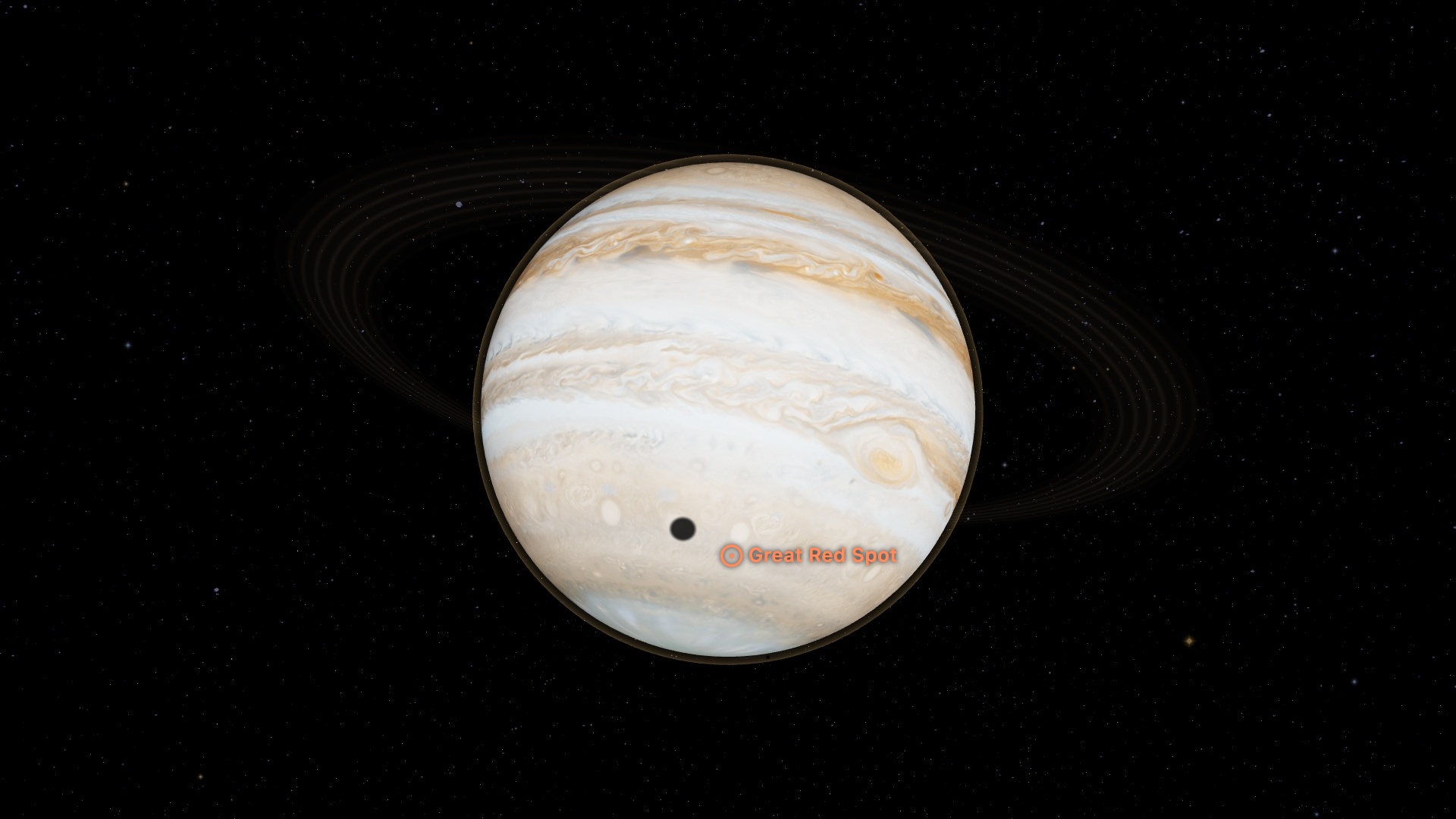
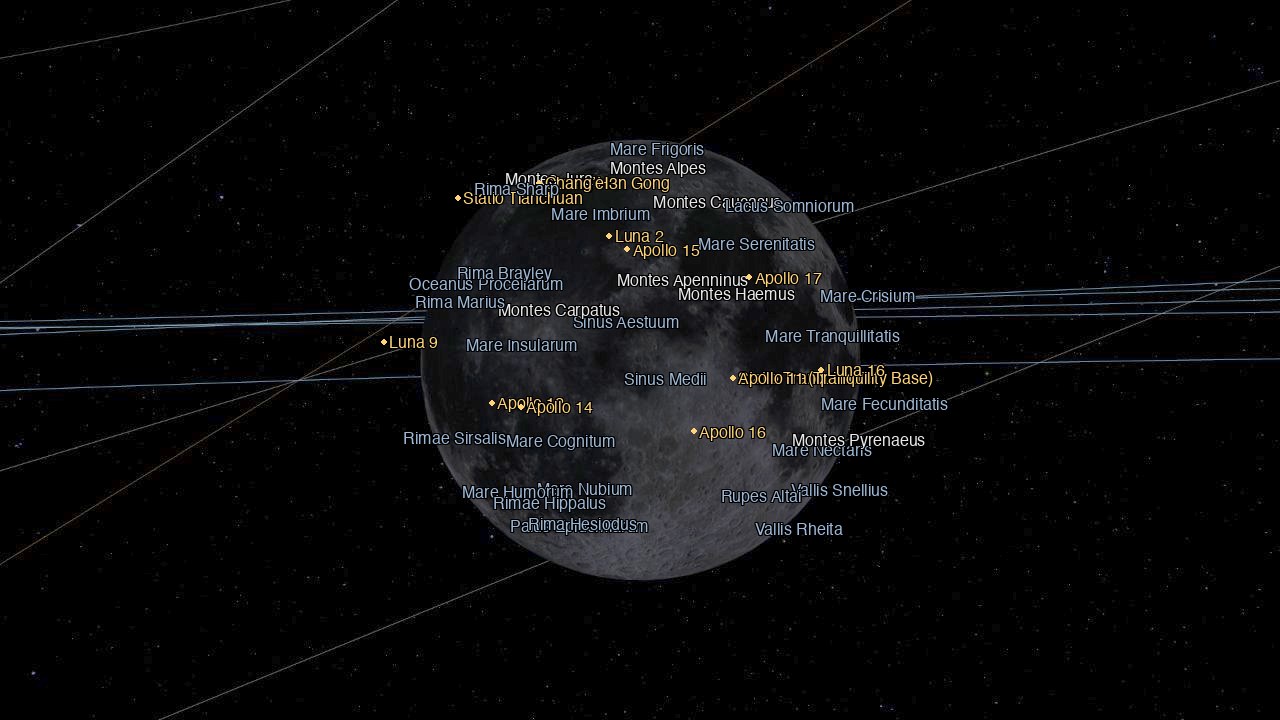
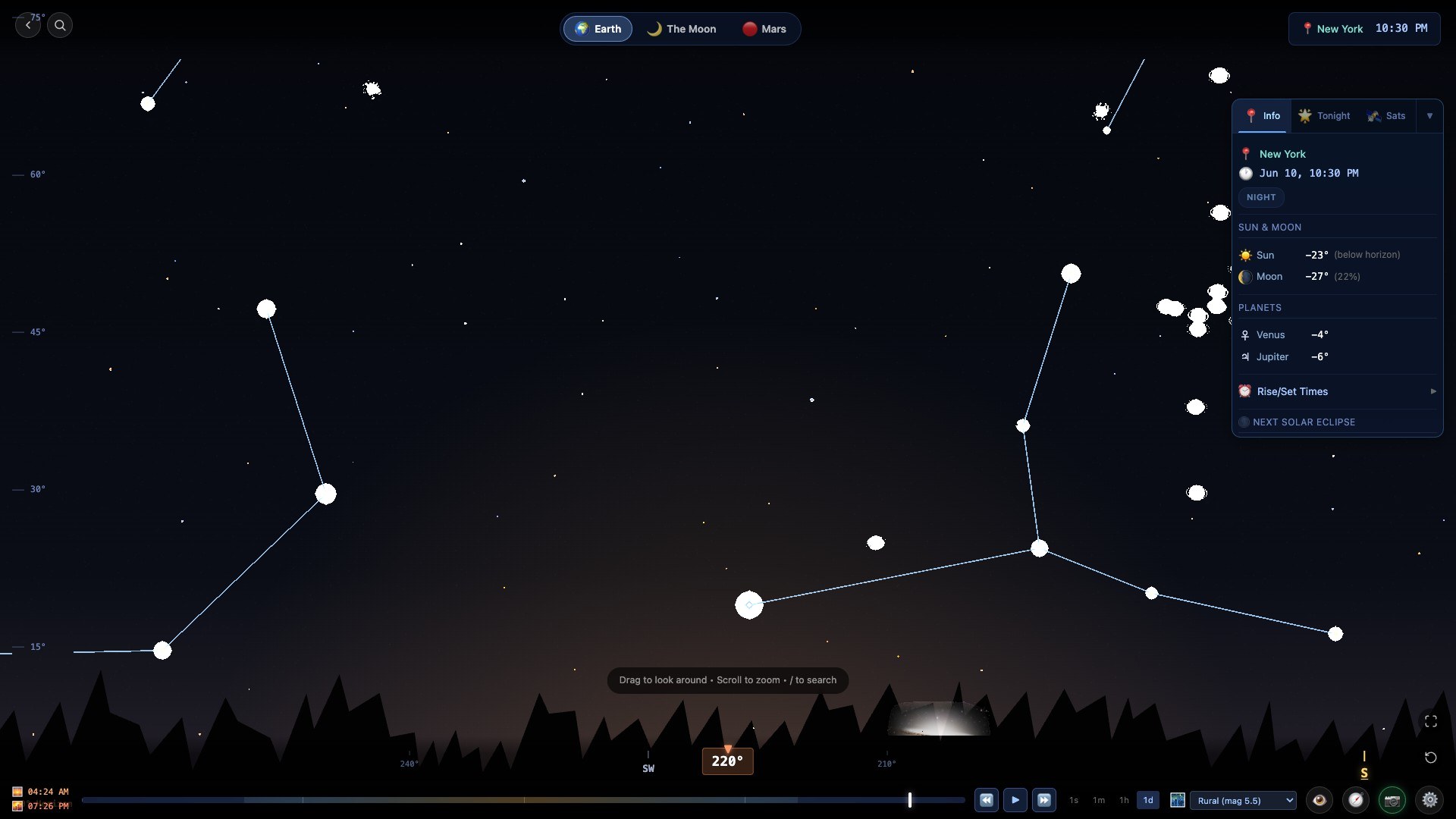
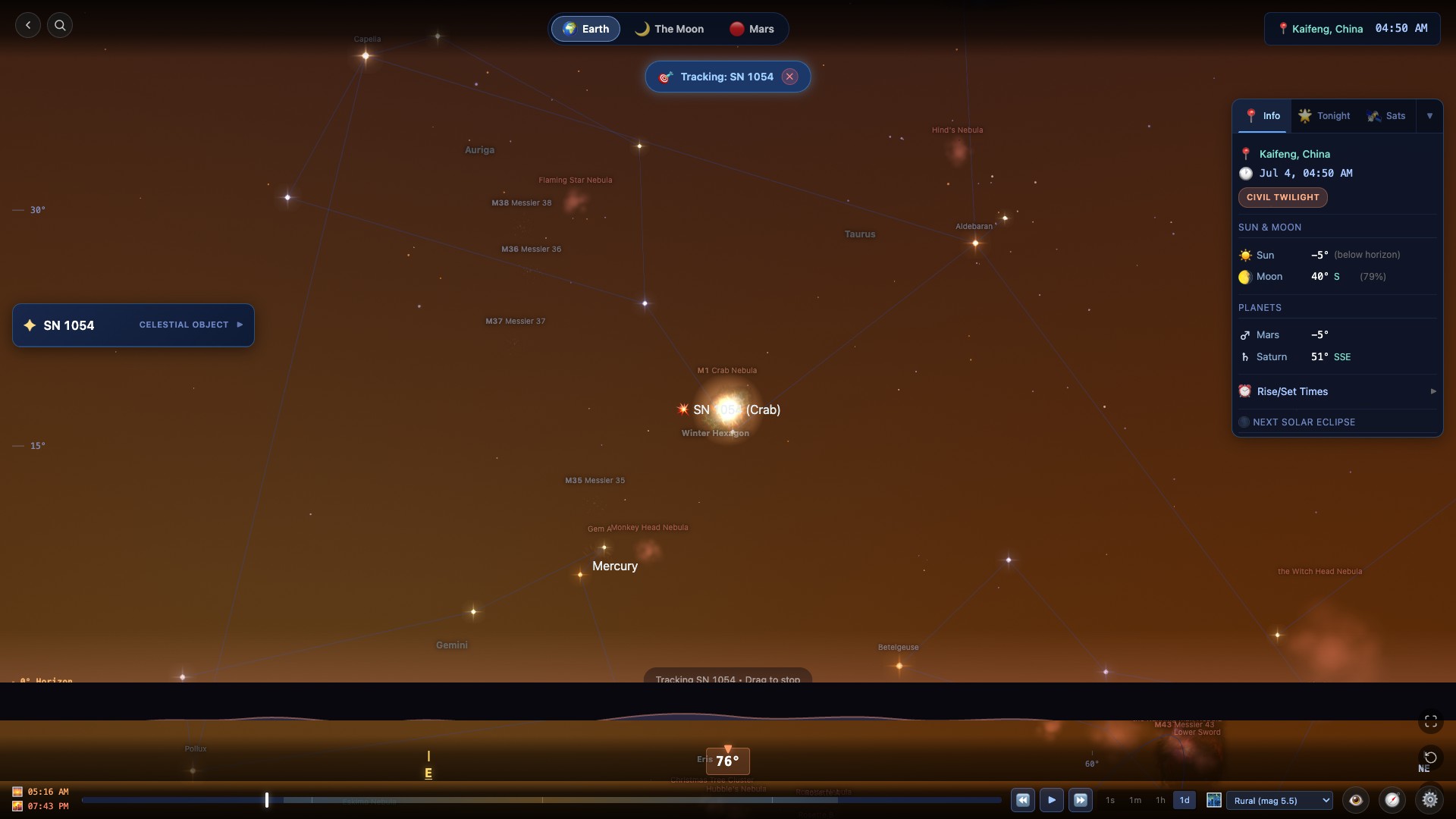
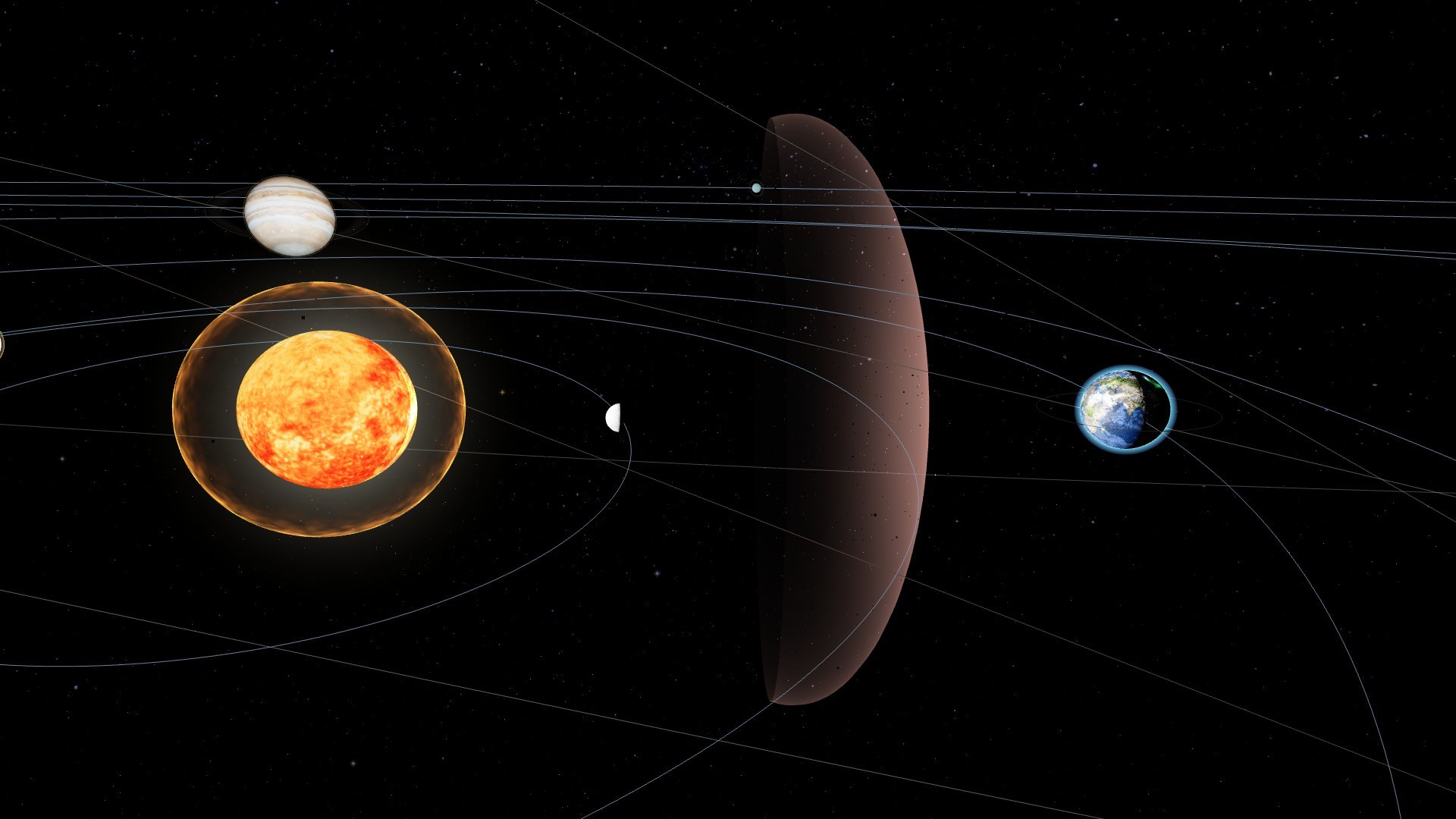
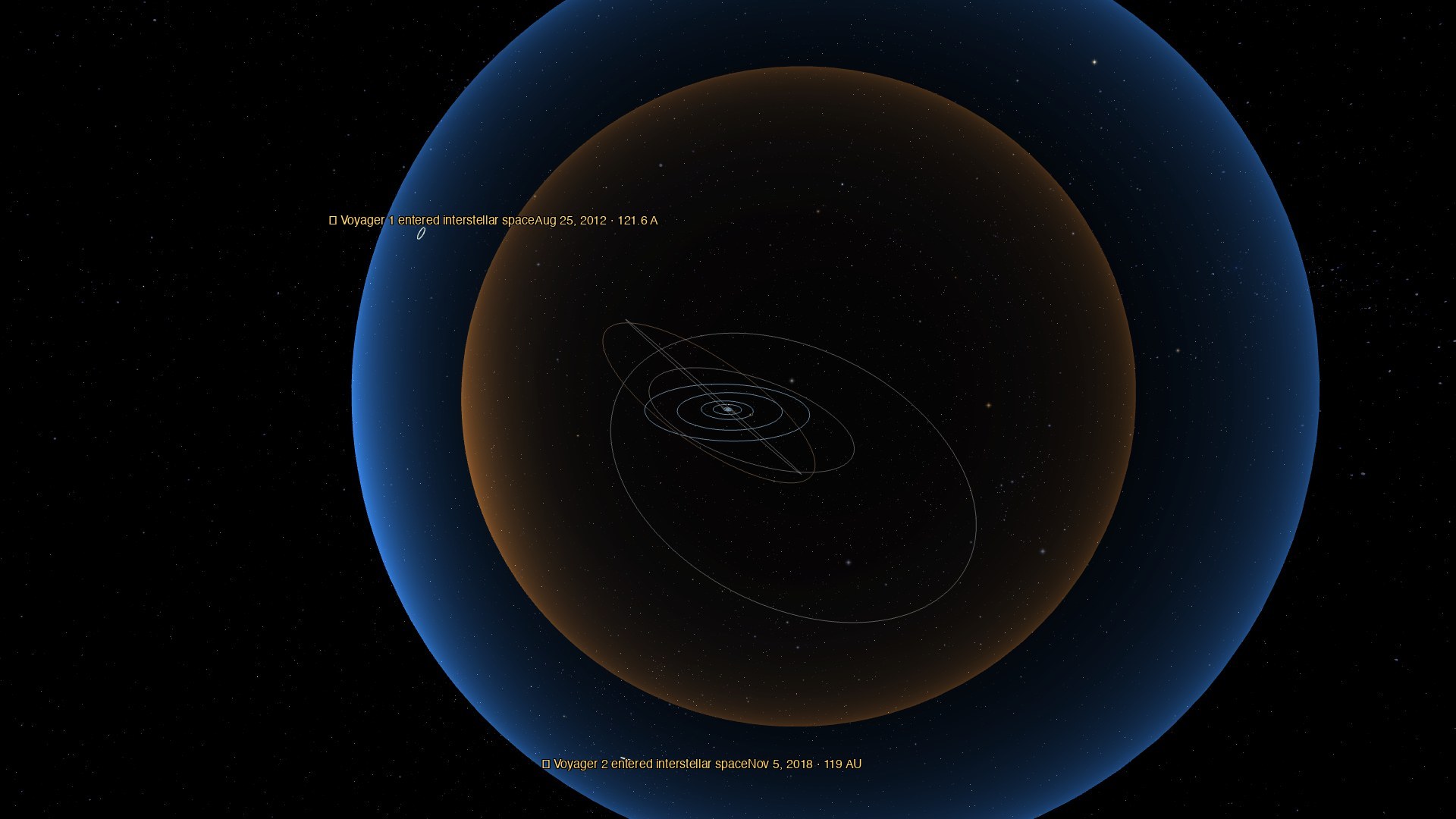
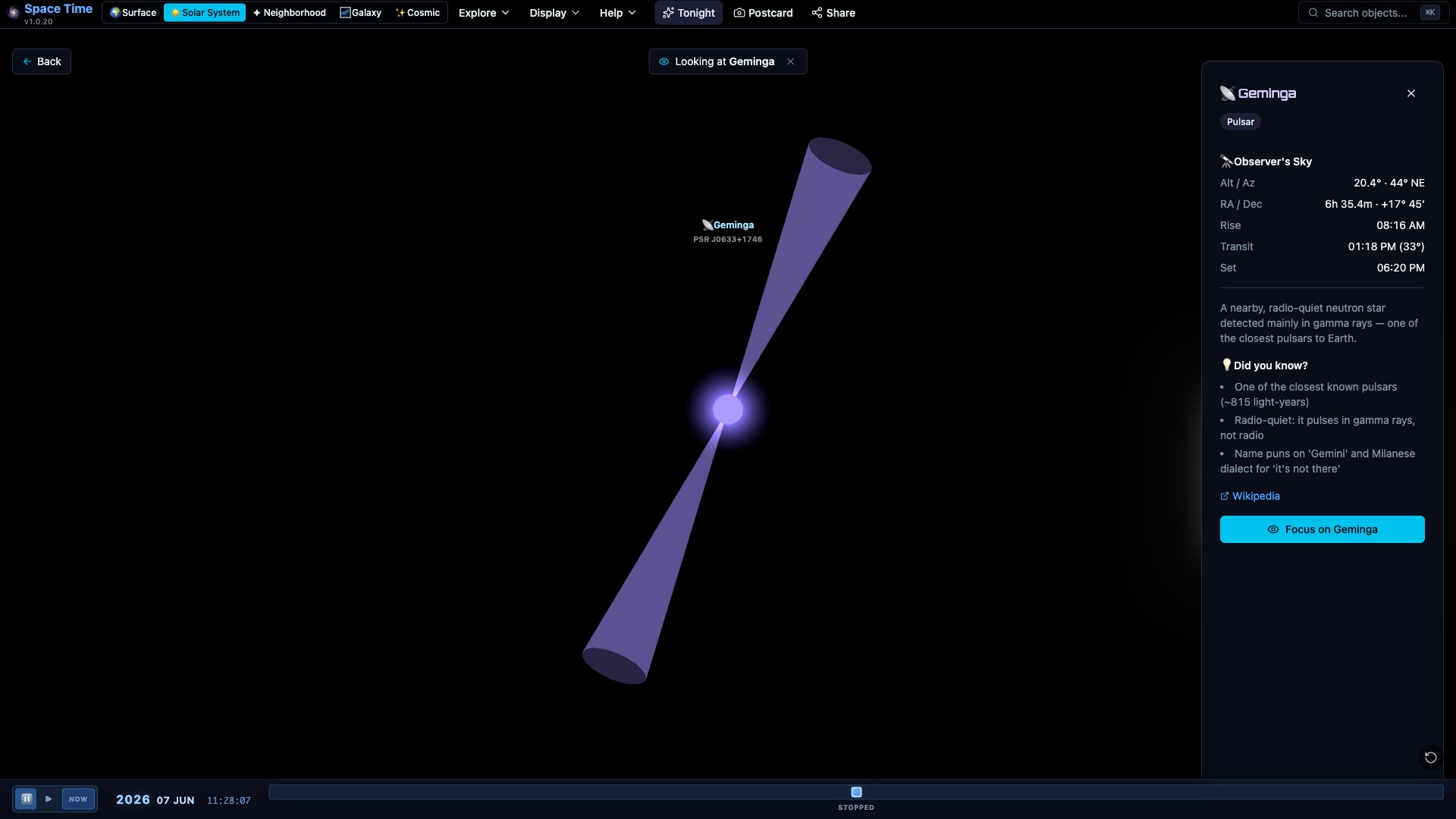
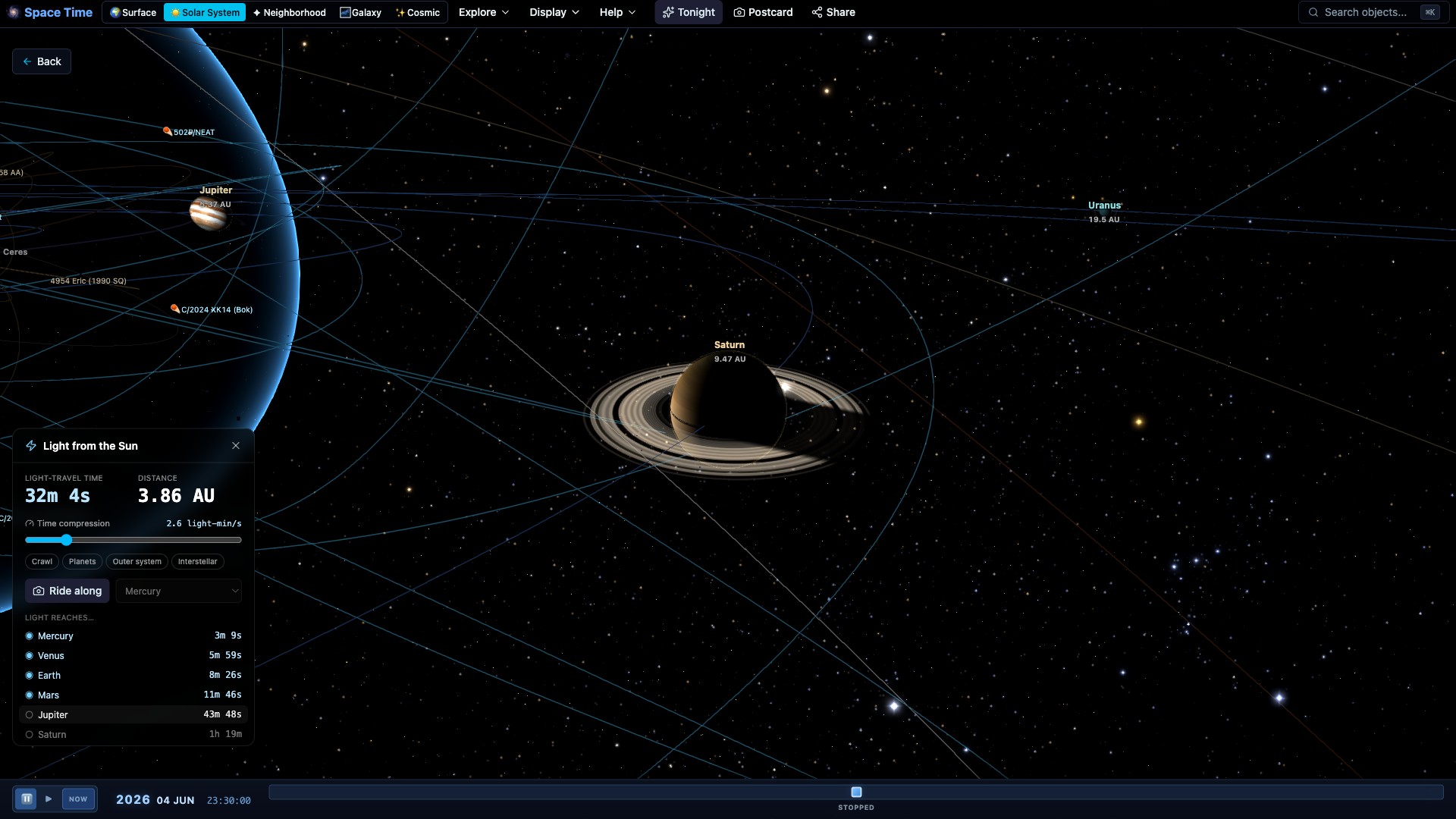
A few more of the places Space Time can take you, right out to the edge of the heliosphere.
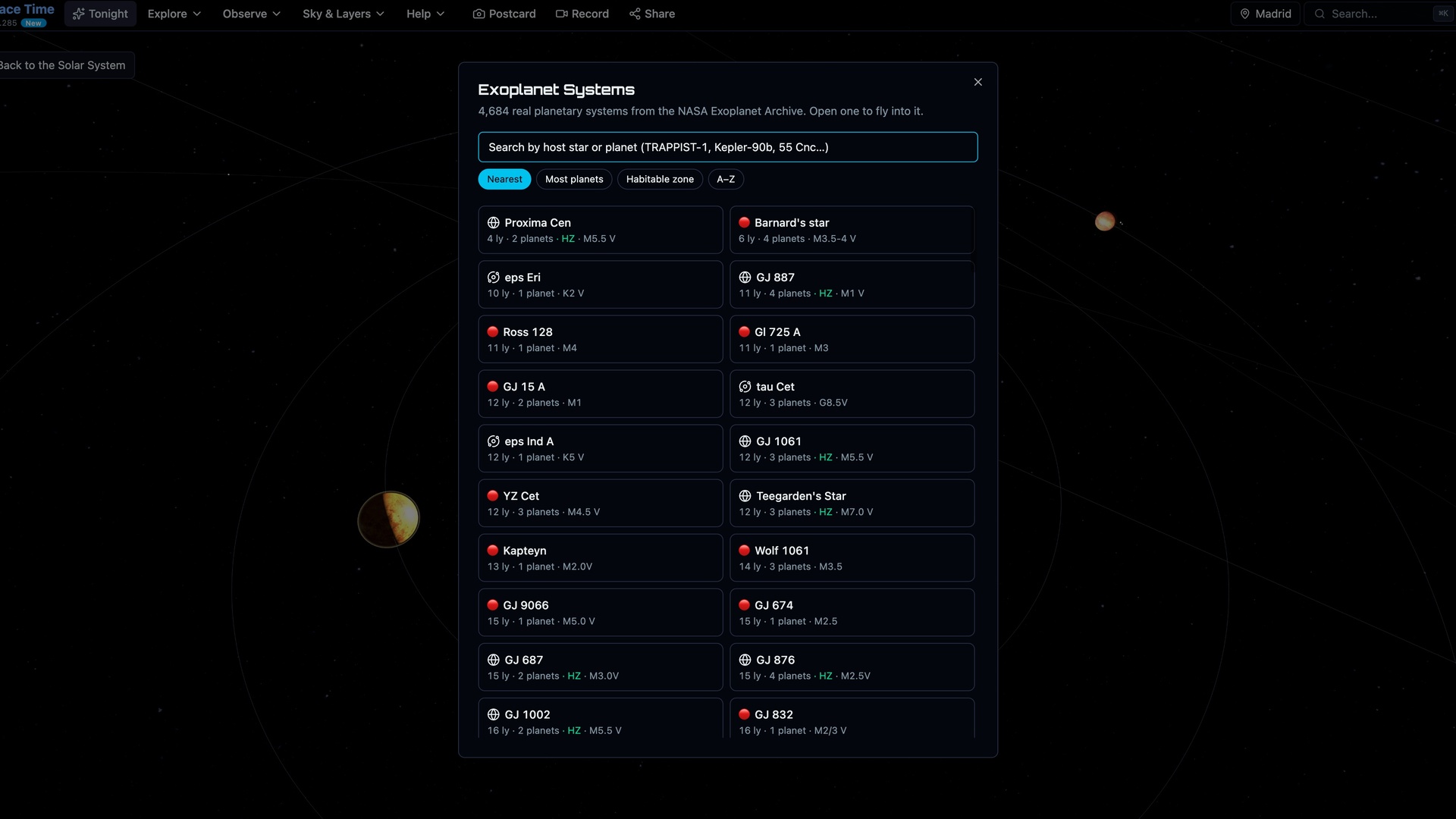
Teachers run it in class. Stargazers use the planner before a night out, astrophotographers use the framing tools, and plenty of people just like flying around the planets. I built it because I wanted the orrery and the planetarium in one place; it grew from there. Free for classrooms, museums and home.
Pick a starting point:
Yes. Exploration runs in your browser without an account or installation. Ask, account sync, private advanced projects and presenting live sessions use a free account.
No. It runs in any modern browser with WebGL, on desktop, tablet and phone.
Yes. Space View connects Solar System bodies, catalog stars and galaxy surveys through one physical camera space. Zoom or navigate to a supported destination, then choose Land for a supported surface. Disclosed diagrams and exoplanet orbit enlargement are presentation aids; they do not redefine the physical universe.
Set your location, then open the observing planner or the Sky view. You get rise, transit and set times for the planets, the Moon and deep-sky objects.
Yes. Choose a supported eclipse and location to inspect contacts, obscuration and visibility, then view the geometry from the ground or space. Predictions depend on the supported ephemeris interval, roughly 1500–3000 CE. Weather is available only within the provider's forecast window, not for every future or historical eclipse.
Yes. The free daily email delivers tonight's observing verdict, visible planets, ISS passes and Moon details for your exact location, before sunset in your timezone. One click to unsubscribe.
You can. The world picker offers Earth, the Moon, Mars and other supported sites, with the sky driven by the shared clock. Planet and Moon predictions are hidden outside roughly 1500–3000 CE. Measured terrain and disclosed reference surfaces keep their source limits visible.
Solar System calculations use astronomy-engine, satellite predictions use SGP4 with dated CelesTrak elements, and small-body orbits use JPL catalogs. Catalog, model and observation limits differ. Evidence cards explain sources, supported dates and reconstruction limits; a rendered view is not a claim of live telemetry.
Yes. ISS, Tiangong and Hubble passes use SGP4 and the published CelesTrak element snapshot. The opt-in active catalog shows the wider satellite population. These are dated predictions, not live observed fixes. Space data shows counts and Data freshness shows successful checks; offline passes need saved usable elements.
Ask reads the app's calculations, selected-object facts, current feature registry and complete Help. It can navigate, change time and supported active-view layers, start built-in tours and read data freshness. It requires a free account and a connection; the panel shows your allowance. Opening a creation or hardware tool leaves its normal user steps to you.
It does. The interface adapts to phones, there's an AR sky compass, and WebXR / VR headsets are supported.