 Space Time
A free 3D solar system in your browser
Space Time is an interactive 3D map of the solar system. Visit a planet or moon, look around from the surface, or move the clock to see where everything was on another date. It is free and runs in your browser.
🚀 Open the 3D solar system Free · No account · No download · Any modern browser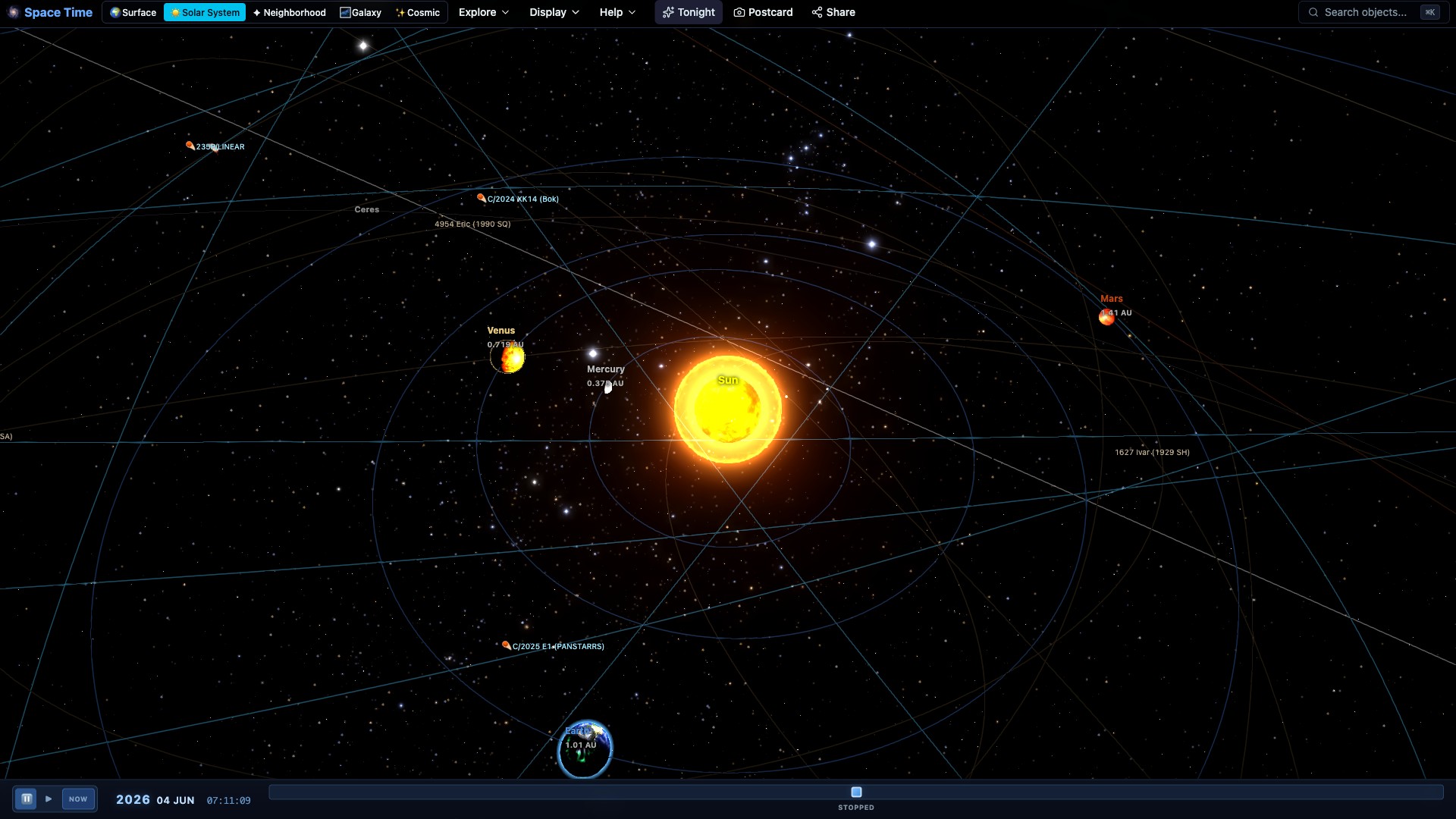
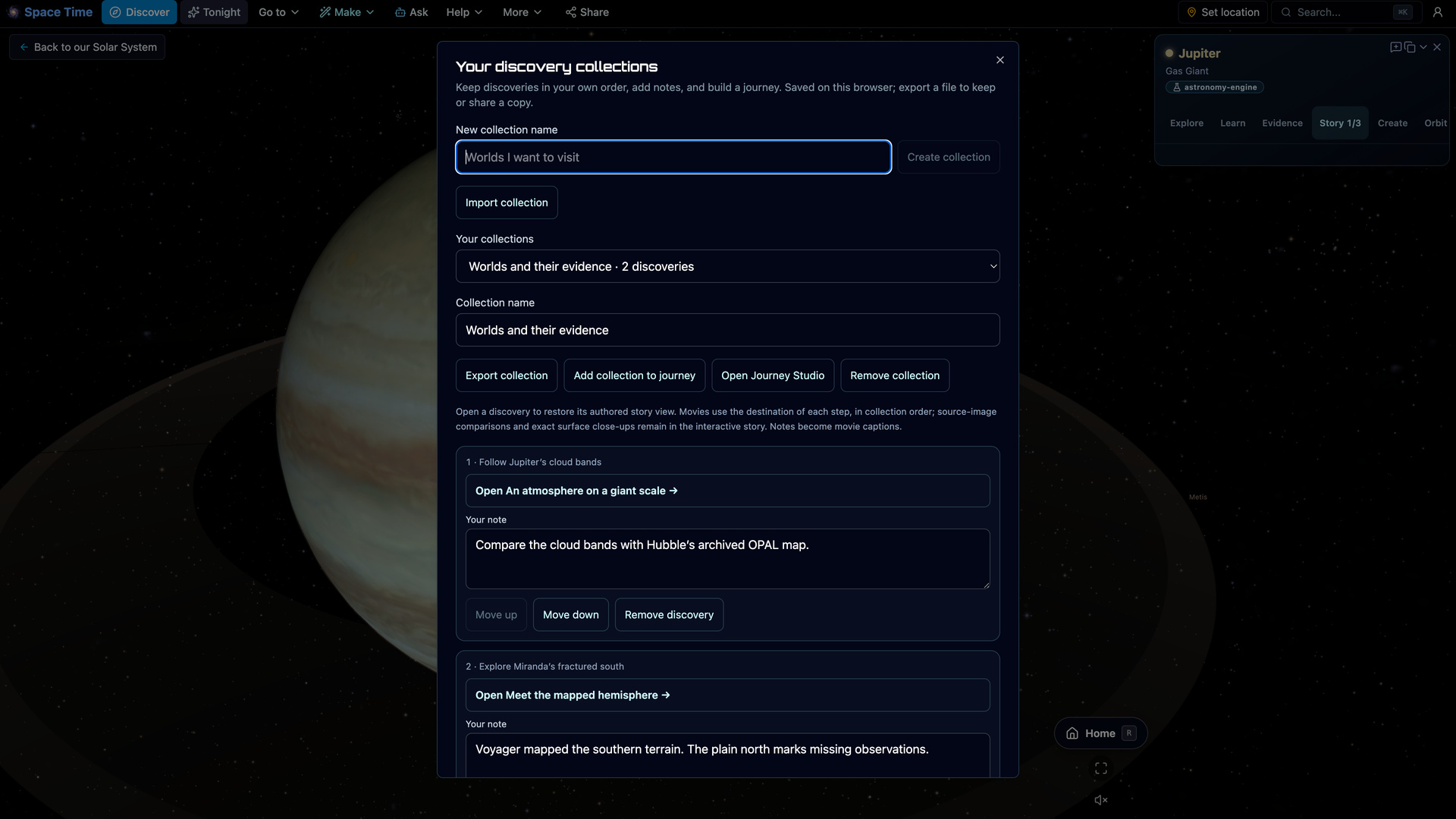
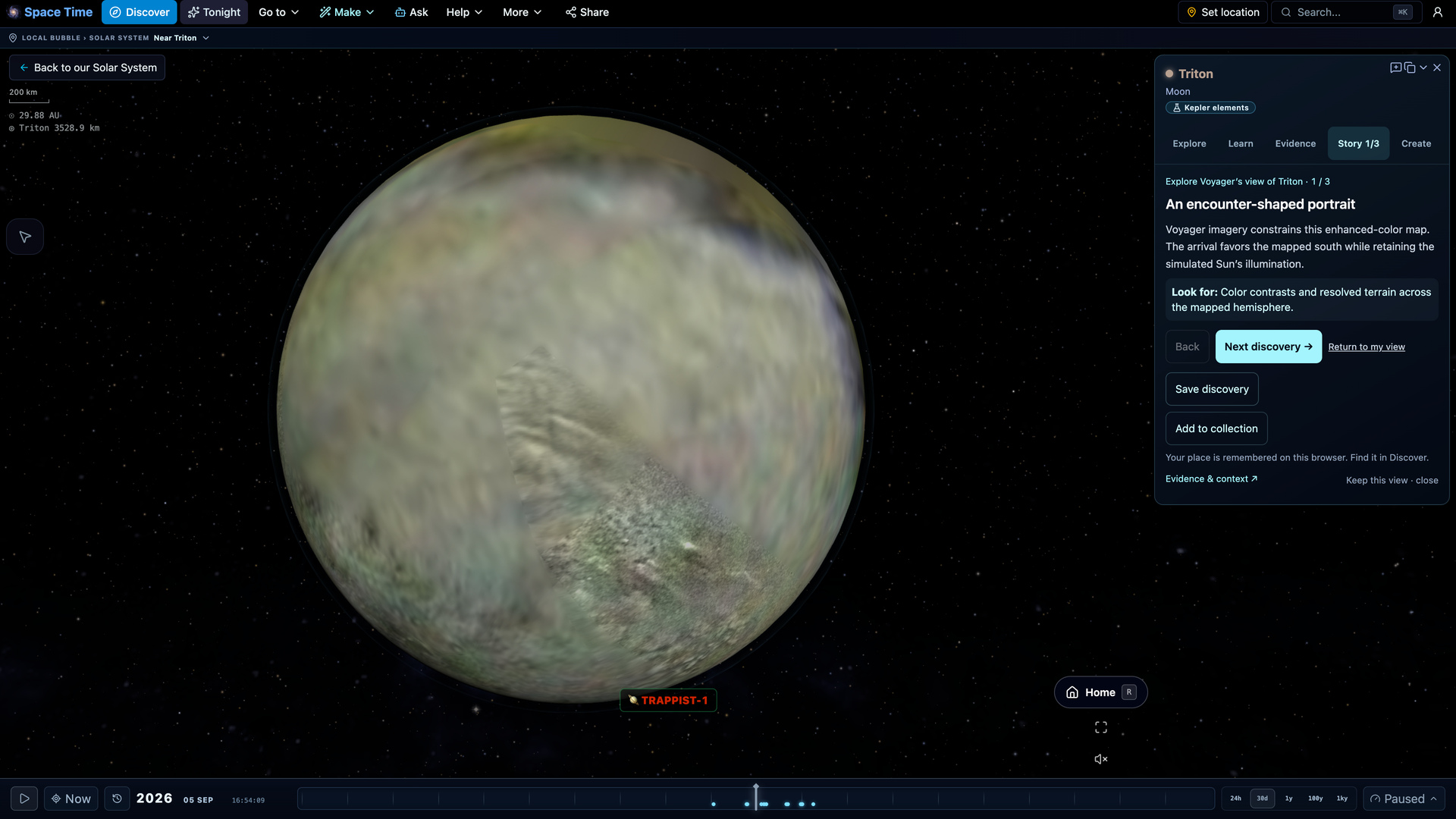
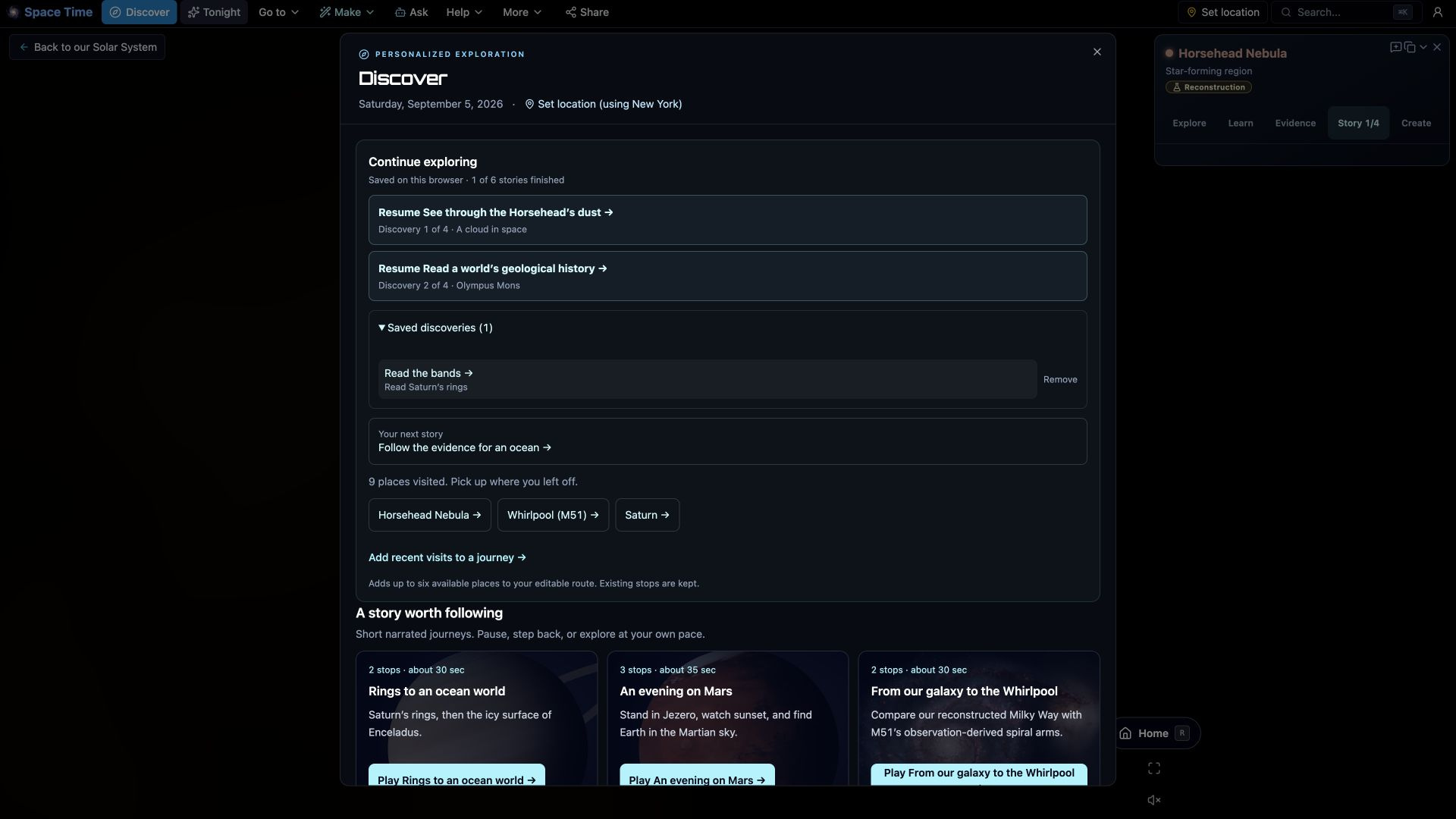
Follow a story. Keep a discovery.
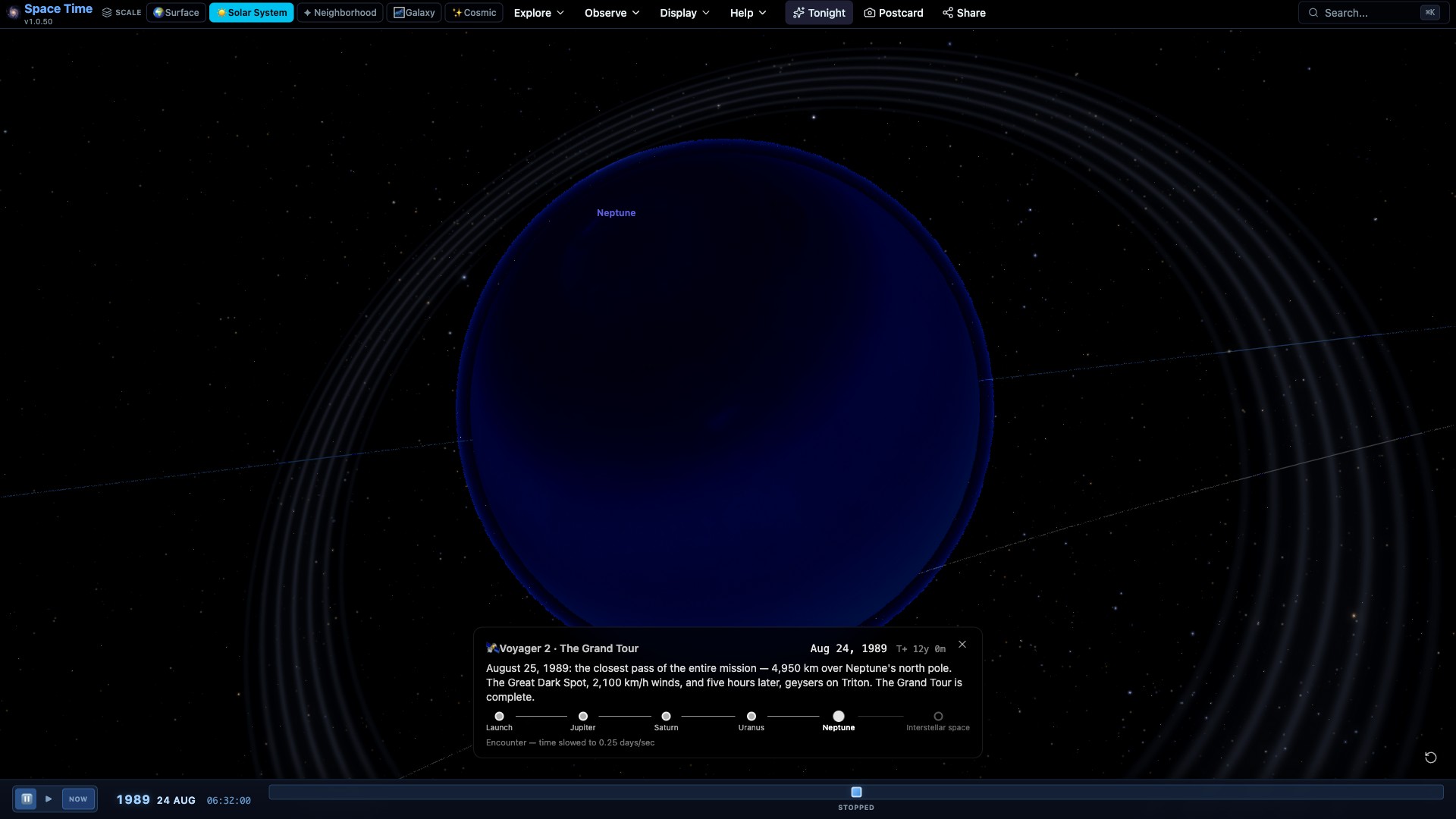
Explore new destination stories and build your own collection of views, evidence and notes.
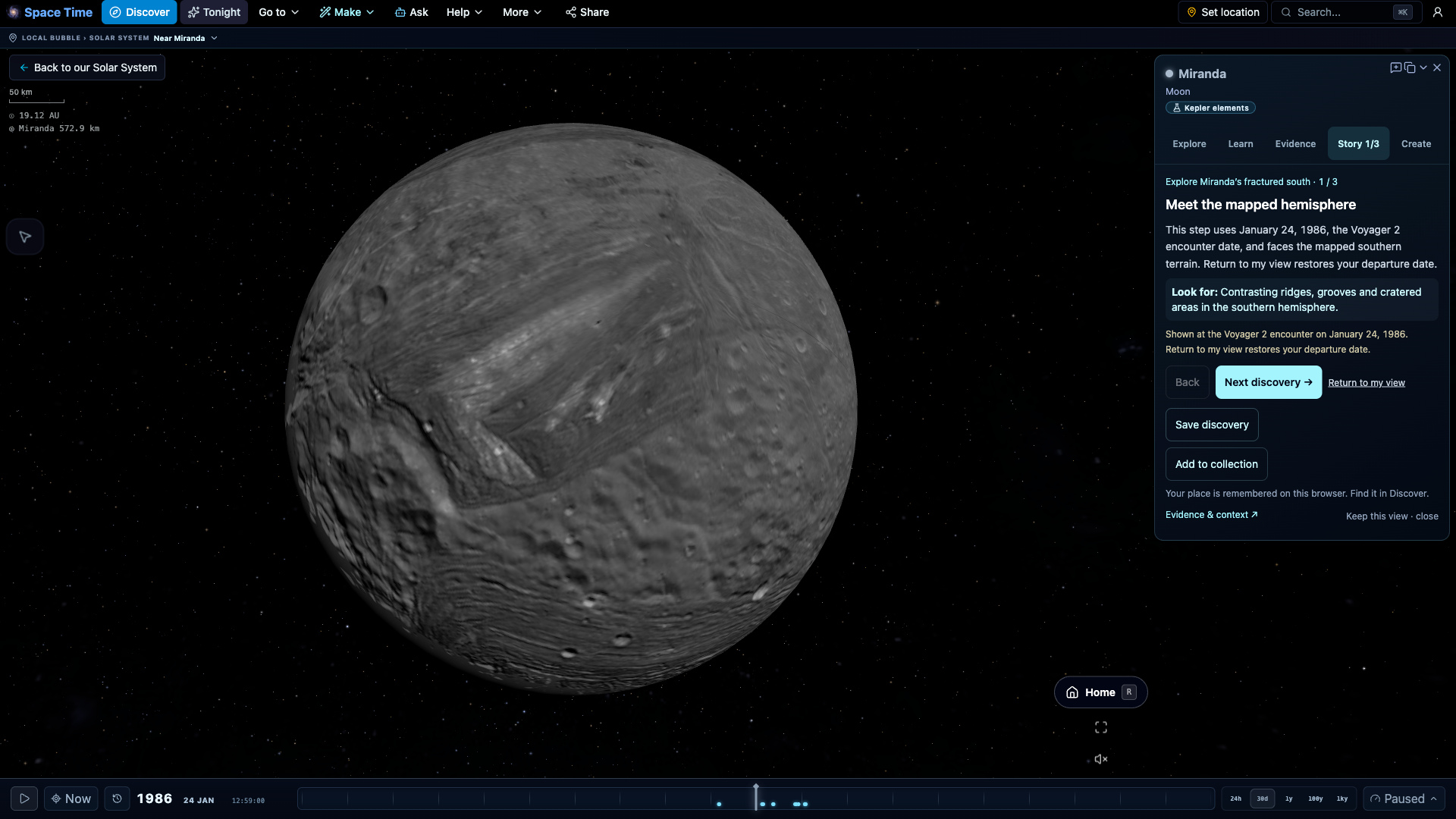
More ways to explore and understand
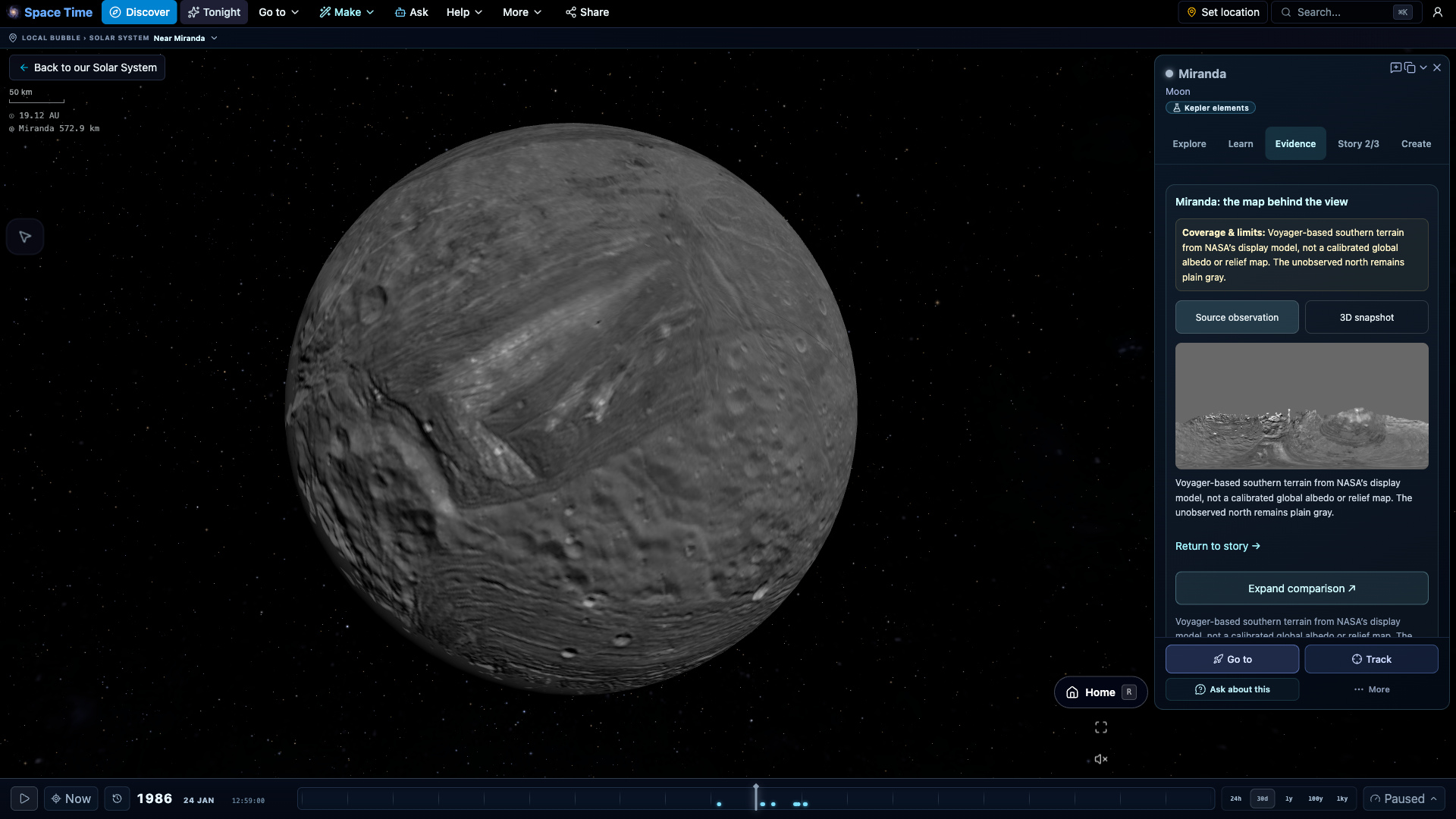
New tools connect the view, its evidence and your next discovery.
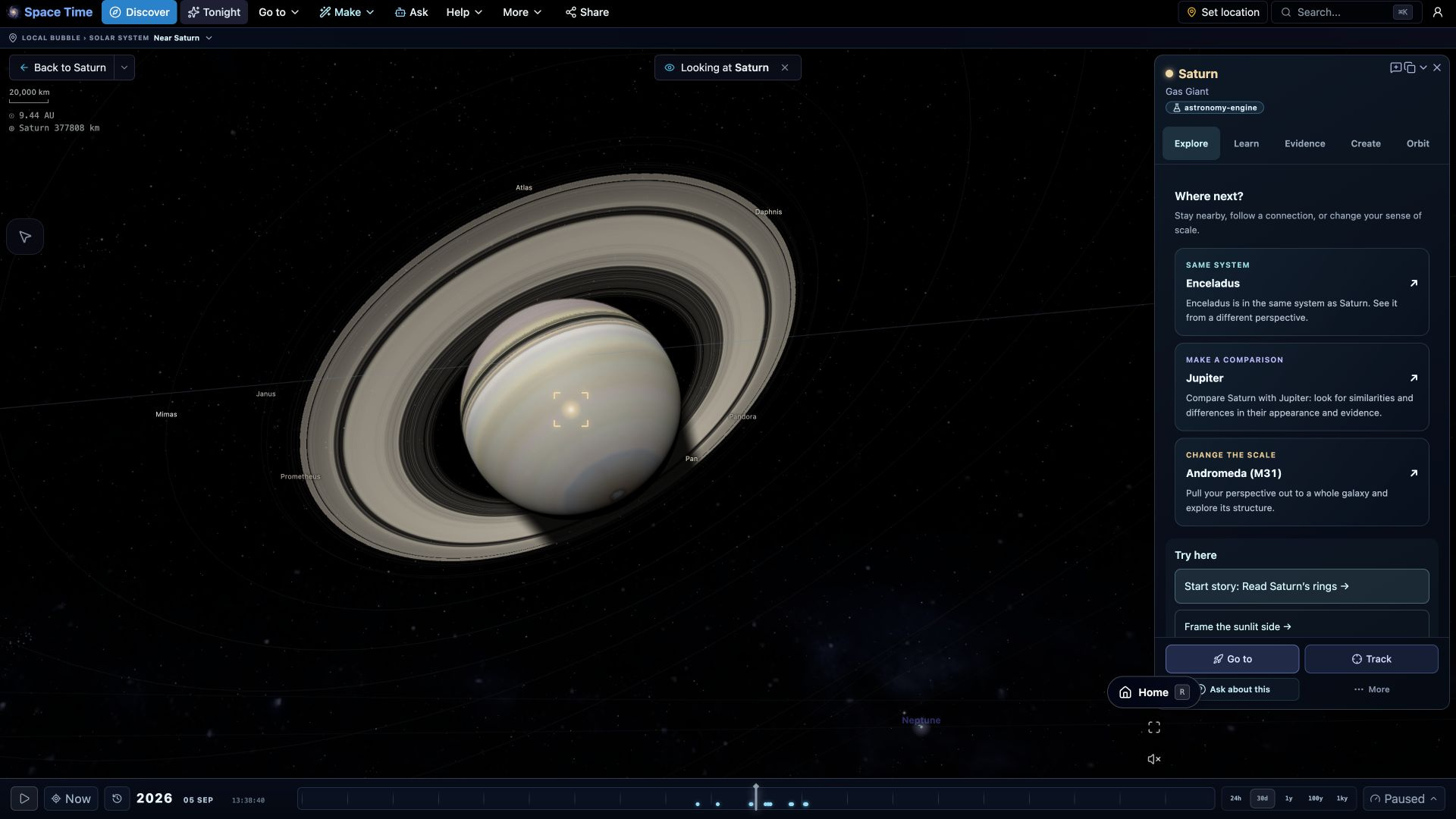
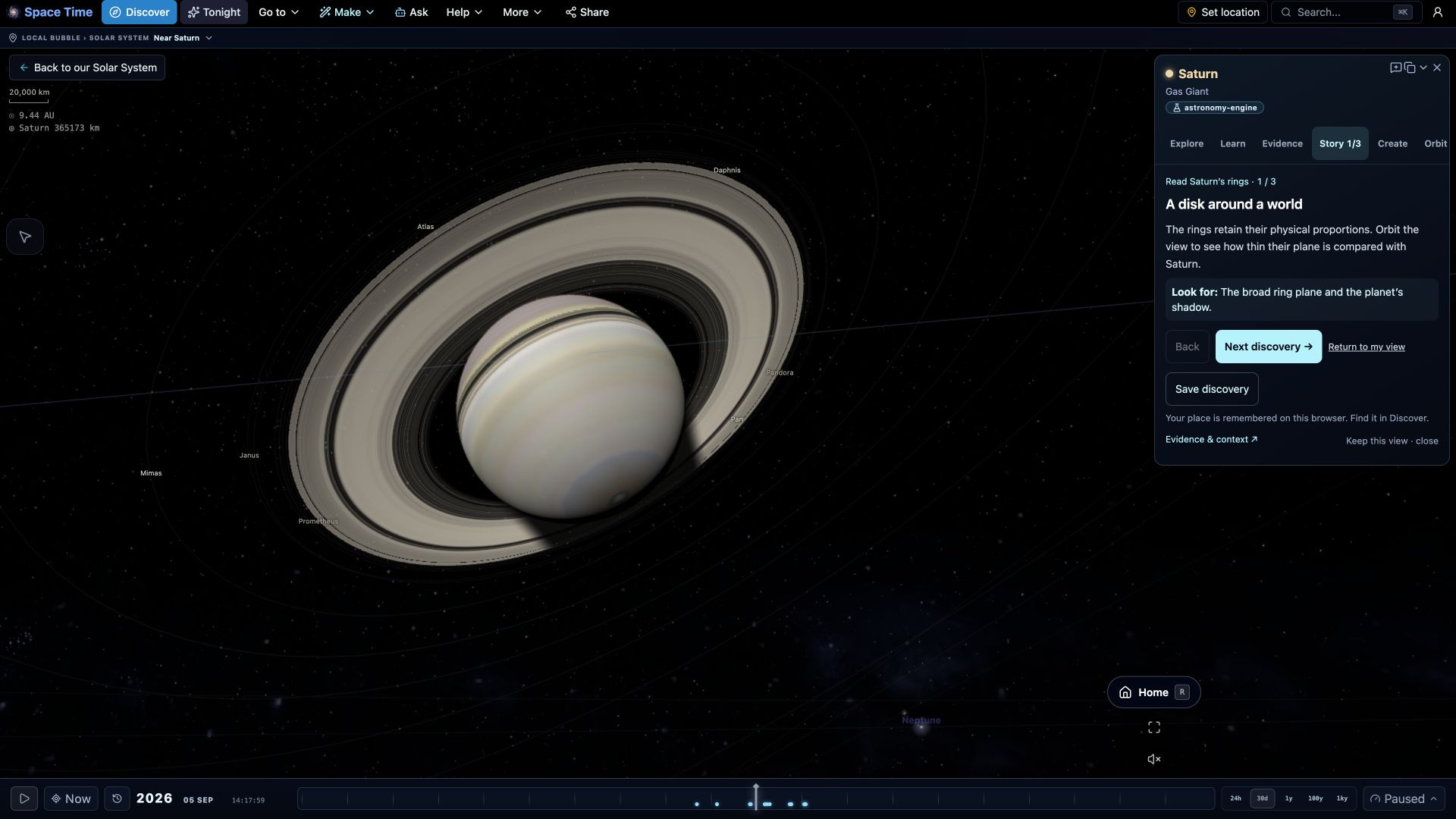
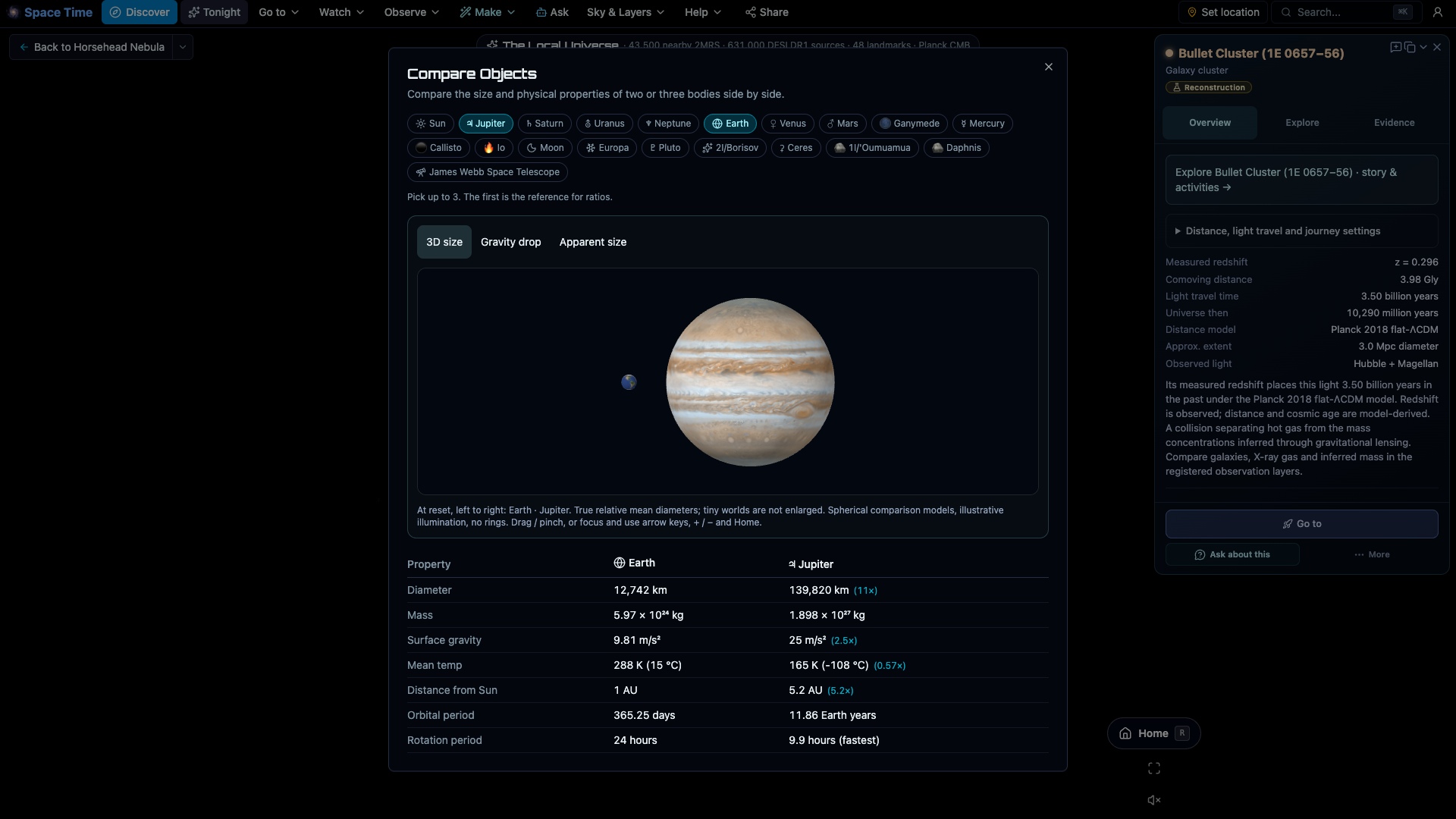
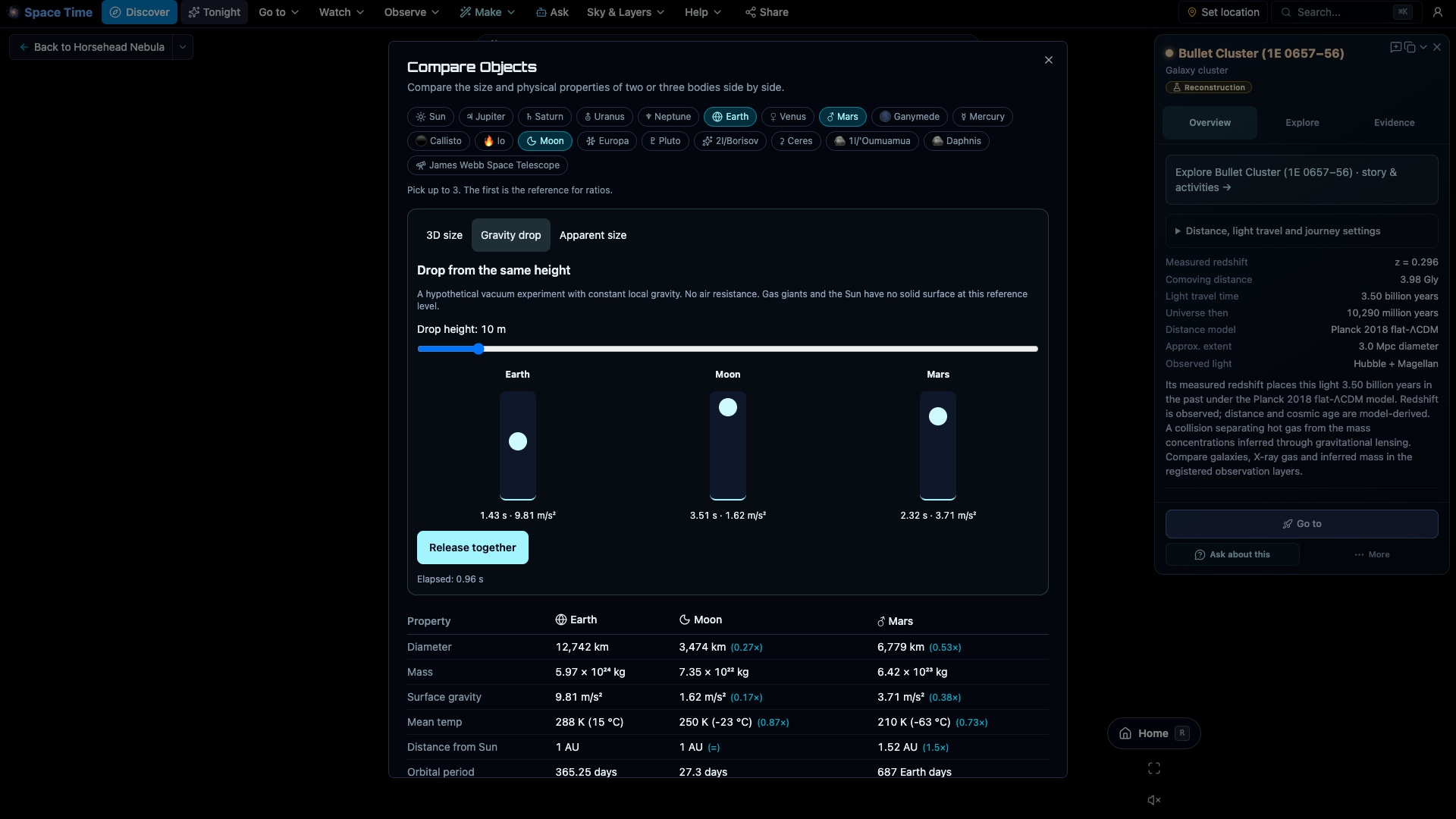
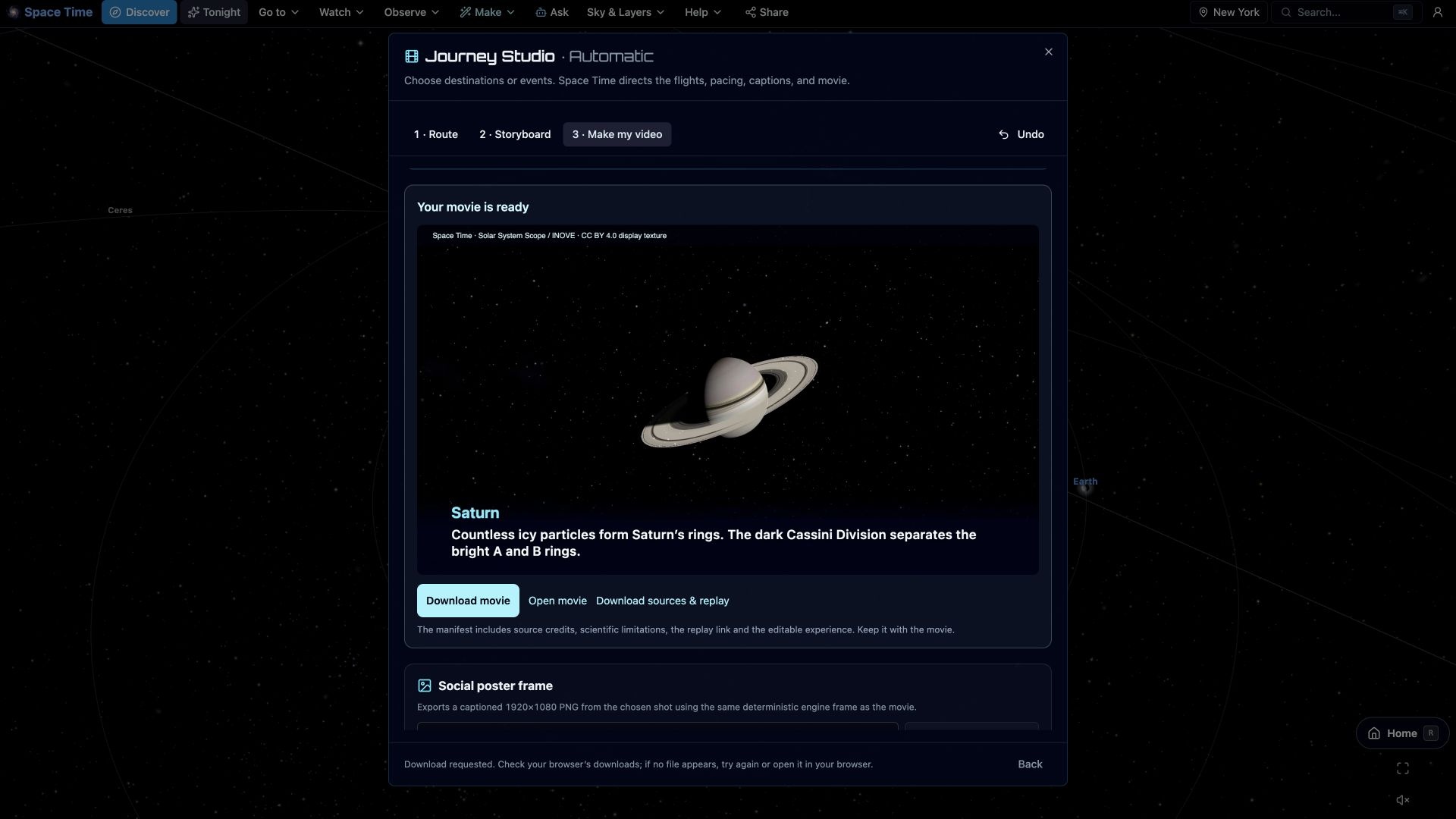
See it move
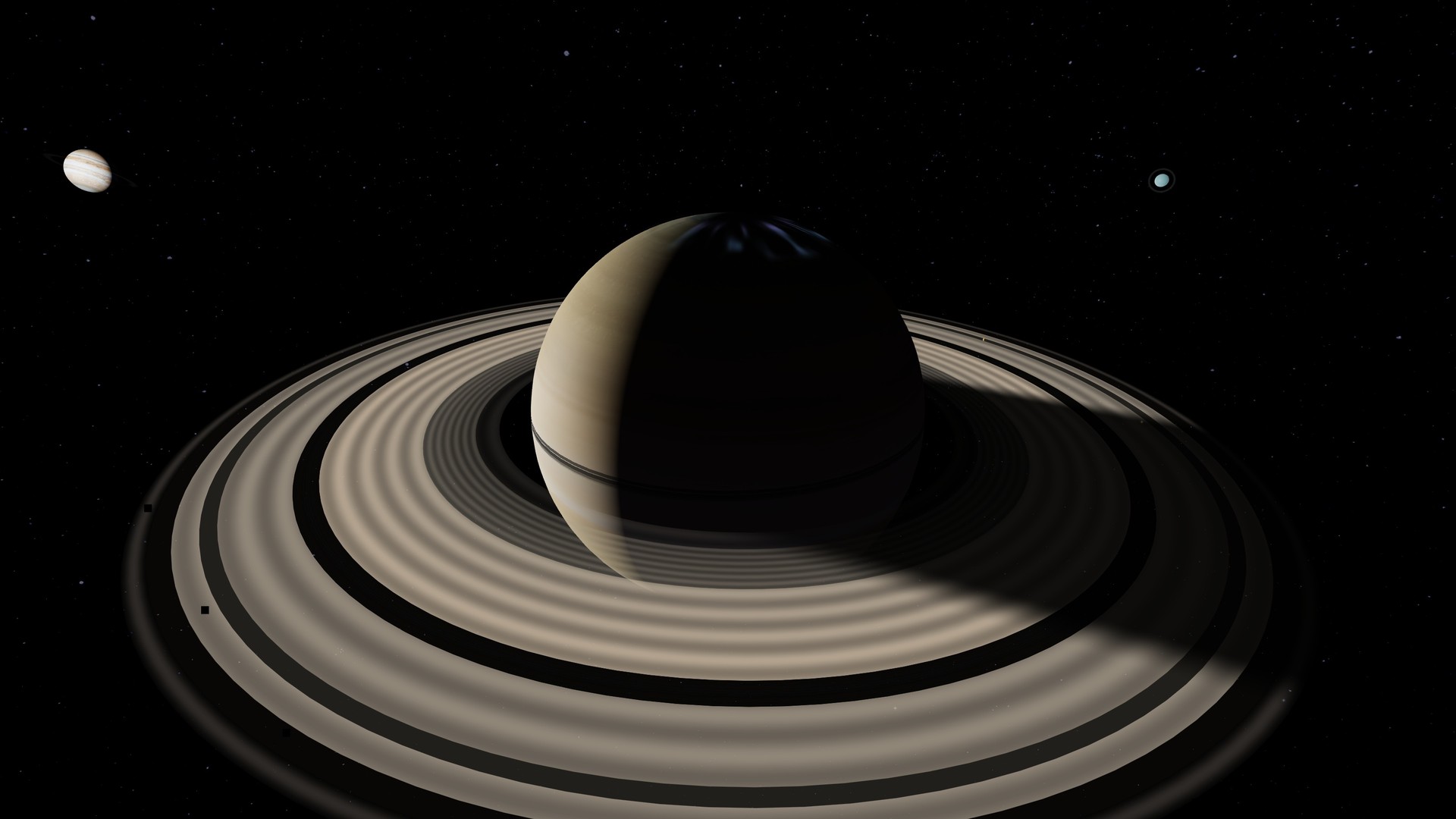
These clips show Saturn's measured rings, a continuous journey from Earth to the Coma Cluster, the Sun, Sagittarius A*, and mapped local-universe structure.
🎬 Every clip uses Space Time's own engine frames. No stock footage, generated astronomy or external cutaways.
Move around the solar system
The planets are placed from the same ephemeris data used by the planetarium. You can move the camera freely, follow an orbit, or switch to a true-scale view.
🪐 Every planet and moon
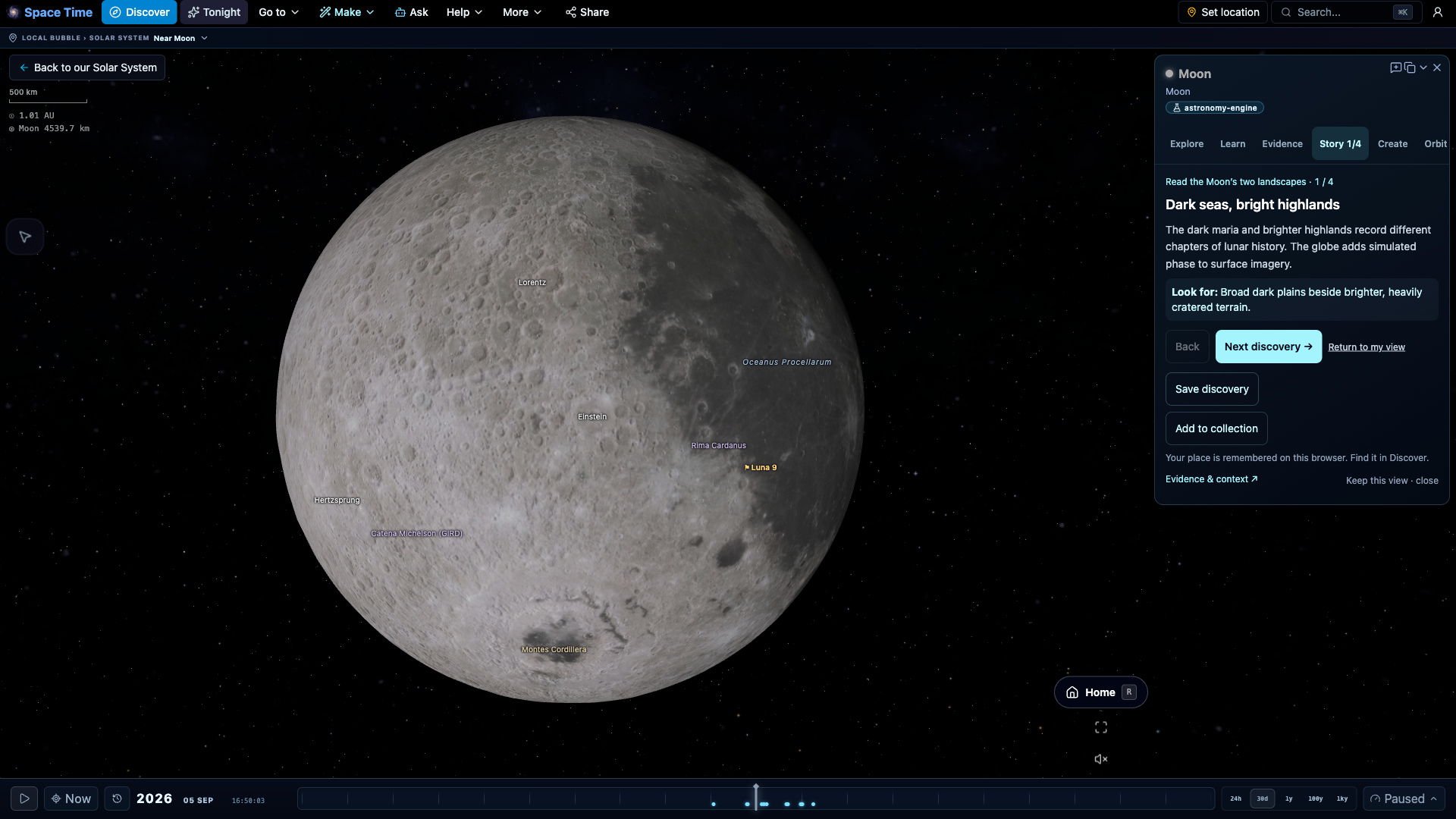
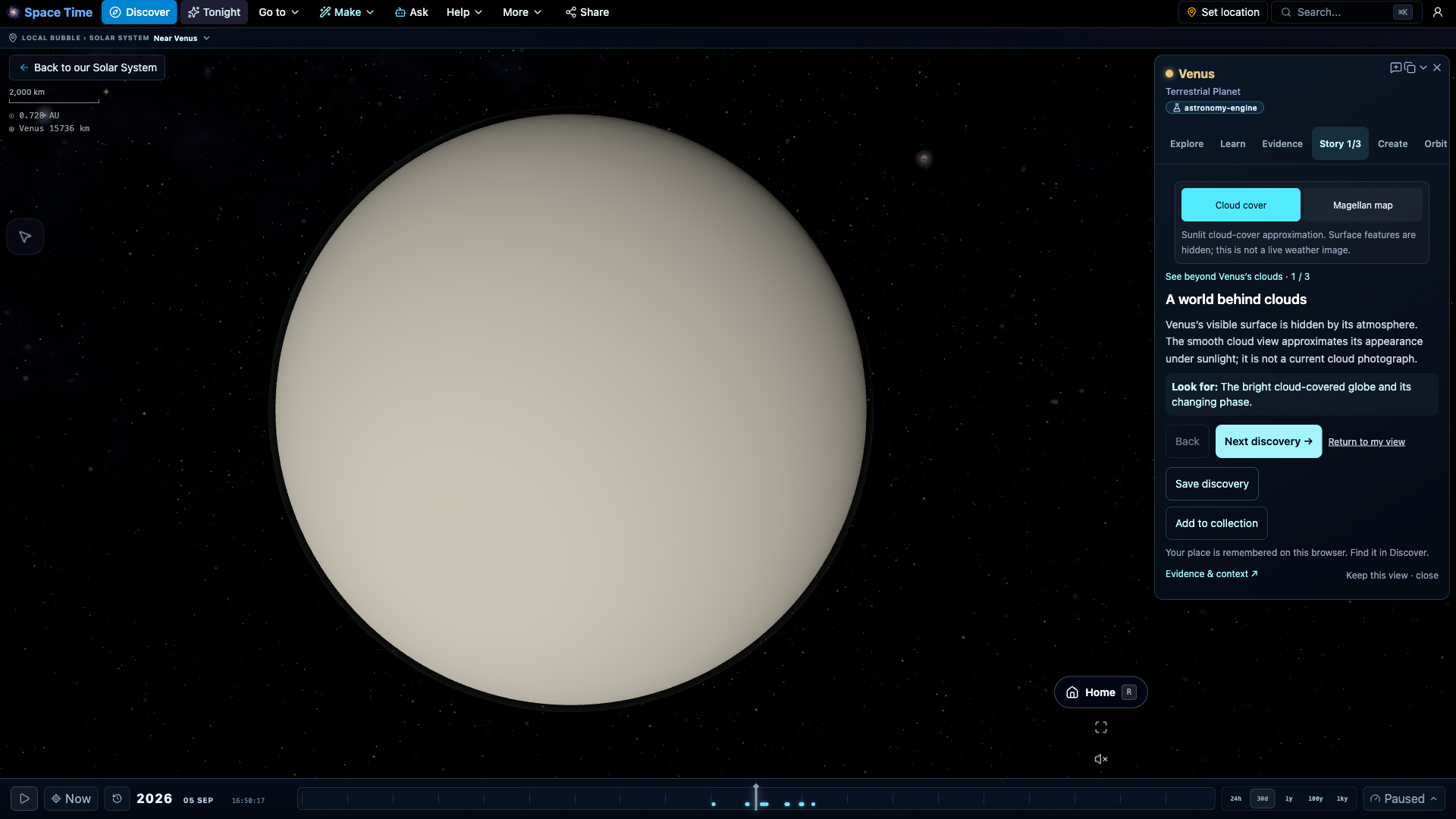
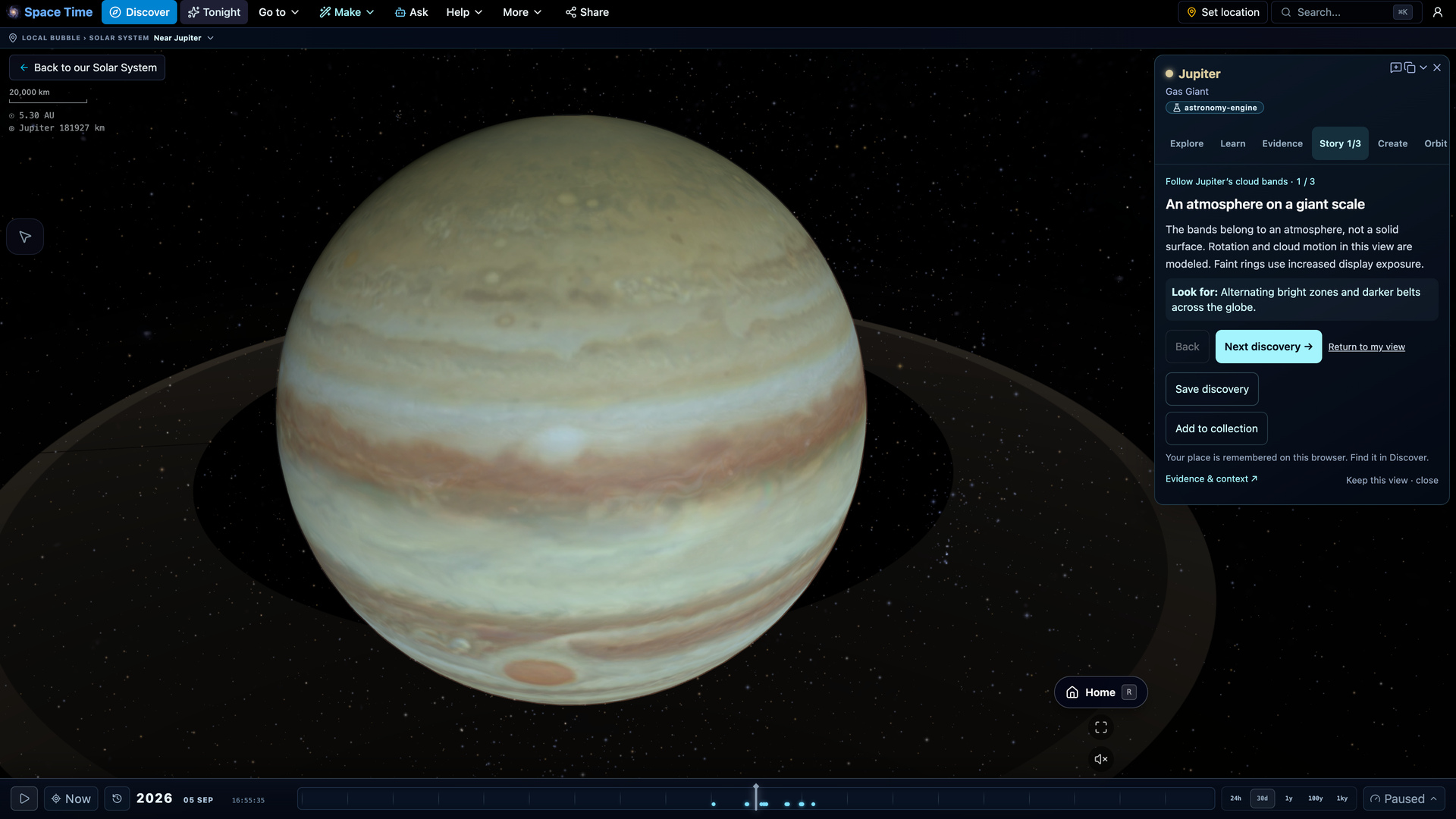
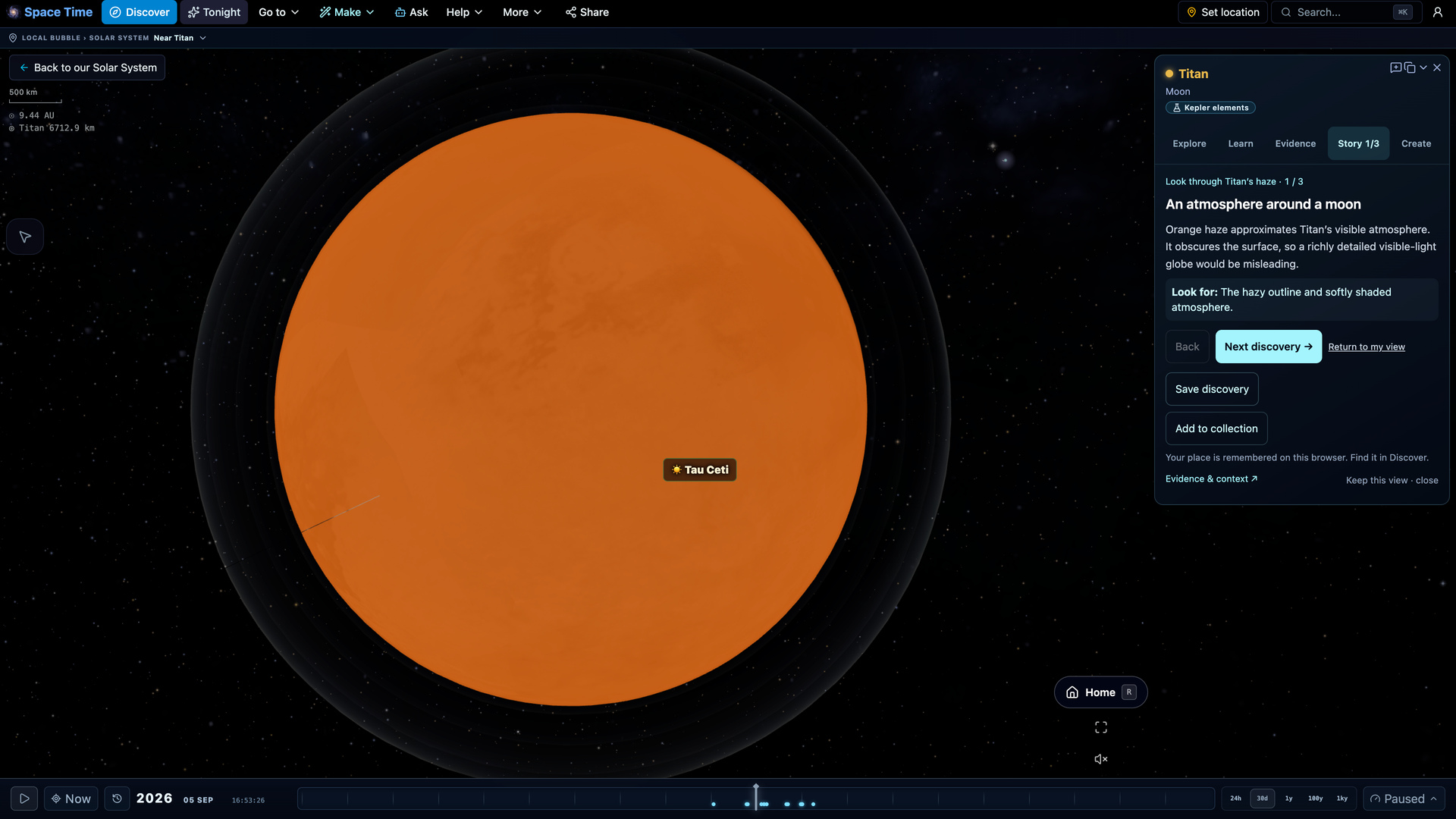
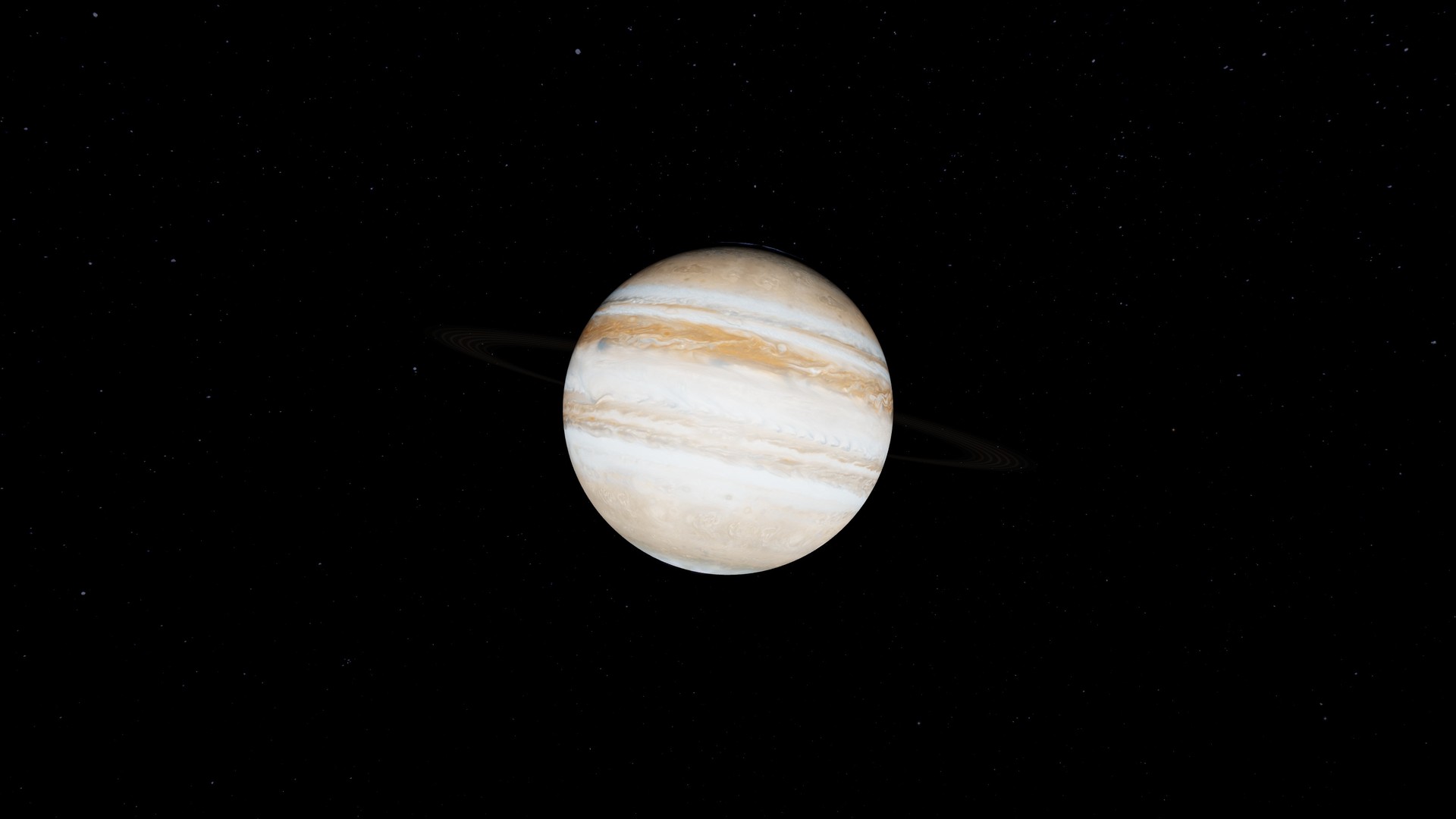
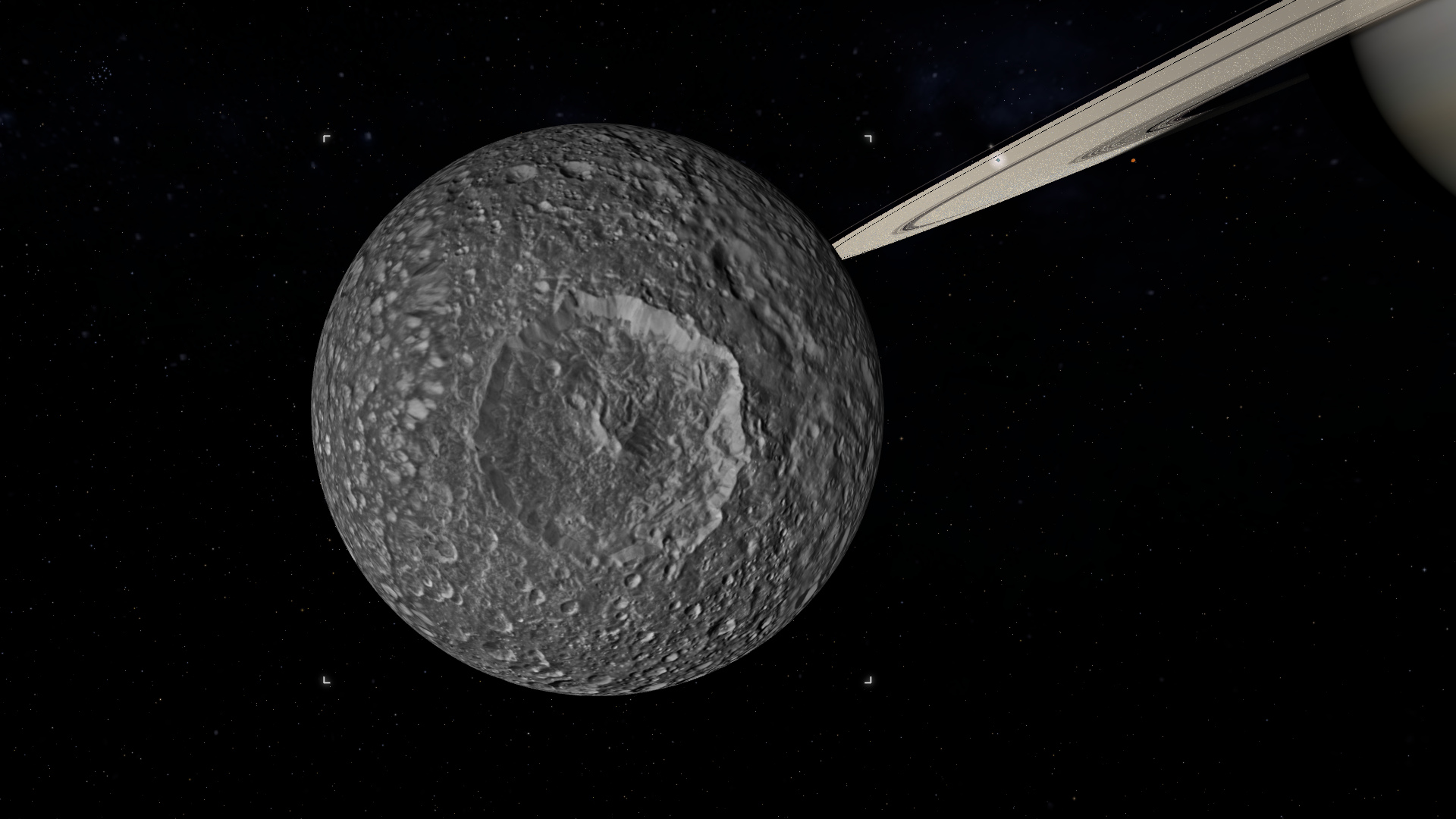
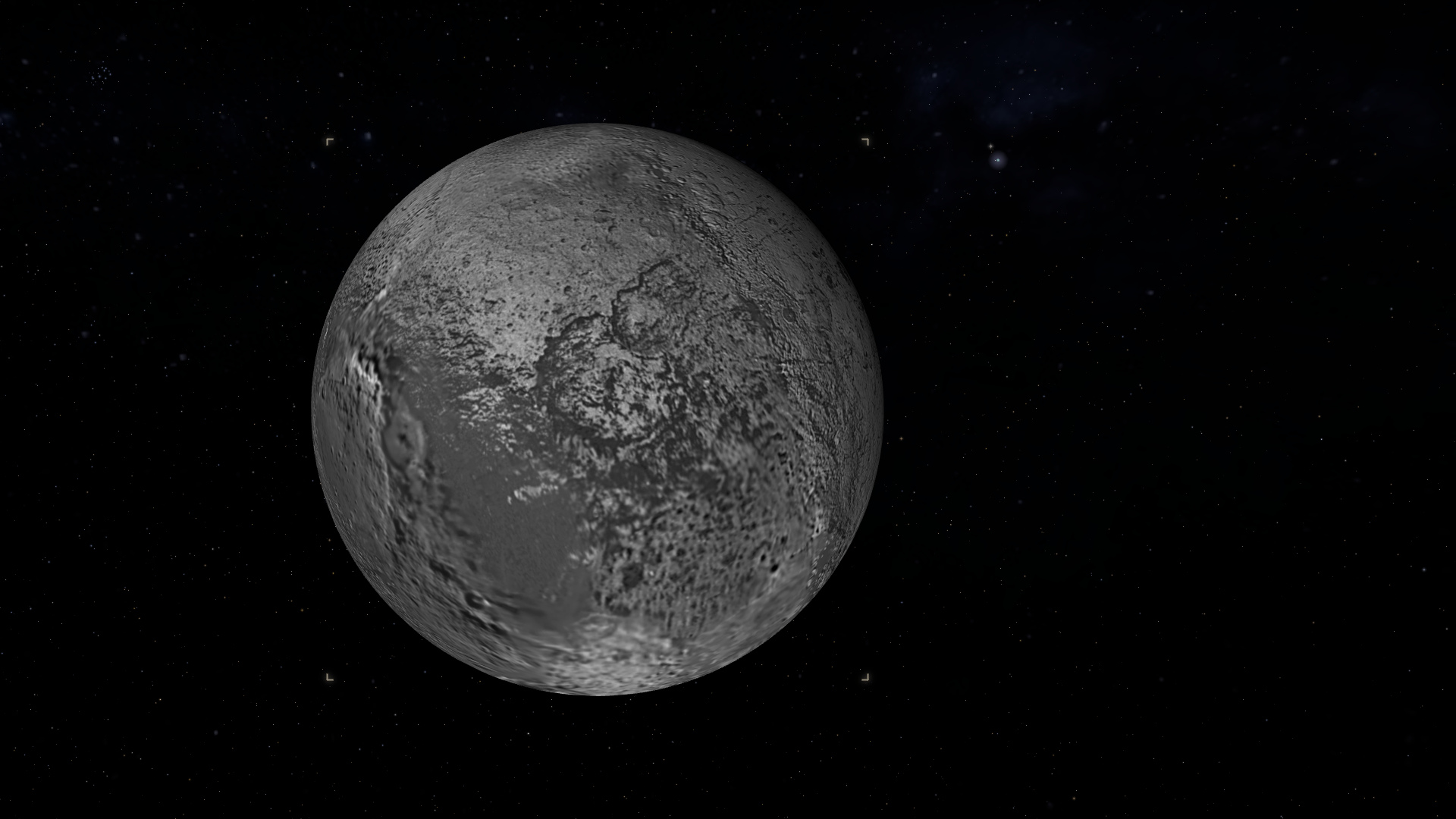
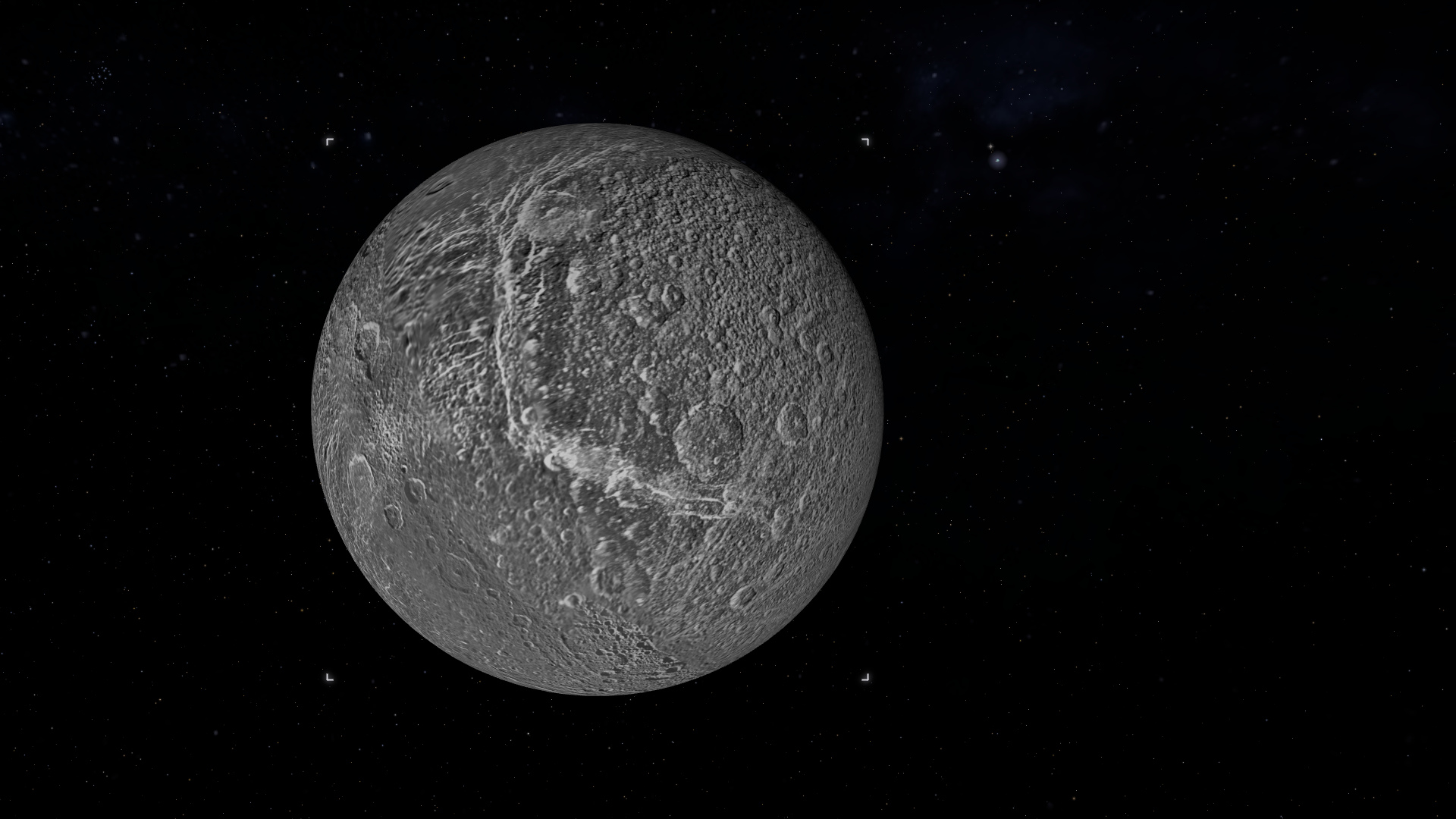
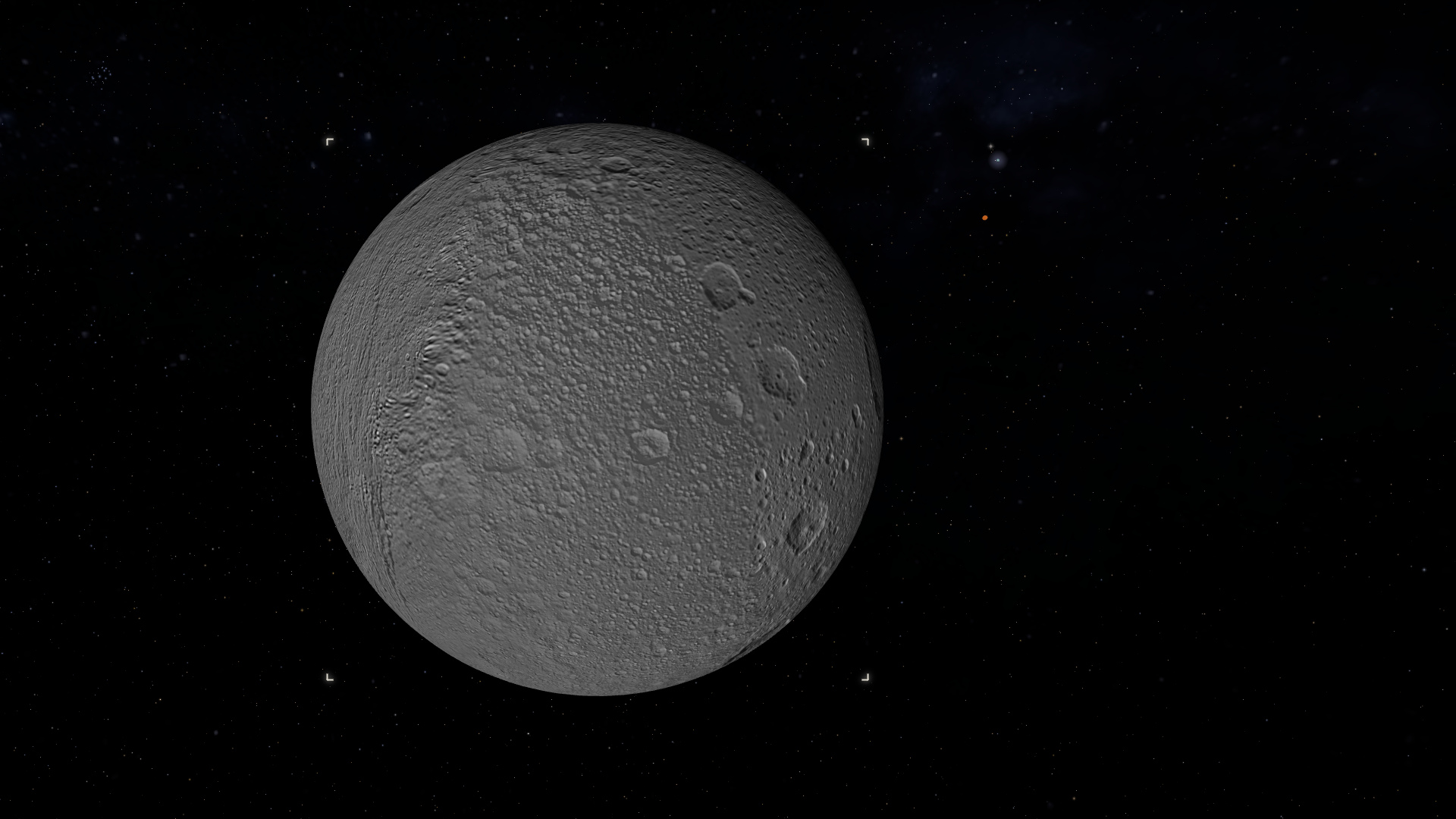
Mercury through Neptune with real surface maps, plus Pluto, Ceres and Eris. The major moons are full 3D worlds you can go to and stand on, and every named moon, all 187, is searchable, down to the small irregular ones.
🛰️ Fly anywhere
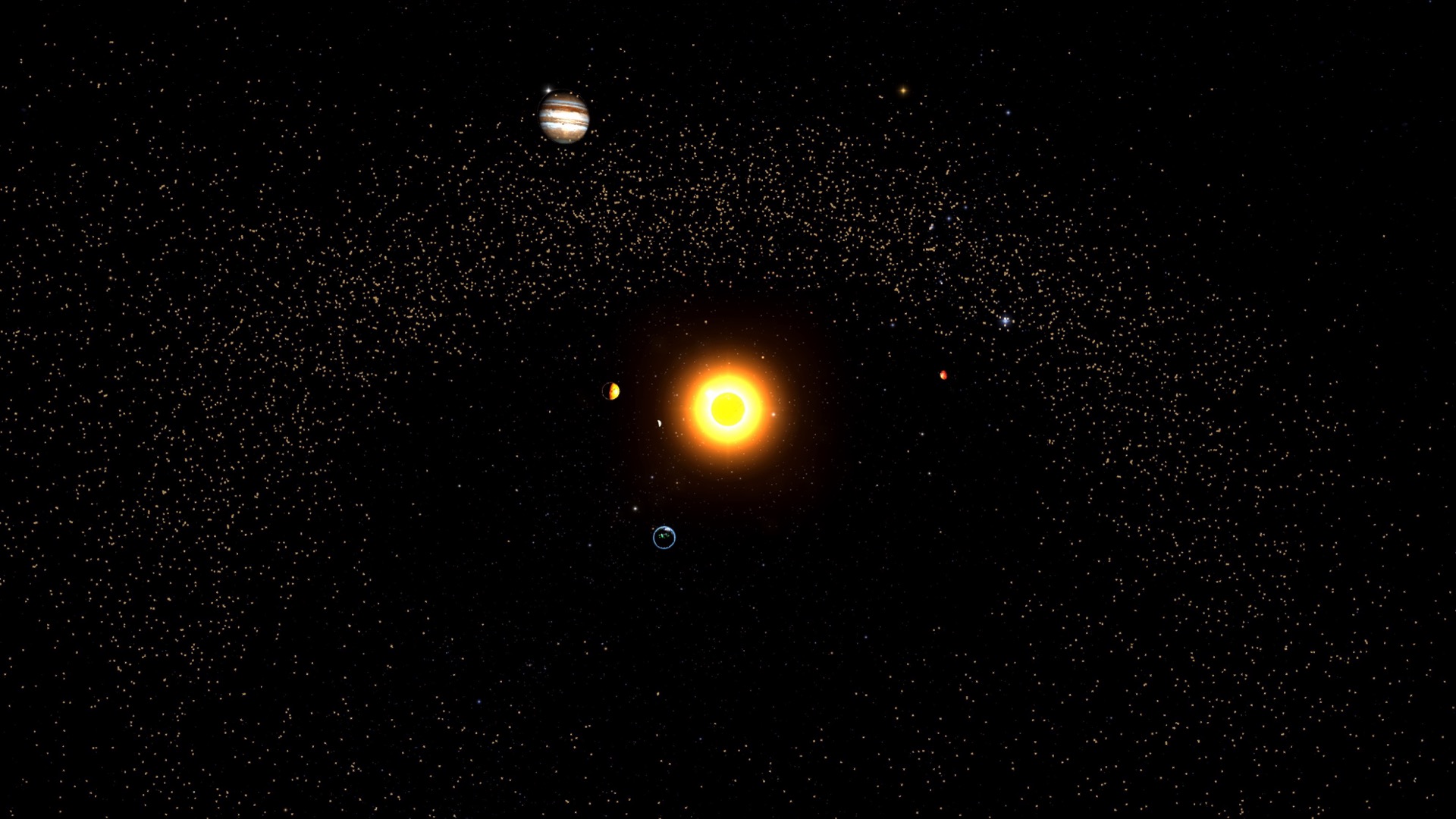
Double-click a planet to glide to it, orbit it with the mouse or a pinch, then drop onto the surface and look up at its sky. Zoom all the way out and the whole solar system, asteroid belt and all, sits in front of you.
⏱️ Travel through time
The clock scrubs forward and back through any date. Speed it up and the planets sweep along their orbits, with conjunctions, oppositions and retrograde loops playing out the way they really do.
☀️ Real positions, real orbits
Nothing here is faked or evenly spaced. Positions come from the astronomy-engine library (JPL ephemerides), accurate to about an arcsecond, on true elliptical orbits with real inclinations. There is even a true-to-scale mode.
🪨 The real asteroid belt
The brightest several thousand numbered asteroids from JPL, placed where they actually are: the true main belt between Mars and Jupiter, with the Jupiter Trojans bunched ahead of and behind the planet. Search Ceres, Vesta or Pallas to go to one.
🌌 Keep zooming out
The solar system is just one stop. Pull back through the nearest stars to the Milky Way, then out to 43,500 real galaxies and the cosmic web, all on one continuous zoom from the ground to the edge of the observable universe.
See the solar system as it is right now
Open it and the planets are already where they belong for this moment. A few of the places a 3D solar system can take you.
Open it from any device
The same page works on desktop, tablet, and phone, and a shared link opens the view directly.
Nothing to install
No app, no setup, no platform choice. Open the page and it runs. Send the link and the other person is looking at the same 3D solar system a second later, no install on their end either.
Accurate, not a toy
Flat solar-system diagrams put the planets in a tidy row at made-up distances. Here the orbits, distances and current positions are real, so what you see actually matches the sky.
Great for learning
Labels, orbit paths, distances and a true-scale toggle make it a clear 3D solar system for a class or for your own curiosity. Search any planet, moon, comet or asteroid by name to go straight to it.
Small worlds, remarkable detail
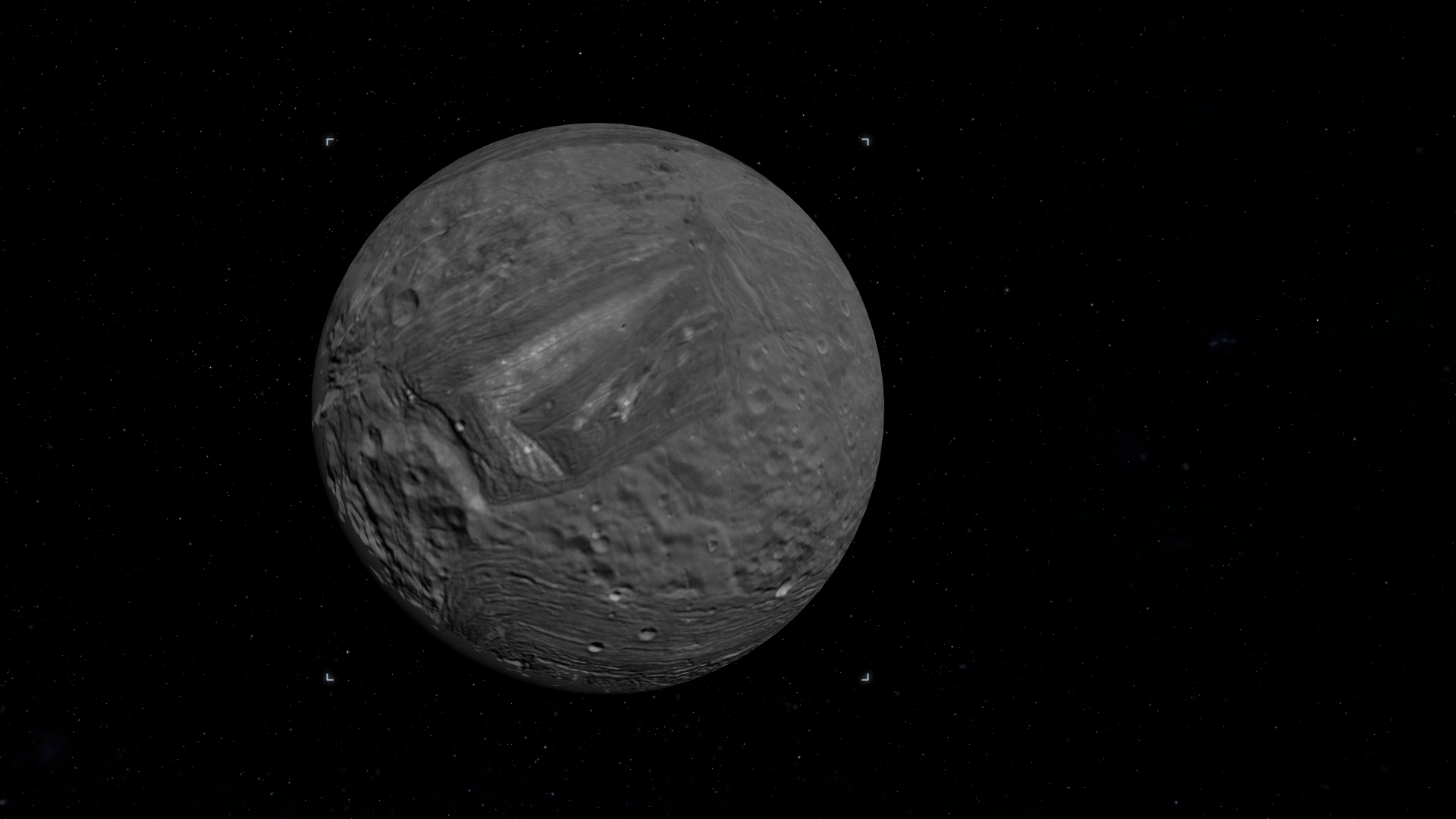
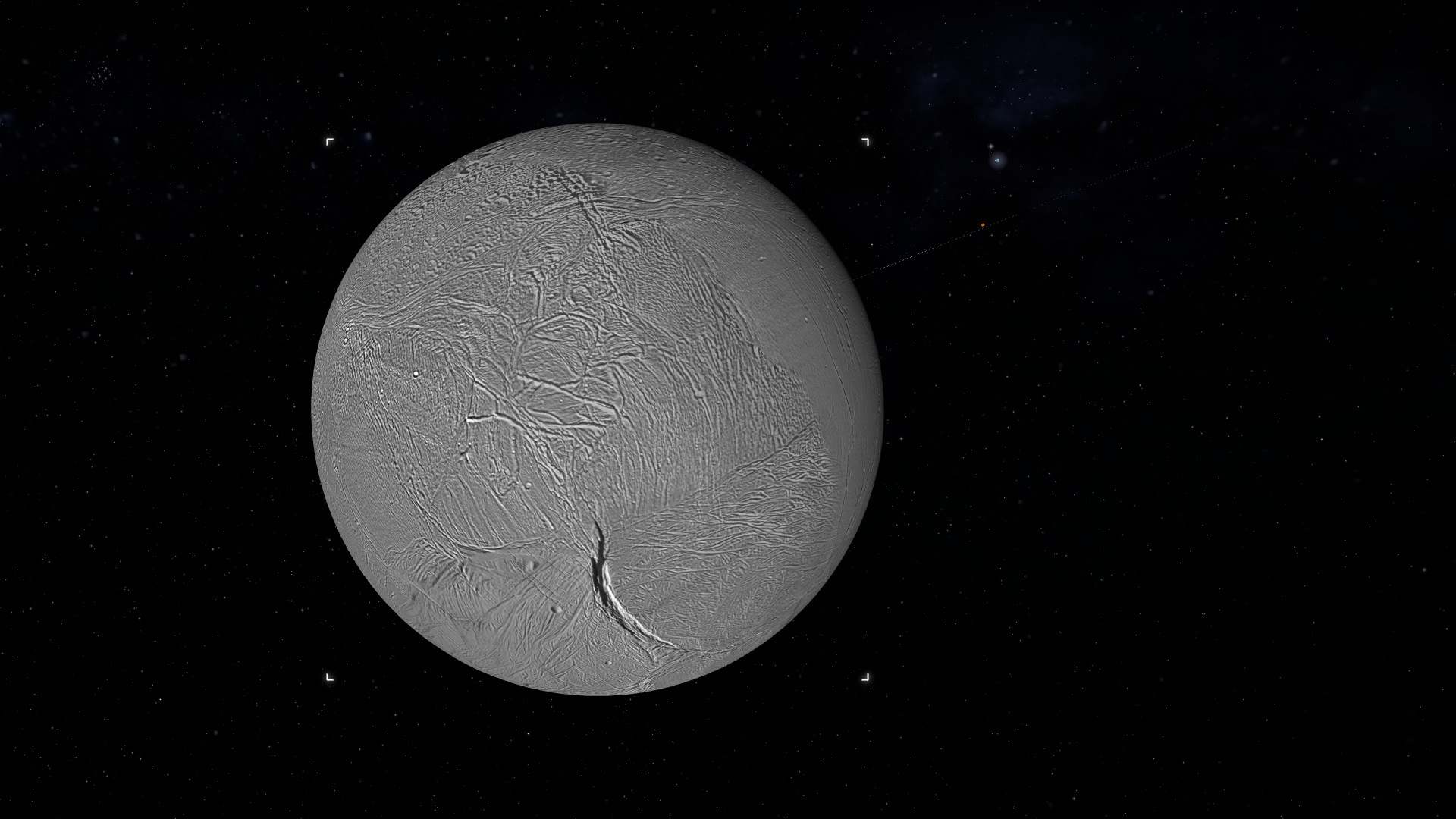
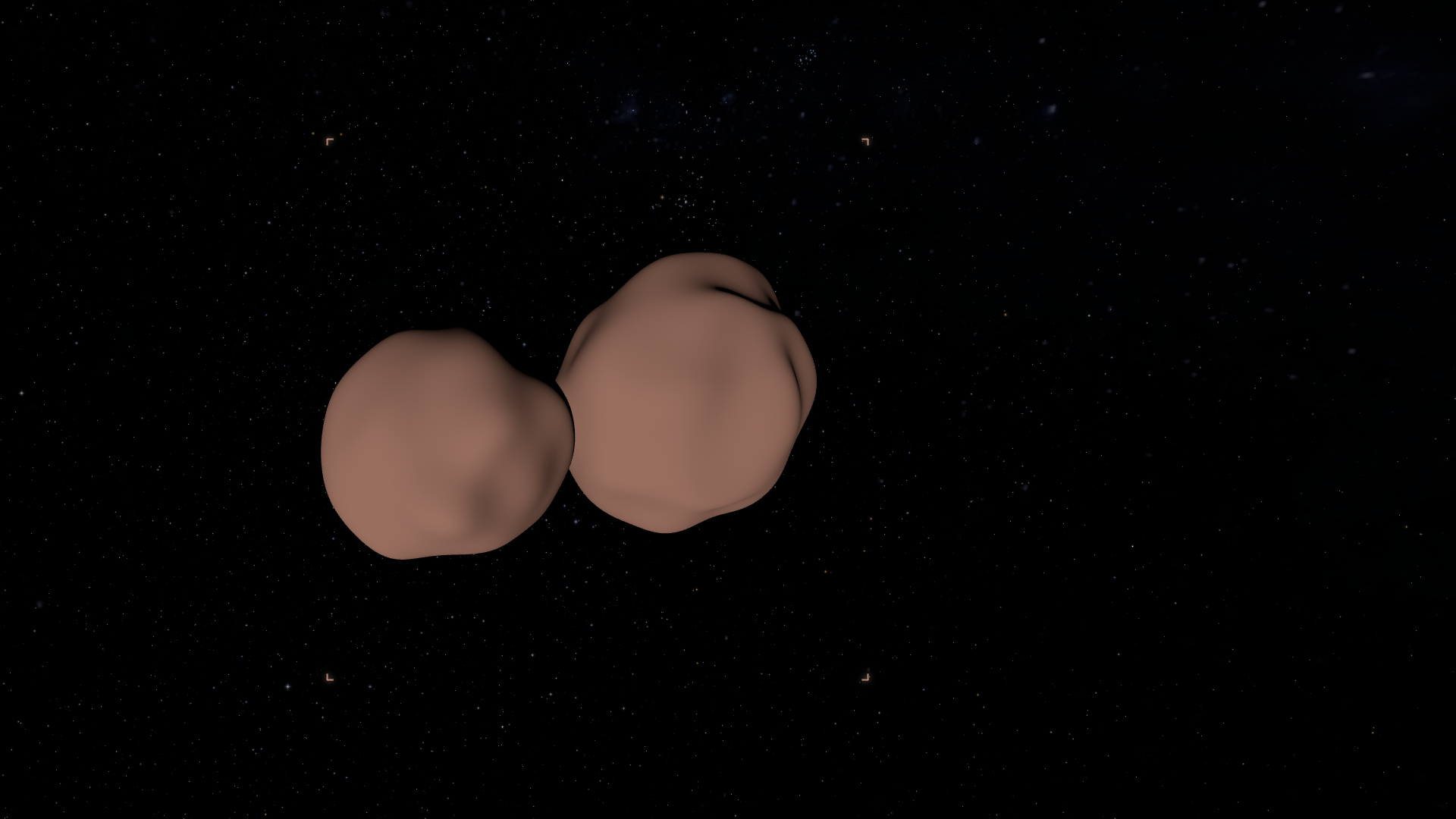
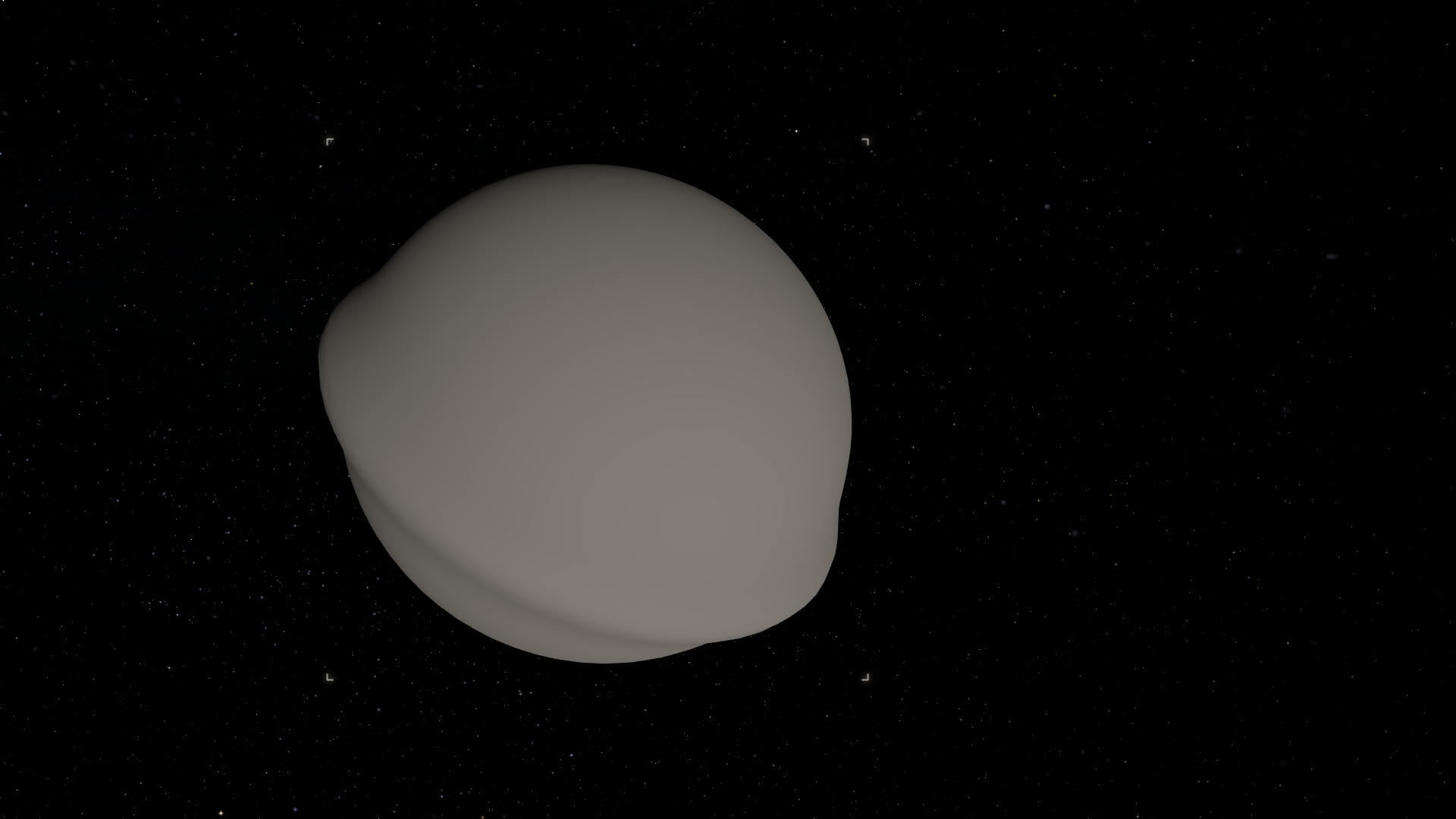
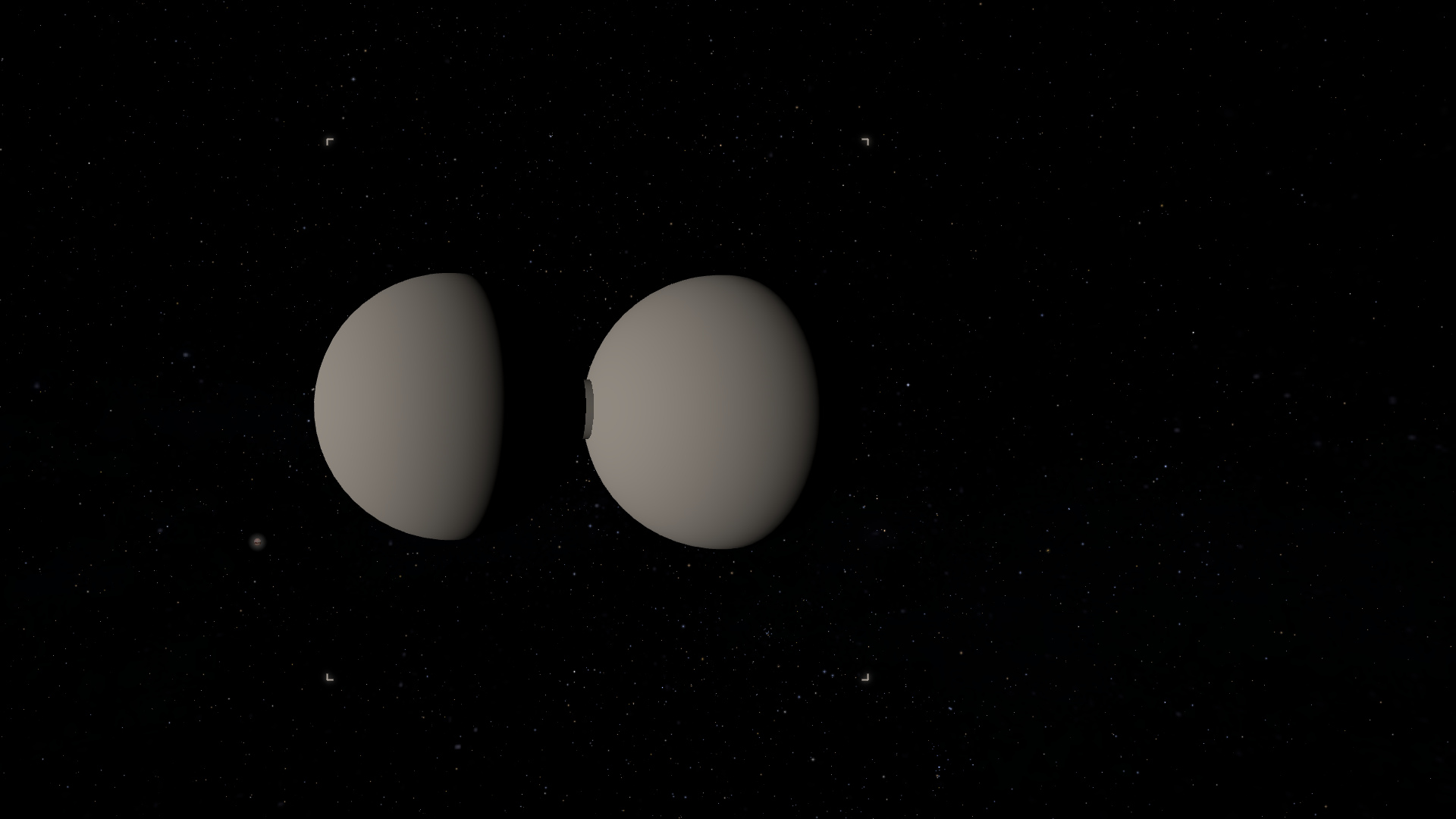
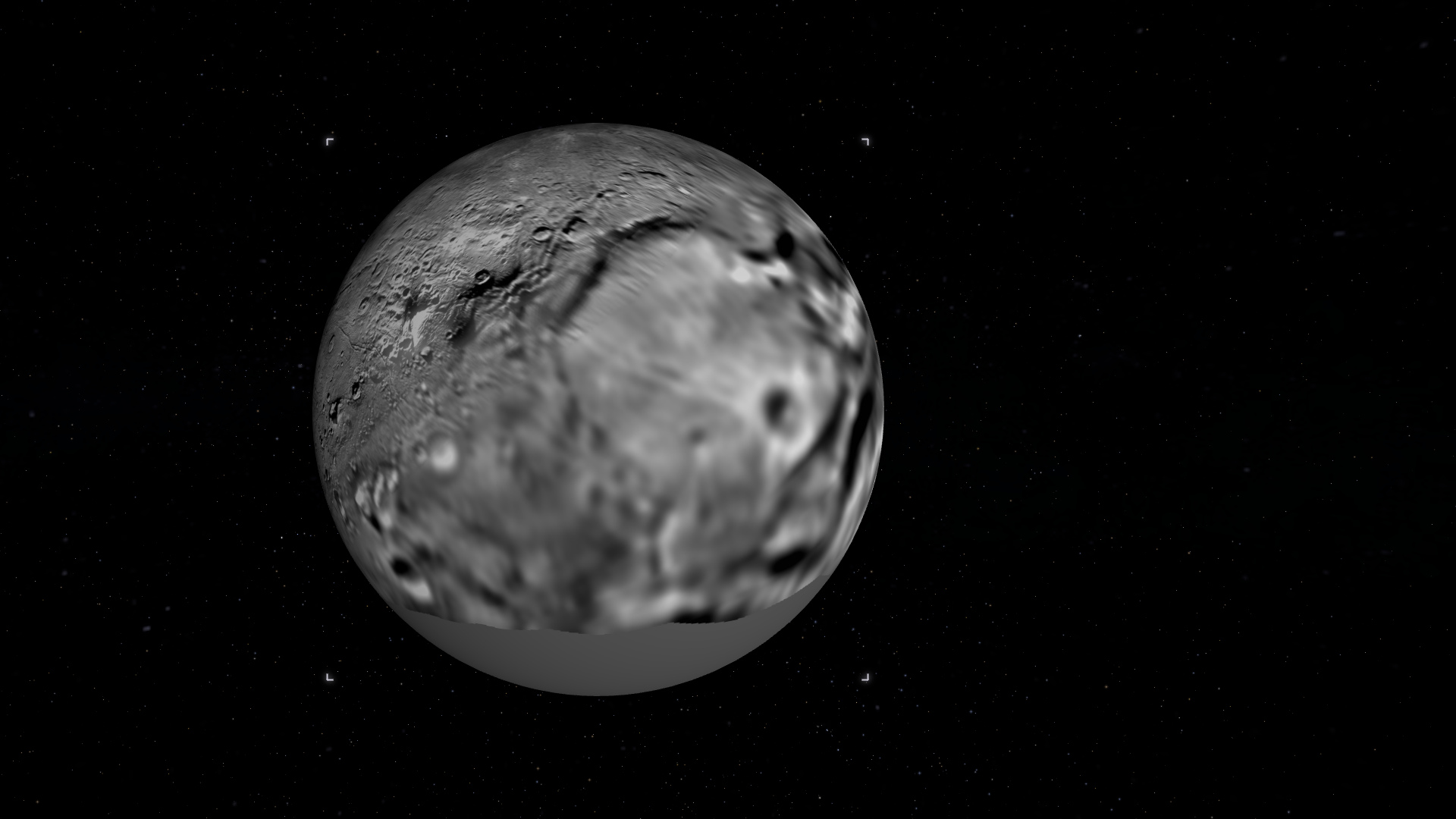
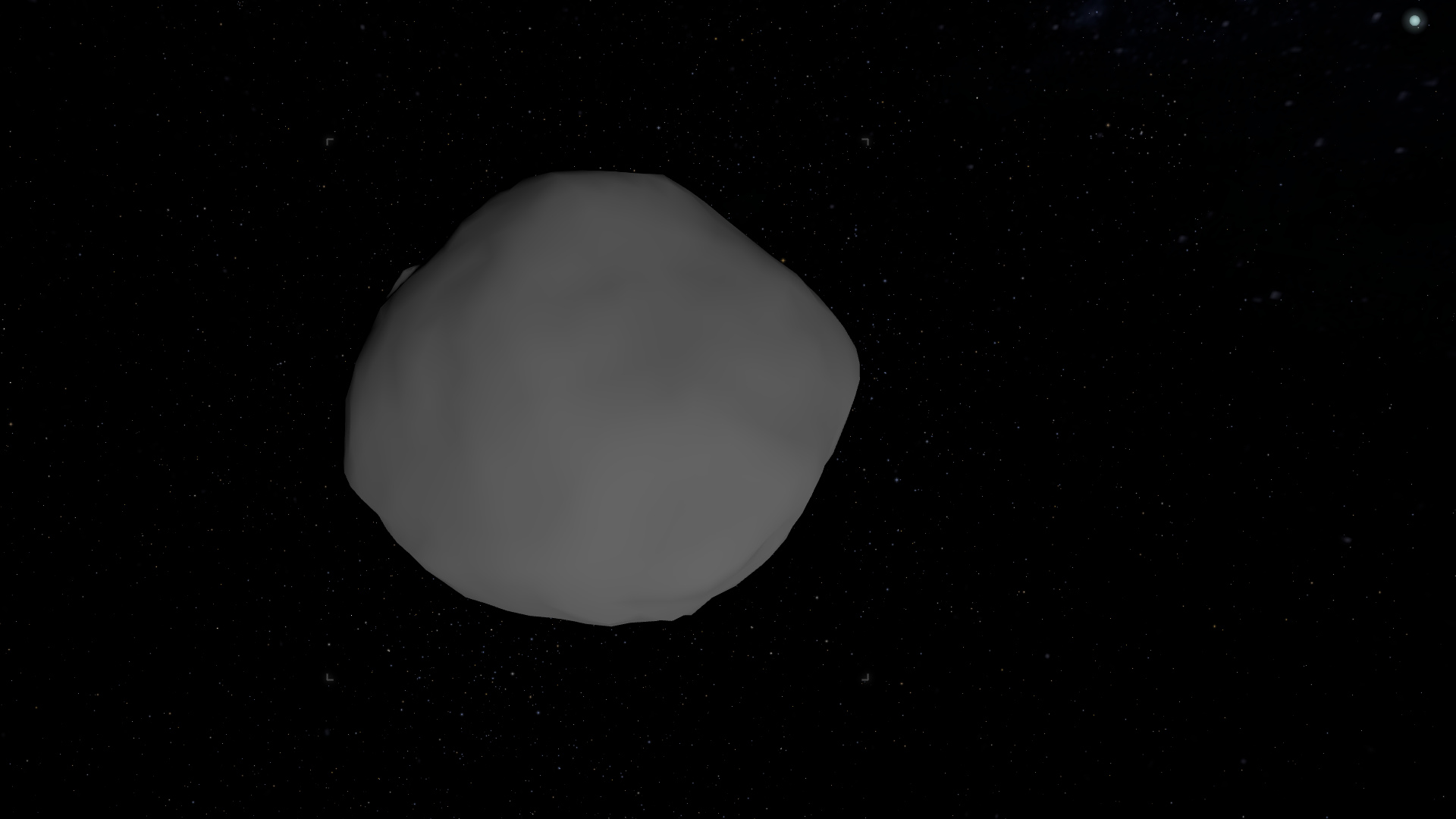
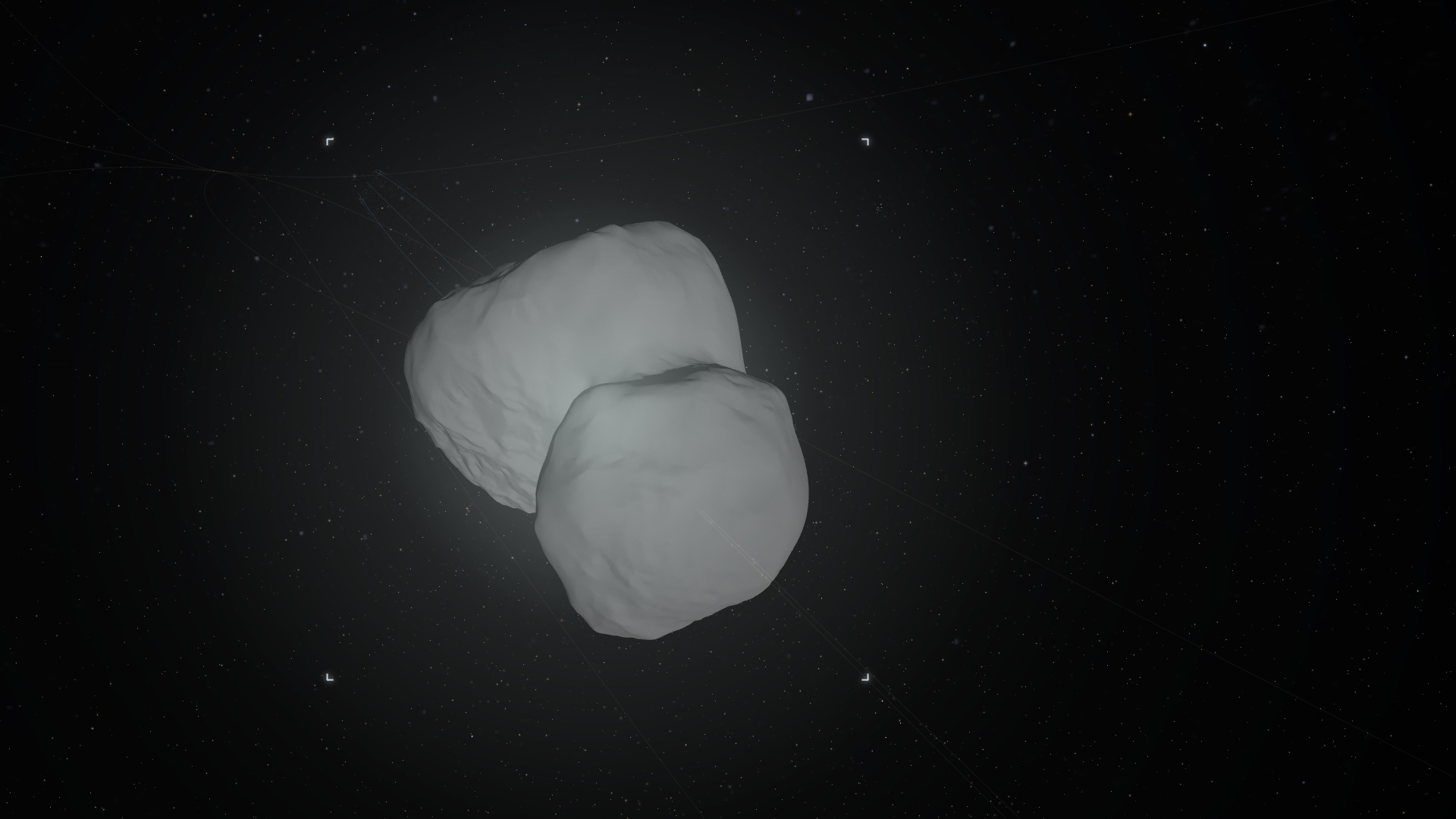
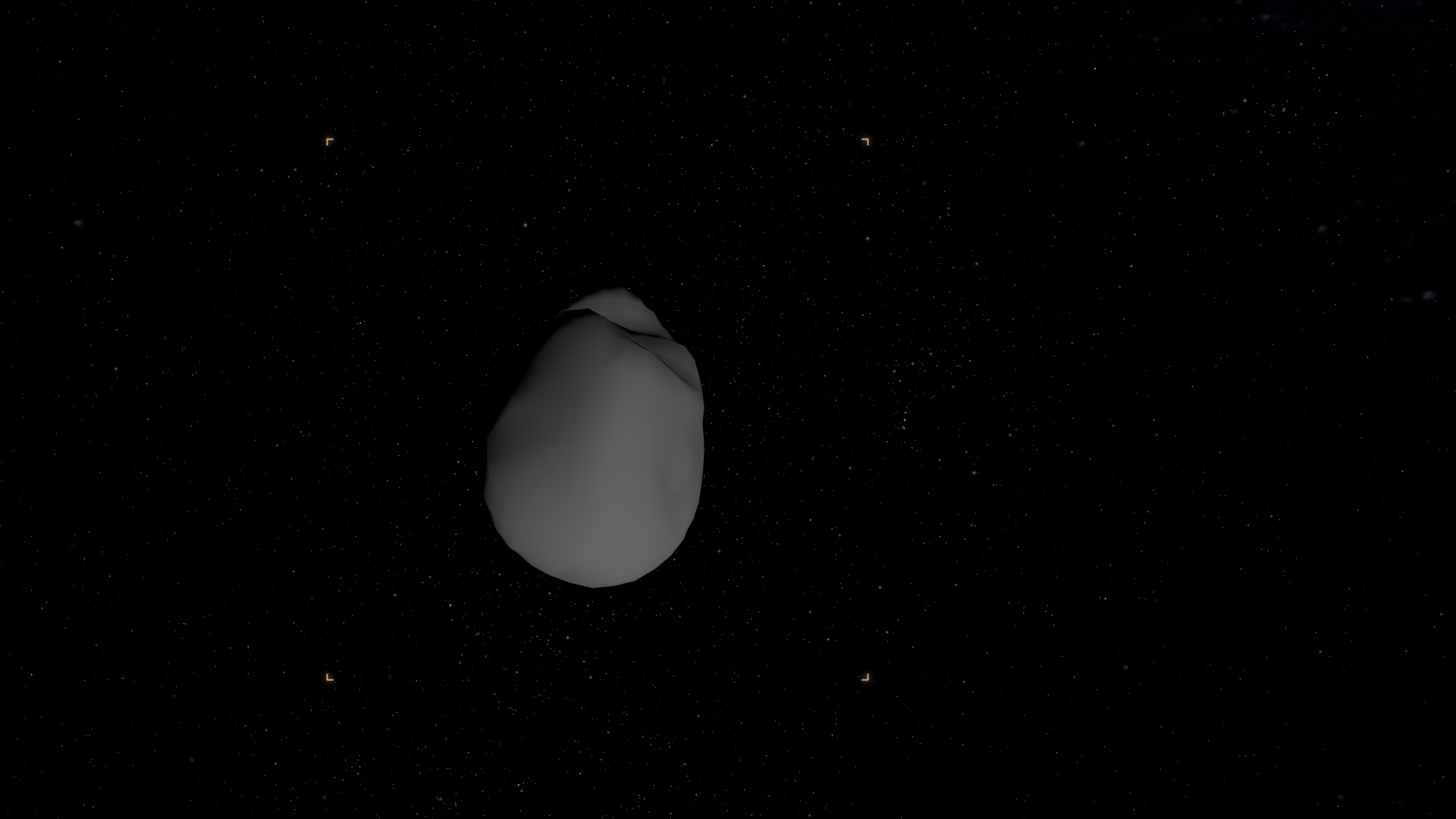
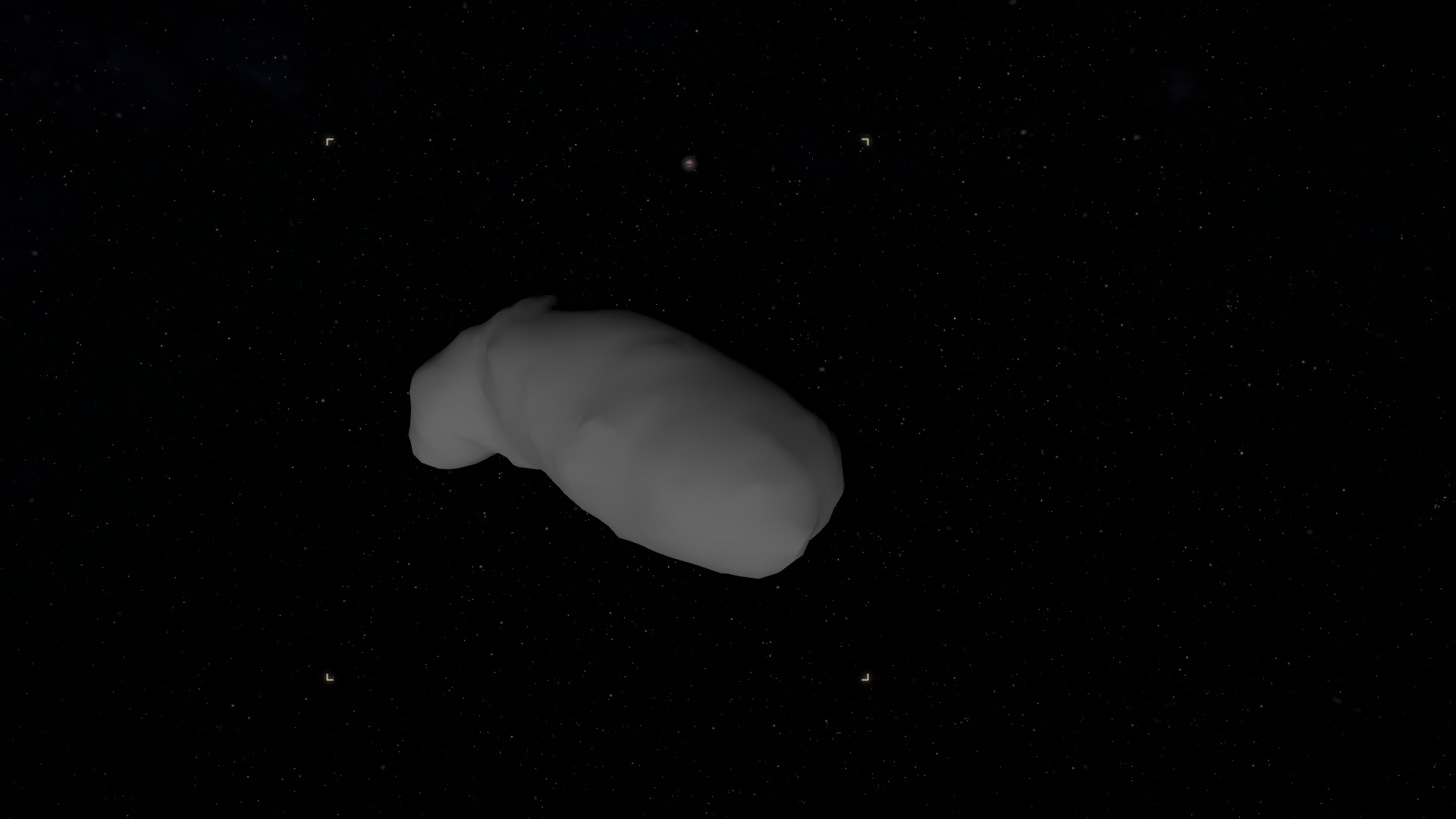
Visit Lucy’s asteroid pair, Arrokoth, mission-mapped moons and irregular small bodies. These views use observed maps and shape reconstructions; coverage limitations are explained in the app.
FAQ
Is this a real 3D model of the solar system?
Yes. The planets, major moons, dwarf planets and brightest asteroids are placed where they actually are, on their true elliptical orbits, with positions from the astronomy-engine library (JPL ephemerides). It is a working model you fly through, not a flat or not-to-scale diagram.
Is it free?
Yes. Free, no account, nothing to install. It runs in any modern browser.
Can I see where the planets are right now?
Yes. It opens at the current moment, and you can scrub the clock to any date to watch the planets move, or jump to a date that matters to you.
Is it scientifically accurate?
Yes. Positions are computed from real ephemerides and are accurate to about an arcsecond, with a true-to-scale option for sizes and distances.
Does it run on my phone?
Yes. The same build runs on desktop, tablet and phone, with touch controls to orbit, pinch to zoom and tap a planet to go to it.