 Space Time
Free astronomy software in your browser
Space Time combines a planetarium, observing planner, ephemeris, eclipse simulator, and 3D solar system in one browser-based tool. It is free to use on desktop, tablet, and phone.
🚀 Try it now, nothing to install Free · No account · No subscription · Any modern browser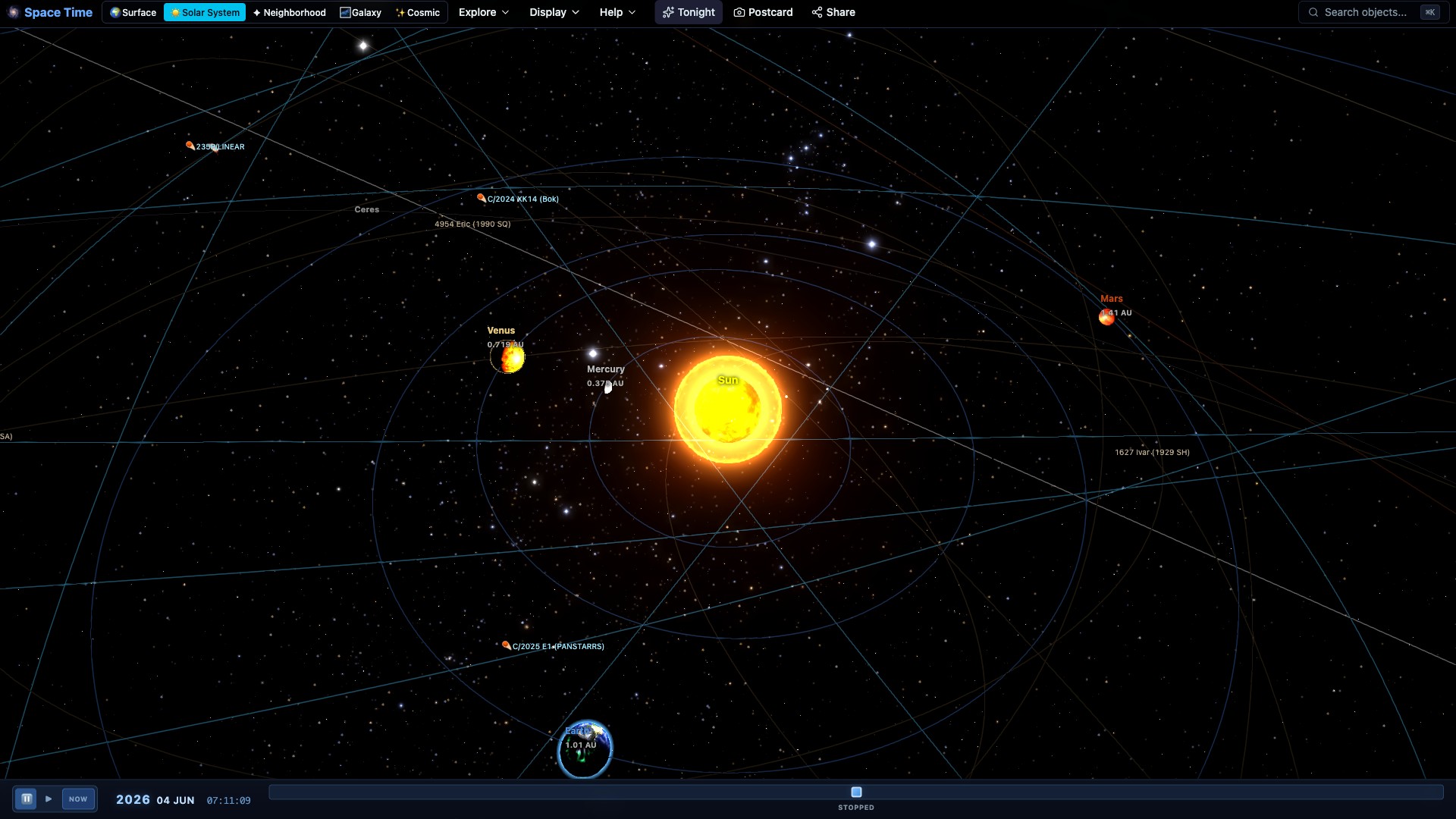
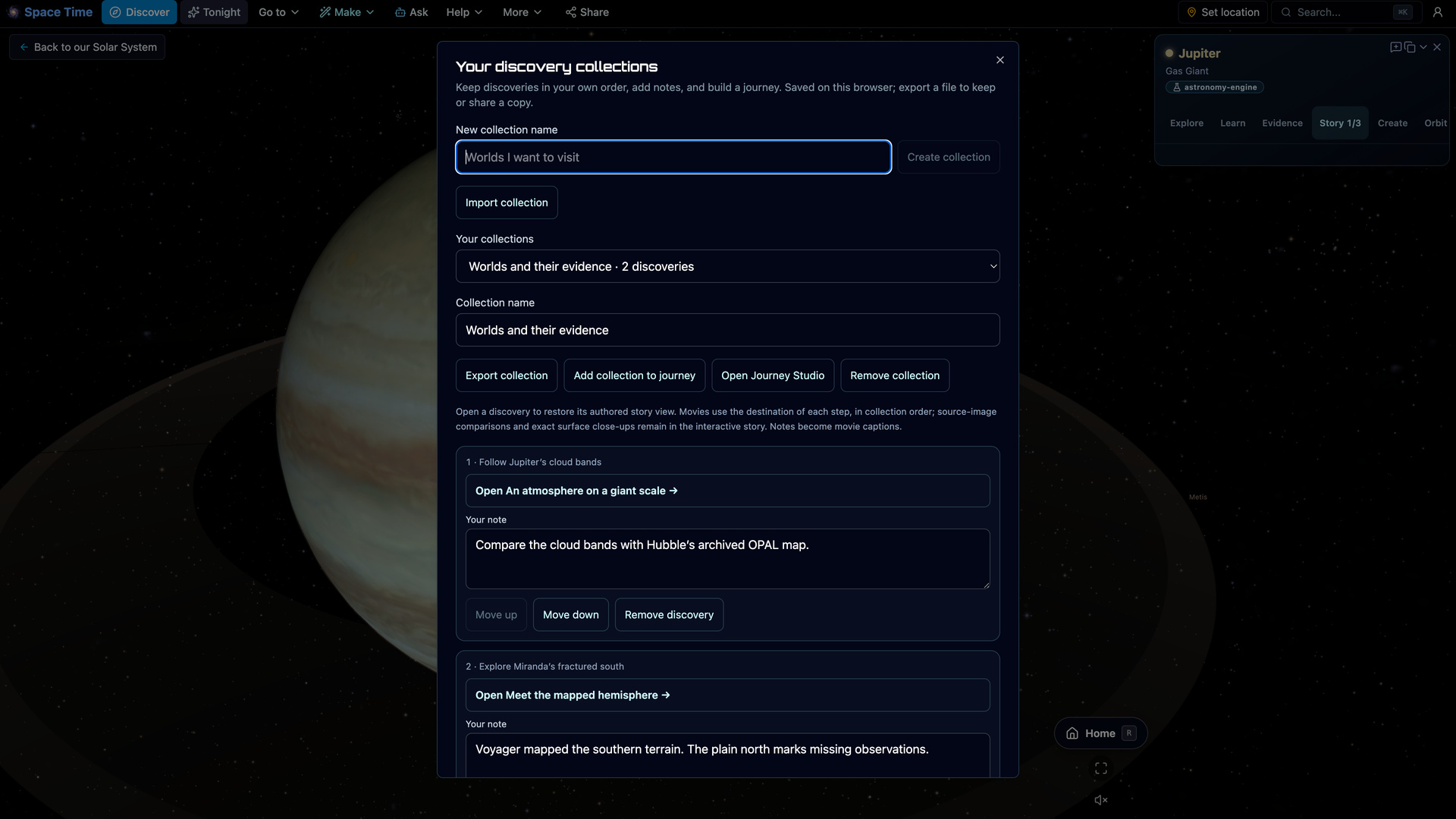
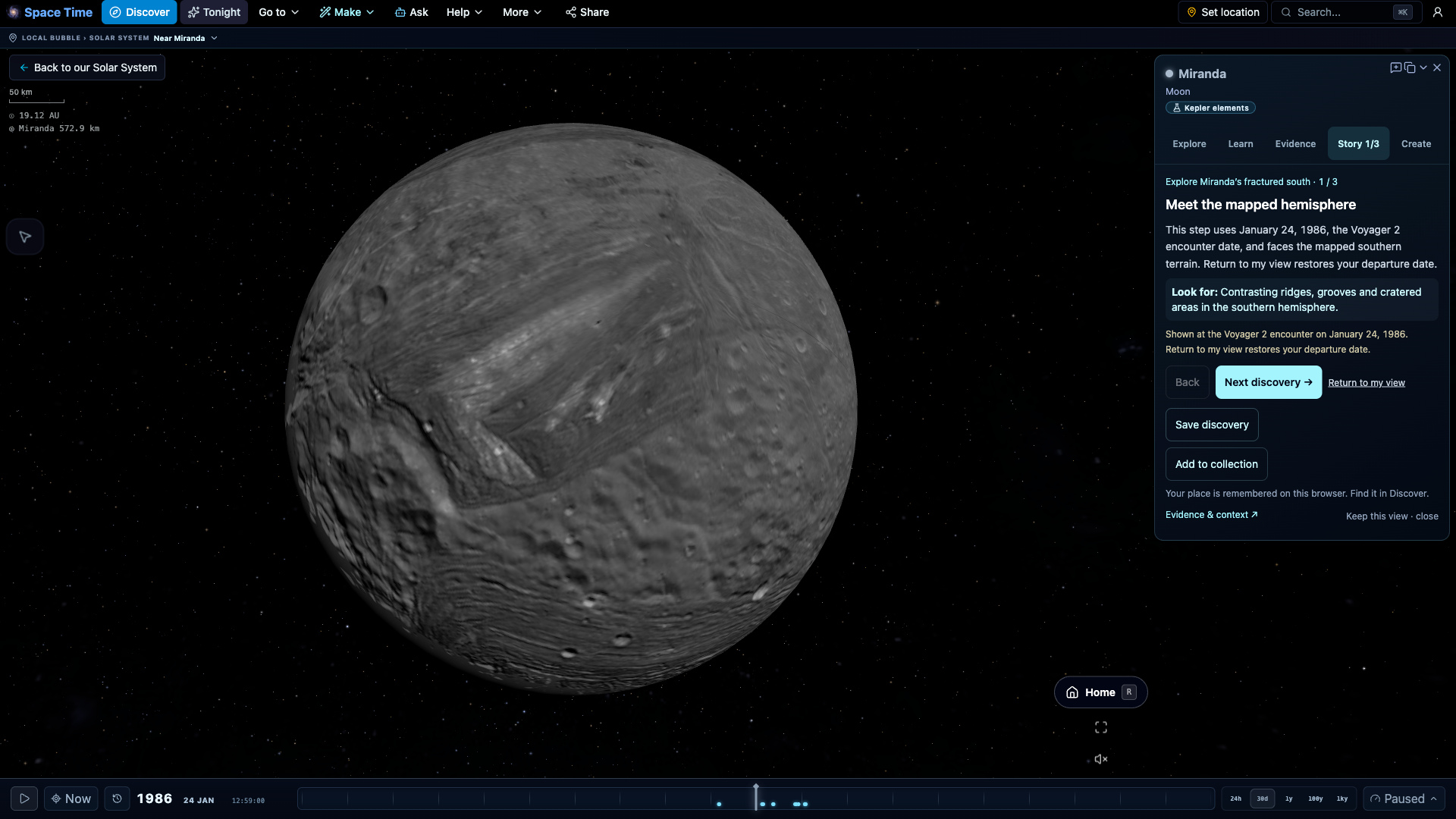
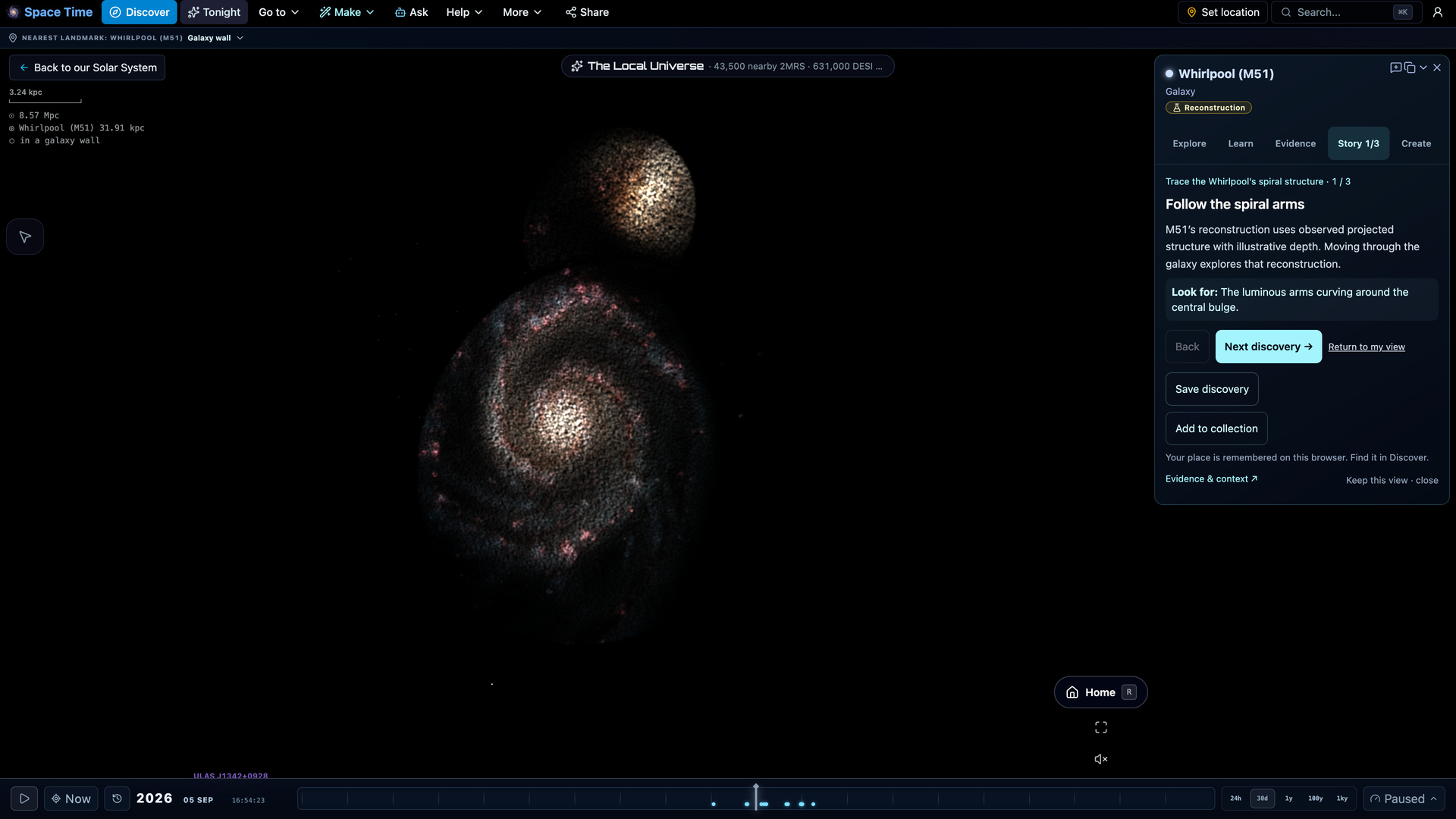
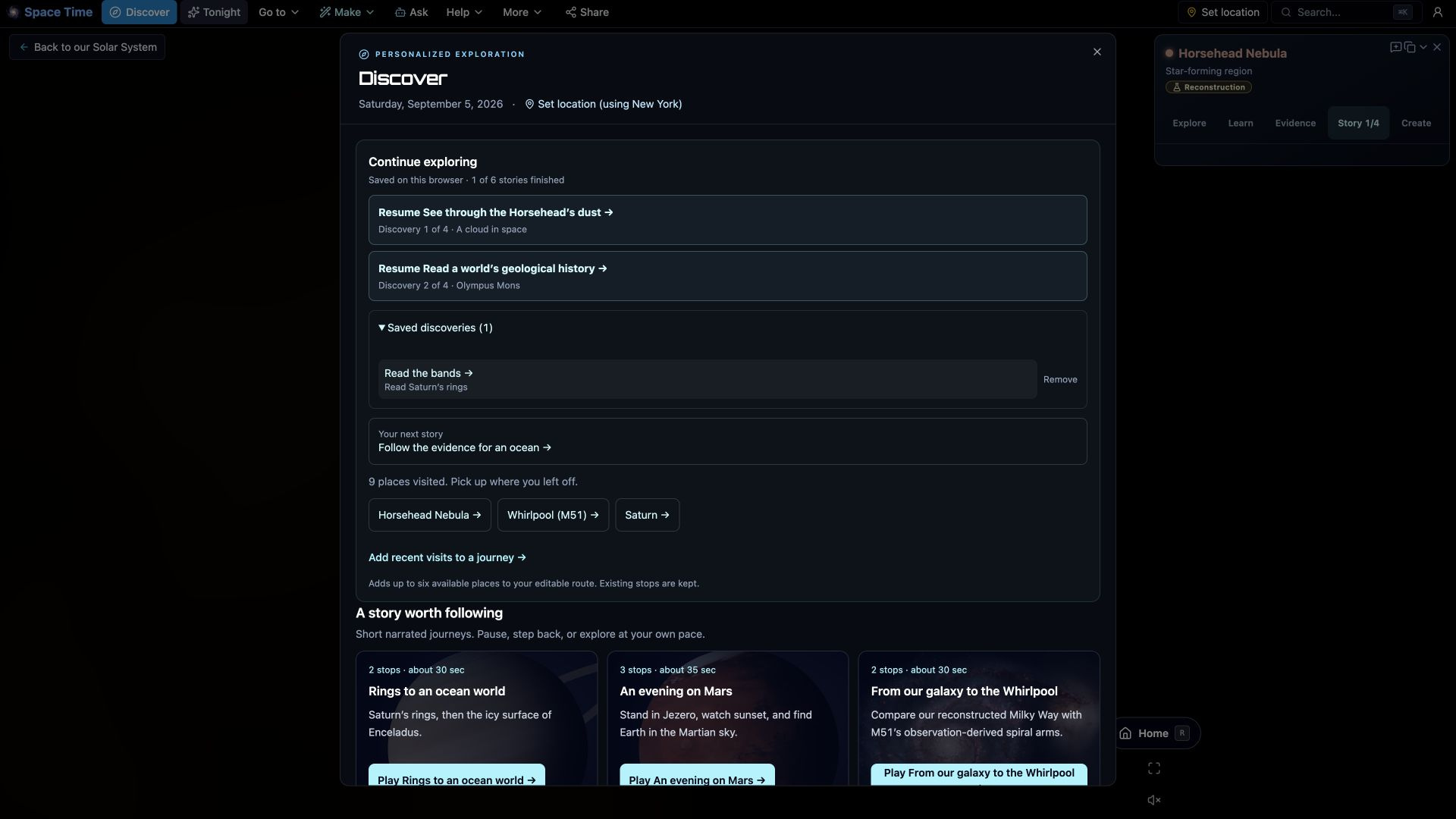
Follow a story. Keep a discovery.
Explore new destination stories and build your own collection of views, evidence and notes.
More ways to explore and understand
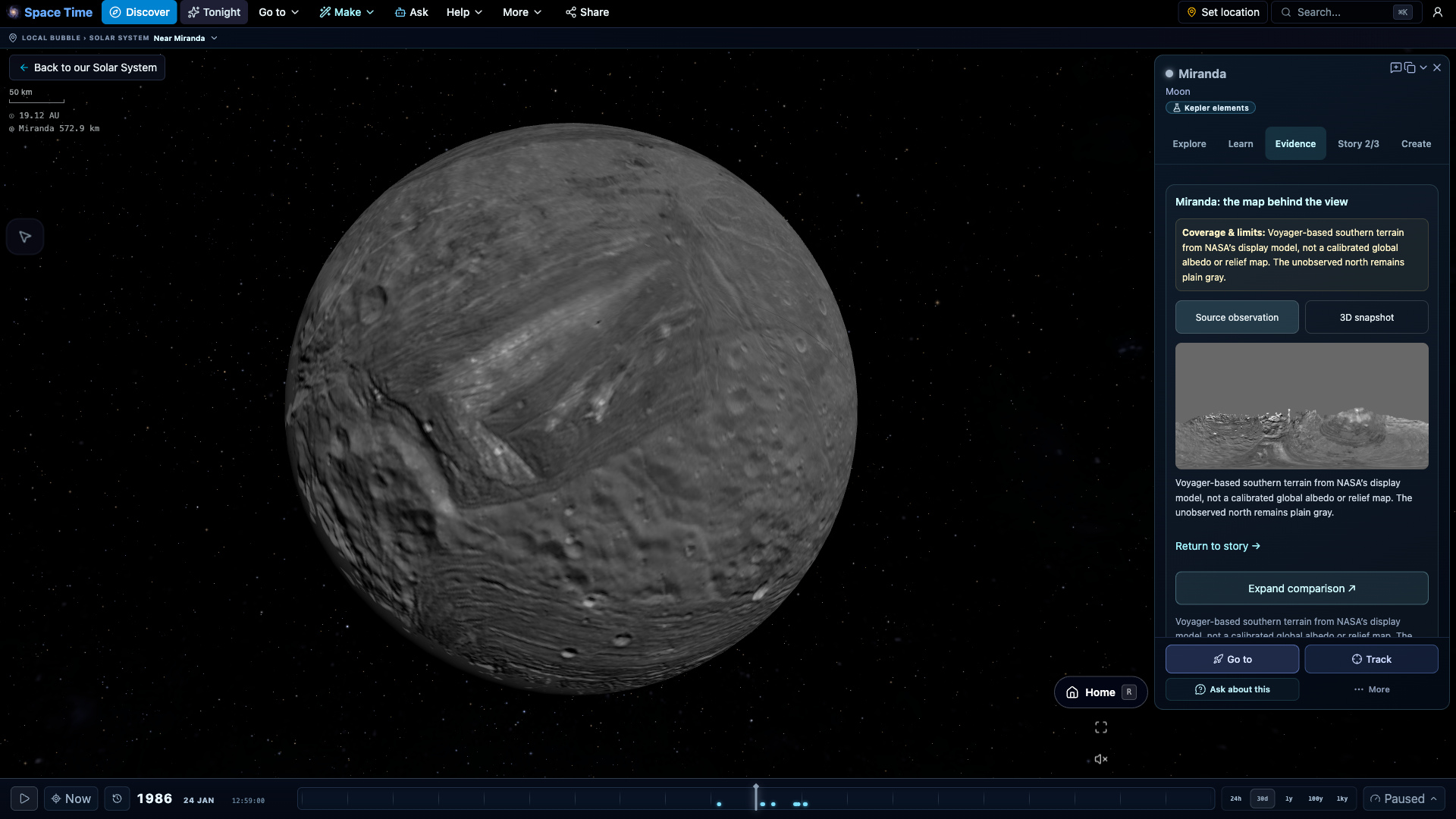
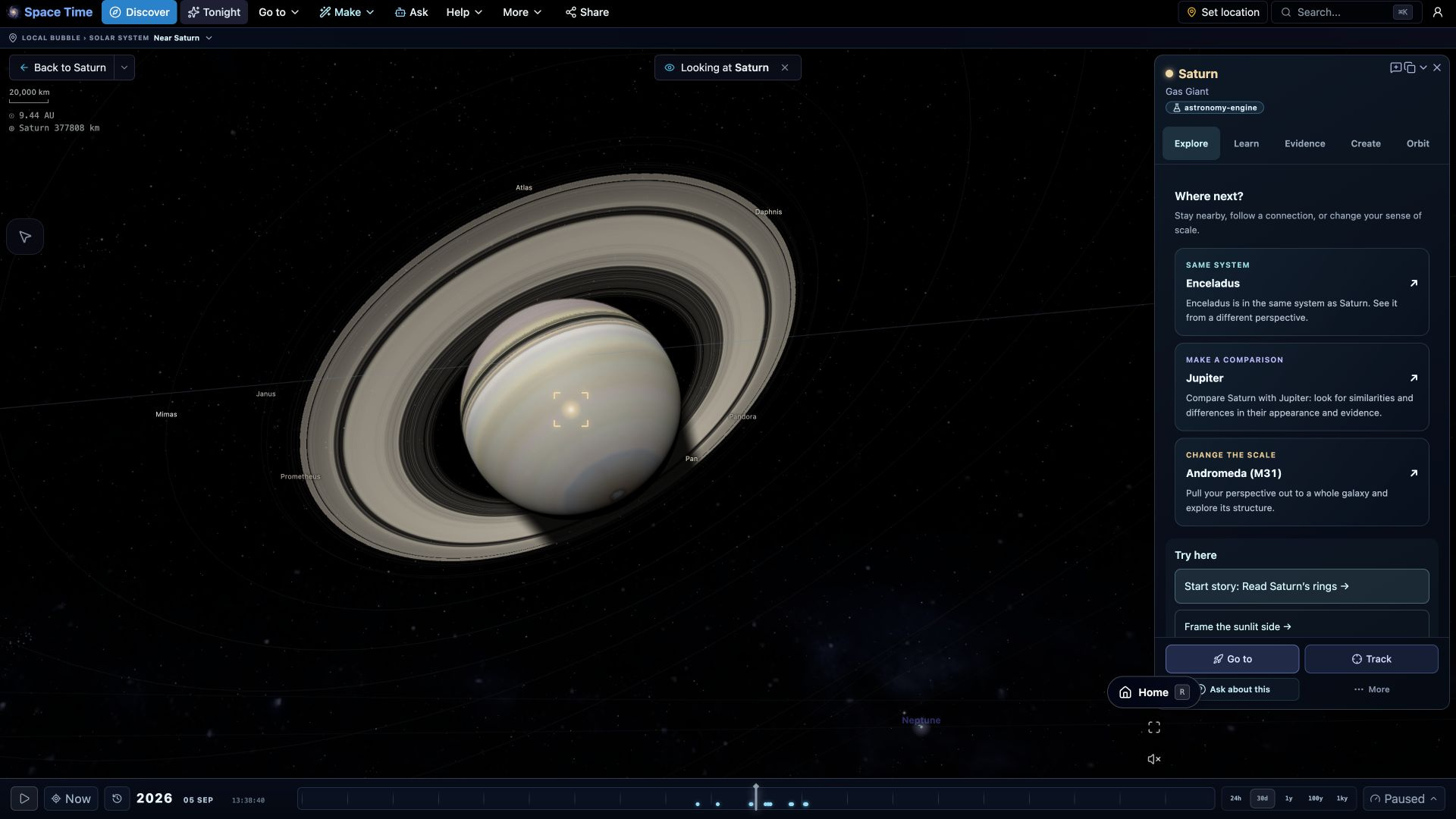
New tools connect the view, its evidence and your next discovery.
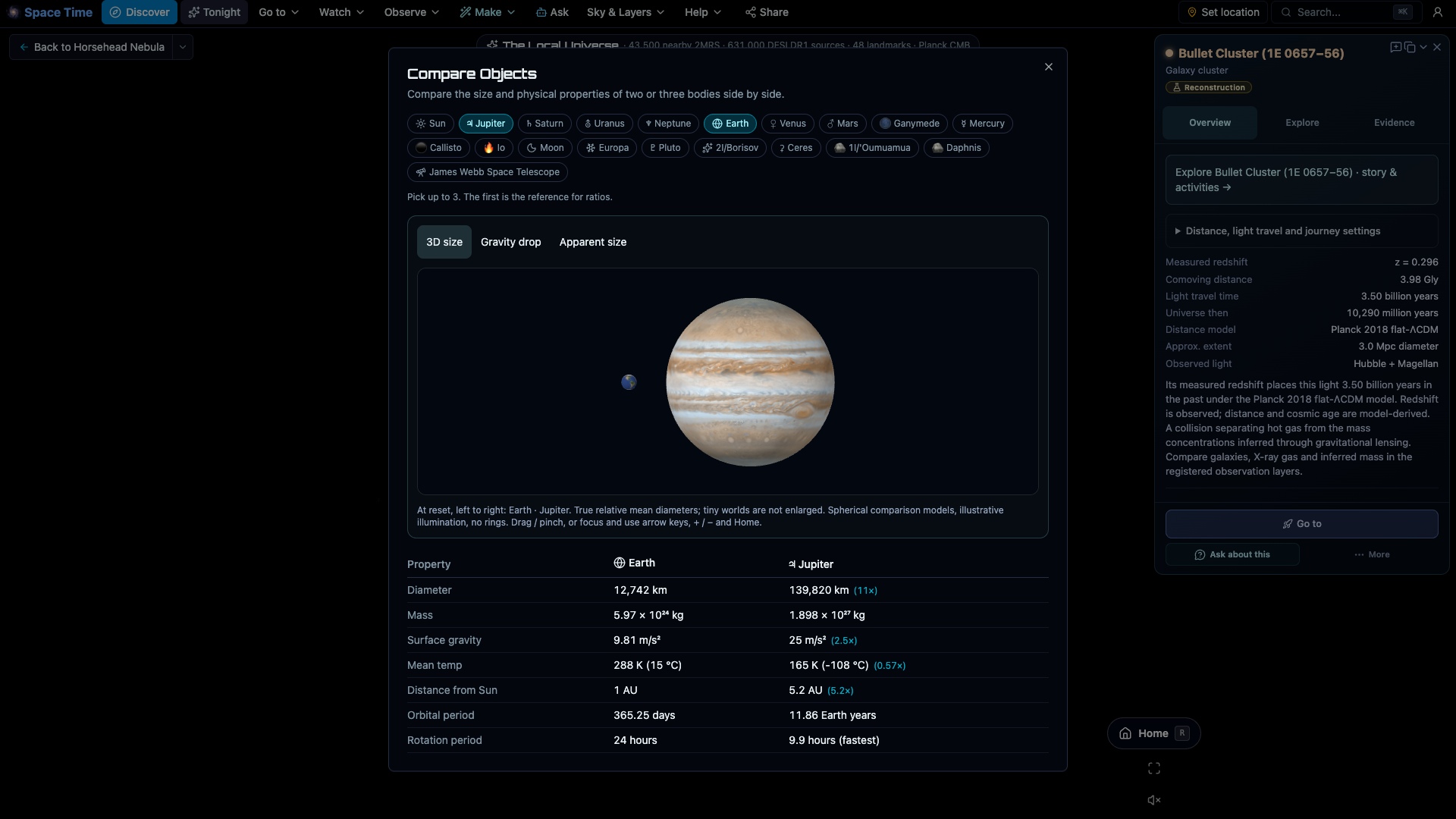

Sky map, planning, and ephemeris tools
Use the sky map to identify objects, the planner to choose a night, and the ephemeris tables for positions and brightness over time. Astronomy Engine supplies a common set of positions across the tools.
🌌 Planetarium & star chart
The sky for your location and time, with 2.5 million real stars (HYG plus Tycho-2, Gaia DR3 distances), constellations and the Milky Way. Stand on Earth, the Moon or Mars and look up, with rise, transit and set times for everything in view.
📈 Ephemeris & almanac
Generate almanac tables for any planet or body: position, brightness and apparent size over whatever date range you choose, with brightness and distance graphs and CSV export. Oppositions and best nights are flagged automatically.
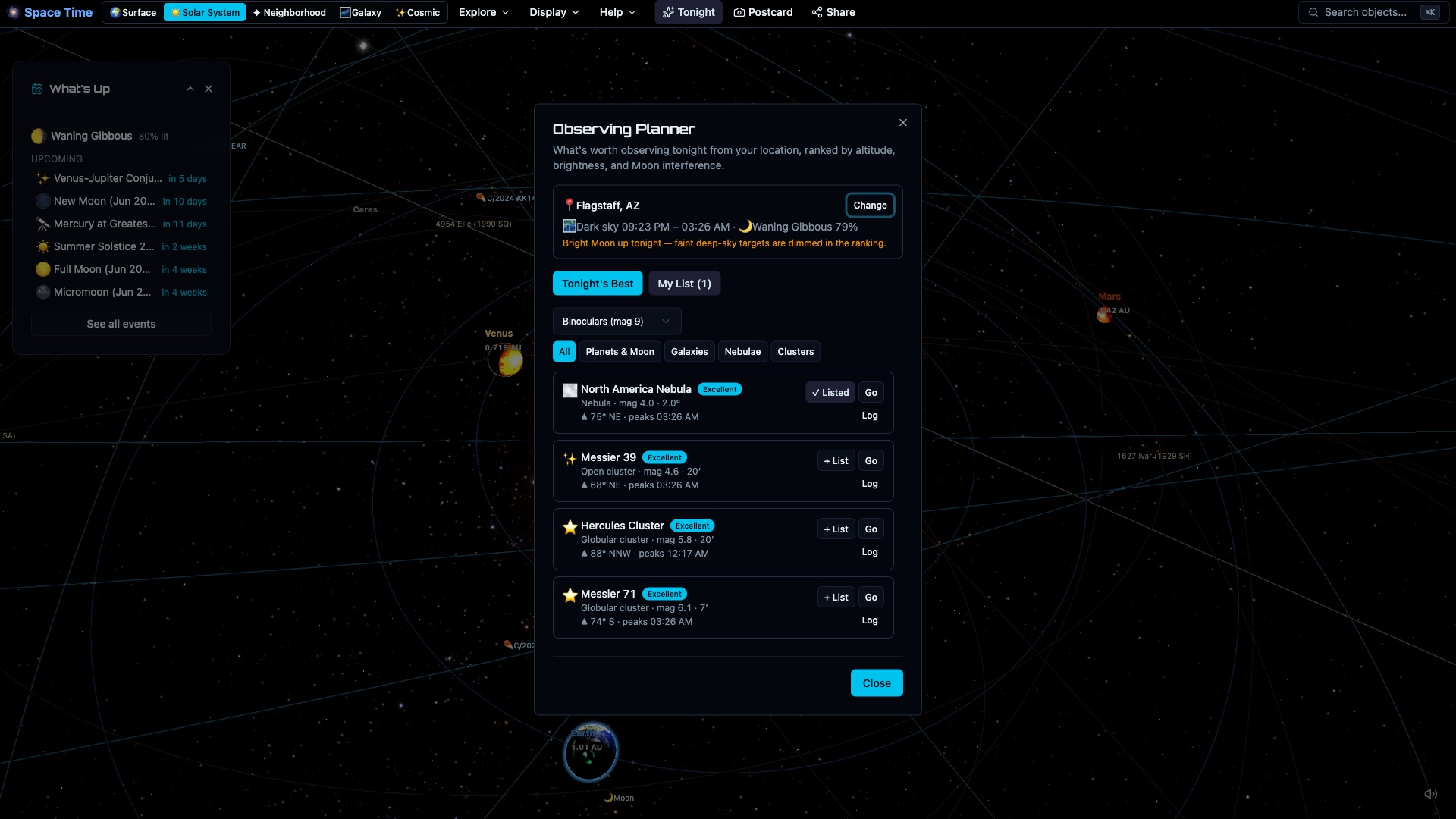
📋 Observing planner
A what's-up-tonight planner that ranks the Moon, the planets and the deep-sky catalog for your site and night, scored by altitude, magnitude and how much the Moon interferes. Build your own named observing lists and see every target circled in the live sky.
🌑 Eclipse prediction
Solar and lunar eclipse prediction for any date and place, then played out in 3D: totality with the Sun's corona, or Earth's shadow turning the Moon blood-red, viewed from the ground or from space.
🔭 Deep-sky catalog
Over 32,000 deep-sky objects: the full NGC/IC plus Sharpless, Arp, Abell, globular and open clusters, planetary nebulae and PGC galaxies, drawn as classic chart symbols color-coded by type. Click any object to identify it, with real survey photography on 200+ showpieces.
🛰️ Satellite & ISS passes
ISS, Tiangong and Hubble pass predictions use SGP4 with dated CelesTrak elements checked every two hours. The opt-in active catalog shows the wider population at the simulation date. Space data reports counts; Data freshness reports successful source checks.
A 3D solar system alongside the chart
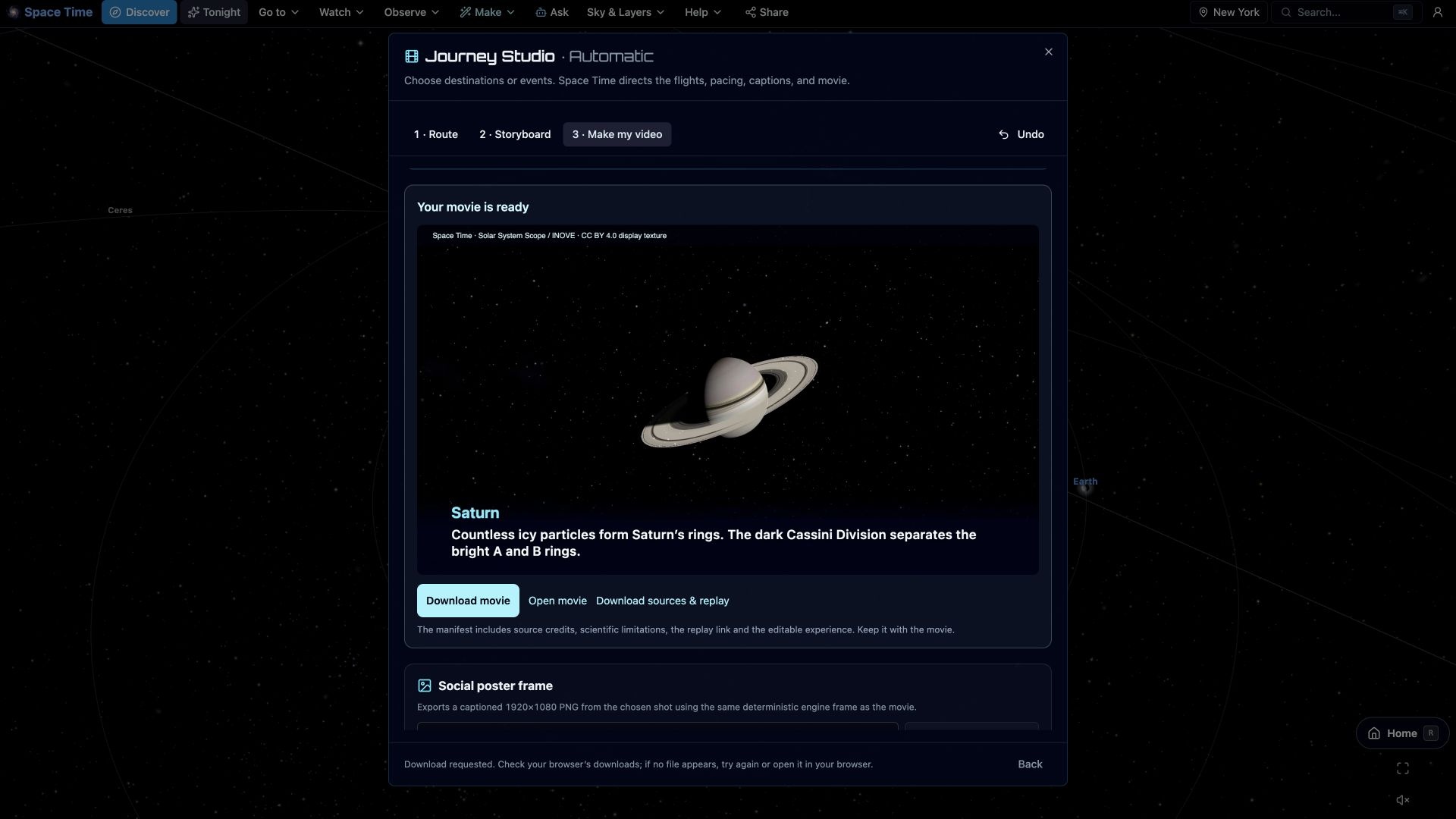
Leave the ground view to visit planets and moons, follow asteroids and comets, or replay Apollo, Voyager, and New Horizons. The same scene extends outward to the Milky Way, nearby 2MRS galaxies and sampled DESI DR1 galaxies and quasars.
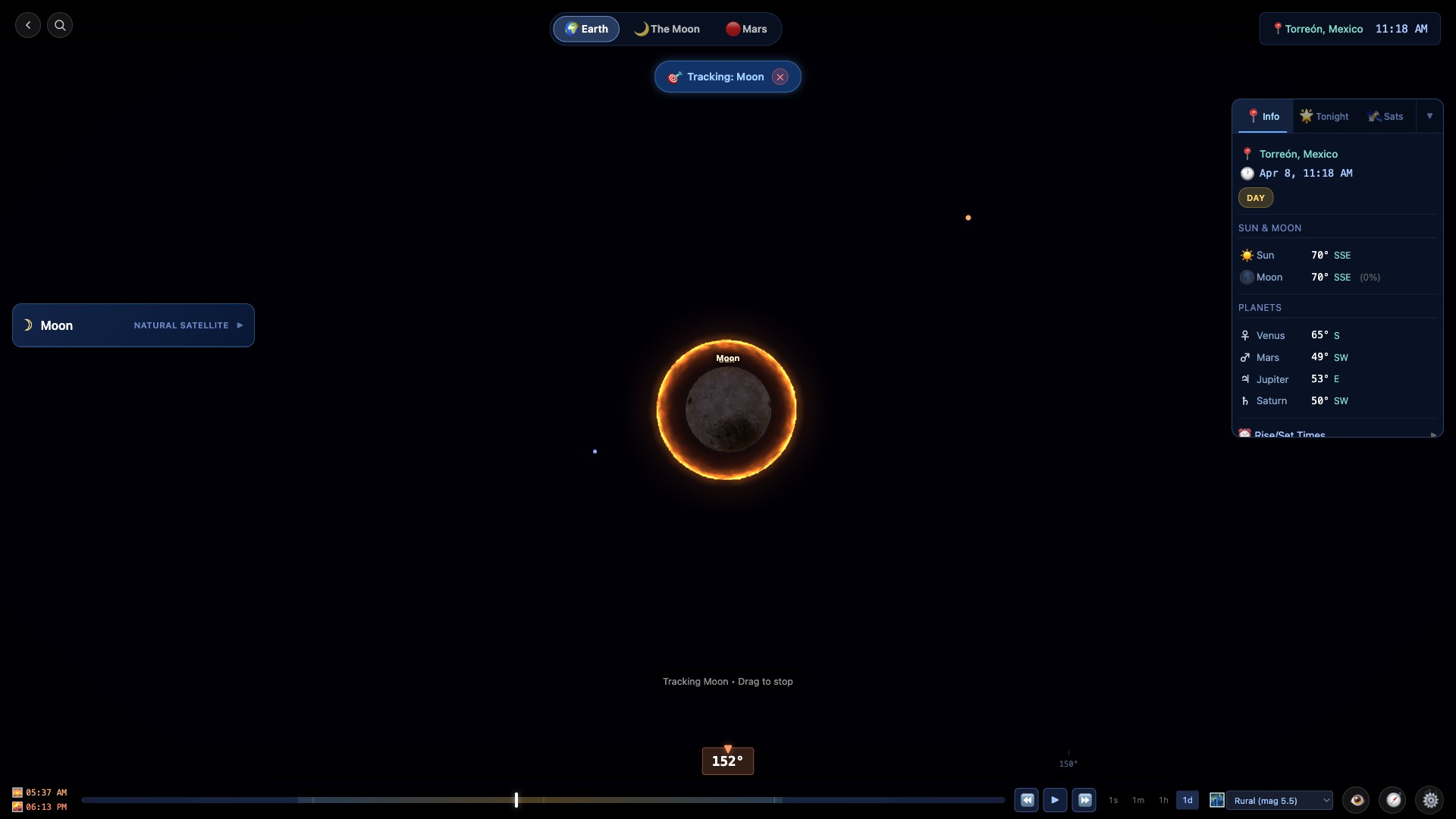
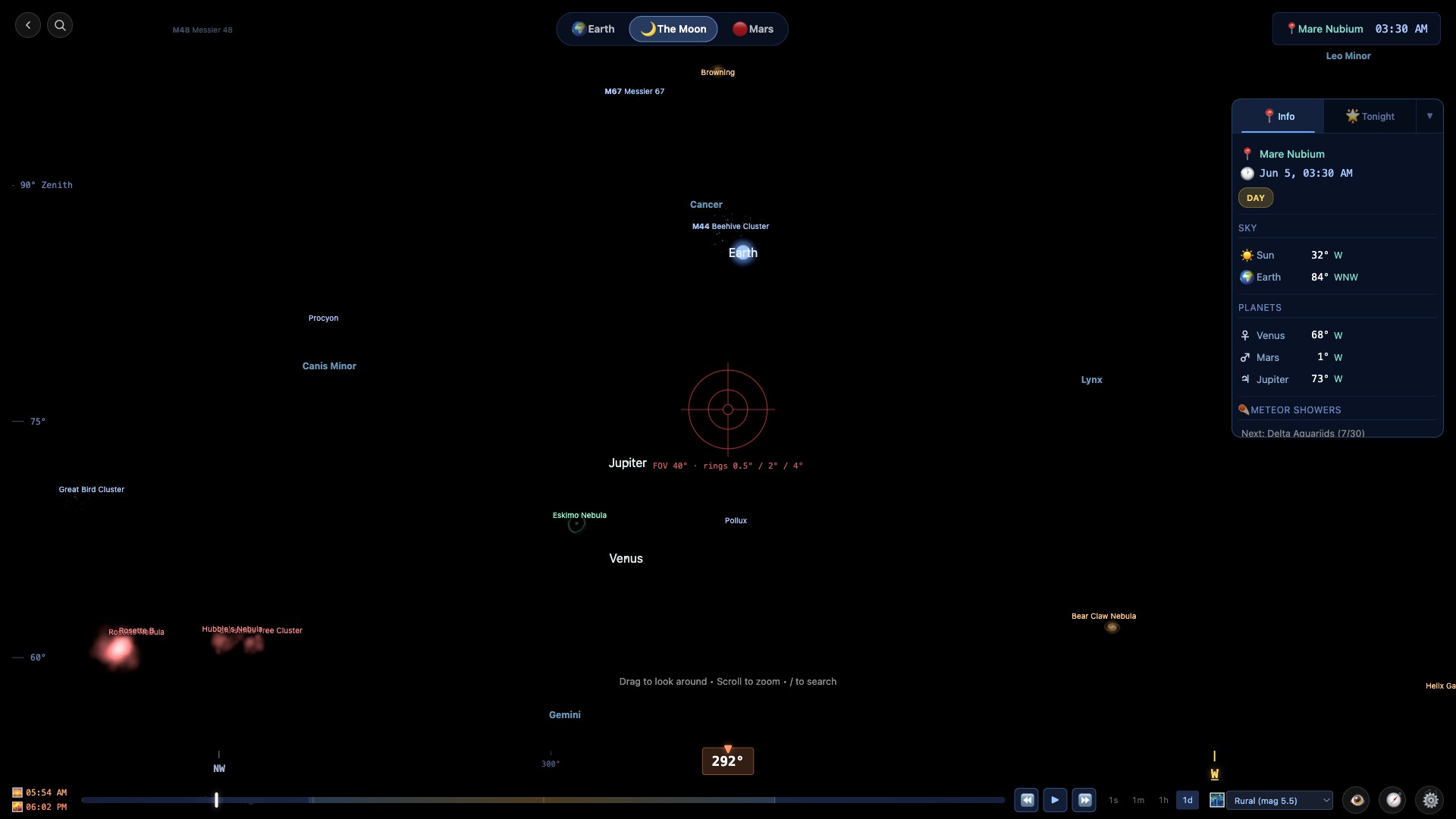
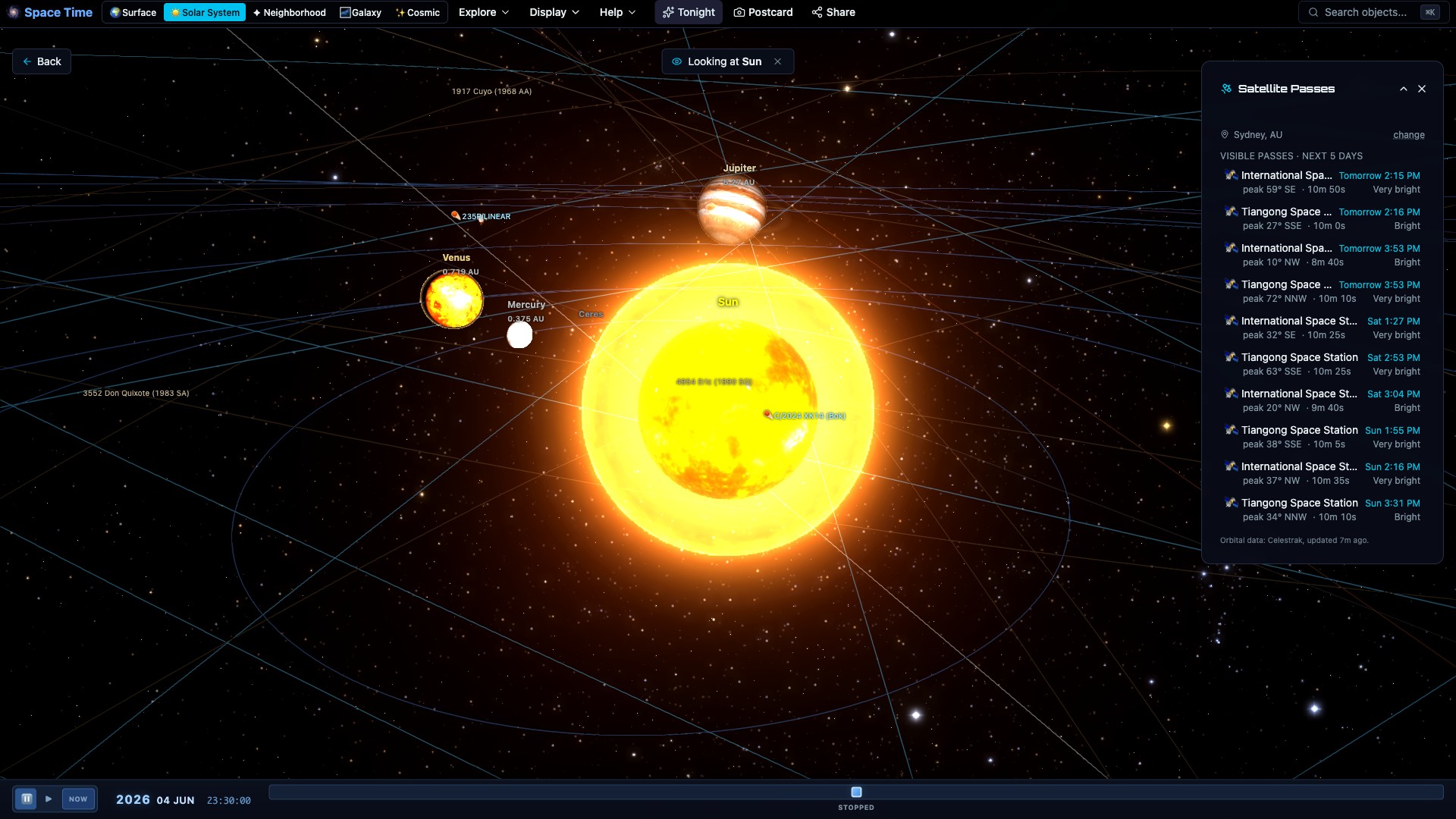
Browser-based, versus installed desktop astronomy software
Stellarium, SkySafari, Starry Night, and Celestia are established installed applications. Space Time runs in a browser, which makes it easy to open or share on different devices, but it also means a network connection is required to load it.
Nothing to install
No download, no setup, no platform choice. Open the page and it runs. Share a link and the other person is looking at the same view a second later, no install on their end either.
Same on every device
One build runs on Windows, Mac, Linux, Android and iOS. Installed software is usually bought and updated per platform; here there is nothing to repurchase when you switch machines.
Free, with no tiers
No paid version, no subscription, no premium add-on for the planner or the weather. Where desktop astronomy software charges per app or per upgrade, Space Time is free.
When installed software is the better choice
Choose installed software if you need INDI mounts, camera control, or fully offline observing with everything on disk. Space Time drives ASCOM Alpaca mounts, plate-solves your photos through astrometry.net, and keeps a core set offline after one visit.
Destination atlas expansion
Twenty-two more places to explore
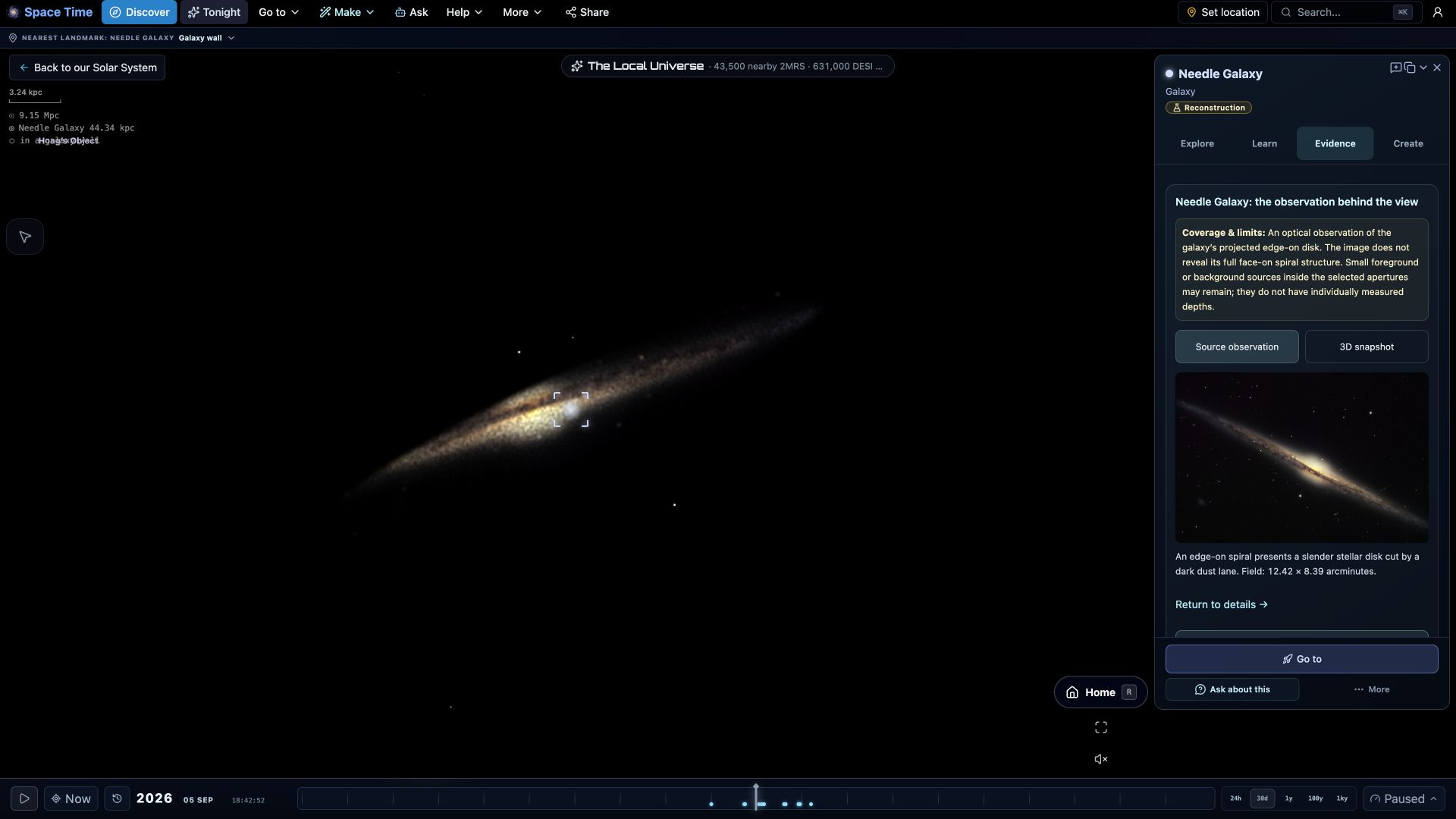
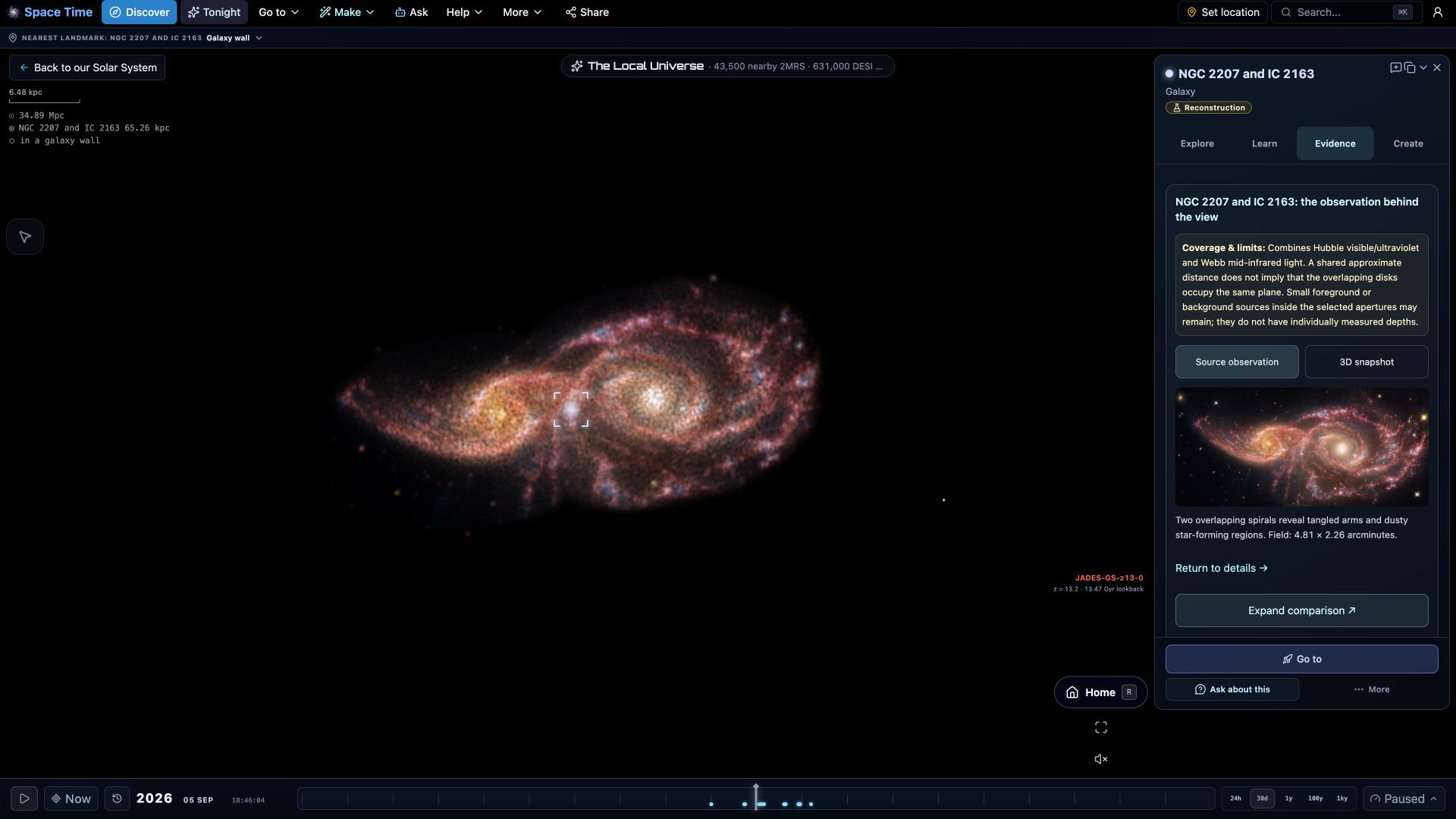
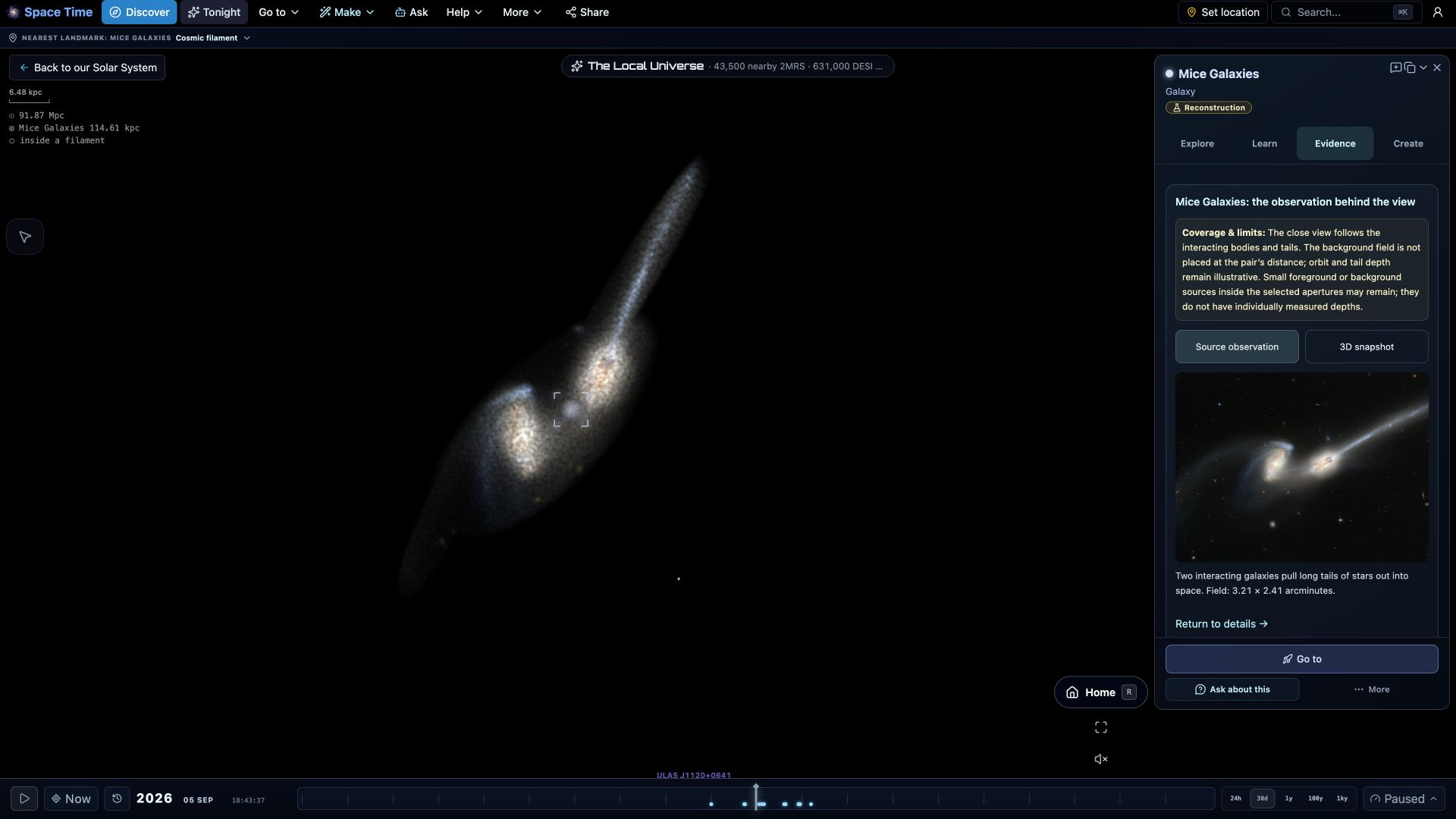
From the Rosette’s glowing clouds to the Penguin and Egg galaxies: explore a larger collection of telescope-based destinations, with source observations and clear explanations of their reconstructed depth.
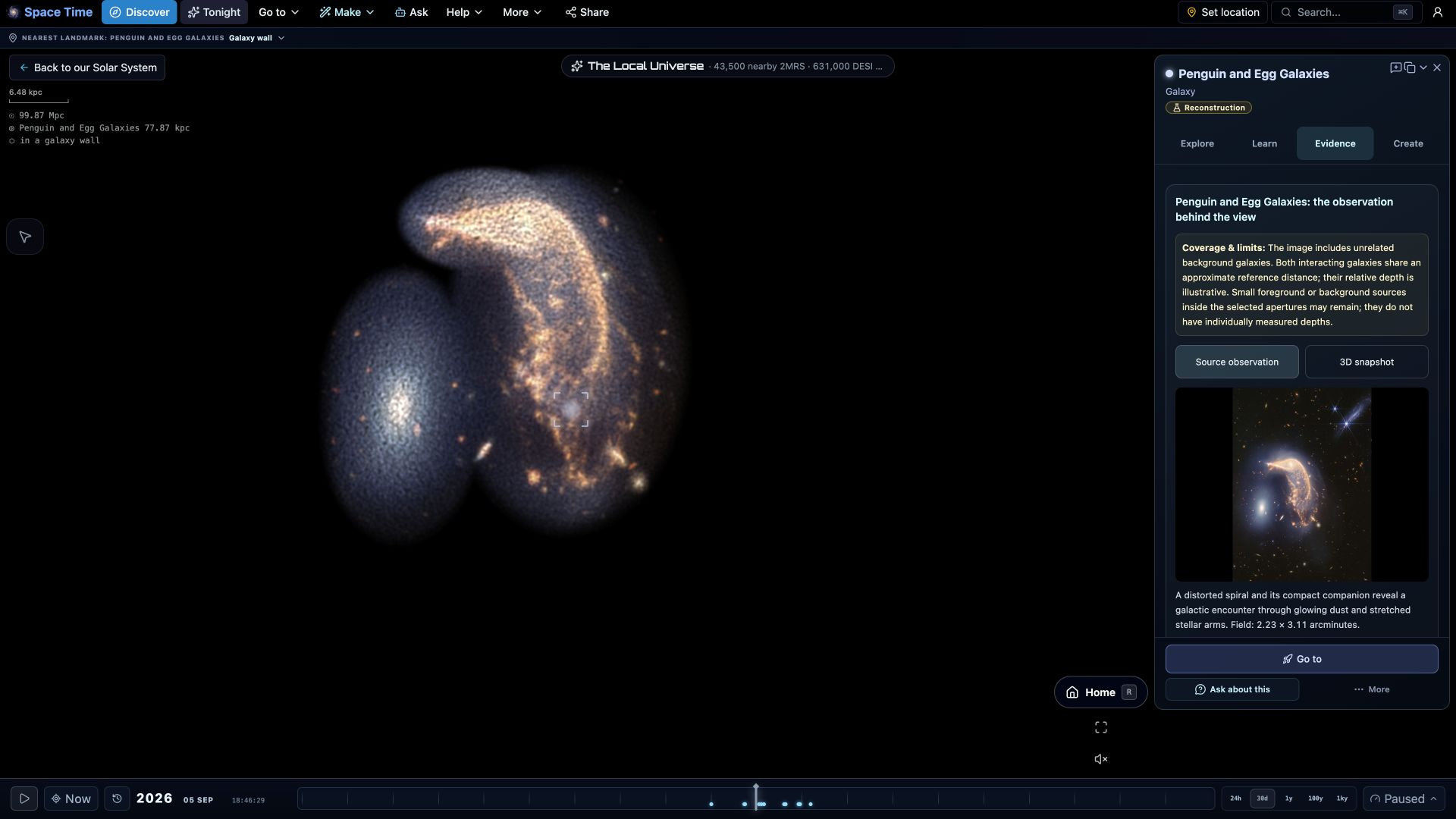


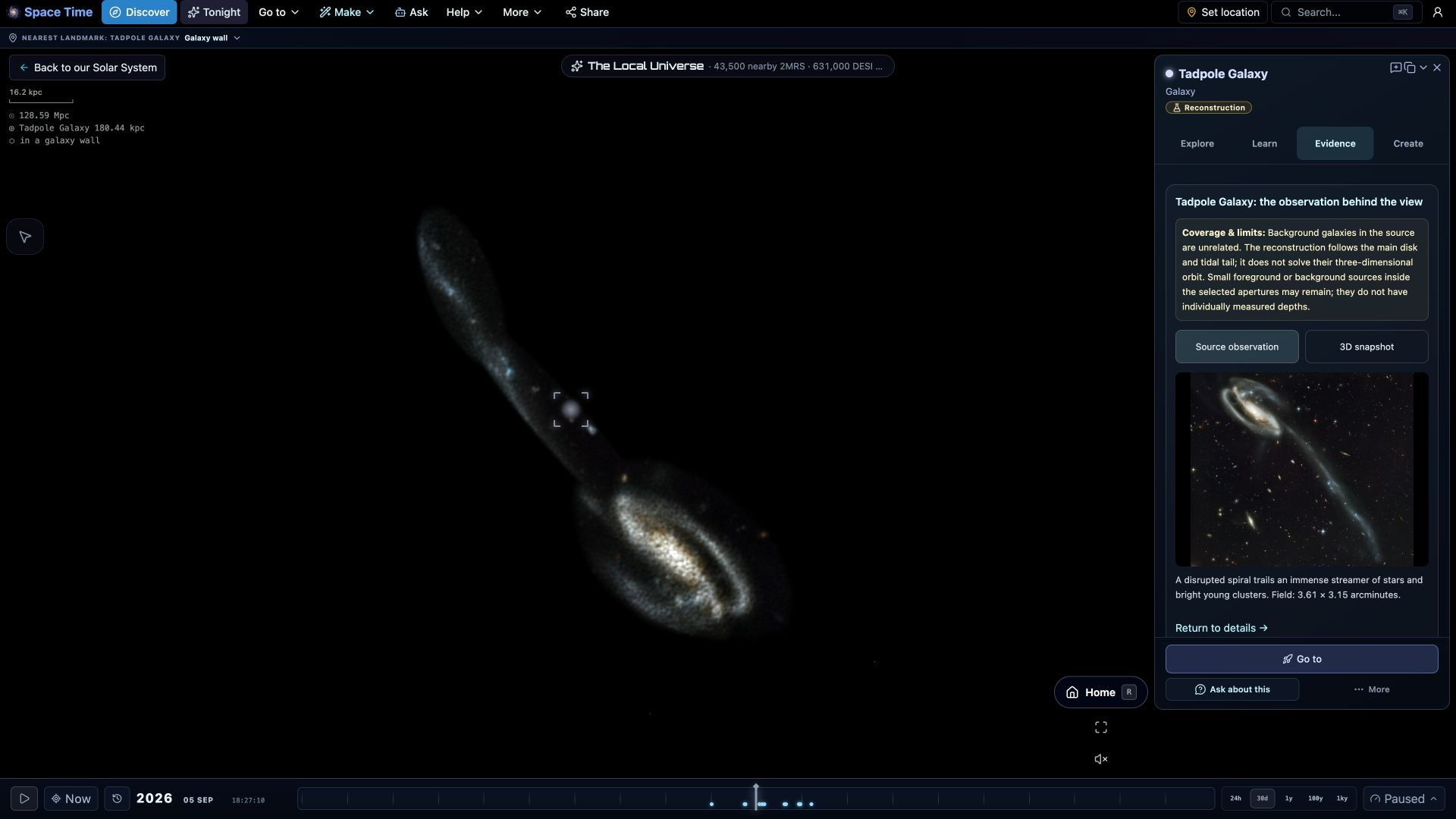
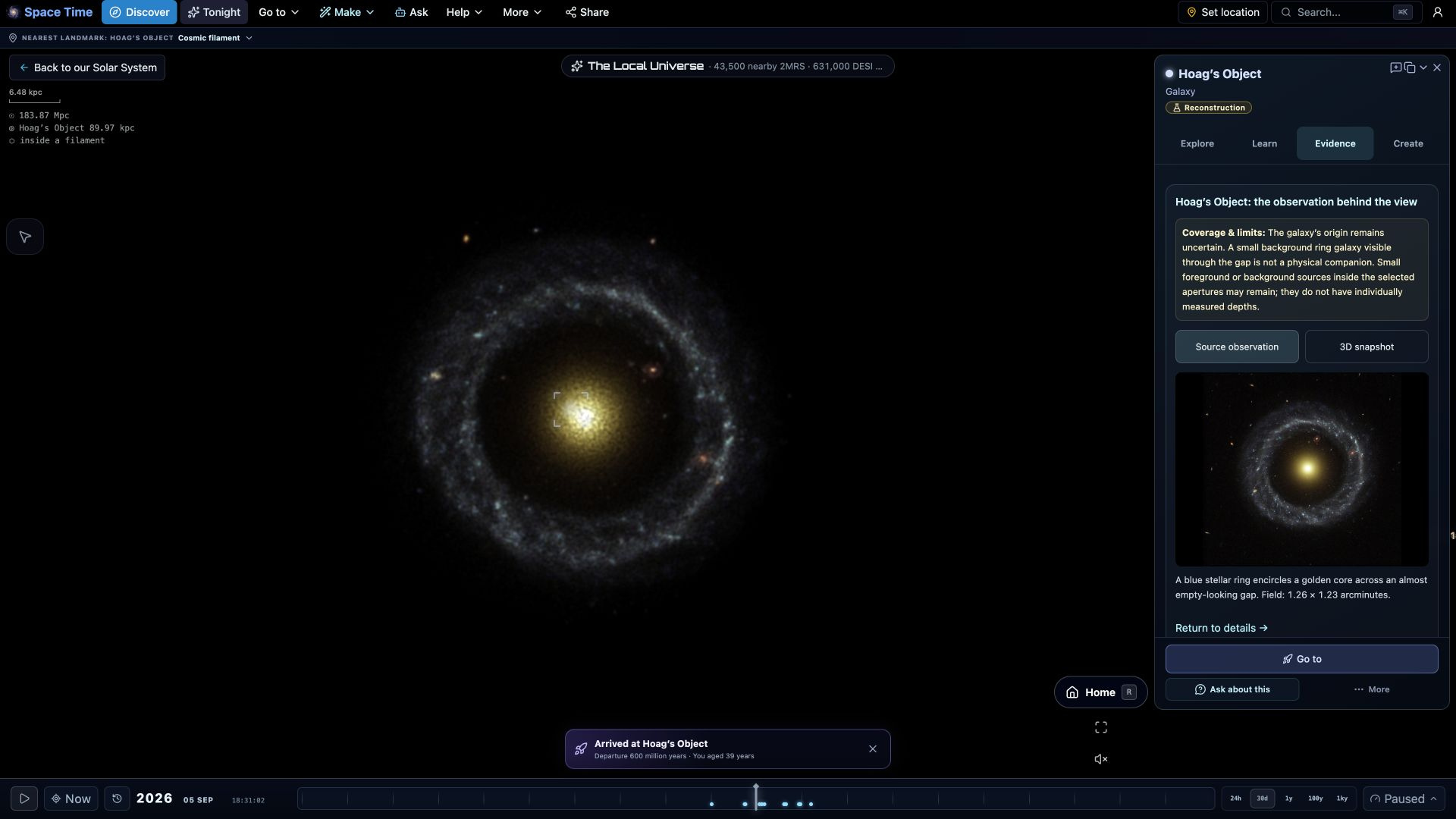

Explore all 22 destinations


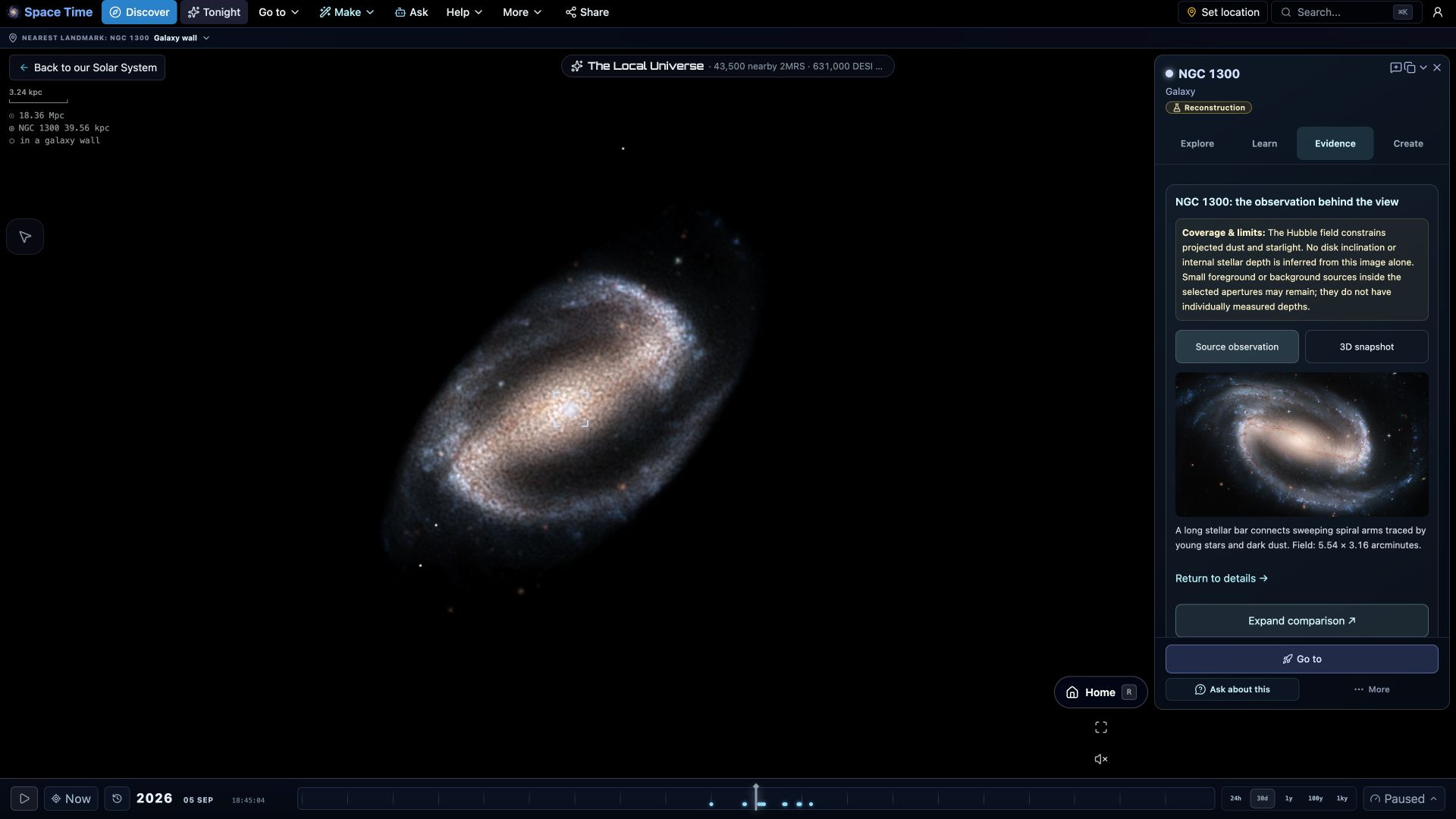
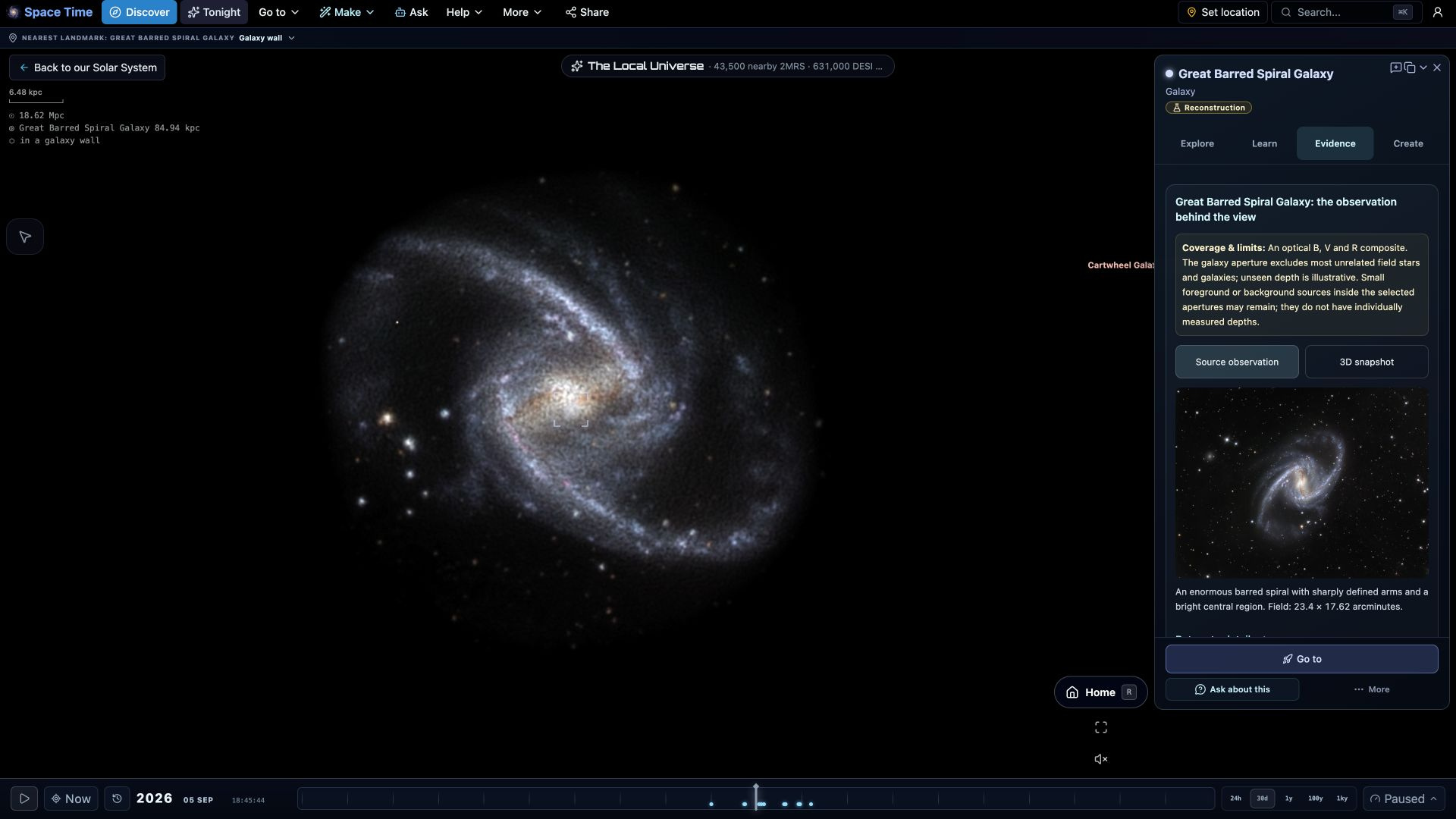
Explore the Universe
Find a place worth the journey.
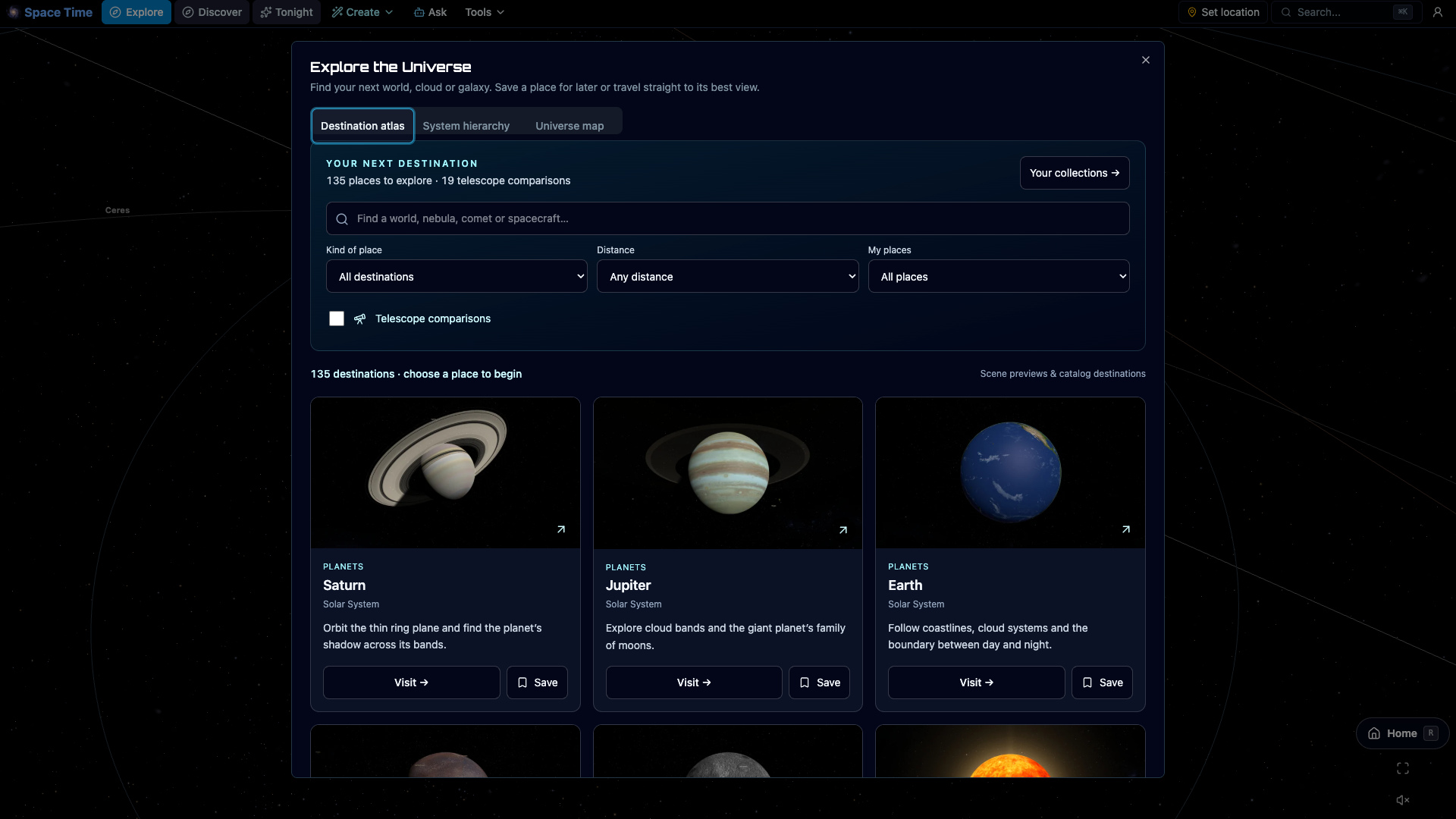
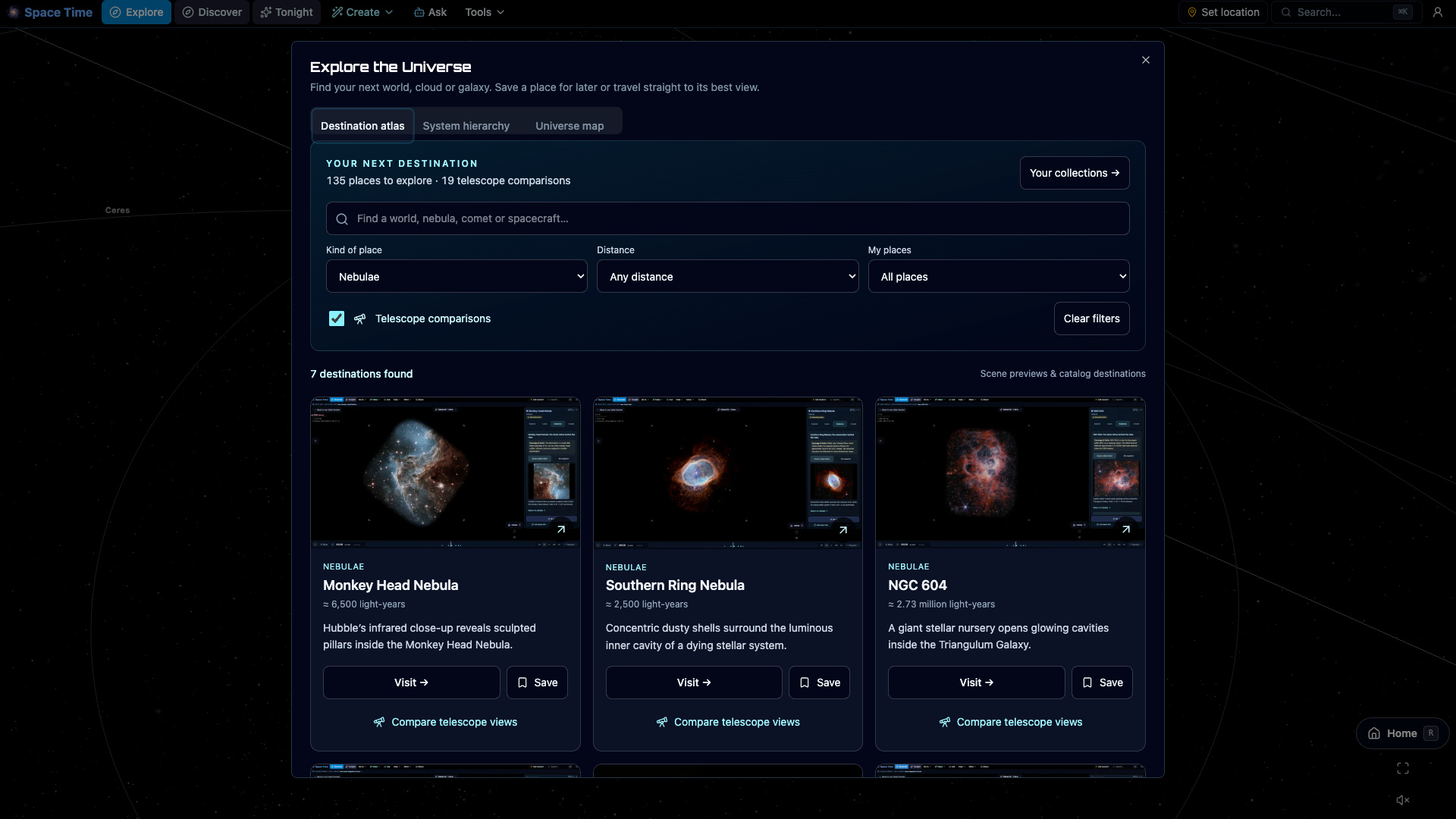
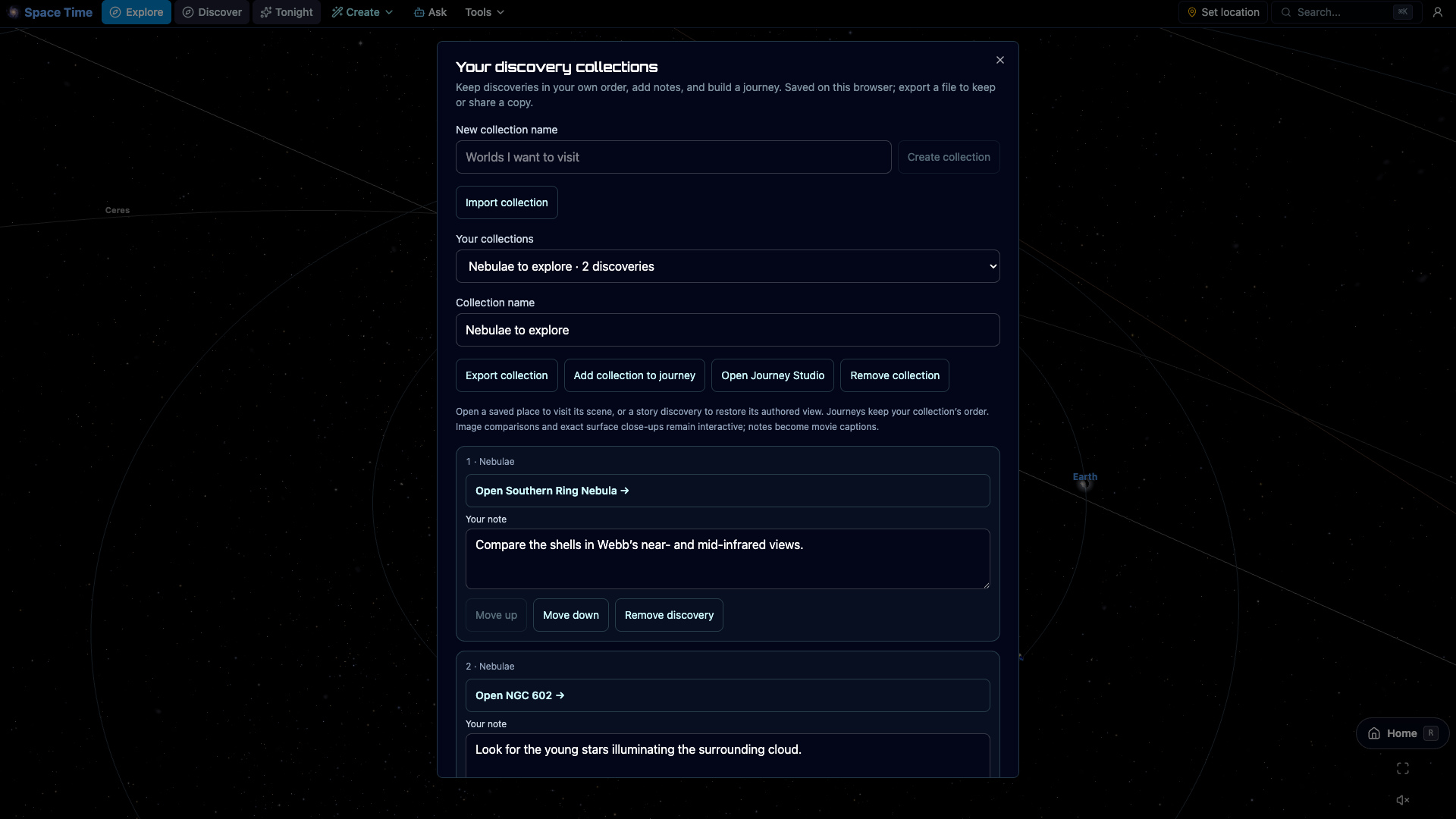
Browse worlds, galaxies, comets and spacecraft in one atlas, with 97 actual scene previews. Search by name, filter by kind and distance, find telescope comparisons, or choose somewhere you haven’t visited. Save places alongside your discoveries, add notes, and turn a collection into a journey.
Live telescope comparisons
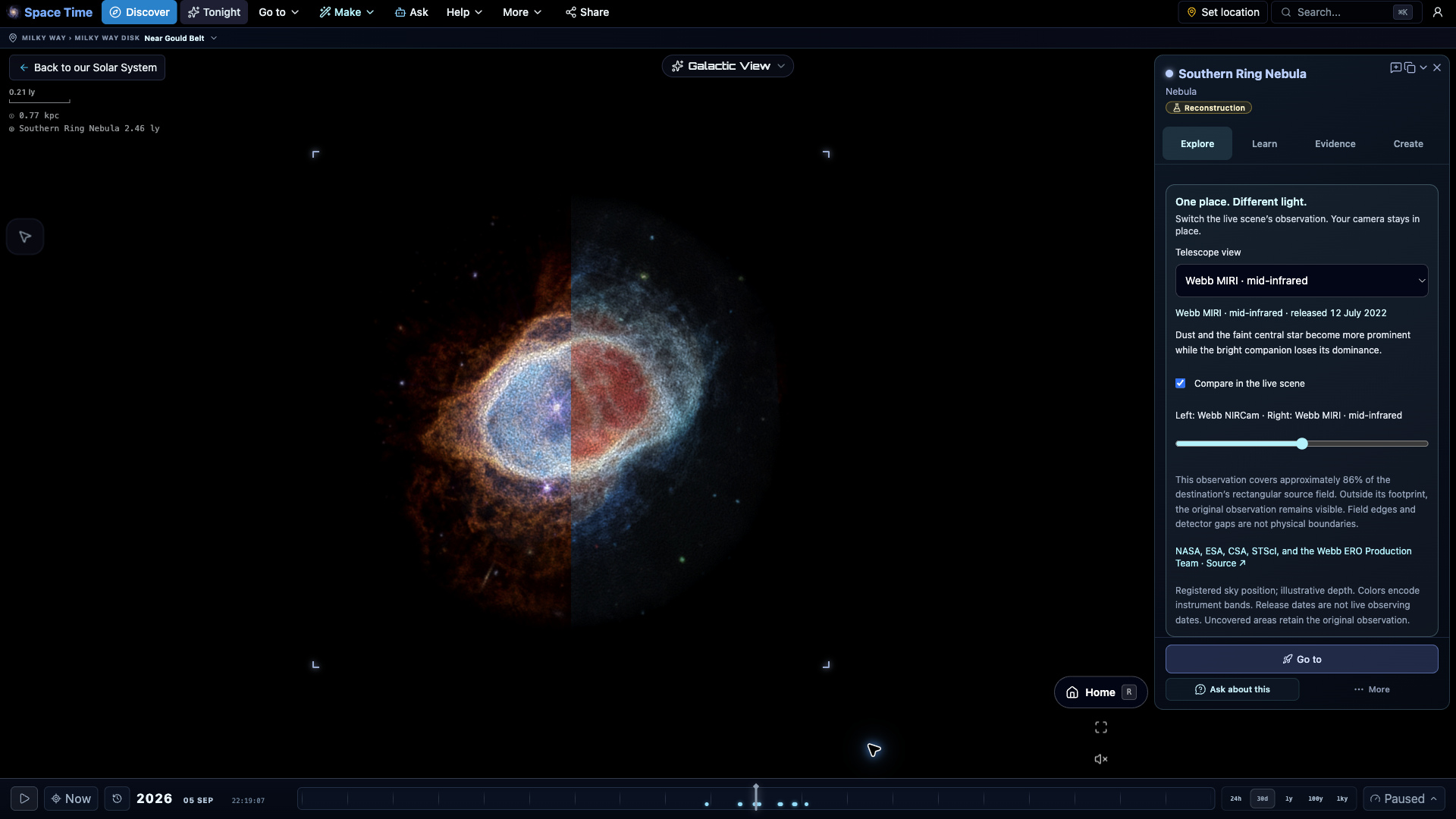
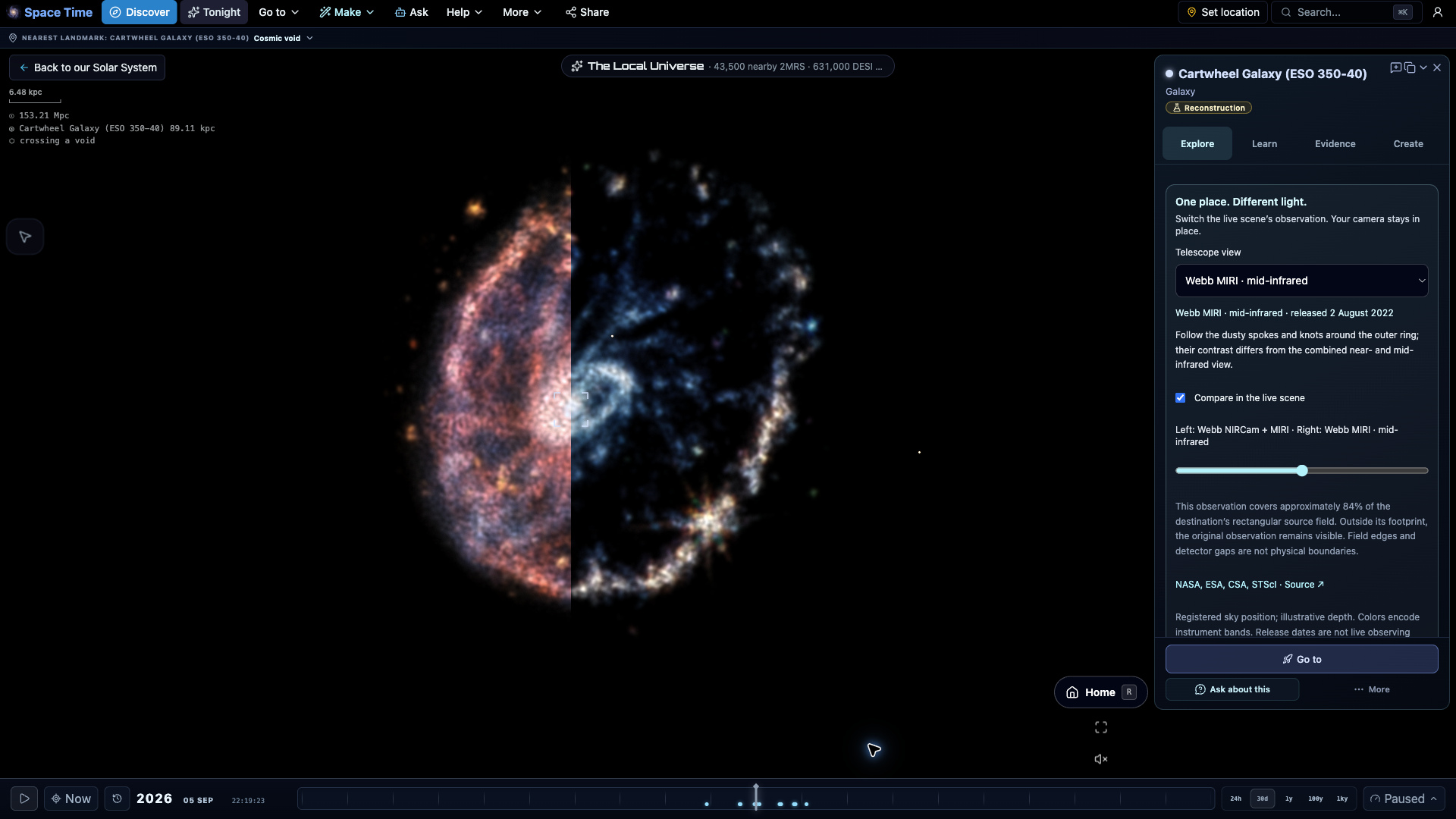
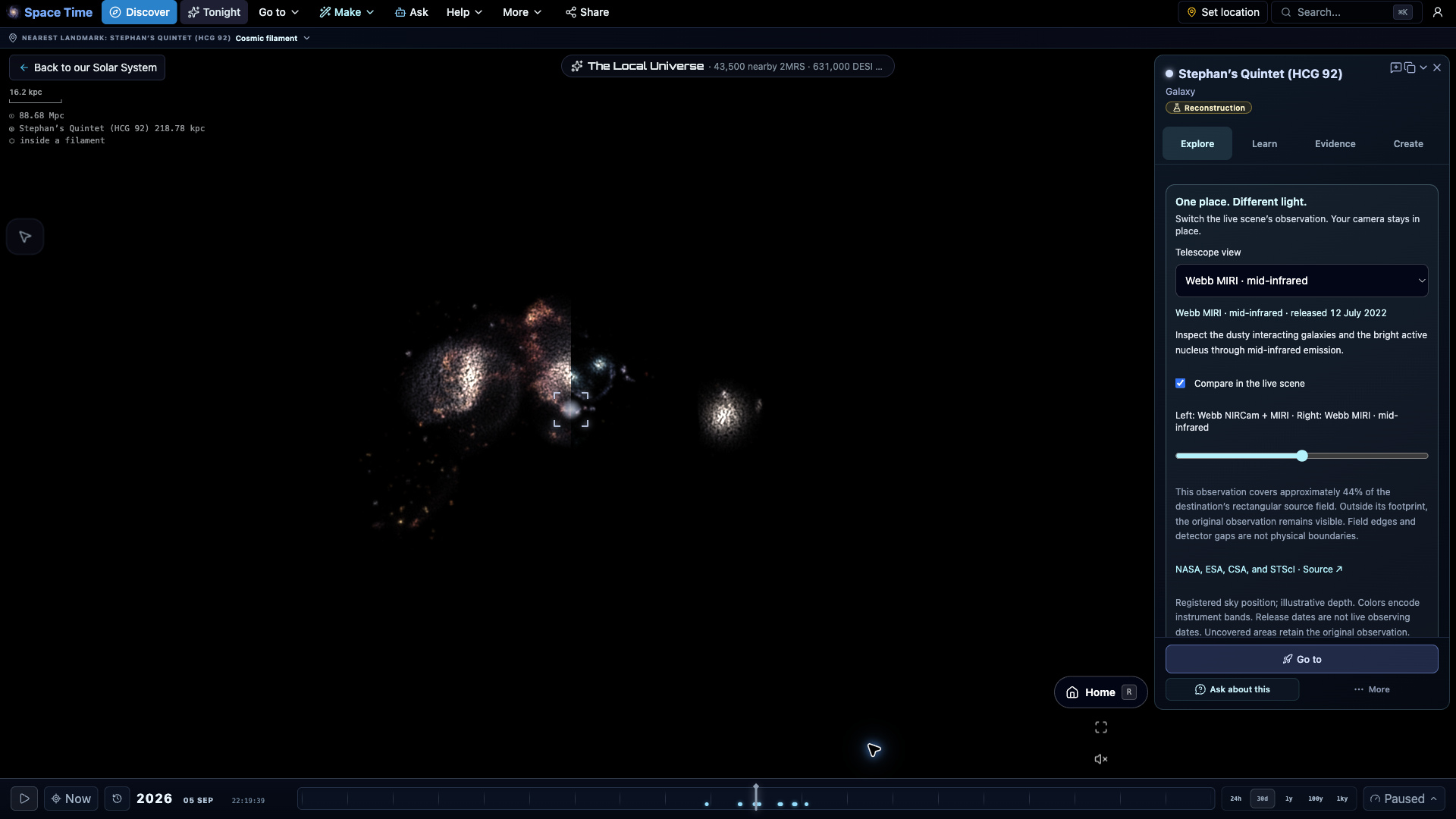
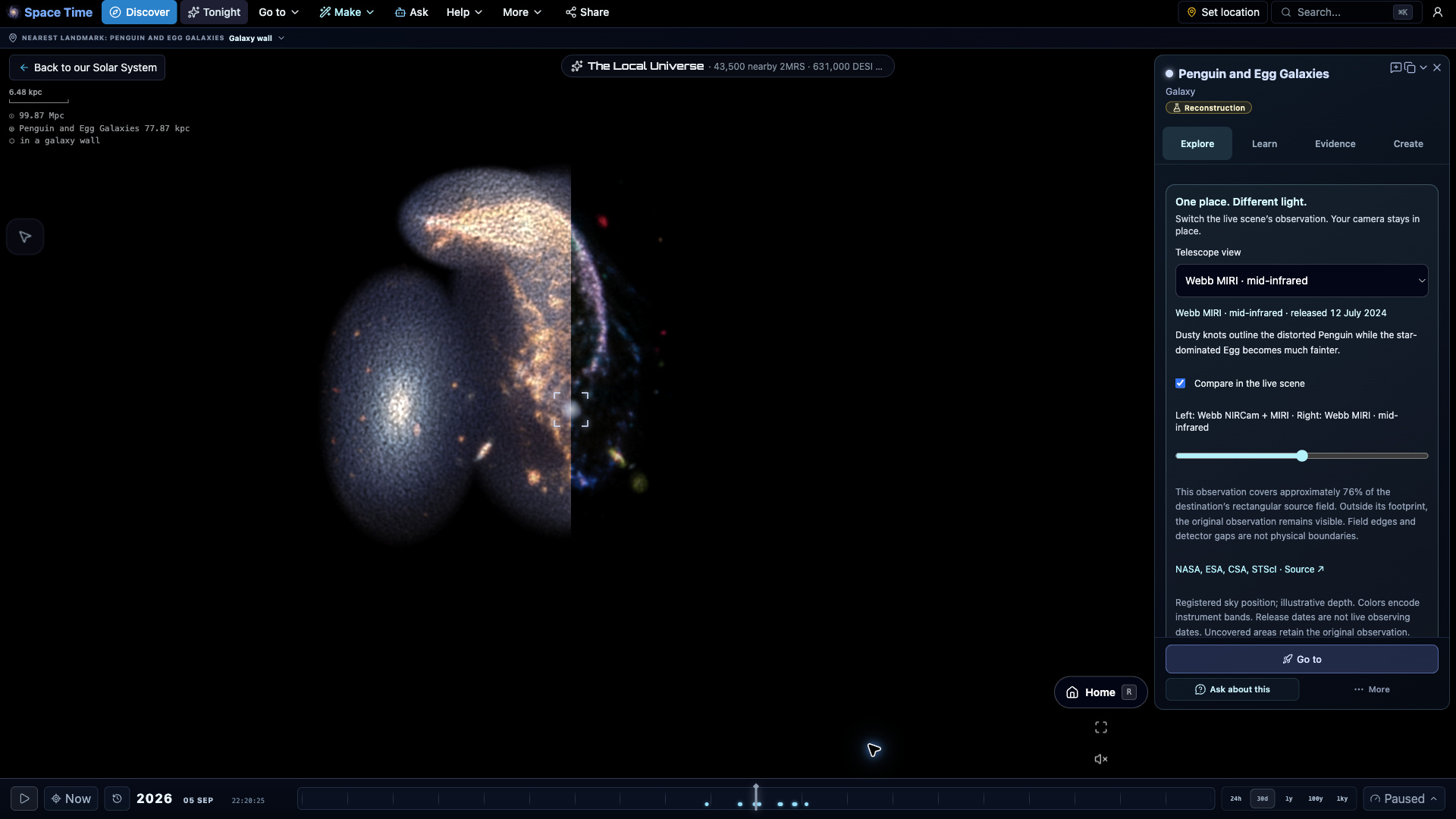
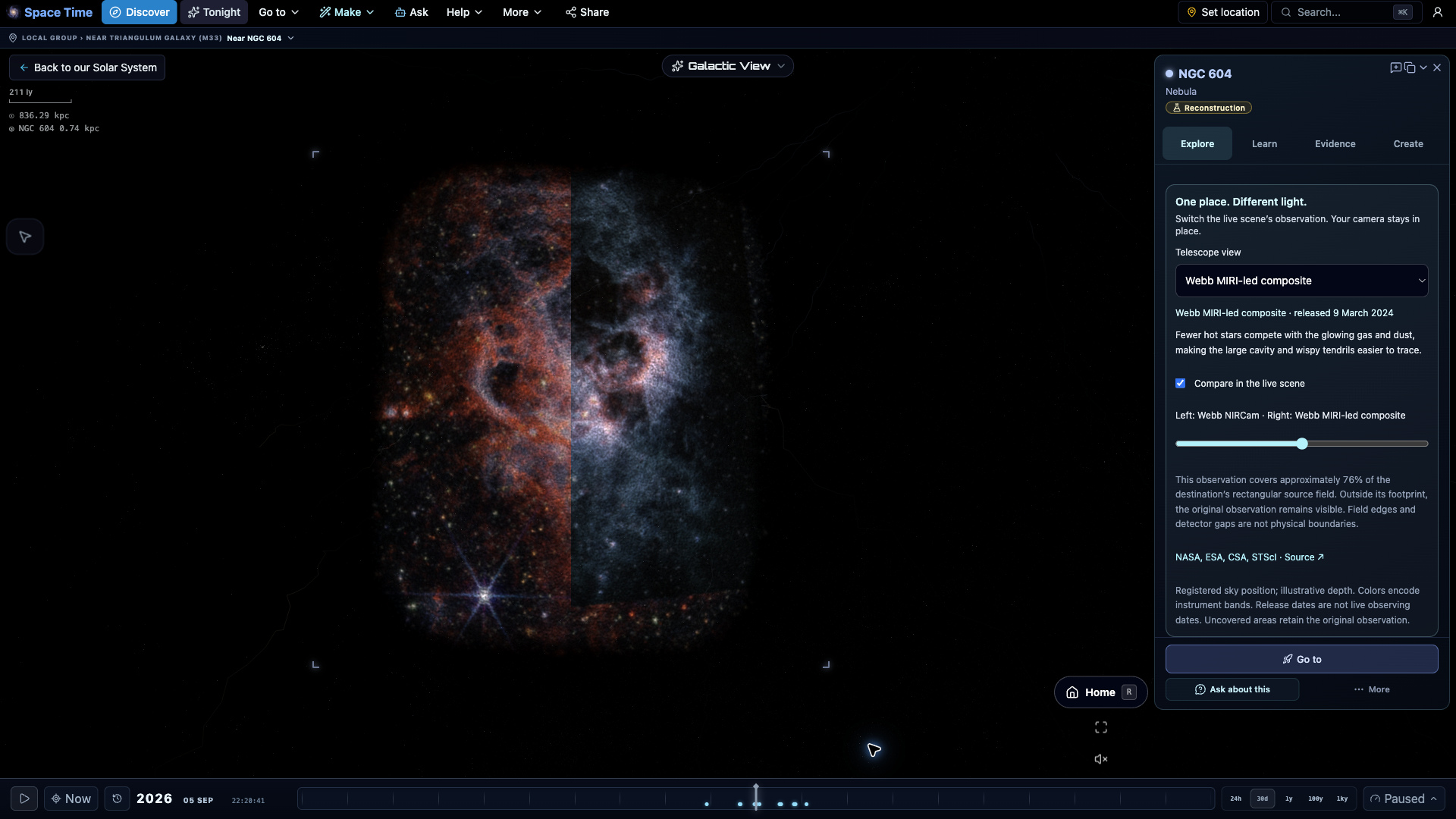
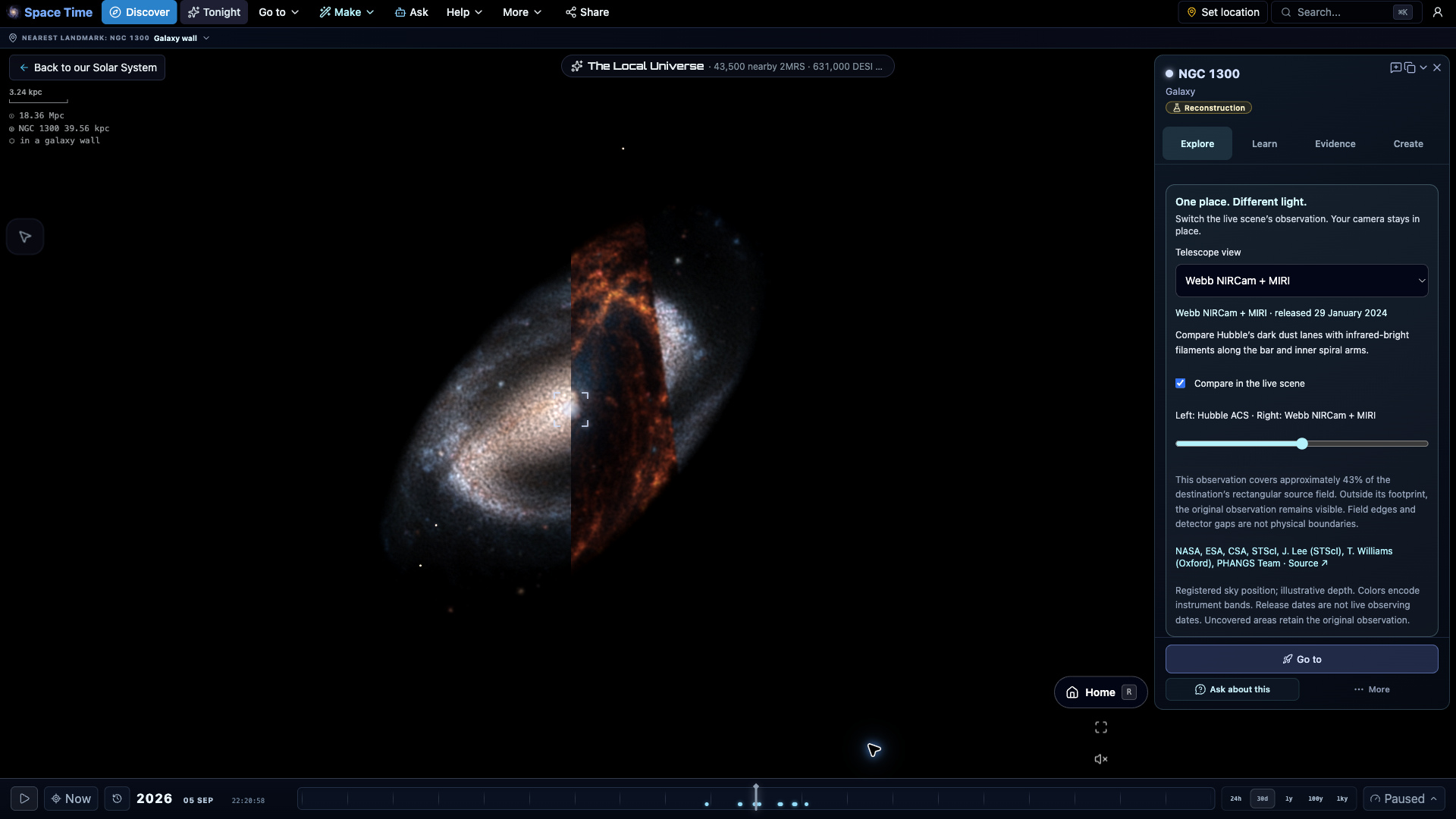
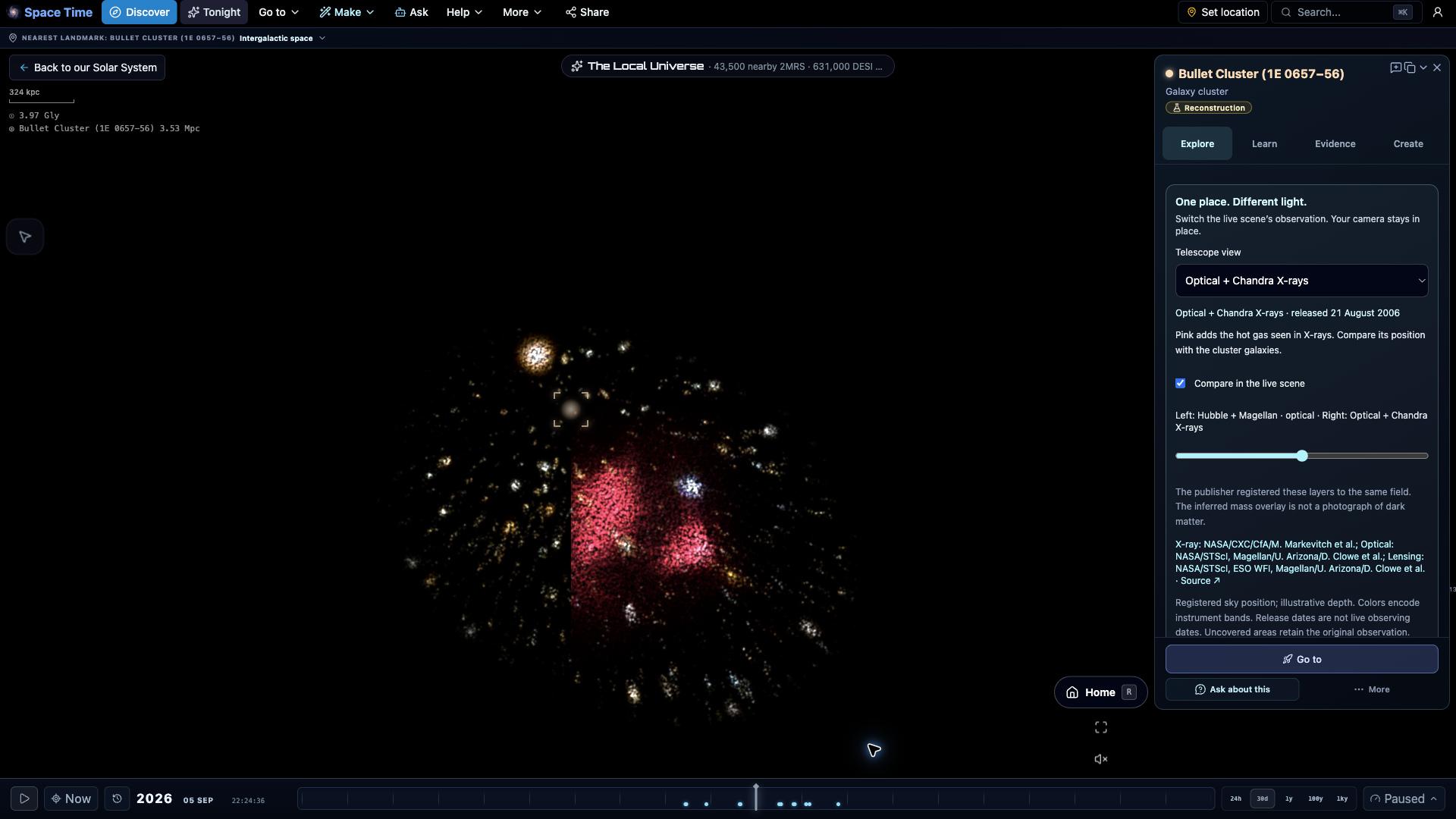
One place. Different light.
Switch between real telescope observations inside the same 3D scene. Sweep across 19 destinations to compare stars, dust and glowing gas without moving your camera. Each view explains its instrument, colors, source and field coverage. Sky positions are registered; depth remains illustrative.
Compare all 19 destinations
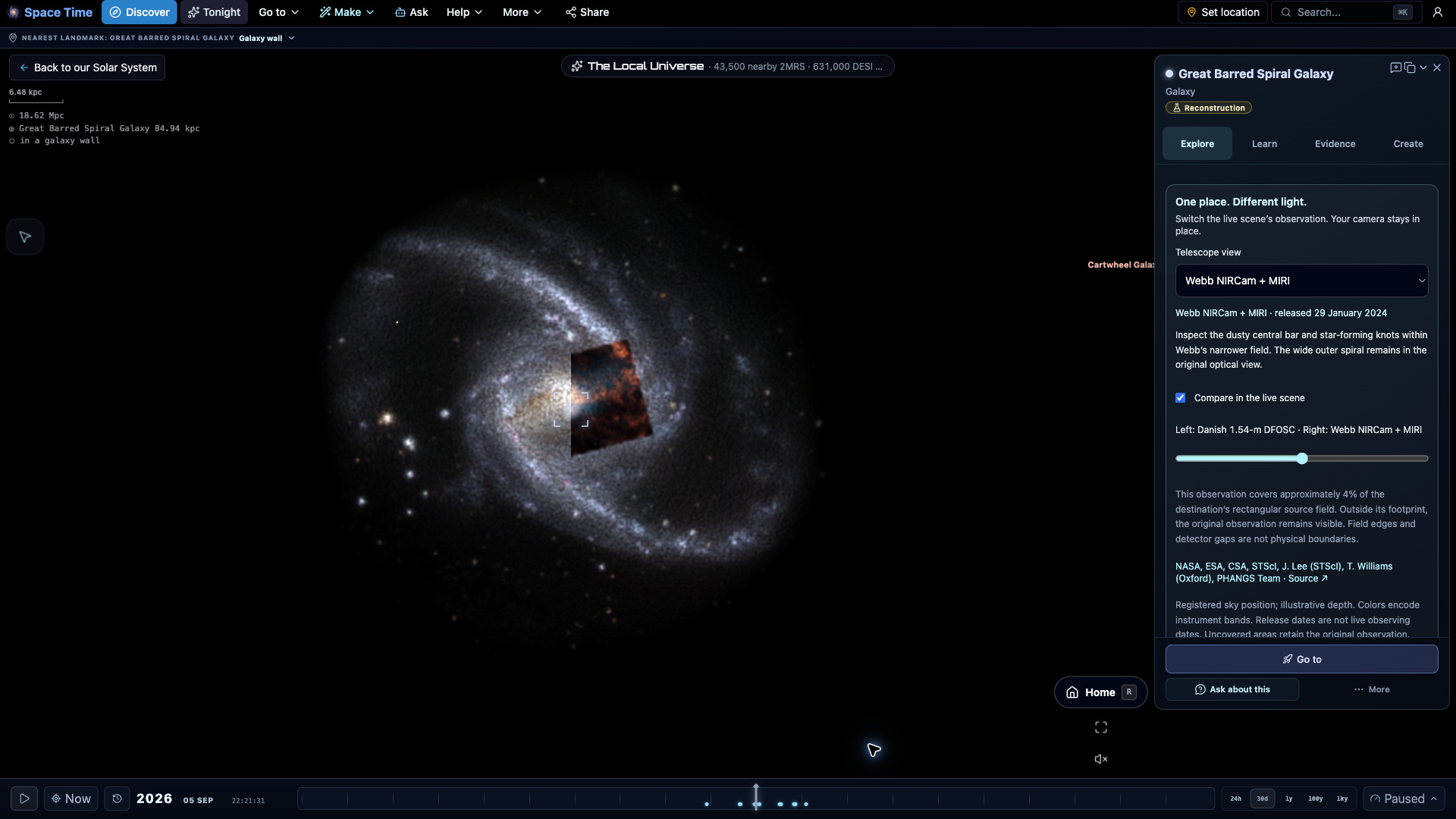
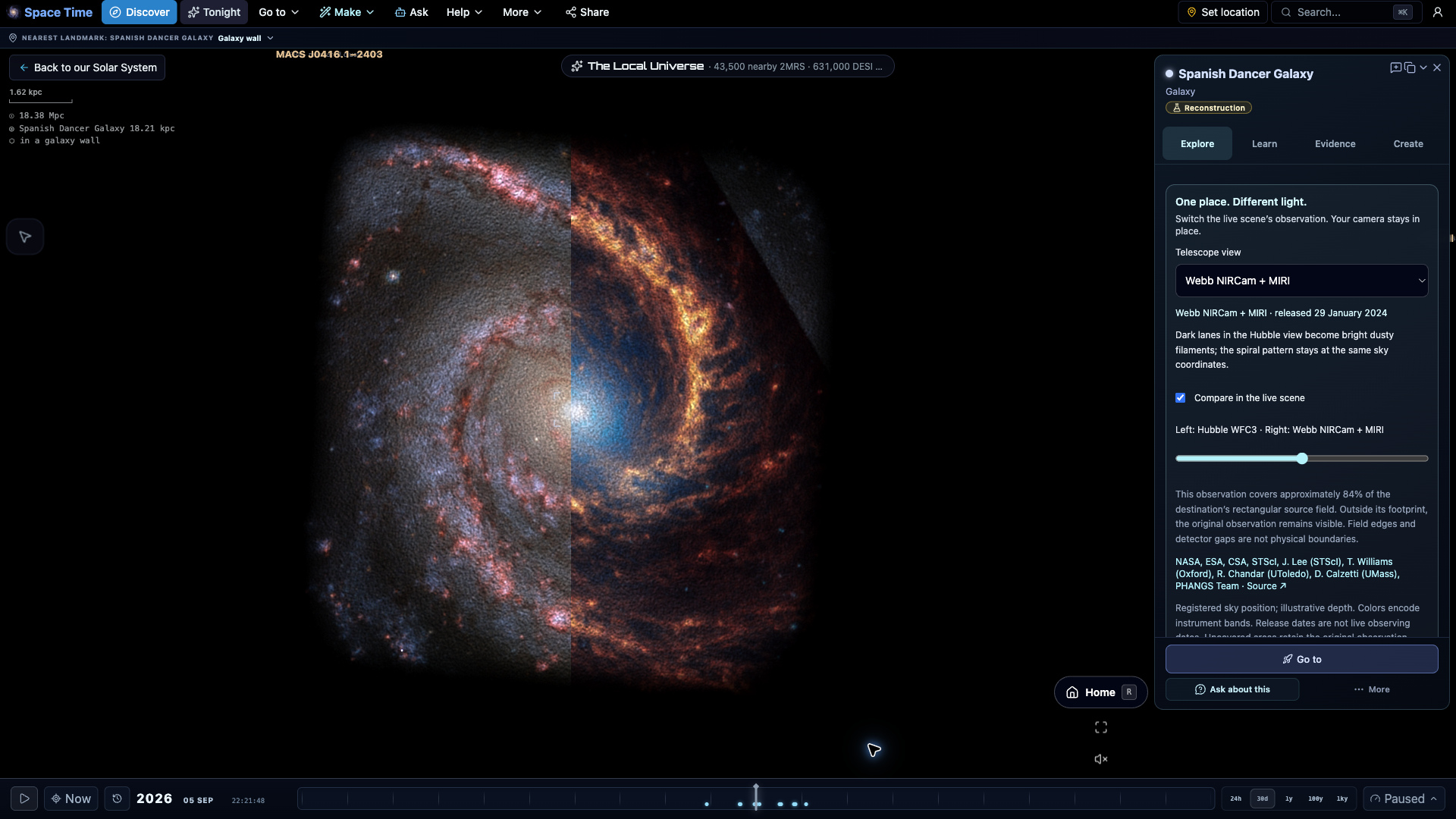
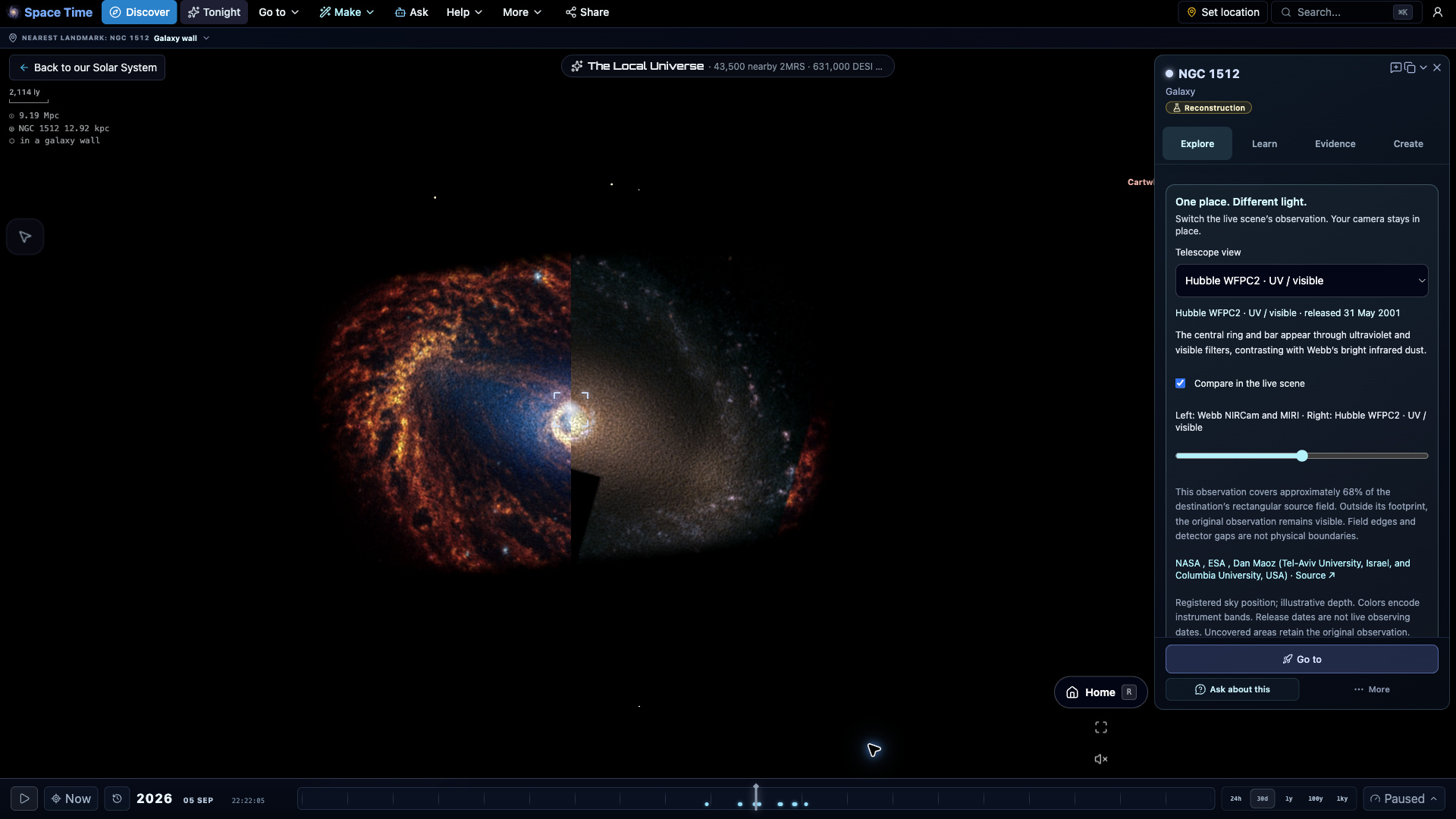
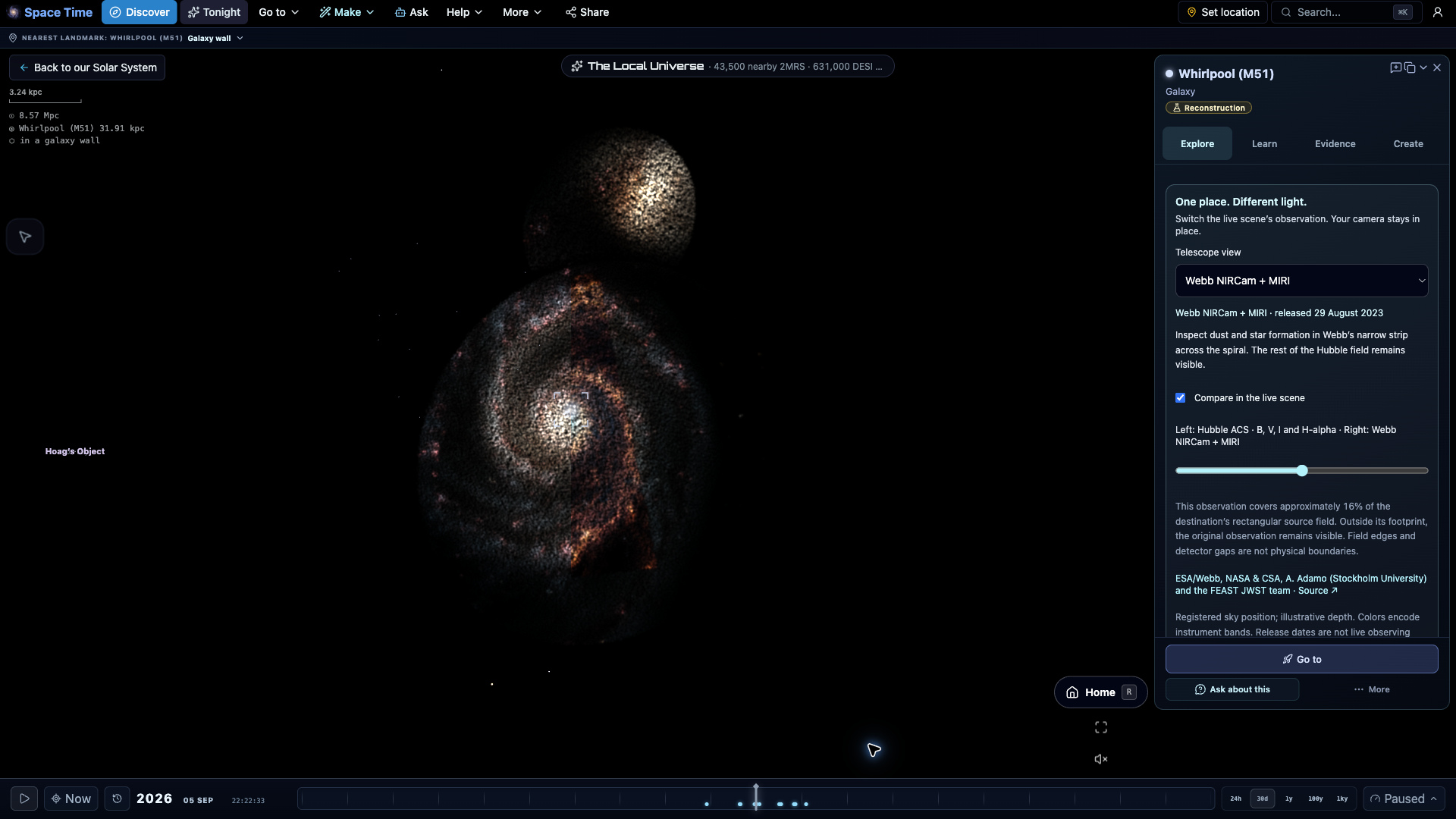
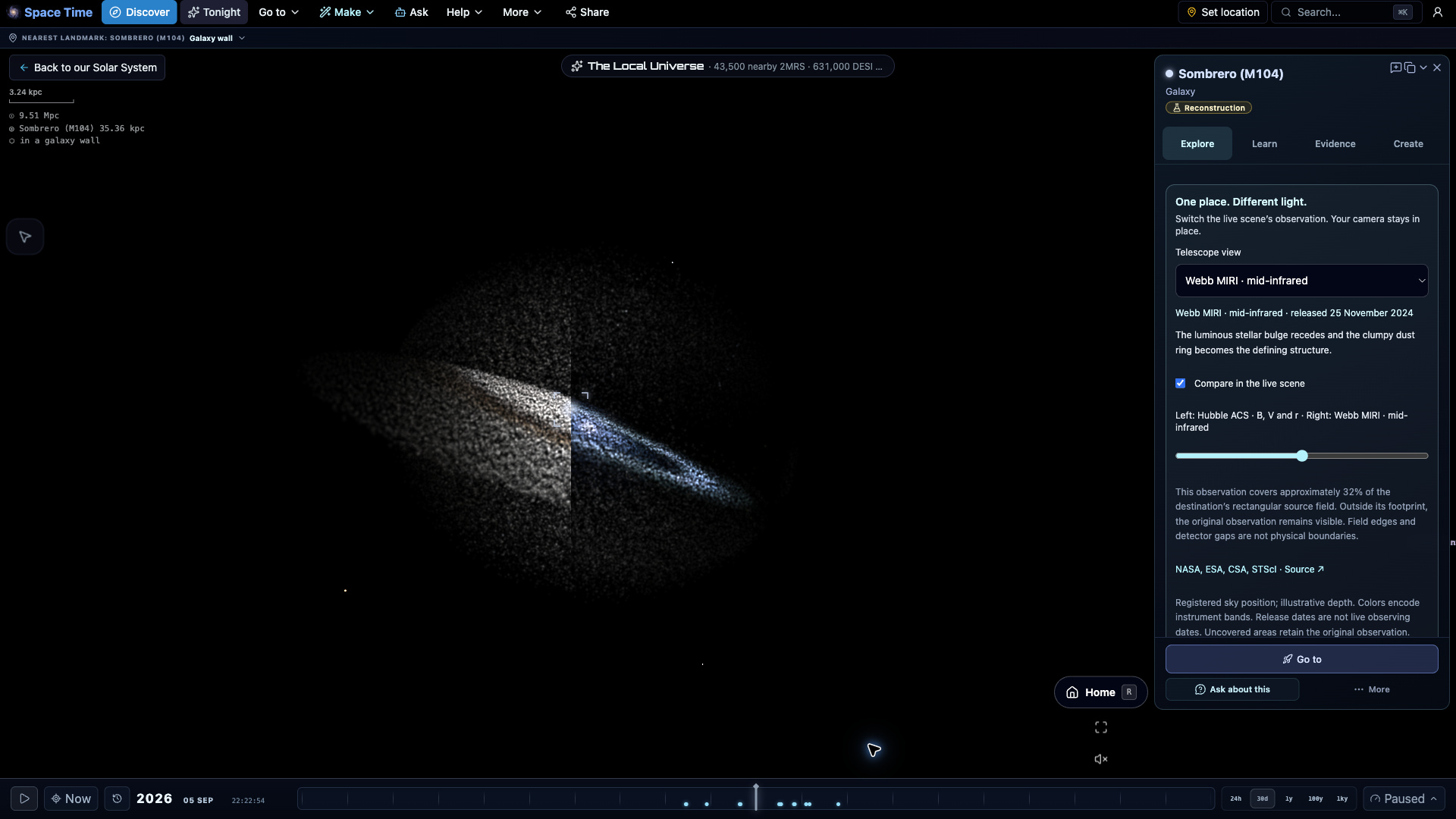
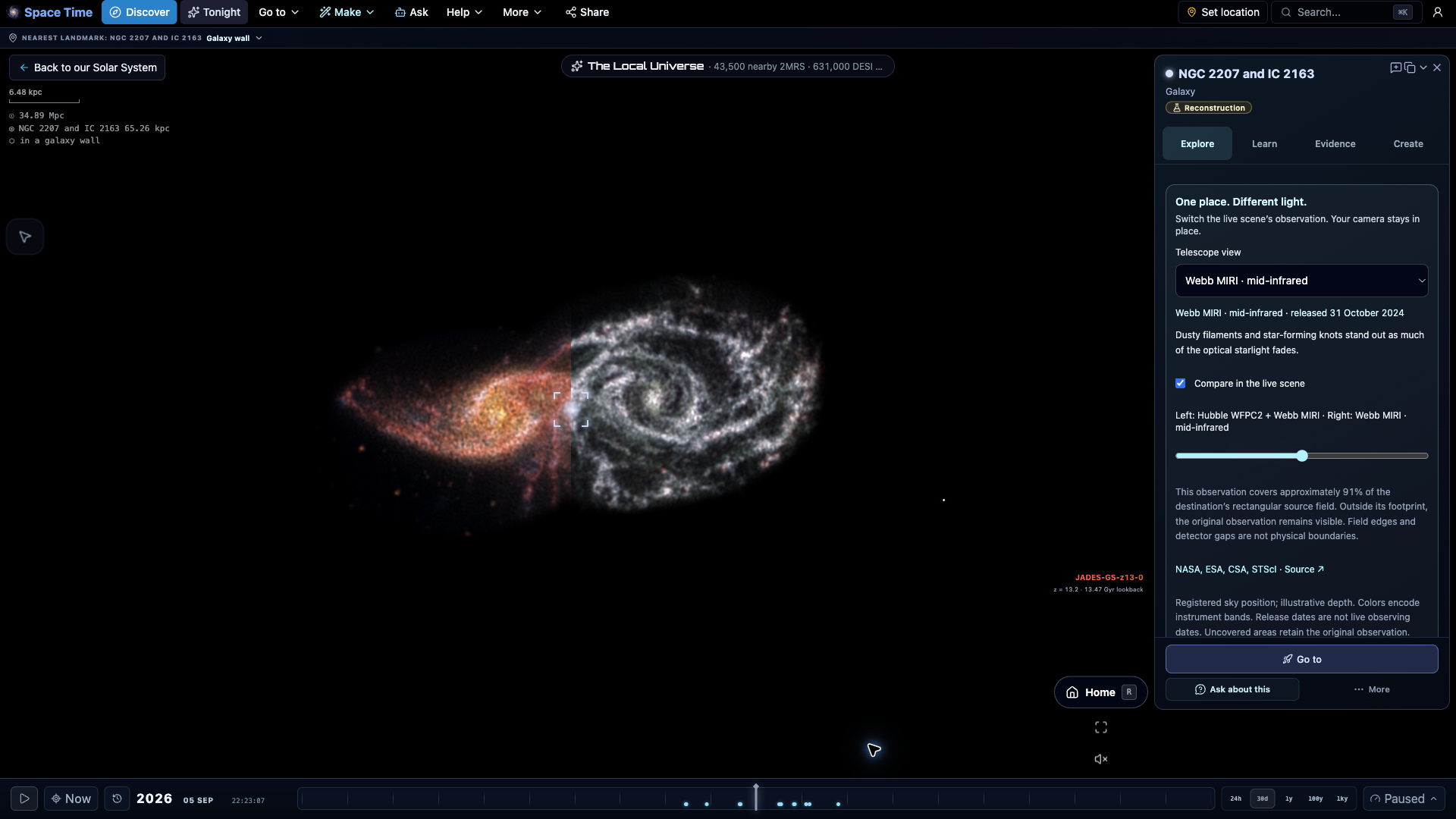
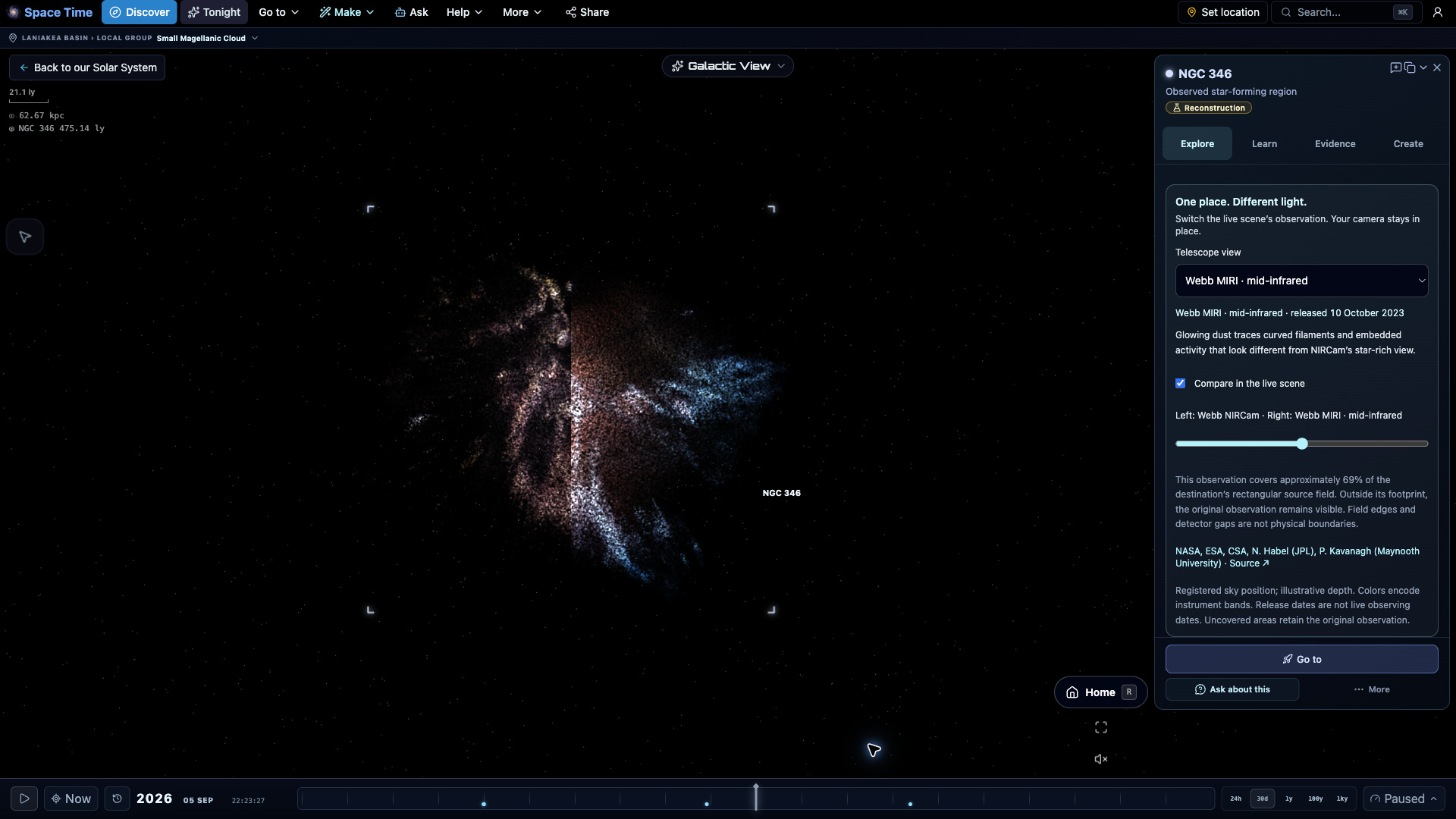
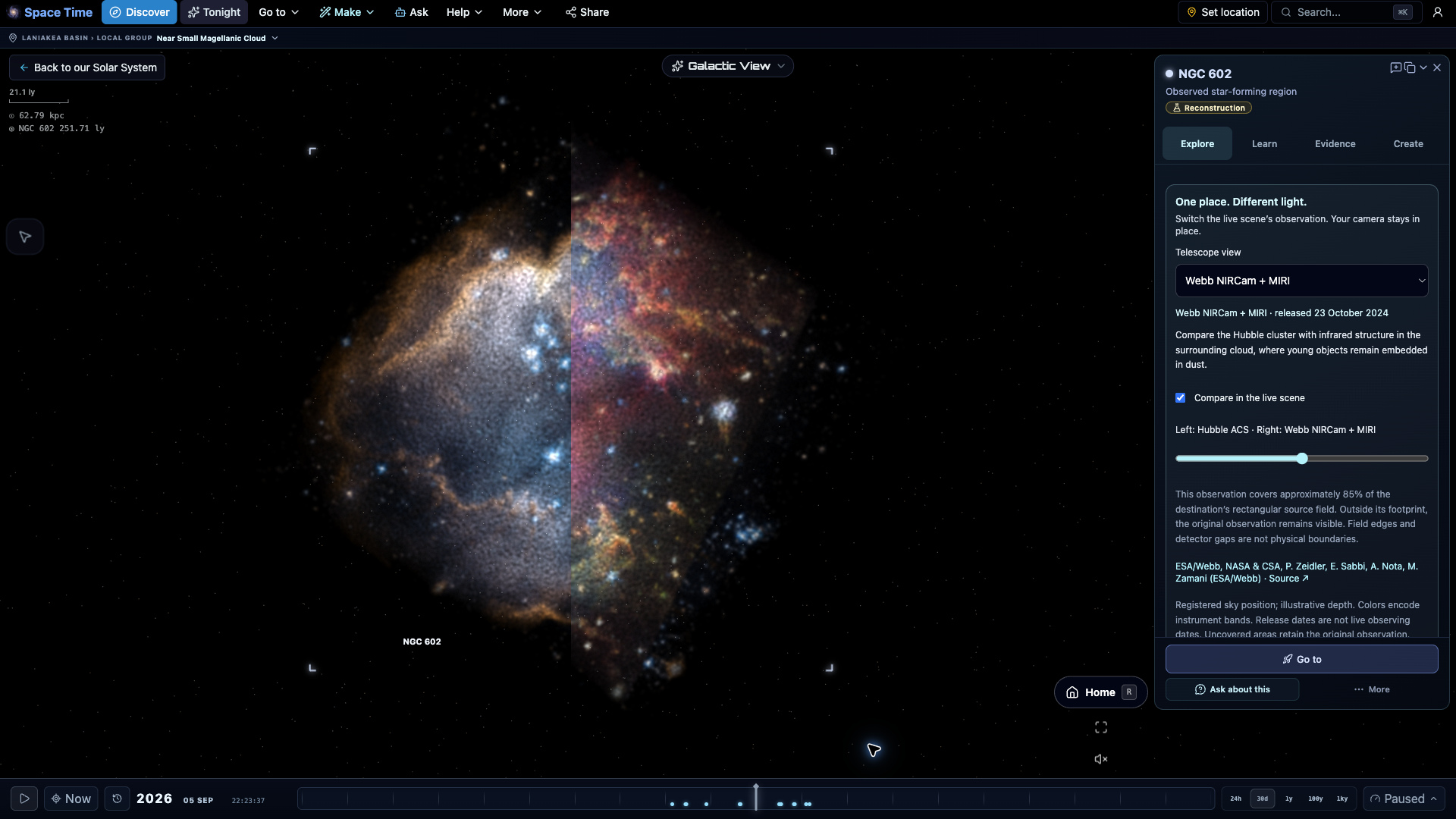
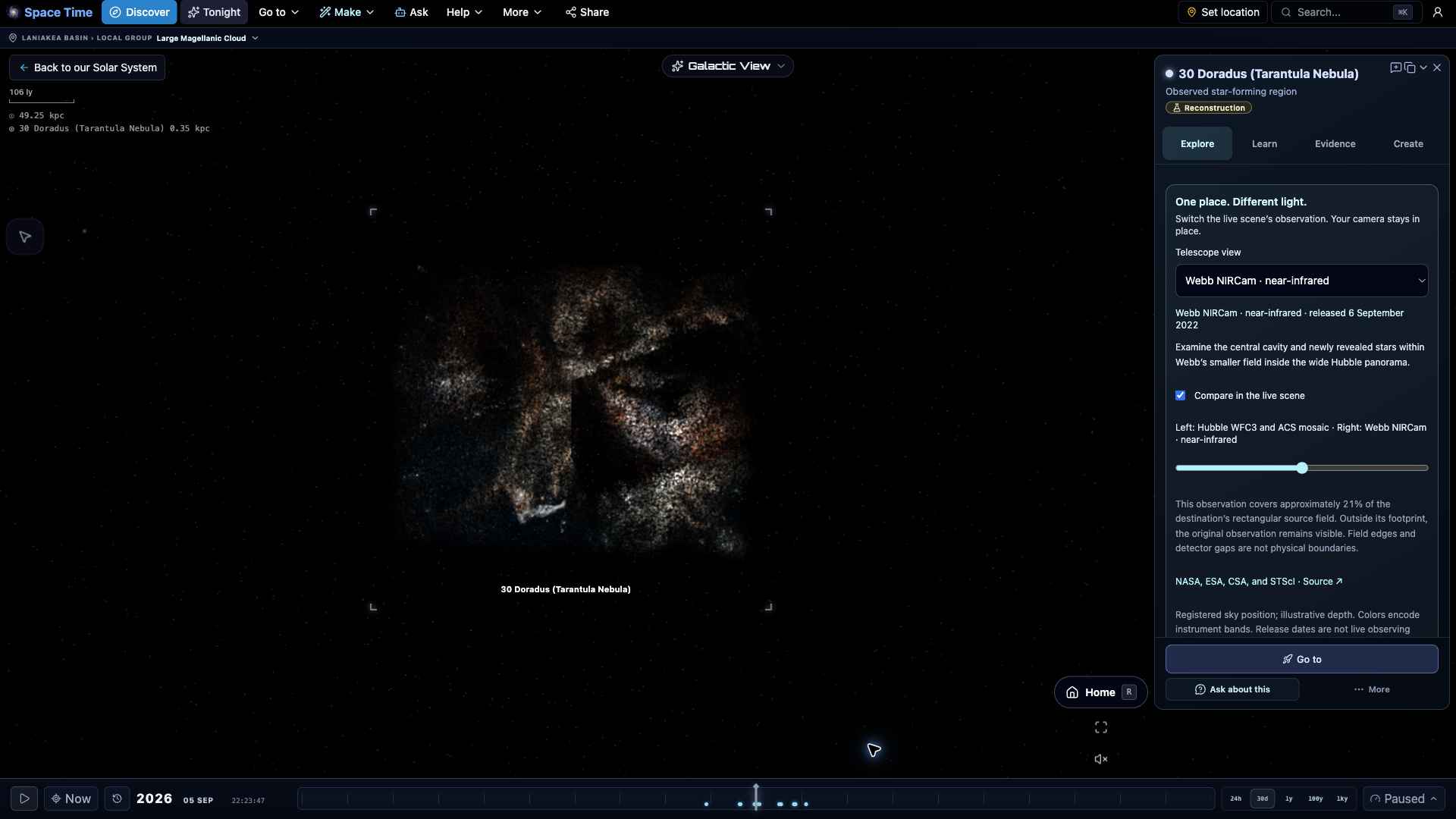
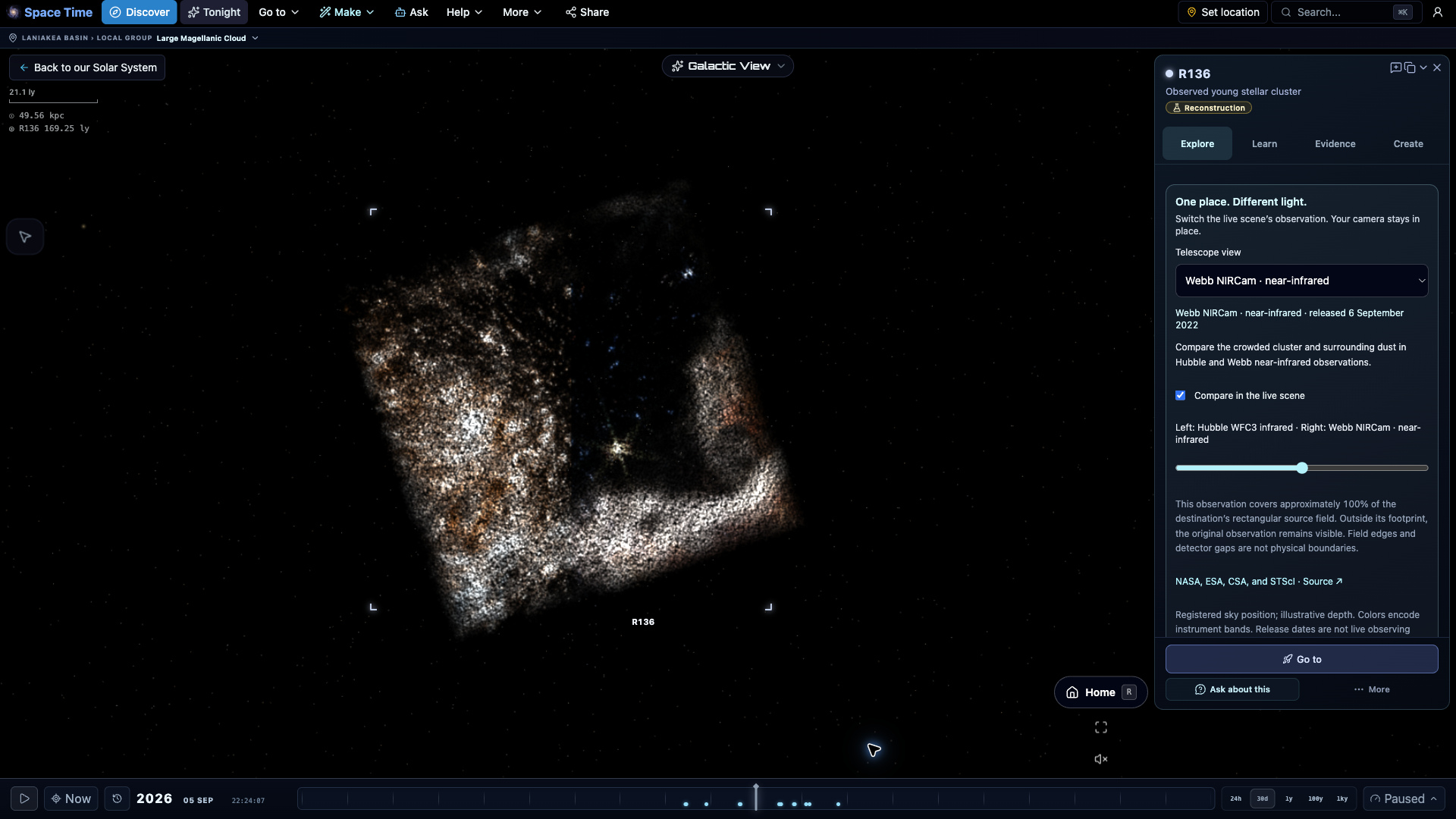
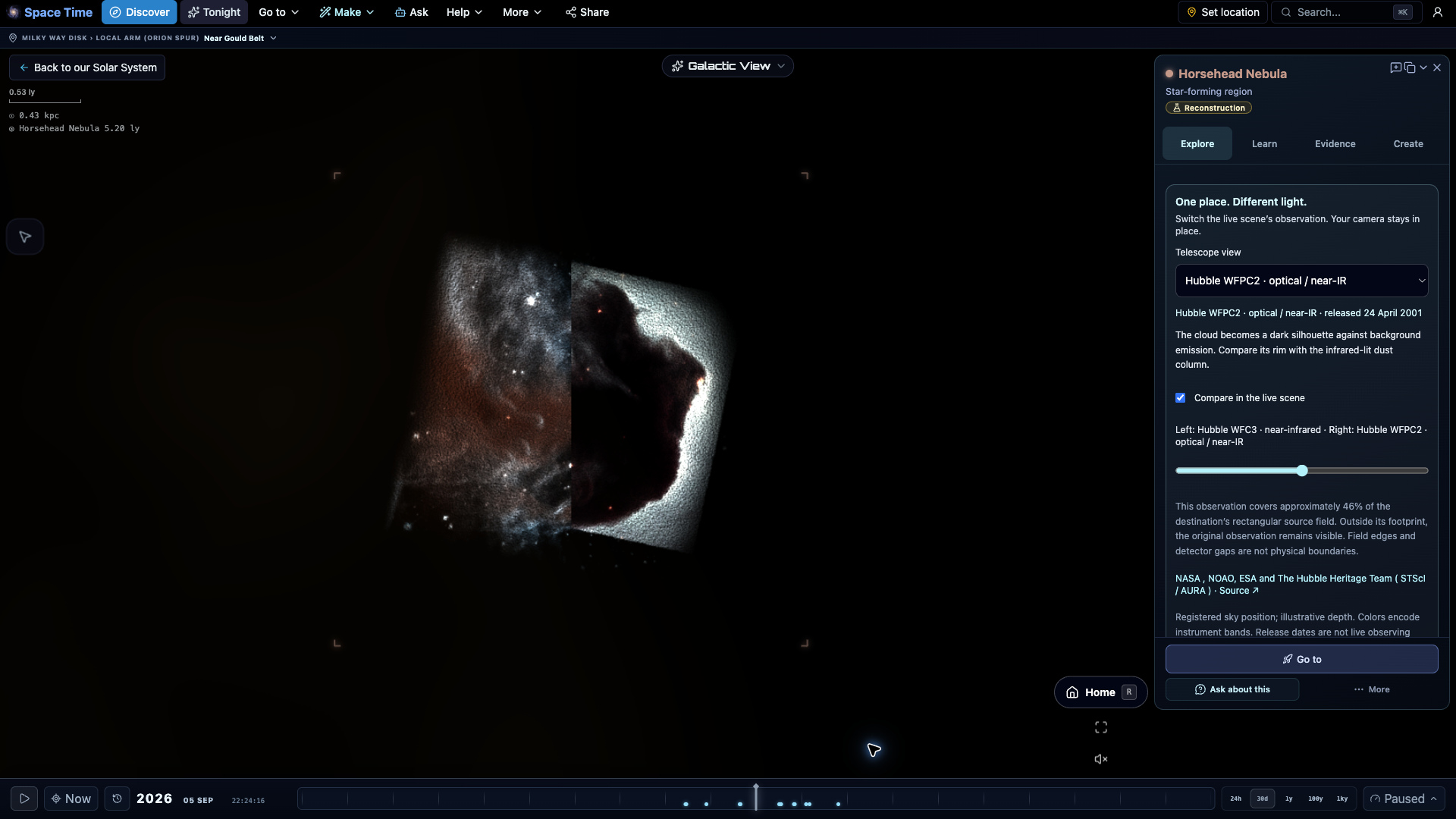
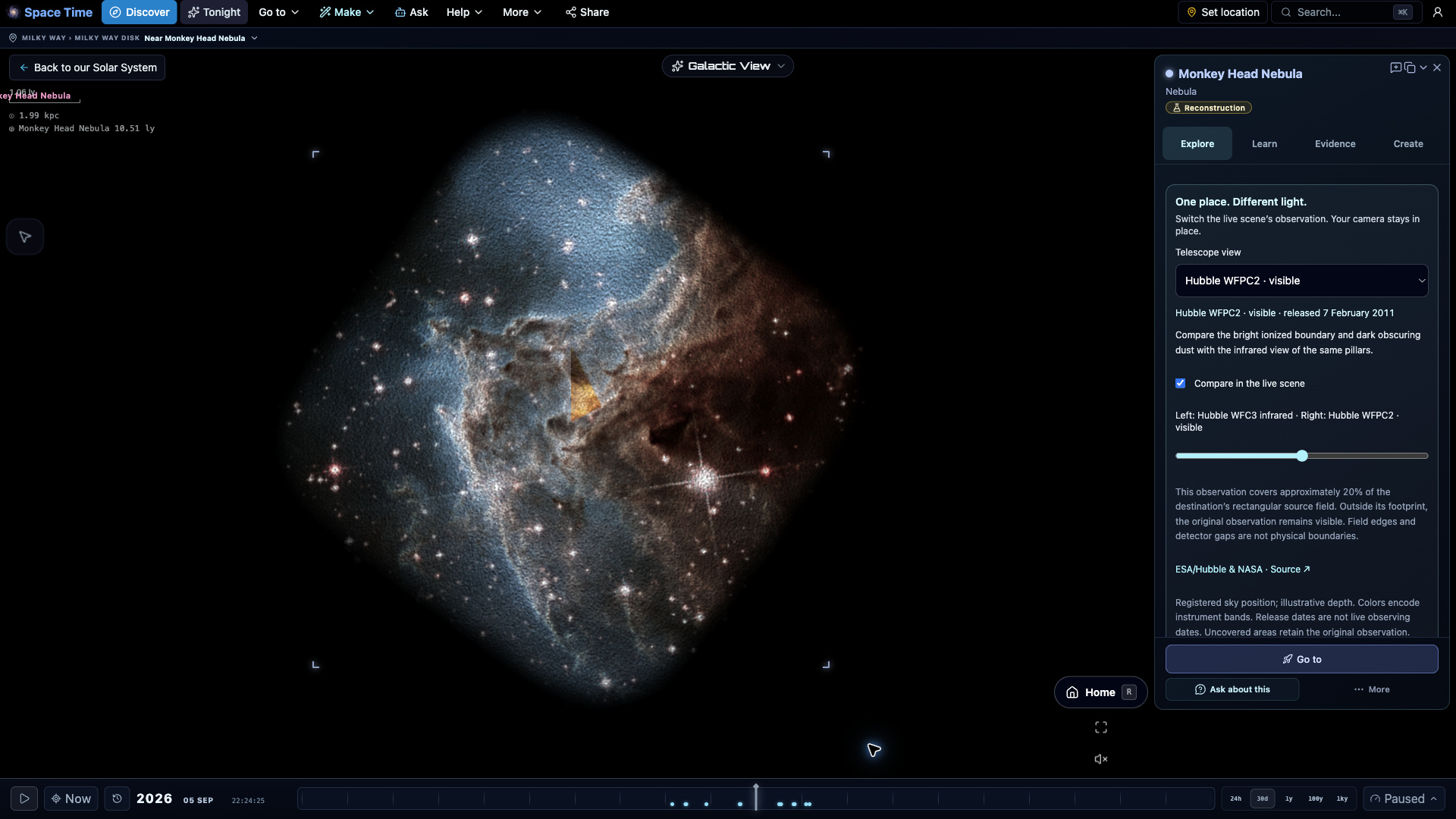
Destination atlas expansion
Twenty-four extraordinary destinations
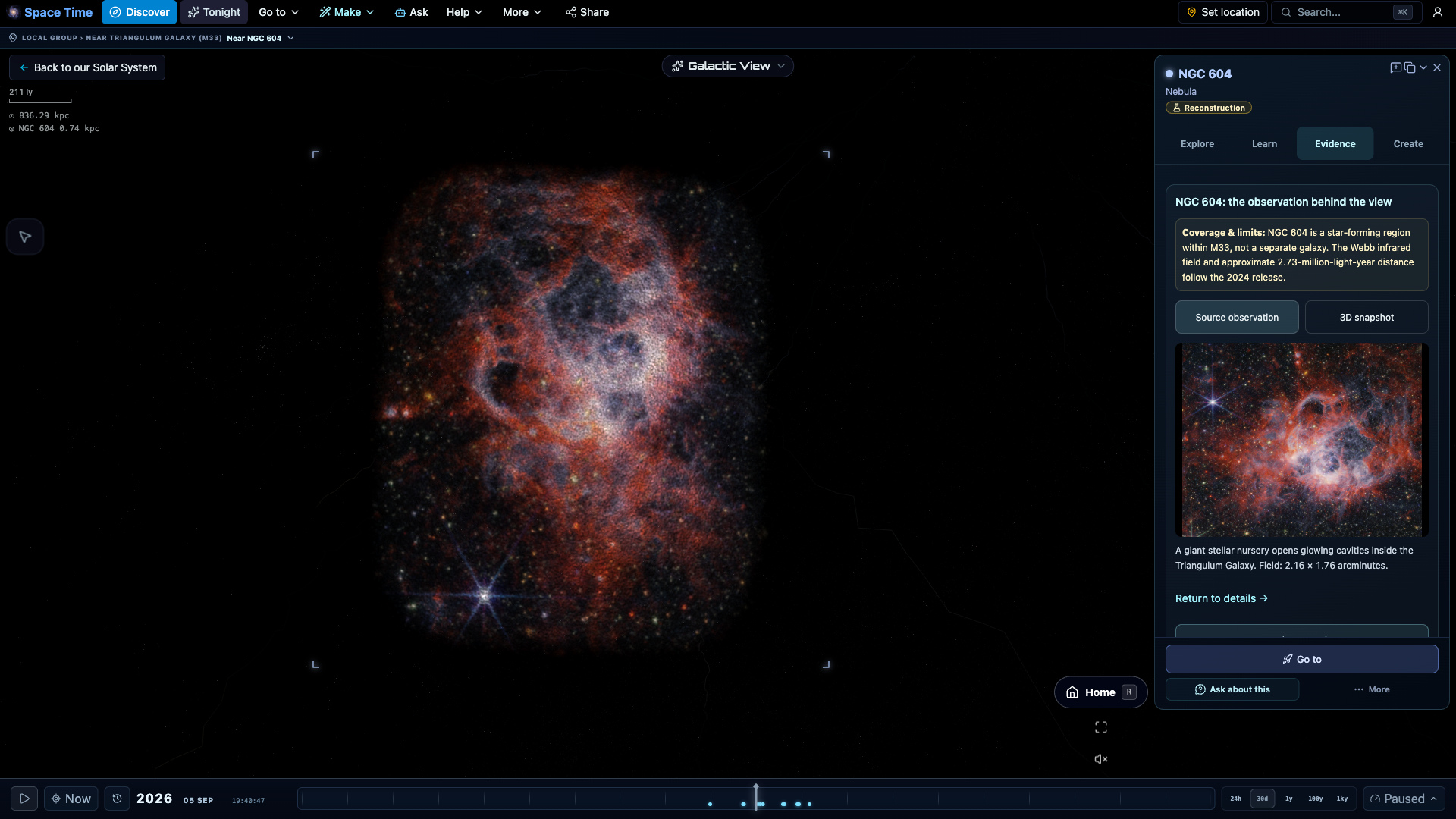
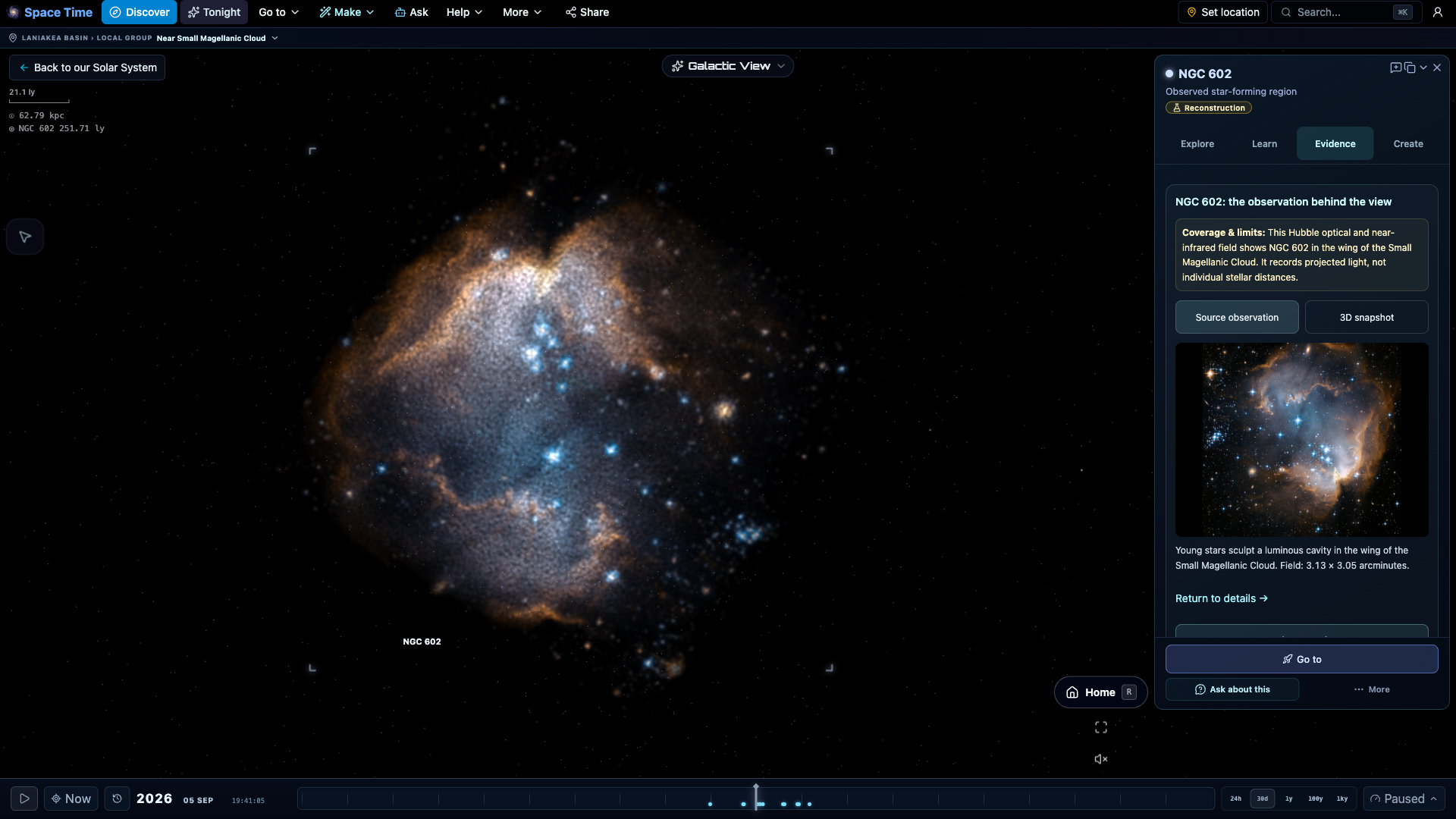
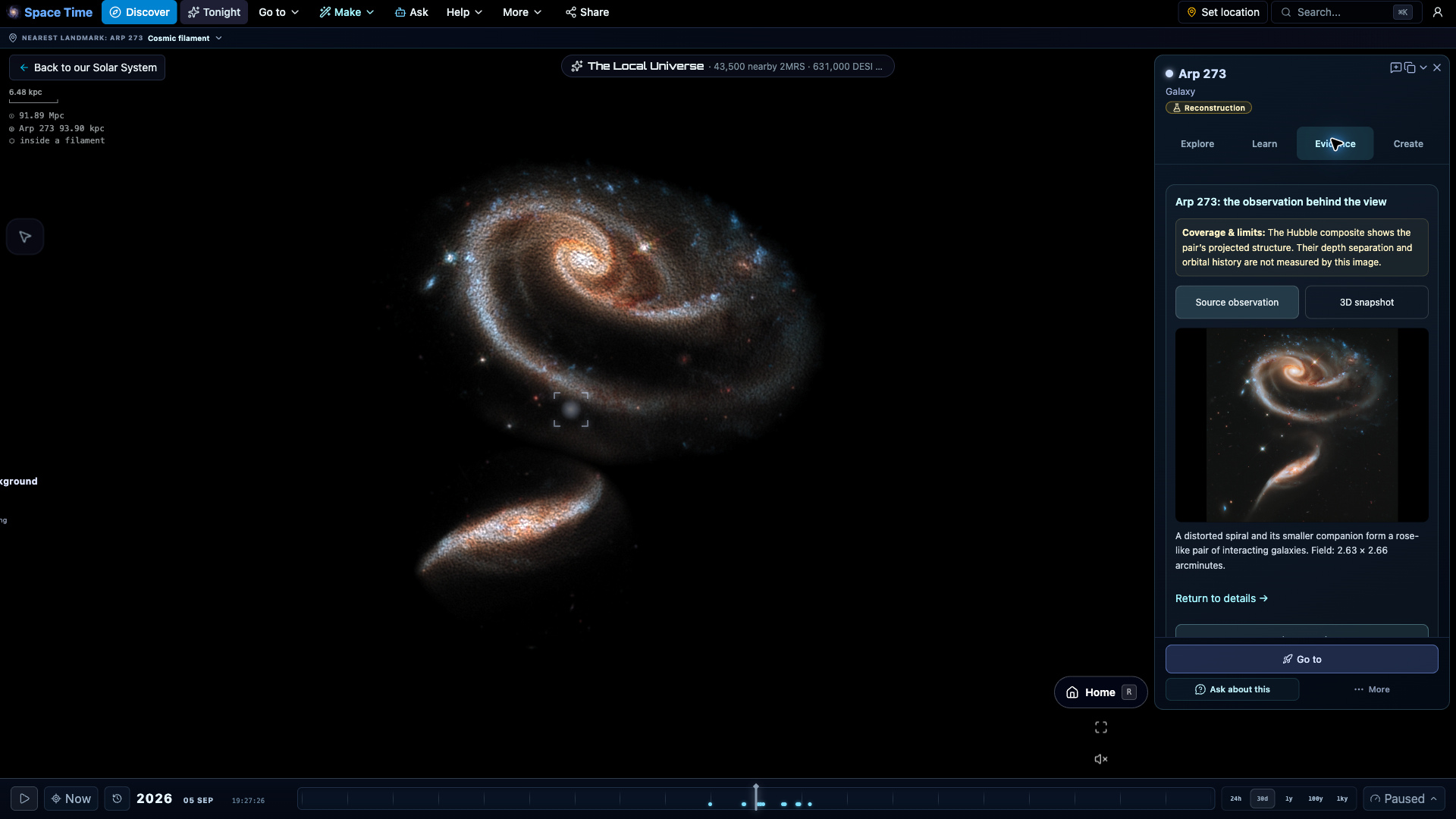
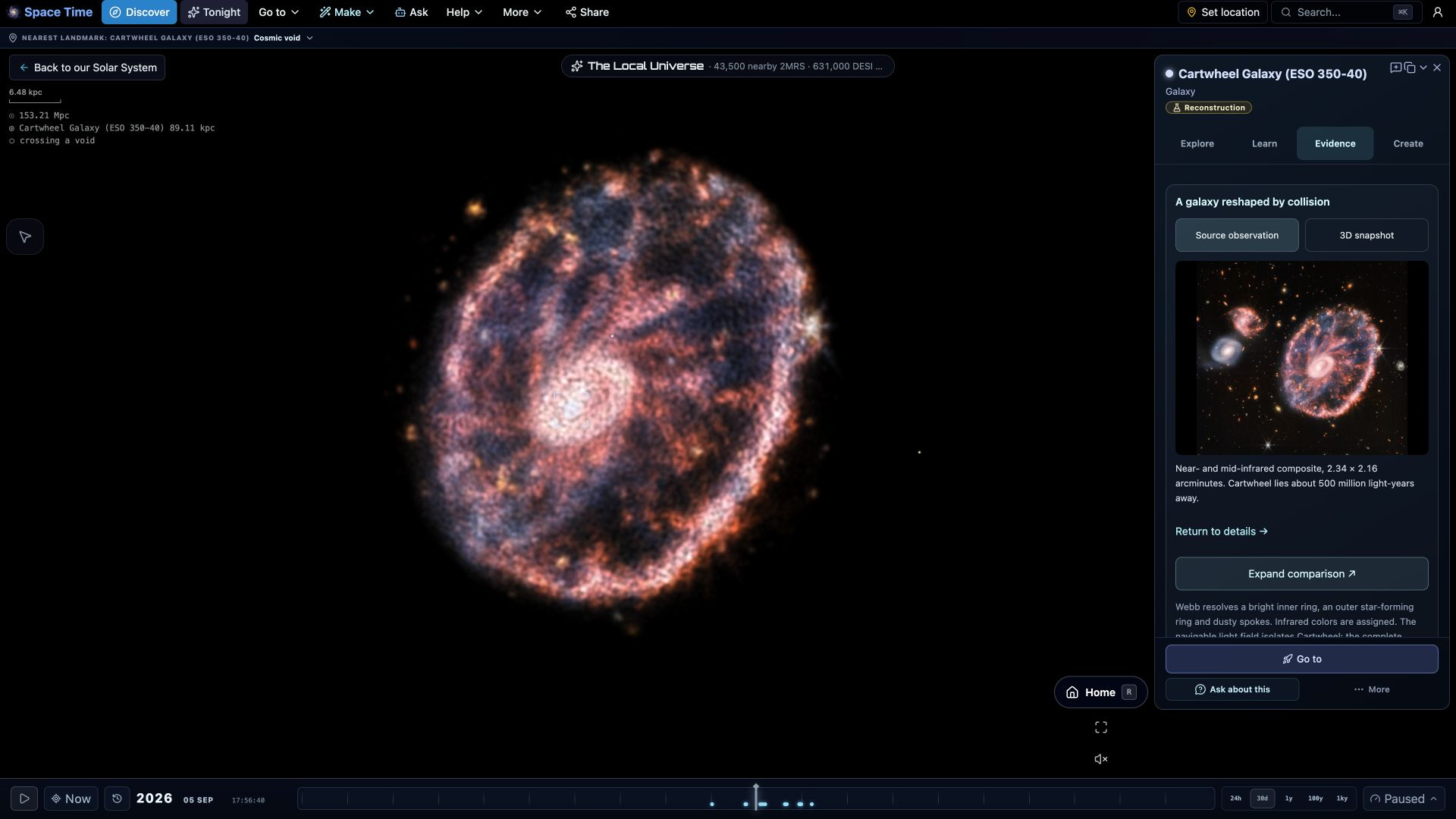
Explore nearby stellar nurseries, the shells of dying stars, and distant interacting galaxies. Every destination includes a telescope-based view, its original observation, and guidance on what to look for.


Explore all 24 destinations


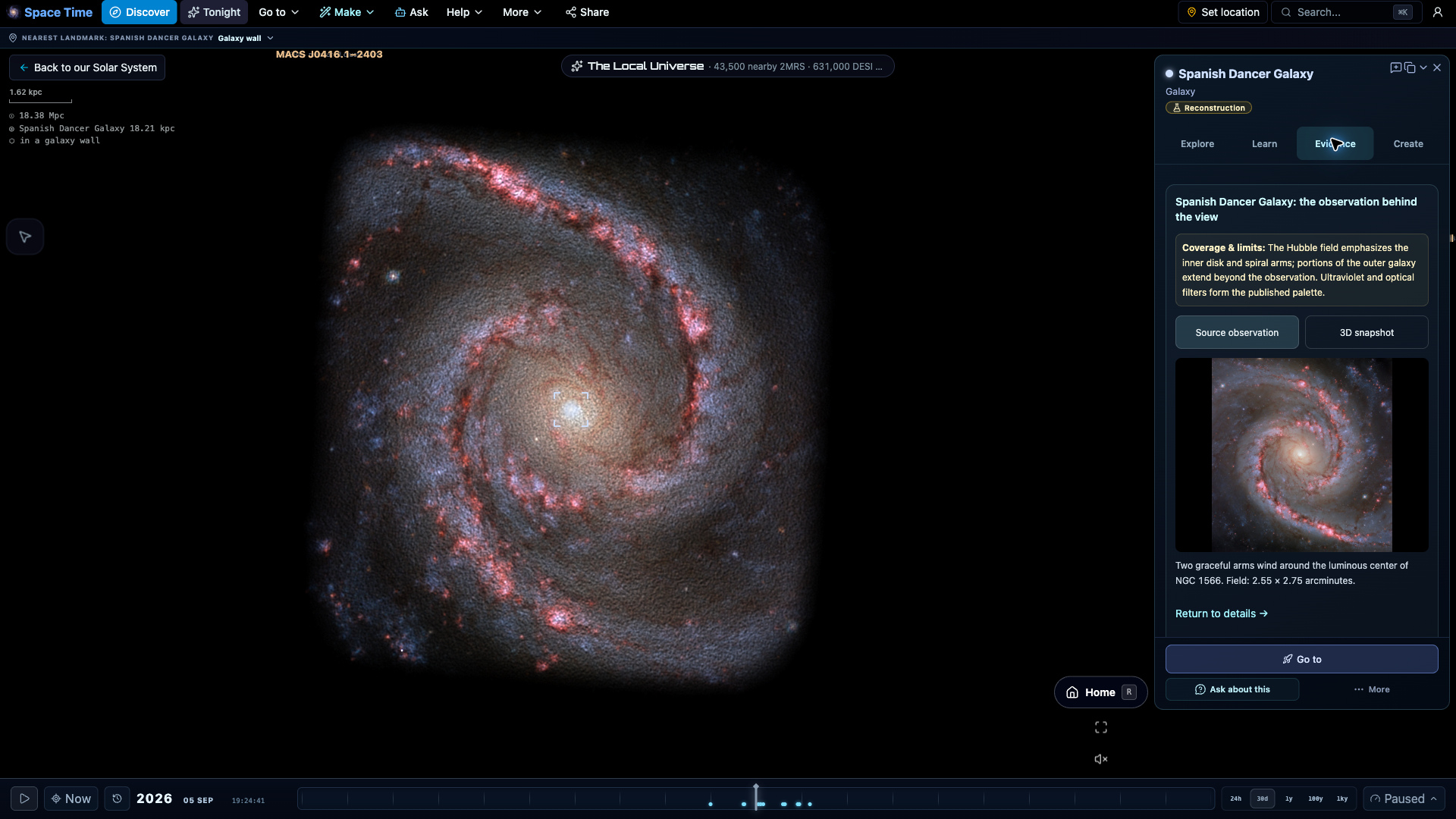
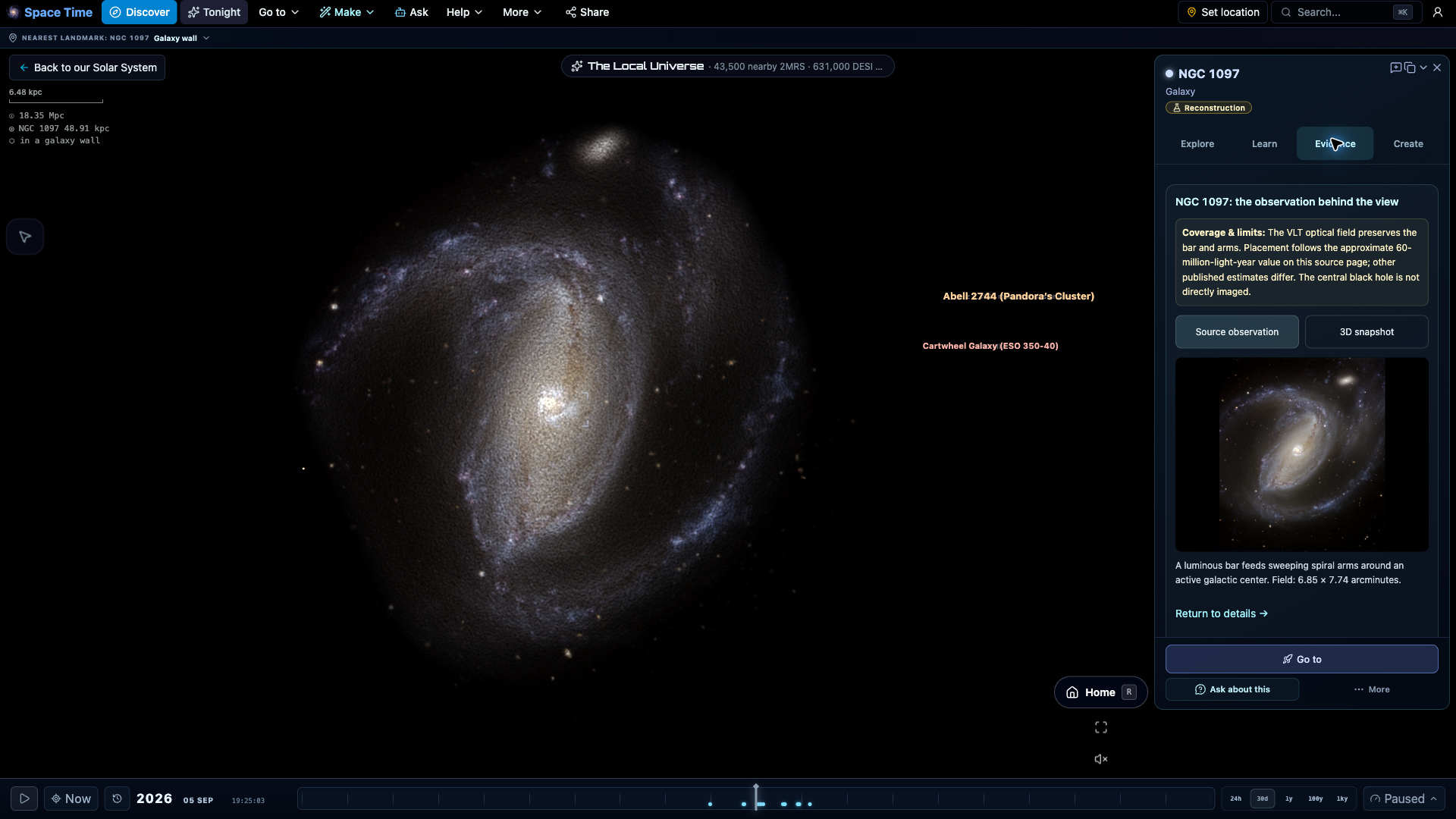
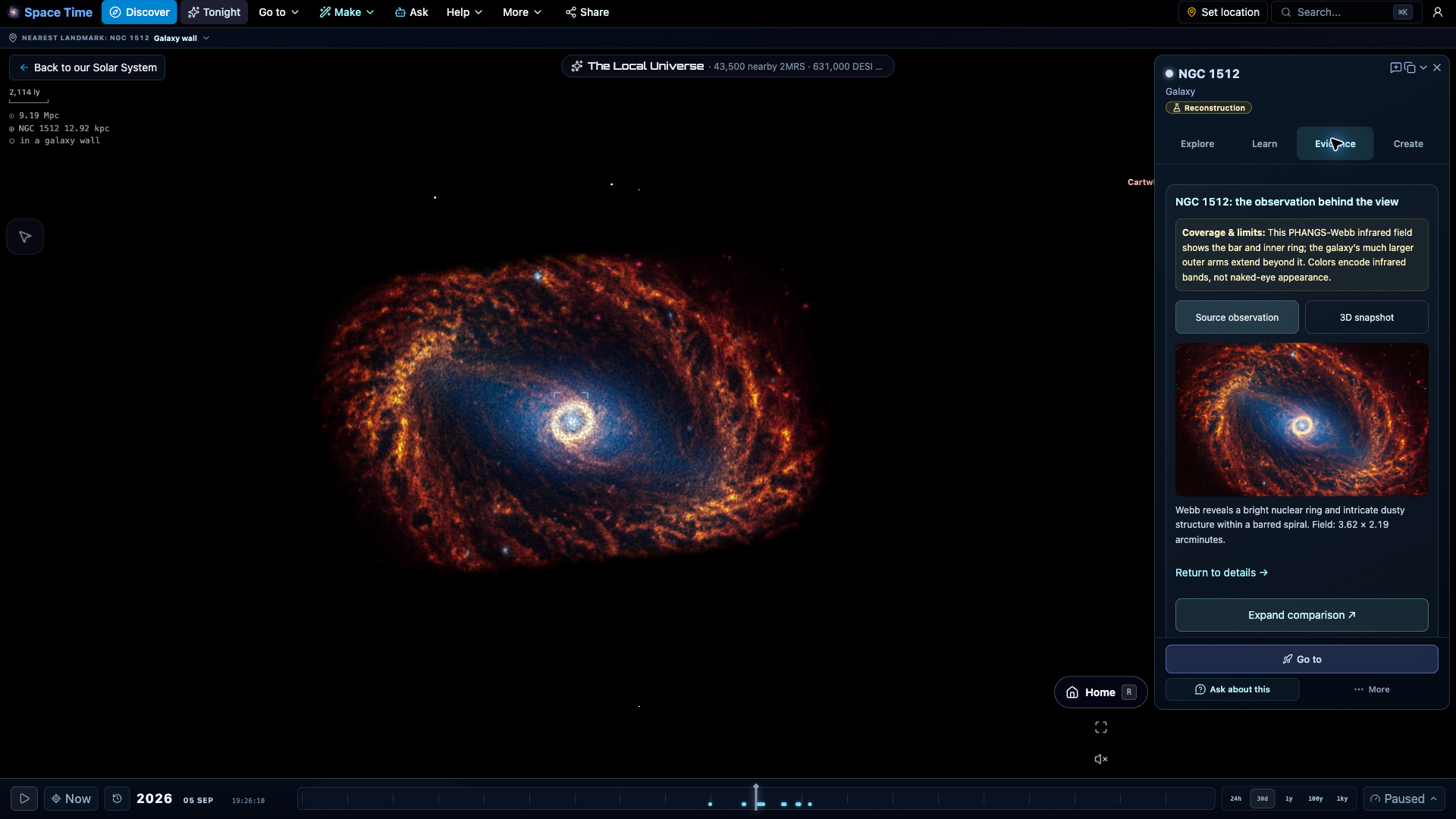
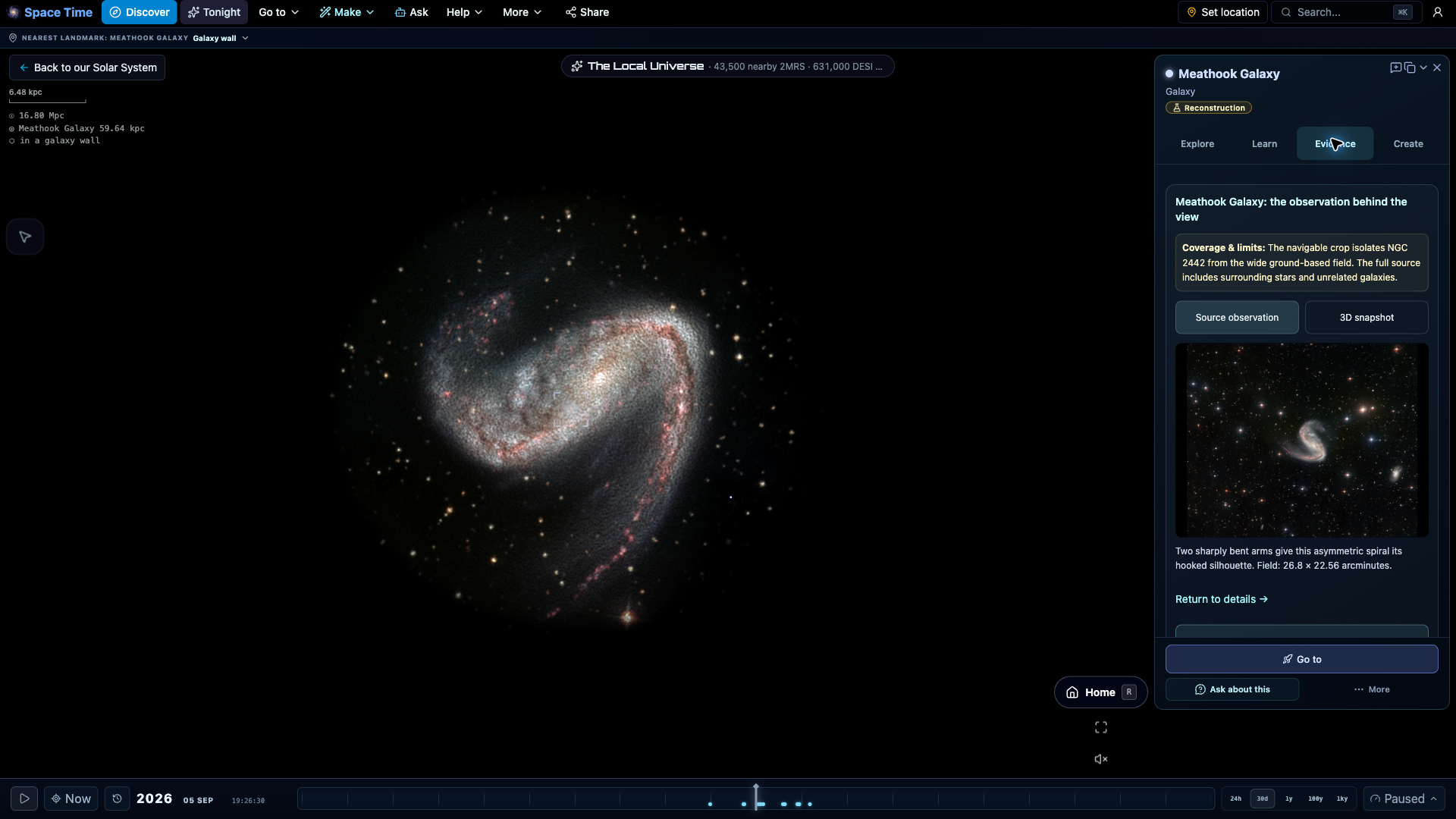
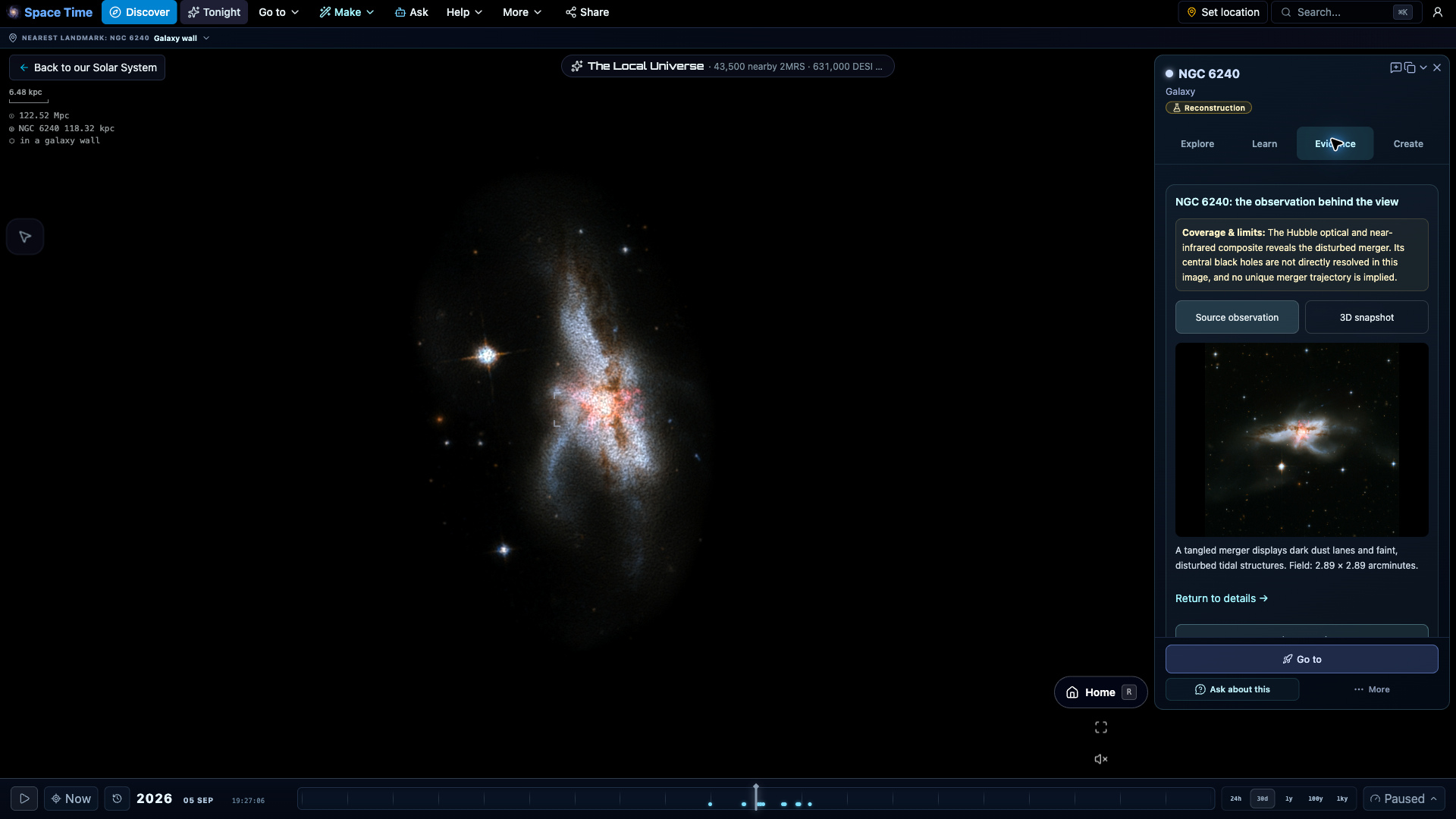
Four extraordinary places to explore
A ring galaxy, nested dust shells and two remarkable nebulae. Explore telescope-derived light fields, then inspect the source observations. The added depth is illustrative.


FAQ
What is the best free astronomy software?
It depends on the job. For an installed desktop planetarium, Stellarium is the standard. For free astronomy software with nothing to install, that also covers ephemerides, planning, eclipses, satellites and a 3D solar system, Space Time runs in any browser.
Is it really free, with nothing to install?
Yes. Exploring needs no account or download, paid tier or subscription. Ask AI, account sync and certain project and live-session workflows use a free account. Rendering runs in your browser; published data and account services are server-backed.
How accurate are the positions?
Planet, Moon and Sun positions come from the Astronomy Engine library and are tested against JPL Horizons to within about one arcminute. Satellites use real TLE data with SGP4, and small-body orbits come from JPL.
What does it do as astronomy software?
Planetarium and star chart, ephemeris and almanac tables, a tonight observing planner, eclipse prediction, a 32,000+ object deep-sky catalog, ISS and satellite pass forecasts, an FOV simulator, and a real-time 3D solar system with mission replays.
Can it control my telescope?
Yes, over ASCOM Alpaca, the plain-HTTP telescope standard: GoTo, sync, park and a push-to mode that follows your selection, with horizon and solar-cone safety checks. On the https site the Alpaca server (for example ASCOM Remote) runs on the machine you browse from. INDI and camera control are not supported.
Does it work offline?
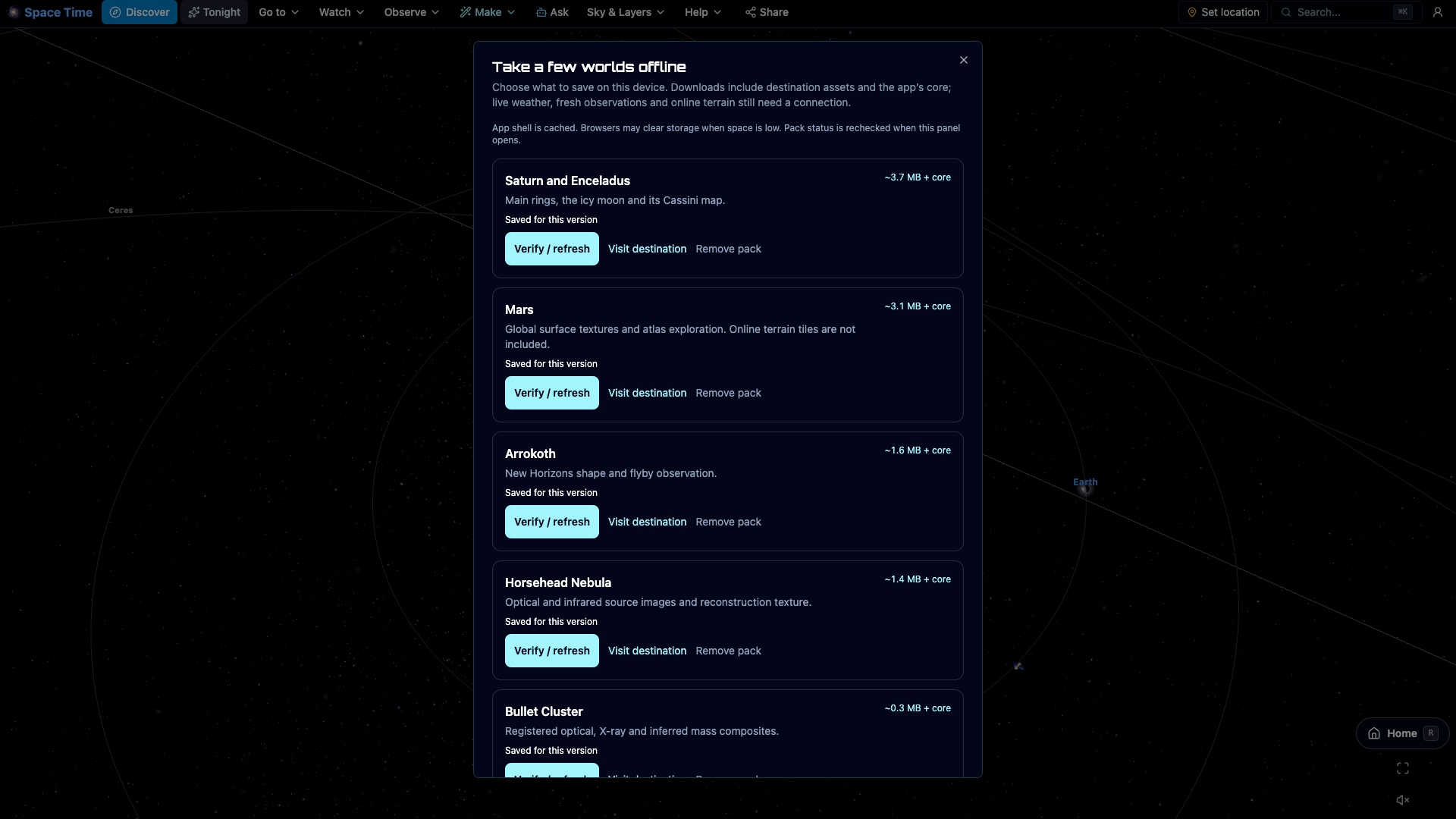
For the essentials, yes. After one online visit the sky, planets, Tonight and ISS passes load without signal, and a chip in the app says what is cached. Deep catalogs, survey imagery and live feeds still need a connection.
Is it good astronomy software for beginners?
Yes. There is nothing to install or set up, so it is an easy first step into stargazing: open the page, set your location, and the night sky is drawn for you, with a what's-up-tonight planner that tells you what to look at. Amateur astronomers get the depth too, with ephemeris tables, deep-sky catalogs and positions accurate enough to plan a real session. It works as a light astronomy app or a serious program, in the same browser tab.