Sagittarius A*: Explore the Galactic Center
Sagittarius A* is the compact source associated with the supermassive black hole at the center of the Milky Way. Space Time lets you approach its catalog-positioned destination and inspect a visualization of black-hole lensing. The moving view is a model, not footage from a camera near the event horizon.
Visit Sagittarius A* →Free in your browser · No account required · 3D view uses WebGL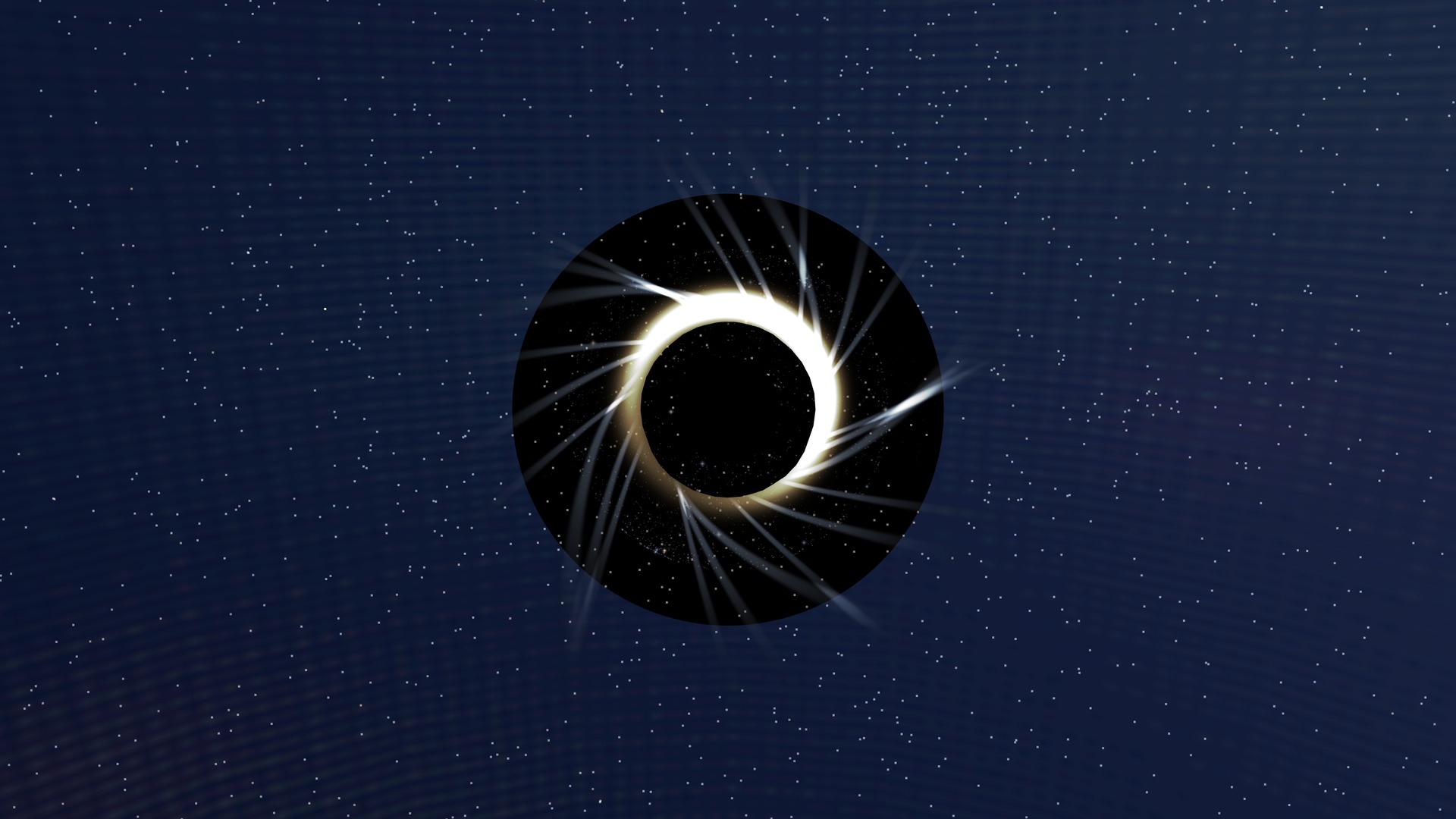
Try it in the app
- Open the Galactic-center destination and identify the black-hole visualization.
- Move the camera to see how the modeled image of the surrounding scene changes.
- Step back to the Milky Way. Compare the destination’s catalog location with the much smaller scales represented in the close view.
On a phone, drag to change the view and pinch to zoom. If the 3D view cannot load on your device, the guide and its source links remain available here.
What is actually observed?
Observations of stars moving near the Galactic center constrain a compact, massive object. Radio observations probe a very different scale and produce images through interferometric reconstruction. These kinds of evidence answer different questions; a rendered close view should not be mistaken for either a measured stellar orbit or a direct visible-light photograph.
Why the background appears distorted
Gravity changes the paths light can take near a black hole. A visualization can use that behavior to illustrate distorted or repeated views of surrounding light. Its output also depends on camera position, the assumed environment and rendering choices. It does not reveal an observed view from every possible location.
A dark region is not a surface
A black hole does not have a solid surface that a visitor can land on. The dark region and surrounding light in a model represent light propagation and emission assumptions. Their displayed color and brightness are not a calibrated measurement of Sagittarius A* at the current simulation time.
Keep the scales separate
The Milky Way context, the stars near its center and the horizon-scale visualization span very different distances. Zooming between them is useful for orientation, but smooth camera motion does not increase the resolution of the observations. Read the evidence and scale indicators as you move.
Sources and evidence
Guide by Point Dynamics. Reviewed 2026-09-23. Saved scene images illustrate the experience; they are not current observations.